
Insignia Flex 10.1 NS-P10A6100 Motherboard Replacement


-
-
Position the tablet with the top edge by the camera facing down.
-
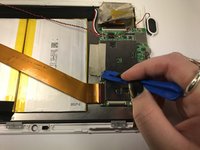
Insert the plastic opening tool between the front panel and back case at the upper left hand corner of the tablet.
-
-
-
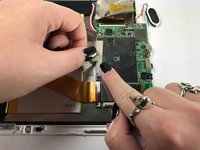
Using the plastic opening tool, lift up the black retaining flap that secures the camera ZIF (zero insertion force) ribbon connector to the motherboard
-
-


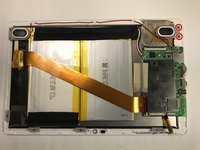
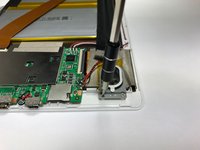


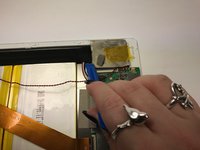
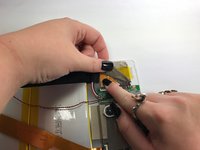




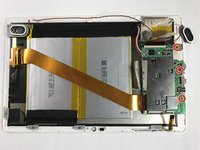
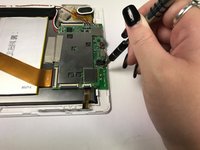
The motherboard is now free from the device and can now be replaced. To reassemble your device, follow these instructions in reverse order.
3 の人々がこのガイドを完成させました。
Gear Up For Future Repairs
Shop all






チーム

Baylor, Team 5-8, Williams Fall 2016 Baylor, Team 5-8, Williams Fall 2016人のメンバー
BU-WILLIAMS-F16S5G8
3 メンバー
12のガイドは作成済み
