この翻訳は機械によって生成されたものであり、まだ人間による校正は行われていません。 日本語を話せますか? レビューはこちらから。

Google Pixel Watch 4 Battery Replacement

Spencer Day とその他 2 人の作成者
最終更新日: 2026年9月2日
閲覧: 6439
統計データ:
- 過去24時間:
- 6
- 過去7日:
- 82
- 過去30日:
- 378
- 今までの合計
- 6,439
コメント: 8
手順に関する7件のコメント, 1件のガイドコメント
修理ガイドのコメントへ完了済み: 2 3
2人のユーザーがこのガイドを「完了」させました。あなたも加わりませんか?
あなたを含む、3人のユーザーがこのガイドを使って修理を「完了」させました。素晴らしいです!
お気に入り: 0 1
誰もこのガイドをお気に入りに登録していません。一番最初の登録者になりませんか?
1人がこのガイドをお気に入りに登録しています。あなたもそのうちの一人です!
おすすめのガイド
このガイドはiFixitスタッフによって太鼓判が押されています。
はじめに
手順 1 に進む ↓This repair guide was authored by the iFixit staff and hasn’t been endorsed by Google. Learn more about our repair guides here.
Use this guide to replace a dead or worn-out battery in your Google Pixel Watch 4.
Your watch's battery has a limited lifespan. If your watch doesn't hold a charge or dies unexpectedly, it might be time to replace the battery.
This guide was written using a 41 mm LTE model Pixel Watch 4. While some photos may contain slight visual discrepancies, procedures for all 41 mm and 45 mm models are functionally the same.
必要な工具と部品


-
-
-
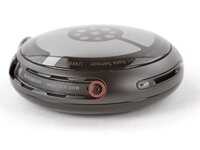
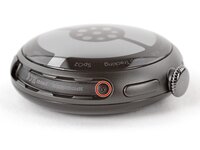
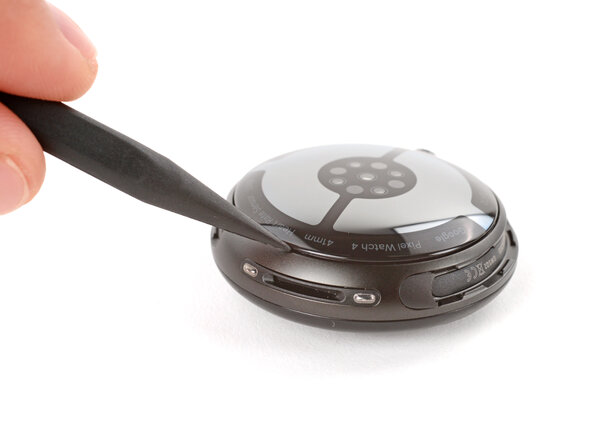
Torx Plus 2IPドライバーを使用して、両方のウォッチバンドの溝から長さ3.0 mmのネジをそれぞれ取り外します(合計2本)。
-
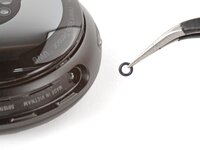
取り付ける前に、Oリングがネジに付いていることを確認してください。
-
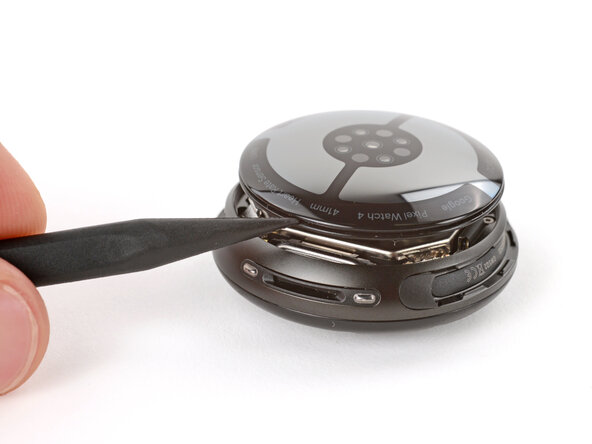
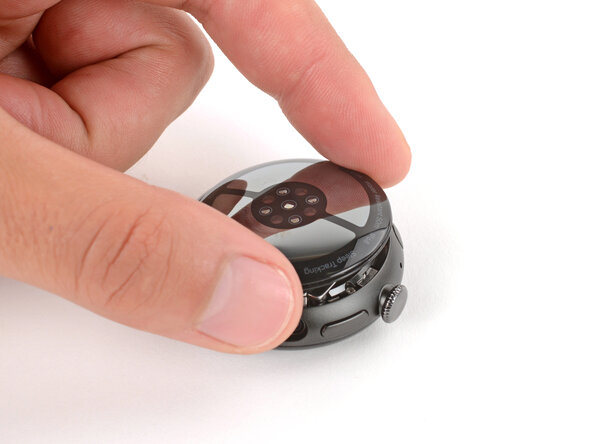
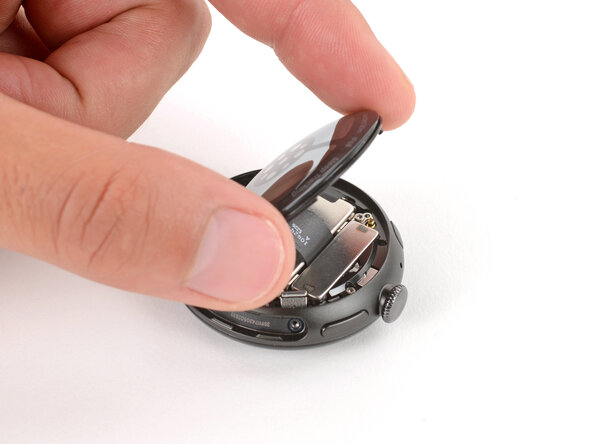
ネジを取り付ける間、バックガラスをしっかりと押し下げて、ガラスが適切に収まるようにします。
-
-
-
-
-
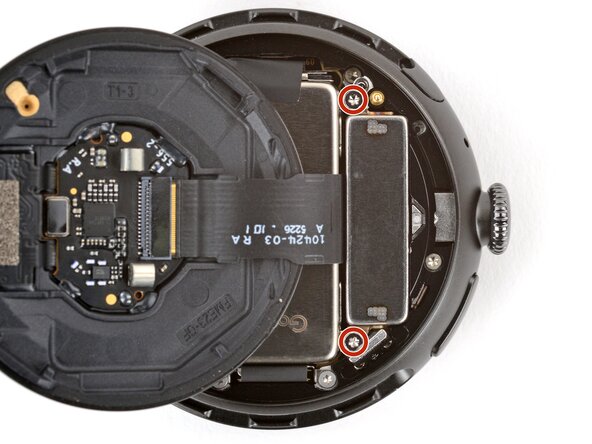
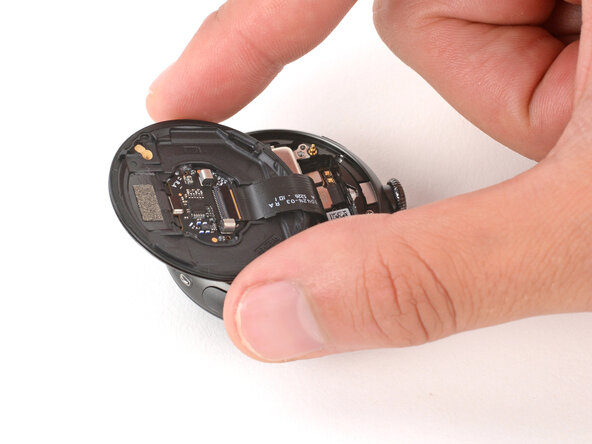
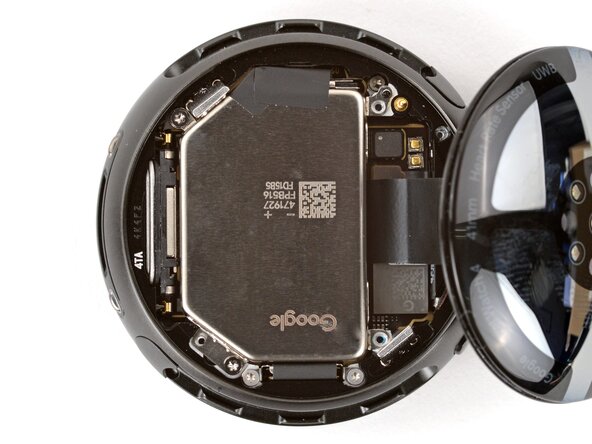
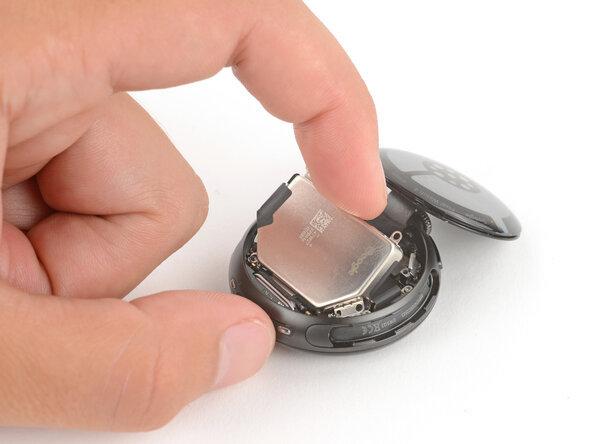
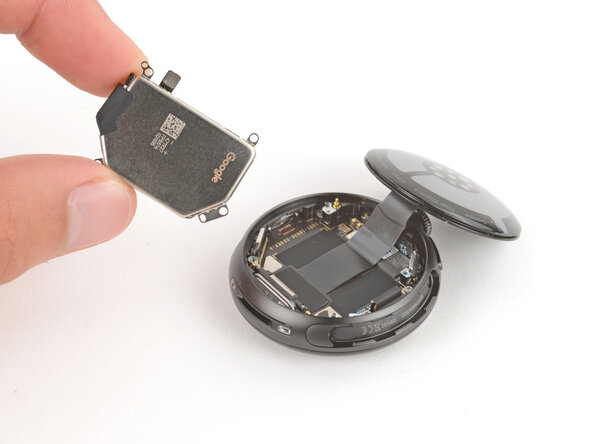
スパッジャーの先端を使ってバッテリーのプレスコネクタを上にこじ開け、接続を外す。
-
うまくいかない場合は、2本のバッテリーネジを緩めてコネクタの位置を調整する。接続できたら、バッテリーネジを締め直す。
-
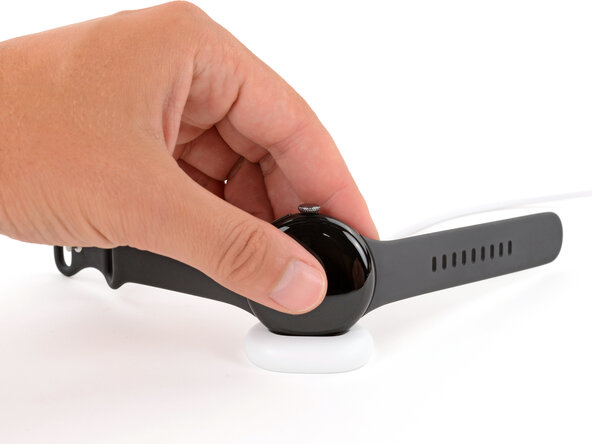
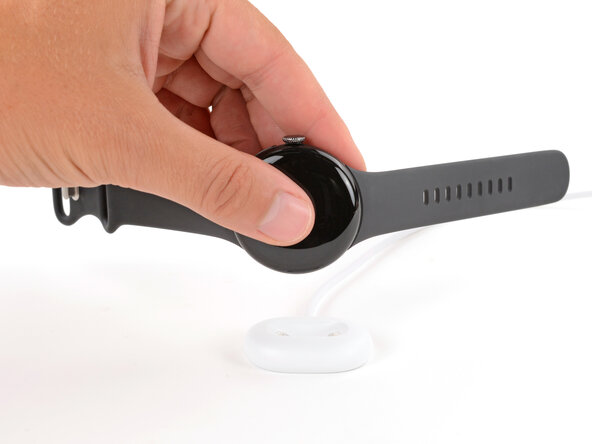
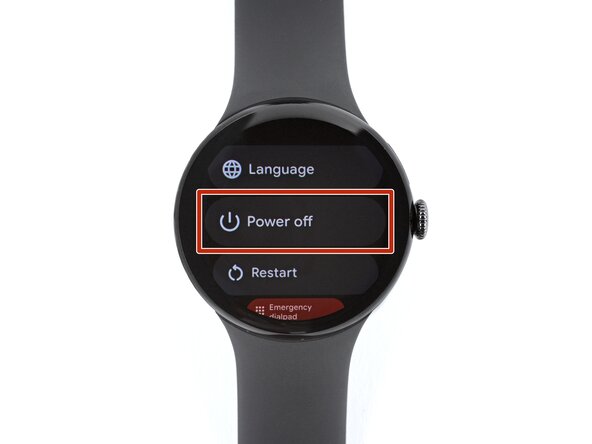
 FixBotに聞いてみる
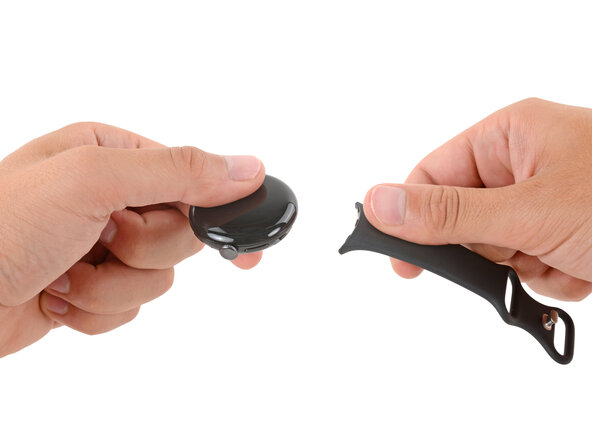
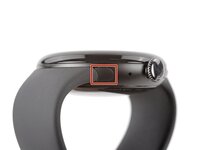
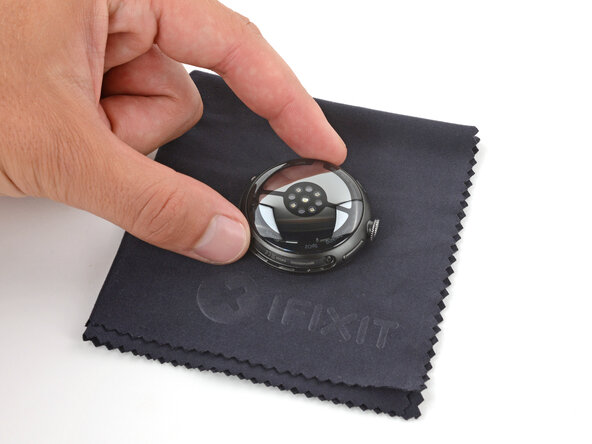
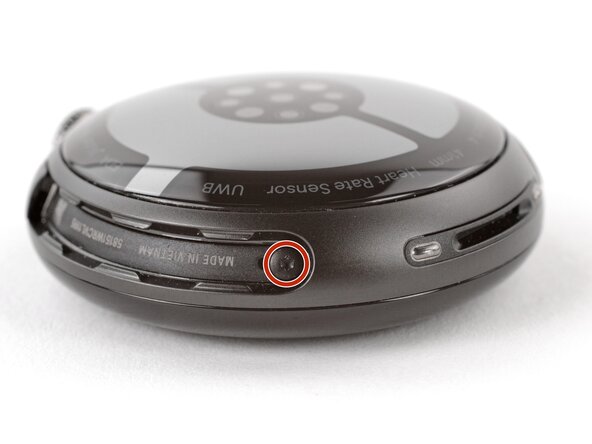
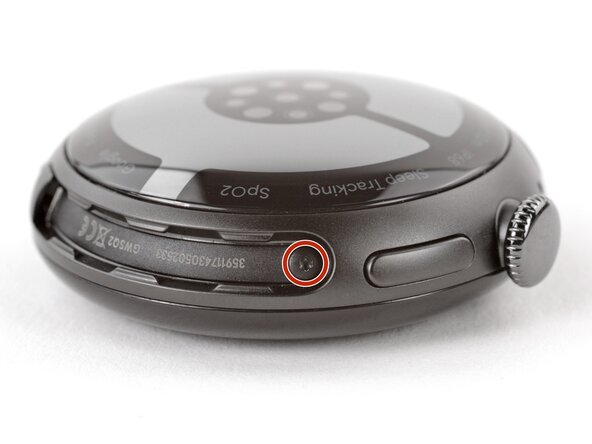
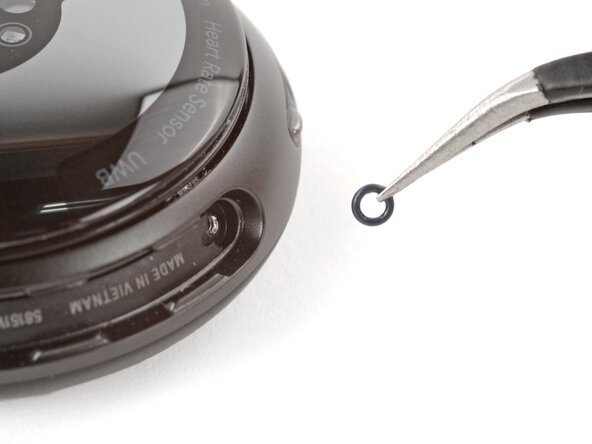

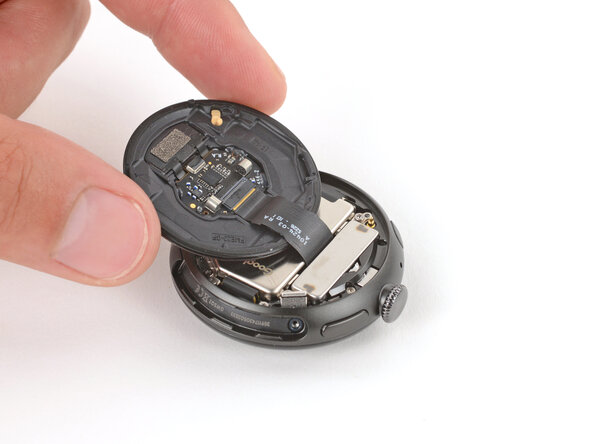








To reassemble your device, follow these instructions in reverse order.
For optimal performance, calibrate your newly installed battery after completing this guide.
Take your e-waste to an R2 or e-Stewards certified recycler.
Repair didn’t go as planned? Try some basic troubleshooting, or ask our Answers community for help.
2 の人々がこのガイドを完成させました。
以下の翻訳者の皆さんにお礼を申し上げます:
100%

Yutaka Hiraokaさんは世界中で修理する私たちを助けてくれています! あなたも貢献してみませんか?
翻訳を始める ›

