メインコンテンツにスキップ
リペアコミュニティに参加 - アカウントの作成

Anker Soundcore Motion Boom Plus Battery Replacement

必要な工具と部品

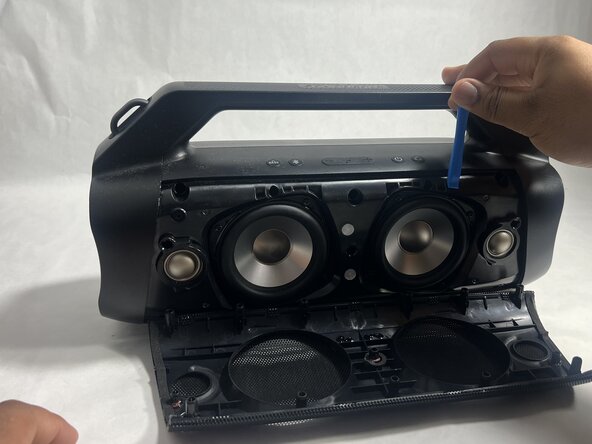
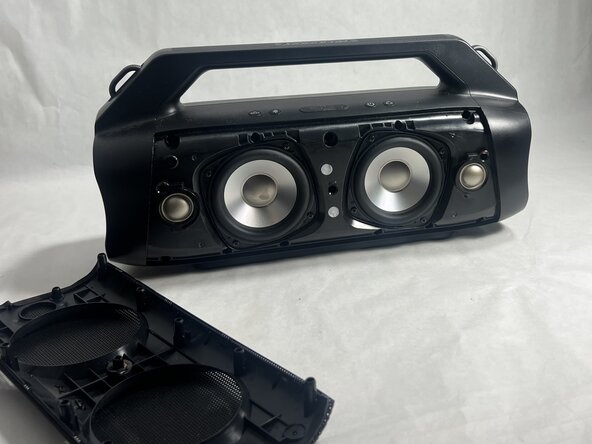
  1. Anker Soundcore Motion Boom Plus Battery Replacement, Case: 手順 1、 3の画像 1 Anker Soundcore Motion Boom Plus Battery Replacement, Case: 手順 1、 3の画像 2 Anker Soundcore Motion Boom Plus Battery Replacement, Case: 手順 1、 3の画像 3
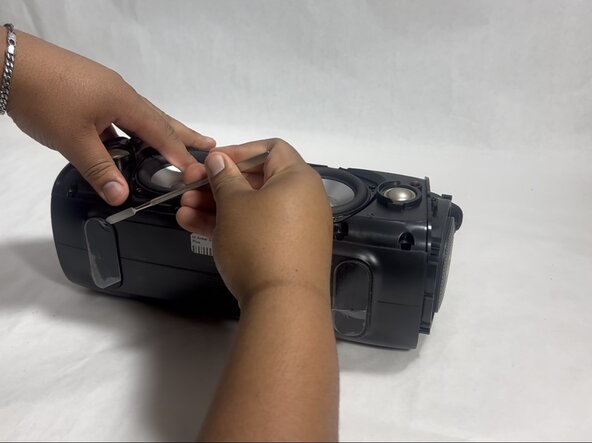
    • Insert an opening tool into the seam between the speaker grille and the chassis.

    • Pry the tool around the top, bottom, and sides until the grille fully releases.

    • Apply gentle pressure to avoid damaging the grille.

    • Remove the grille.

  2. Anker Soundcore Motion Boom Plus Battery Replacement: 手順 2、 2の画像 1 Anker Soundcore Motion Boom Plus Battery Replacement: 手順 2、 2の画像 2
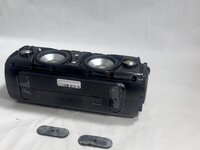
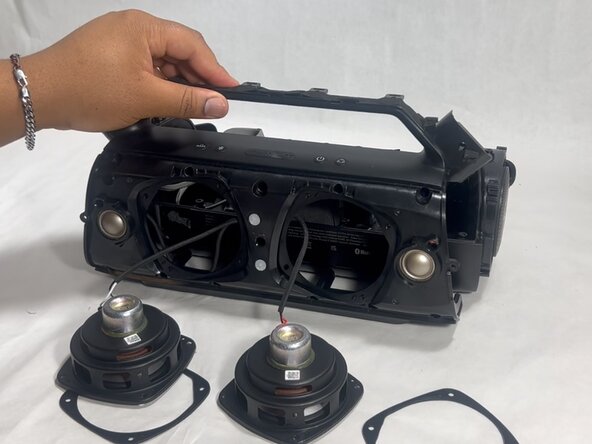
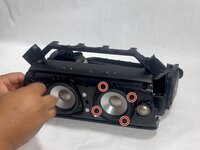
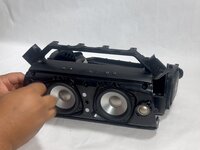
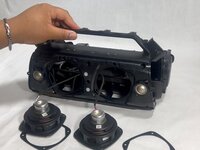
    • Remove the two passive radiators on either side of the device.

    • Avoid pulling too hard or with too much force to prevent breaking the passive radiators.

  3. Anker Soundcore Motion Boom Plus Battery Replacement: 手順 3、 2の画像 1 Anker Soundcore Motion Boom Plus Battery Replacement: 手順 3、 2の画像 2
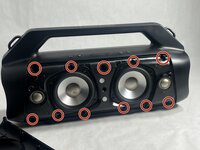
    • Remove the sixteen 14 mm Phillips screws, eight on each end of the speaker.

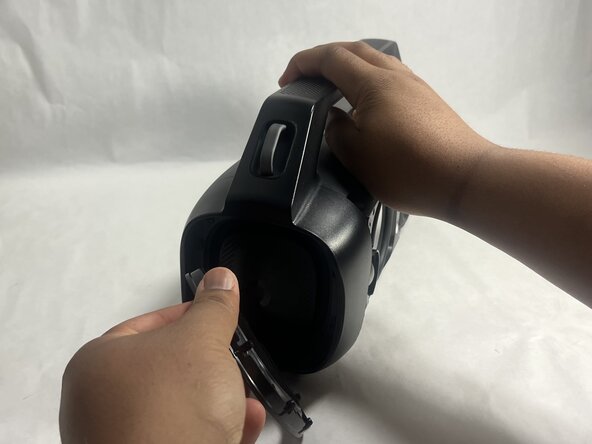
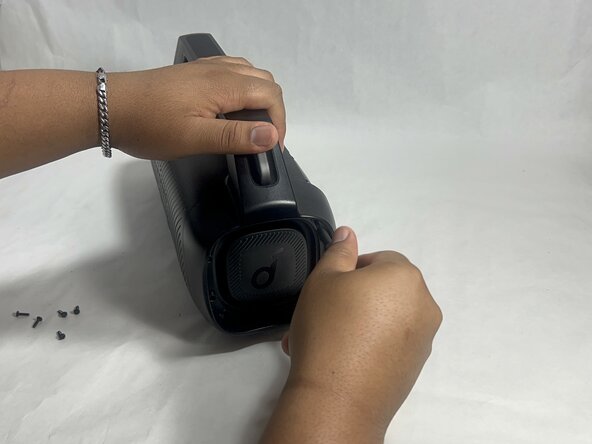
  4. Anker Soundcore Motion Boom Plus Battery Replacement: 手順 4、 3の画像 1 Anker Soundcore Motion Boom Plus Battery Replacement: 手順 4、 3の画像 2 Anker Soundcore Motion Boom Plus Battery Replacement: 手順 4、 3の画像 3
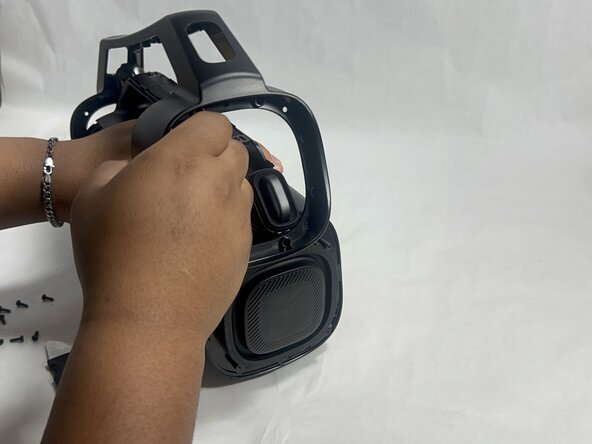
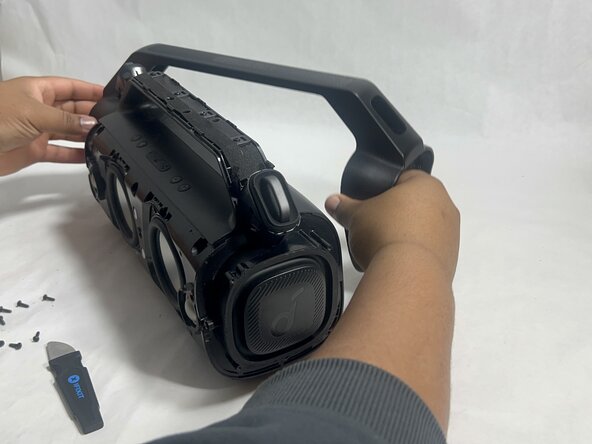
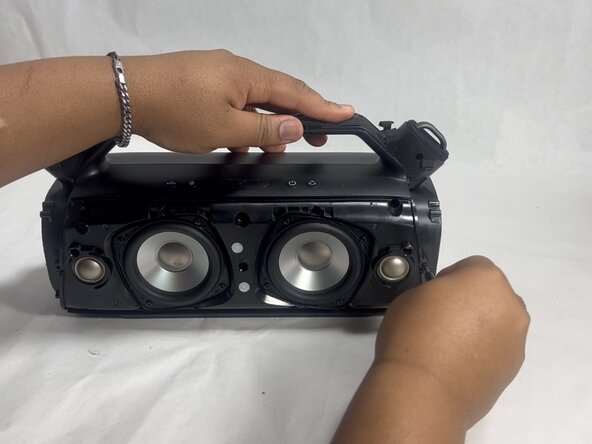
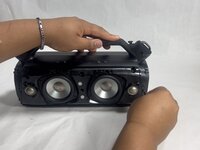
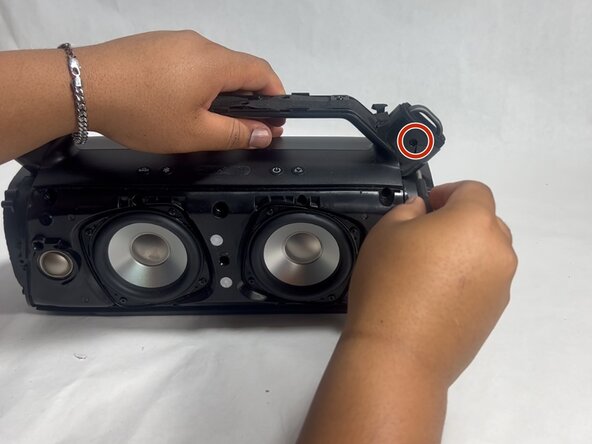
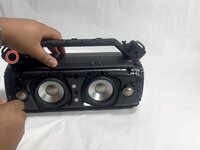
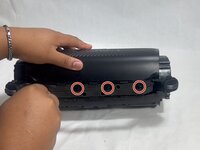
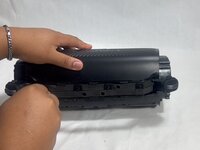
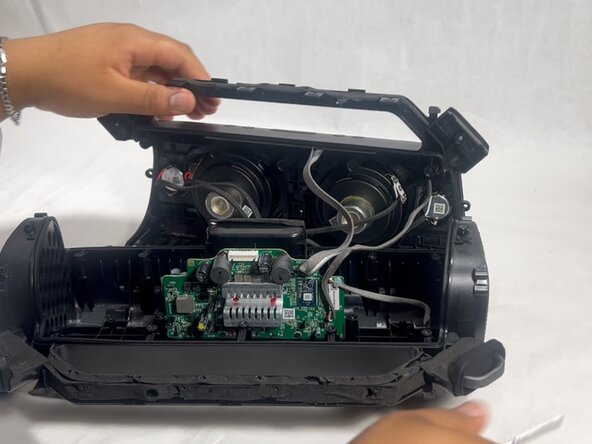
    • Gently remove the handle from the device by clicking off the handles from the sides and then pulling it off.

  5. Anker Soundcore Motion Boom Plus Battery Replacement: 手順 5、 2の画像 1 Anker Soundcore Motion Boom Plus Battery Replacement: 手順 5、 2の画像 2
    • Flip the speaker onto its side and use a spudger to remove the two rubber feet on the bottom of the device.

  6. Anker Soundcore Motion Boom Plus Battery Replacement: 手順 6、 2の画像 1 Anker Soundcore Motion Boom Plus Battery Replacement: 手順 6、 2の画像 2
    • Remove the eleven 13 mm Philips screws that secure the driver housing.

  7. Anker Soundcore Motion Boom Plus Battery Replacement: 手順 7、 2の画像 1 Anker Soundcore Motion Boom Plus Battery Replacement: 手順 7、 2の画像 2
    • Remove the two 14 mm Phillips screws located on each side of the handle, near the clip points.

  8. Anker Soundcore Motion Boom Plus Battery Replacement: 手順 8、 2の画像 1 Anker Soundcore Motion Boom Plus Battery Replacement: 手順 8、 2の画像 2
    • Remove the four 14 mm Philips screws on the top of the device.

  9. Anker Soundcore Motion Boom Plus Battery Replacement: 手順 9、 1の画像 1
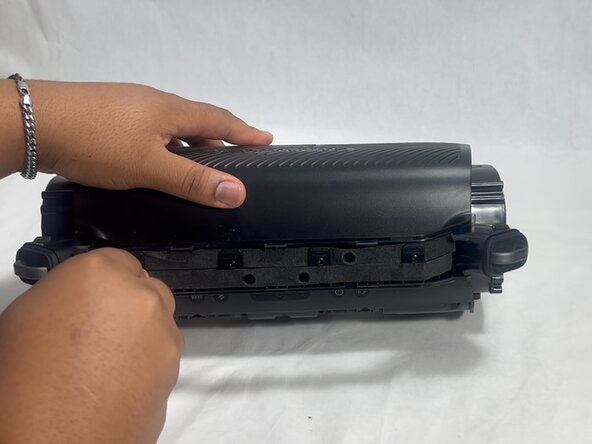
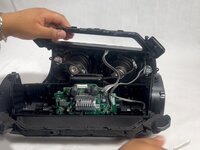
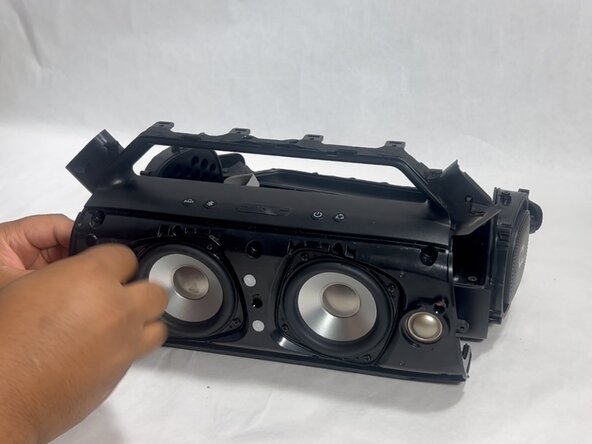
    • Insert a spudger into the seam on top of the device.

    • Gently pry the casing open.

  10. Anker Soundcore Motion Boom Plus Battery Replacement: 手順 10、 3の画像 1 Anker Soundcore Motion Boom Plus Battery Replacement: 手順 10、 3の画像 2 Anker Soundcore Motion Boom Plus Battery Replacement: 手順 10、 3の画像 3
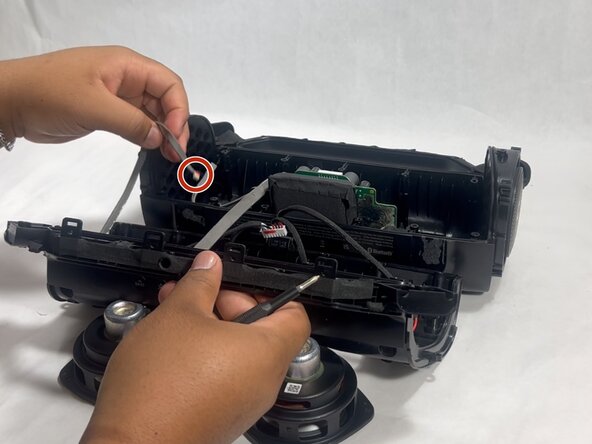
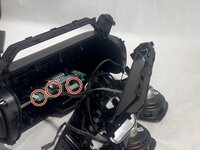
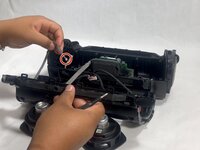
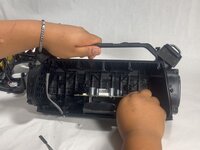
    • Disconnect each of the three cables by gently pulling the connectors out of their sockets.

    • Do not pull with force. The ribbon cables are fragile and easily break.

  11. Anker Soundcore Motion Boom Plus Battery Replacement, Battery: 手順 11、 3の画像 1 Anker Soundcore Motion Boom Plus Battery Replacement, Battery: 手順 11、 3の画像 2 Anker Soundcore Motion Boom Plus Battery Replacement, Battery: 手順 11、 3の画像 3
    • Remove the four 11 mm Phillips screws securing the subwoofer.

    • Gently pull the subwoofer out of the device.

  12. Anker Soundcore Motion Boom Plus Battery Replacement: 手順 12、 3の画像 1 Anker Soundcore Motion Boom Plus Battery Replacement: 手順 12、 3の画像 2 Anker Soundcore Motion Boom Plus Battery Replacement: 手順 12、 3の画像 3
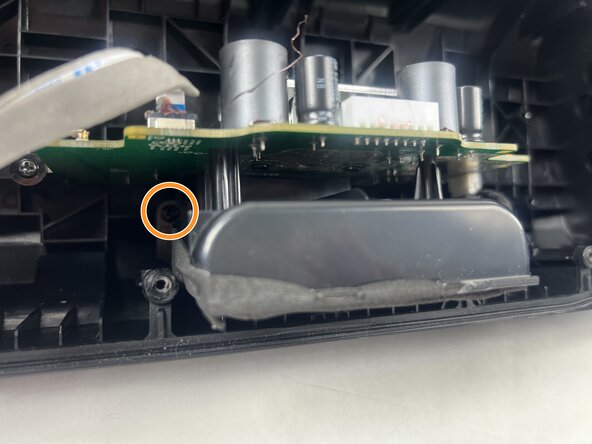
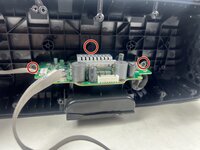
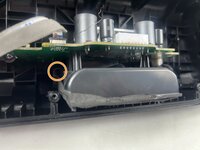
    • Remove the three 12 mm Phillips screws surrounding the motherboard using a screwdriver.

    • Remove the two 10 mm Phillips screws surrounding the battery.

  13. Anker Soundcore Motion Boom Plus Battery Replacement: 手順 13、 2の画像 1 Anker Soundcore Motion Boom Plus Battery Replacement: 手順 13、 2の画像 2
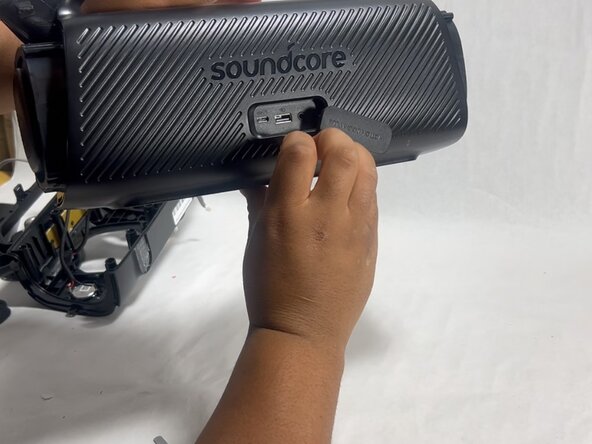
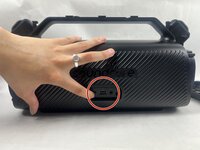
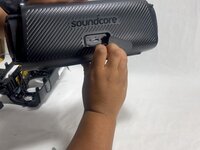
    • Flip the speaker over and push the charging port inwards.

  14. Anker Soundcore Motion Boom Plus Battery Replacement: 手順 14、 1の画像 1
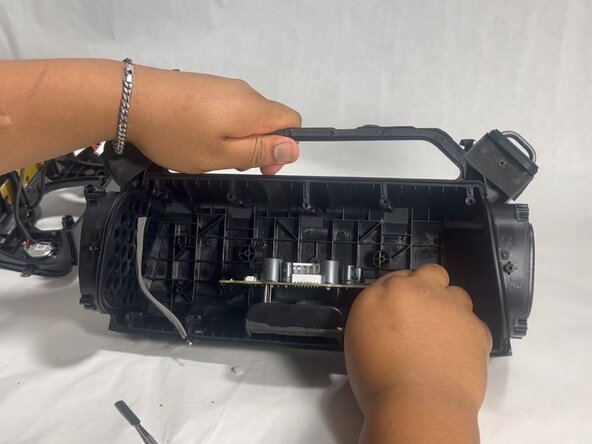
    • Slide the motherboard and battery out by pushing through the charging port.

    • The motherboard and battery assembly should detach easily.

  15. Anker Soundcore Motion Boom Plus Battery Replacement: 手順 15、 2の画像 1 Anker Soundcore Motion Boom Plus Battery Replacement: 手順 15、 2の画像 2
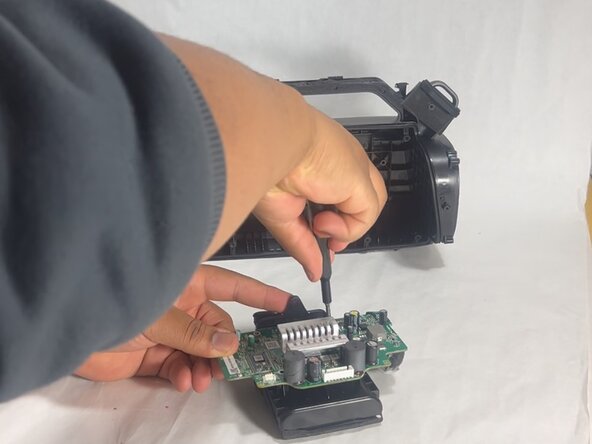
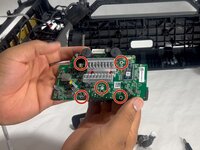
    • Remove the five 10 mm Phillips screws securing the motherboard and battery together.

    • Gently lift the motherboard from the battery once all screws are removed.

    • Handle with care to avoid damaging any of the components.

  16. Anker Soundcore Motion Boom Plus Battery Replacement: 手順 16、 1の画像 1
    • Gently pull the motherboard and battery apart.

  17. Anker Soundcore Motion Boom Plus Battery Replacement: 手順 17、 1の画像 1
    • Position and reconnect the new battery where the old battery was located.

終わりに

To reassemble your device, follow the above steps in reverse order.
For optimal performance, after completing this guide, calibrate your newly installed battery.
Take your e-waste to an R2 or e-Stewards certified recycler.
Repair didn’t go as planned? Try some basic troubleshooting or ask our Answers community for help.

作成者

2人の作成者と共同で作成されました。

Hayley

メンバー登録日: 03/26/25

988 ポイント

6のガイドは作成済み

チーム

UMass Dartmouth, Team 3-7, Botvin Spring 2025 UMass Dartmouth, Team 3-7, Botvin Spring 2025人のメンバー

UMASSD-BOTVIN-S25S3G7

2 メンバー

6のガイドは作成済み

0件のガイドコメント

コメントを追加

統計データ:

過去 24時間: 1

過去 7 日: 14

過去 30 日: 55

今までの合計 631