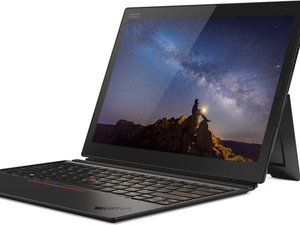

Touchscreen Not Working in Windows 11
After I upgraded to Windows 11, the touchscreen doesn't work anymore. How to fix it?
評価: 550.3千
 11
11
 425
425
 1.6千
1.6千
Hi @raydyliacco
Check the status of the touchscreen in Device Manager to see if it is installed correctly or whether it is disabled etc.
Go to Device Manager > Human Interface Devices > HID Compliant touch screen.
To get to Device Manager in Win11, press the Win key + x key (both together) and click on the Device Manager link in the menu box that opens.
このアンサーは役に立ちましたか?
thanks that also helped me my nig
<3
過去 24時間: 5
過去 7 日: 13
過去 30 日: 63
今までの合計 1,156

