この翻訳は機械によって生成されたものであり、まだ人間による校正は行われていません。 日本語を話せますか? レビューはこちらから。
はじめに
この修理ガイドでは、JBL Go 4のバッテリーを交換する手順とプロセスを説明します。
バッテリーはデバイス全体に電力を供給する部品です。バッテリーが劣化すると、バッテリー駆動時間が短くなったり、全く充電できなくなったりするほか、予期せぬタイミングでのシャットダウンやデバイスのオーバーヒートが発生することもあります。
このガイドを使用する前に、トラブルシューティングページを確認してください。バッテリー駆動時間が短くなる原因は、バッテリー以外にあることも多いためです。
注意:このガイドで使用しているデバイスは非純正モデルであるため、内部のコンポーネントが純正品と異なる場合があります。ただし、交換手順はほぼ同じであり、お使いのデバイスにもそのまま適用できます。
必要な工具と部品
-
-
-
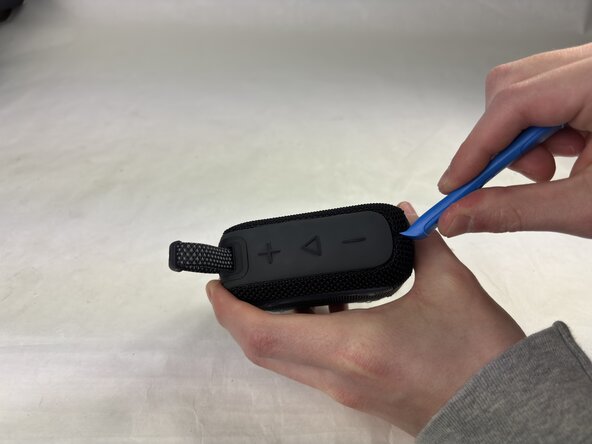
反対側の角にオープニングツールを差し込み、慎重に持ち上げます。
-
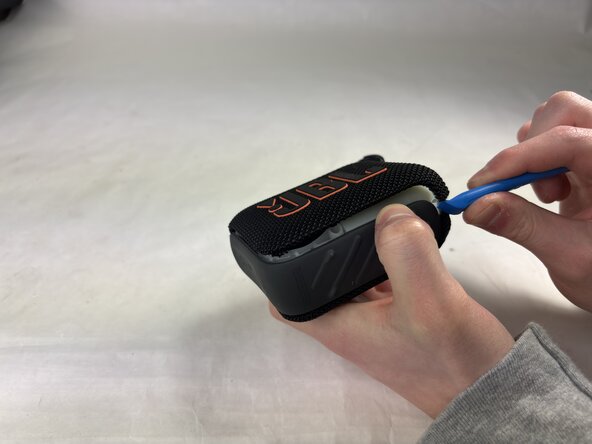
カバーが外れるまで、ツールを端に沿ってスライドさせます。
-
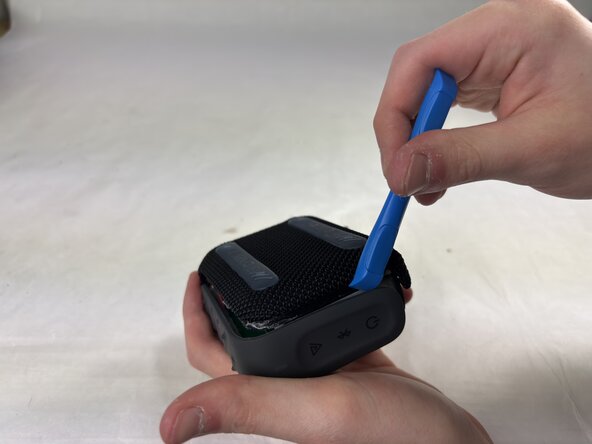
ハウジングを上に、そして横にゆっくりと引きます。
-
-
-
-
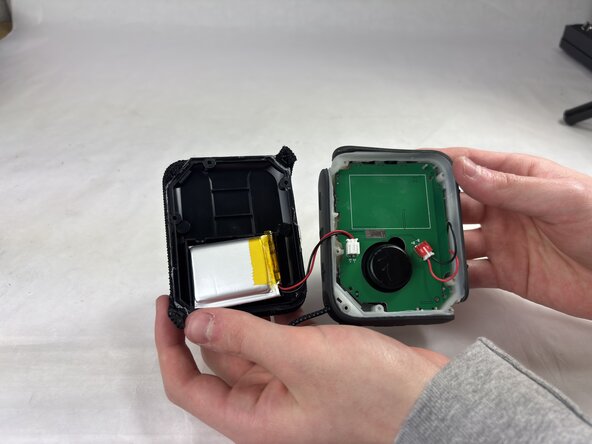
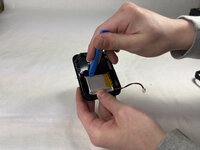
バッテリーケーブルと反対側の側面から、オープニングツールをバッテリーの下に差し込む。
-
テコの原理を利用して、オープニングツールをさらに深く滑り込ませながら、ゆっくりとバッテリーをこじ開けて外す。
-



 FixBotに聞いてみる



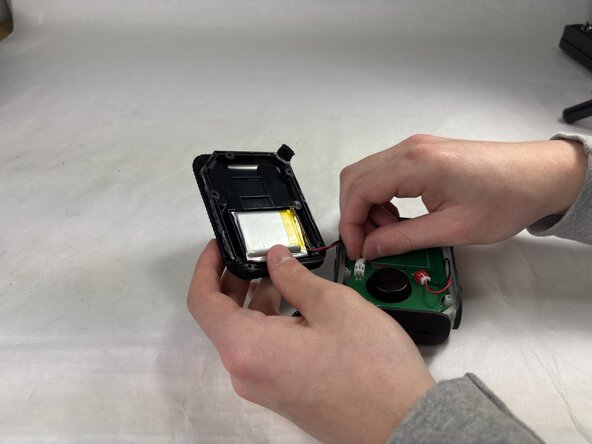
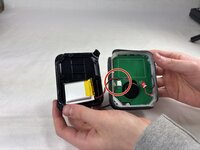
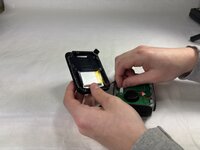

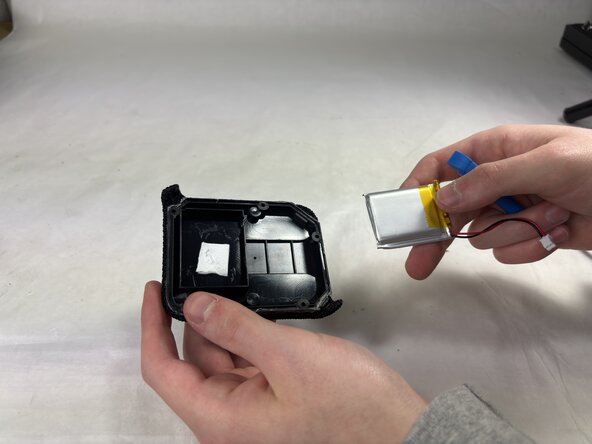
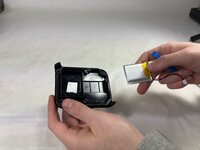
デバイスを元通りに組み立てるには、上記の手順を逆からたどってください。
最適なパフォーマンスを維持するため、このガイドの作業完了後、新しく取り付けたバッテリーのキャリブレーション/再調整を行ってください。
不要になった電子機器は、R2またはe-Stewards認定リサイクル業者へ持ち込んでください。
修理がうまく進みませんか? ベーシックなトラブルシューティングを試してみるか、私たちの アンサーコミュニティで質問してください。

チーム

UMass Dartmouth, Team 4-1, Konn Spring 2025 UMass Dartmouth, Team 4-1, Konn Spring 2025人のメンバー
UMASSD-KONN-S25S4G1
4 メンバー
17のガイドは作成済み
2件のガイドコメント
Great guide, thanks! Small point -
Typo - “Insert an opening into the seam”. I think you’re missing ‘tool’.
Thanks for pointing that out, @alexanderdyas. We took care of the typo. In the future, feel free to go ahead and make the edit!
