メインコンテンツにスキップ
リペアコミュニティに参加 - アカウントの作成

ASUS ROG Raikiri Pro Battery Replacement

必要な工具と部品

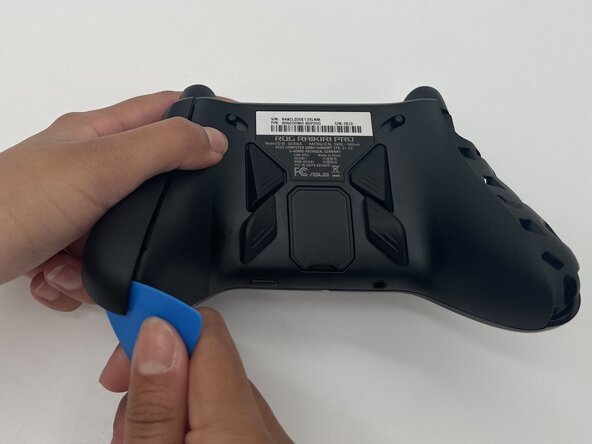
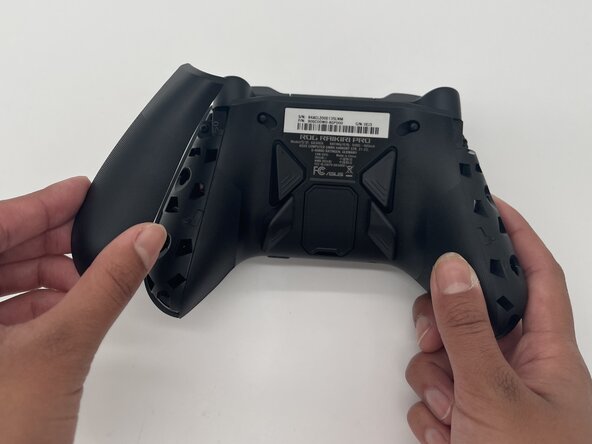
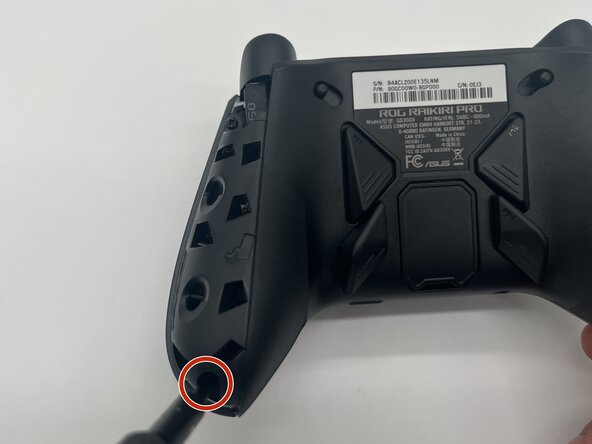
  1. ASUS ROG Raikiri Pro Battery Replacement, Battery: 手順 1、 3の画像 1 ASUS ROG Raikiri Pro Battery Replacement, Battery: 手順 1、 3の画像 2 ASUS ROG Raikiri Pro Battery Replacement, Battery: 手順 1、 3の画像 3
    • Make sure your controller is completely turned off before proceeding.

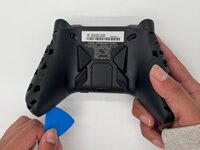
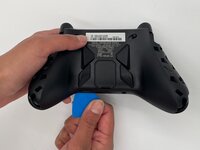
    • Insert the tip of an opening pick into the seam of the top left handle cover.

    • Slide it down to release the clips connecting the handle cover to the controller.

    • Remove the left handle-cover.

    • Repeat the steps to remove the right handle cover.

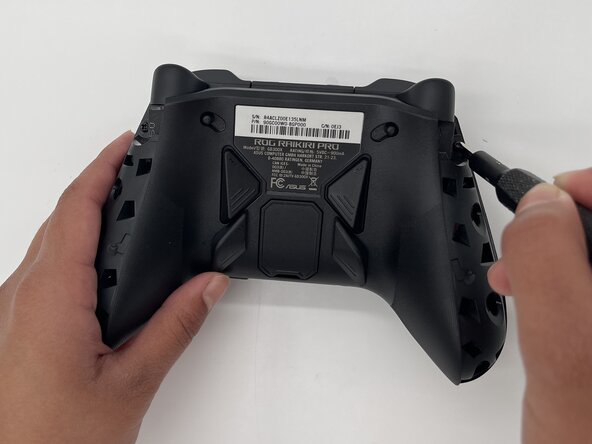
  2. ASUS ROG Raikiri Pro Battery Replacement: 手順 2、 3の画像 1 ASUS ROG Raikiri Pro Battery Replacement: 手順 2、 3の画像 2 ASUS ROG Raikiri Pro Battery Replacement: 手順 2、 3の画像 3
    • Use a Phillips #1 screwdriver to remove an 11 mm screw from the top of each handle.

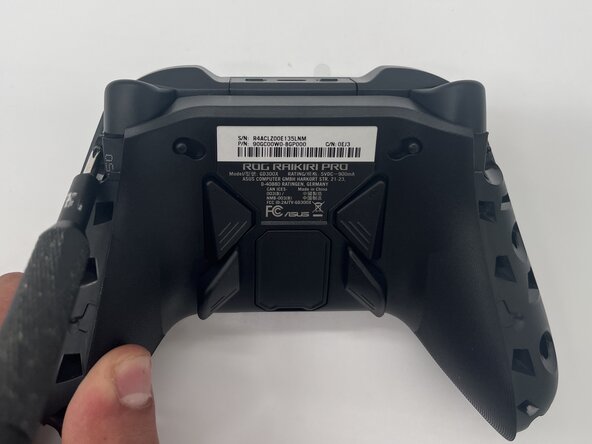
  3. ASUS ROG Raikiri Pro Battery Replacement: 手順 3、 2の画像 1 ASUS ROG Raikiri Pro Battery Replacement: 手順 3、 2の画像 2
    • Use a Phillips #1 screwdriver to remove an 11 mm screw from the bottom corner of each handle.

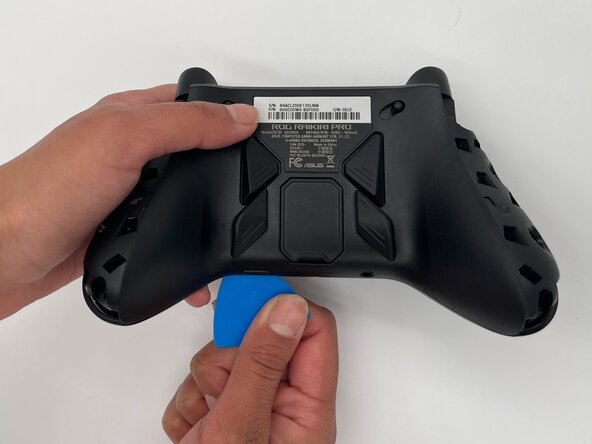
  4. ASUS ROG Raikiri Pro Battery Replacement: 手順 4、 2の画像 1 ASUS ROG Raikiri Pro Battery Replacement: 手順 4、 2の画像 2
    • Place the tip of an opening pick or spudger in the seam of the back center panel.

    • Gently slide the pick from left to right along the seam to release the clips connecting the top and bottom of the controller.

    • Separate the top and bottom of the device.

  5. ASUS ROG Raikiri Pro Battery Replacement: 手順 5、 2の画像 1 ASUS ROG Raikiri Pro Battery Replacement: 手順 5、 2の画像 2
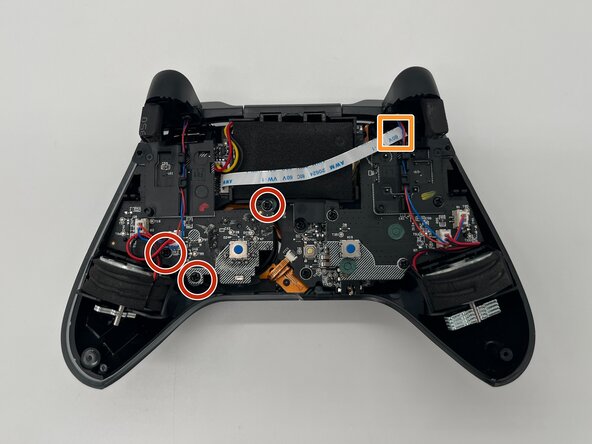
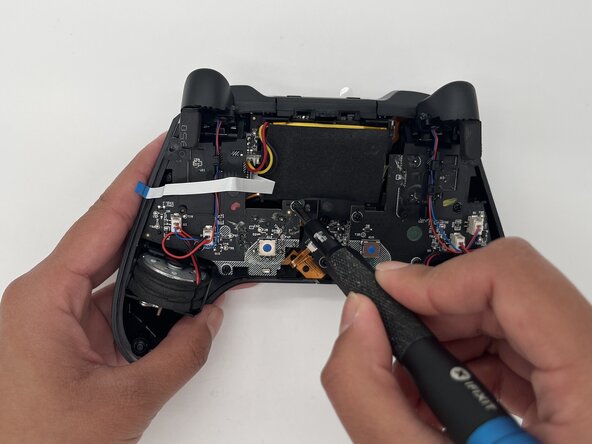
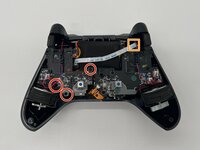
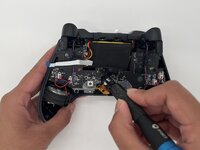
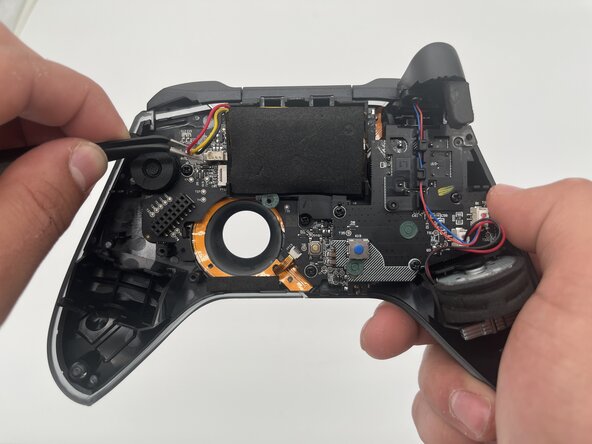
    • Use a Phillips #1 screwdriver to remove the three 8 mm screws securing the left board.

    • Disconnect the ribbon cable that crosses over the battery.

  6. ASUS ROG Raikiri Pro Battery Replacement: 手順 6、 2の画像 1 ASUS ROG Raikiri Pro Battery Replacement: 手順 6、 2の画像 2
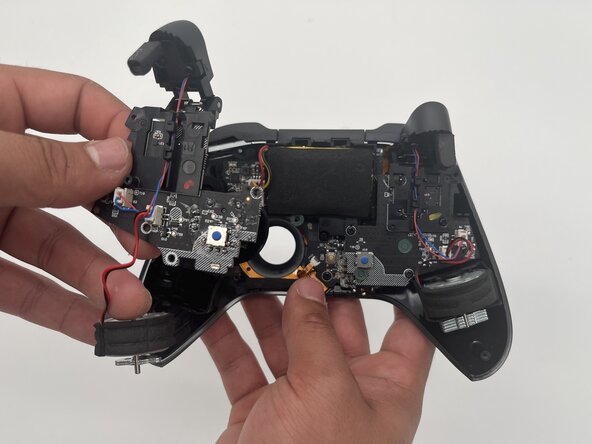
    • Use a spudger to carefully remove the board and left rumble motor.

  7. ASUS ROG Raikiri Pro Battery Replacement: 手順 7、 2の画像 1 ASUS ROG Raikiri Pro Battery Replacement: 手順 7、 2の画像 2
  8. ASUS ROG Raikiri Pro Battery Replacement: 手順 8、 1の画像 1
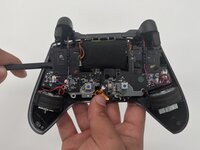
    • Gently remove the battery from its enclosure.

終わりに

To reassemble your device, follow these instructions in reverse order. Take your e-waste to an R2 or e-Stewards certified recycler.

ある他の人がこのガイドを完成しました。

作成者

3人の作成者と共同で作成されました。

Yasmin Martinez

メンバー登録日: 02/10/25

210 ポイント

1ガイドが承認済み

チーム

University of North Texas, Team 1-3, Kilpatrick Spring 2025 University of North Texas, Team 1-3, Kilpatrick Spring 2025人のメンバー

UNT-KILPATRICK-S25S1G3

3 メンバー

5のガイドは作成済み

0件のガイドコメント

コメントを追加

統計データ:

過去 24時間: 1

過去 7 日: 19

過去 30 日: 86

今までの合計 502