メインコンテンツにスキップ
リペアコミュニティに参加 - アカウントの作成

SteelSeries Nimbus+ Triggers Replacement

必要な工具と部品

  1. SteelSeries Nimbus+ Triggers Replacement, Remove the phone mount: 手順 1、 2の画像 1 SteelSeries Nimbus+ Triggers Replacement, Remove the phone mount: 手順 1、 2の画像 2
    • Use your fingers to remove the phone mount by pulling it straight out of the controller.

    FixBotに聞いてみる
  2. SteelSeries Nimbus+ Triggers Replacement, Remove the sticker: 手順 2、 1の画像 1
    • Use your fingers to remove the sticker located on the back cover of the Nimbus+.

    • If you have trouble removing the sticker heat an iOpener and apply it to the rear case for two minutes to loosen the adhesive underneath.

    FixBotに聞いてみる
  3. SteelSeries Nimbus+ Triggers Replacement, Unscrew the back cover: 手順 3、 1の画像 1
    • Use a Y1 Tri-point screwdriver to remove the five 9.1 mm-long screws securing the back cover.

    FixBotに聞いてみる
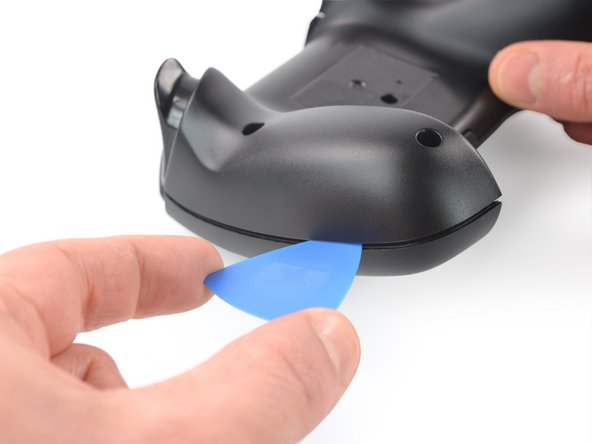
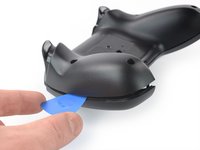
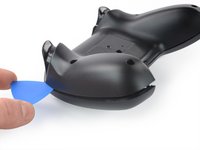
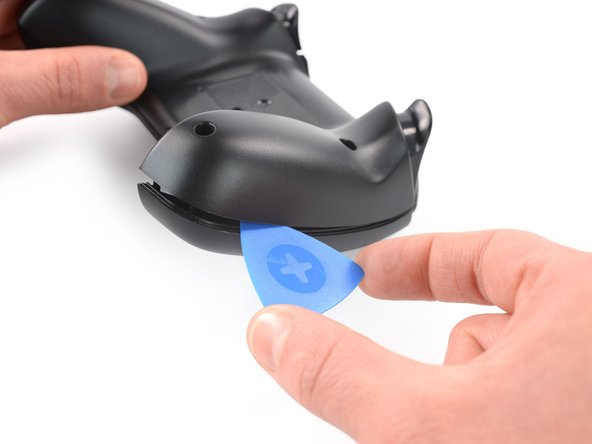
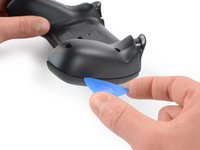
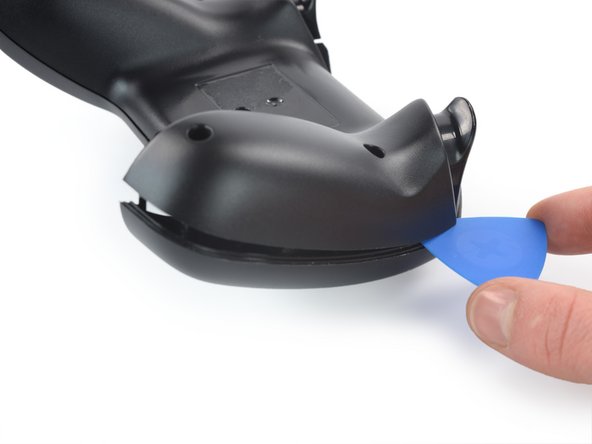
  4. SteelSeries Nimbus+ Triggers Replacement, Insert an opening pick: 手順 4、 2の画像 1 SteelSeries Nimbus+ Triggers Replacement, Insert an opening pick: 手順 4、 2の画像 2
    • The back cover is held in place by plastic clips.

    • Insert an opening pick into the gap between the front and back cover assembly at the outside of the right controller handle.

    FixBotに聞いてみる
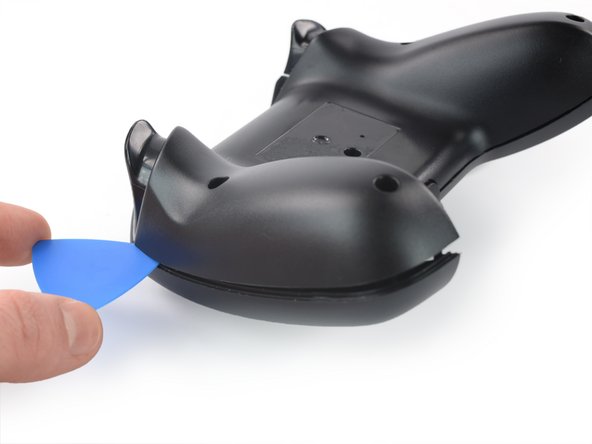
  5. SteelSeries Nimbus+ Triggers Replacement, Release the plastic clips: 手順 5、 2の画像 1 SteelSeries Nimbus+ Triggers Replacement, Release the plastic clips: 手順 5、 2の画像 2
    • Slide the opening pick to the top of the controller to release the remaining plastic clips on the right edge.

    FixBotに聞いてみる
  6. SteelSeries Nimbus+ Triggers Replacement, Insert an opening pick: 手順 6、 2の画像 1 SteelSeries Nimbus+ Triggers Replacement, Insert an opening pick: 手順 6、 2の画像 2
    • Insert an opening pick into the gap between the front and back cover assembly at the outside of the left controller handle.

    FixBotに聞いてみる
  7. SteelSeries Nimbus+ Triggers Replacement, Release the plastic clips: 手順 7、 2の画像 1 SteelSeries Nimbus+ Triggers Replacement, Release the plastic clips: 手順 7、 2の画像 2
    • Slide the opening pick to the top of the controller to release the remaining plastic clips on the left edge.

    FixBotに聞いてみる
  8. SteelSeries Nimbus+ Triggers Replacement, Unfold the back cover assembly: 手順 8、 3の画像 1 SteelSeries Nimbus+ Triggers Replacement, Unfold the back cover assembly: 手順 8、 3の画像 2 SteelSeries Nimbus+ Triggers Replacement, Unfold the back cover assembly: 手順 8、 3の画像 3
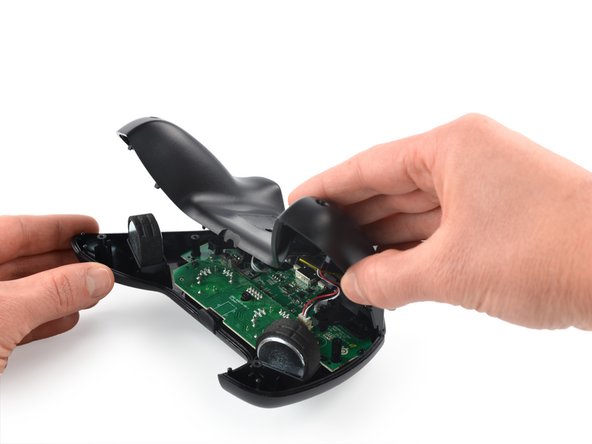
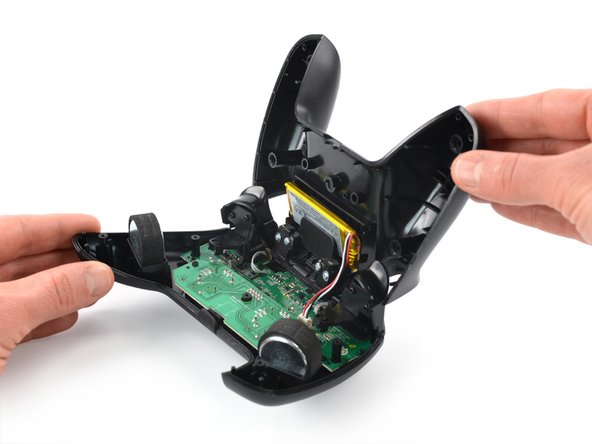
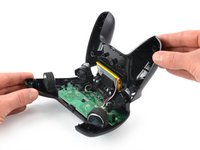
    • Carefully fold the back cover assembly to the top of the SteelSeries Nimbus+ and bring it in an 90 degree angle.

    • Do not try to remove the back cover assembly all the way yet! It is still connected to mainboard.

    FixBotに聞いてみる
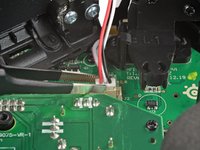
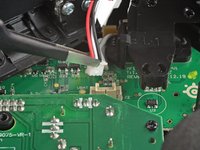
  9. SteelSeries Nimbus+ Triggers Replacement, Disconnect the battery cable: 手順 9、 3の画像 1 SteelSeries Nimbus+ Triggers Replacement, Disconnect the battery cable: 手順 9、 3の画像 2 SteelSeries Nimbus+ Triggers Replacement, Disconnect the battery cable: 手順 9、 3の画像 3
    この手順で使用する道具:
    Tweezers
    $4.99
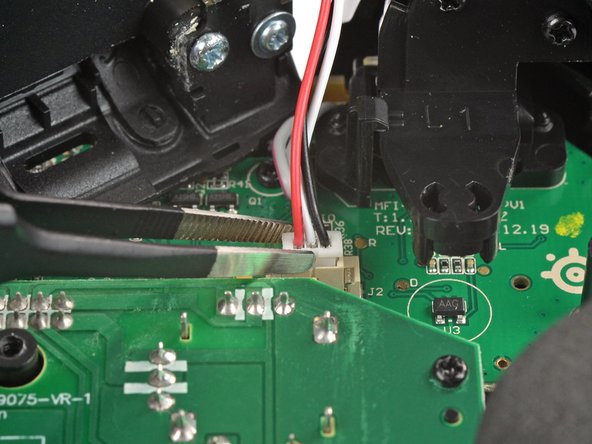
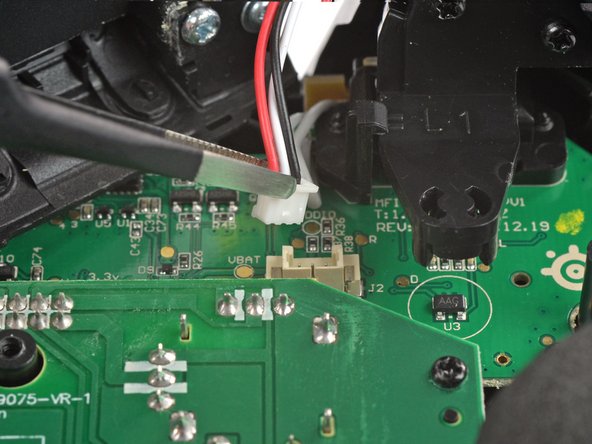
    • Use a pair of blunt nose tweezers to disconnect the battery cable from the mainboard.

    FixBotに聞いてみる
  10. SteelSeries Nimbus+ Triggers Replacement, Remove the back cover assembly: 手順 10、 1の画像 1
    • Remove the back cover assembly.

    FixBotに聞いてみる
  11. SteelSeries Nimbus+ Triggers Replacement, Unscrew the board: 手順 11、 1の画像 1
    • Use a Phillips screwdriver to remove the two 7.0 mm-long screws securing the board.

    FixBotに聞いてみる
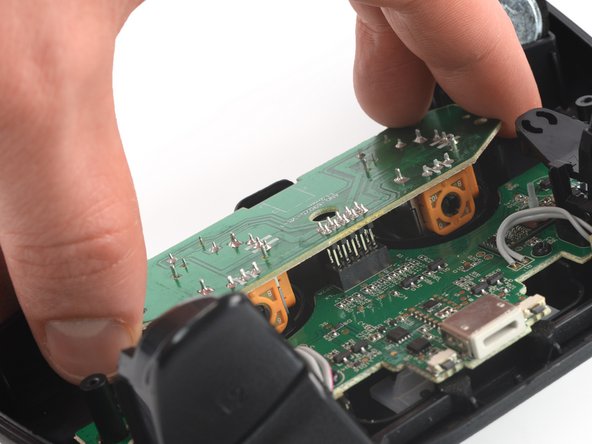
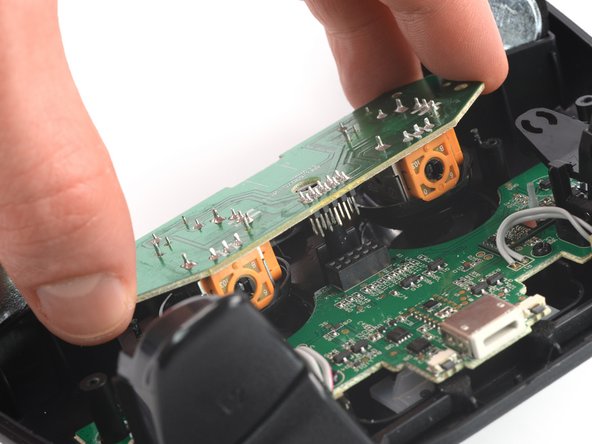
  12. SteelSeries Nimbus+ Triggers Replacement, Disconnect the thumbstick board: 手順 12、 3の画像 1 SteelSeries Nimbus+ Triggers Replacement, Disconnect the thumbstick board: 手順 12、 3の画像 2 SteelSeries Nimbus+ Triggers Replacement, Disconnect the thumbstick board: 手順 12、 3の画像 3
    • Disconnect the thumbstick board by pulling it straight out its socket on the mainboard.

    FixBotに聞いてみる
  13. SteelSeries Nimbus+ Triggers Replacement, Remove the board: 手順 13、 1の画像 1
    • Remove the board with the thumbsticks from the mainboard.

    FixBotに聞いてみる
  14. SteelSeries Nimbus+ Triggers Replacement, Unscrew the mainboard: 手順 14、 1の画像 1
    • Use a Phillips screwdriver to remove the five 7.0 mm-long screws securing the mainboard to the front assembly.

    FixBotに聞いてみる
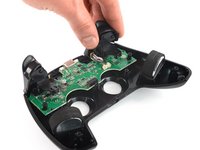
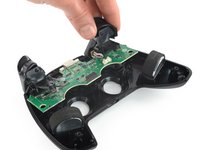
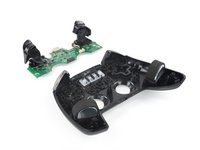
  15. SteelSeries Nimbus+ Triggers Replacement, Lift up the mainboard: 手順 15、 3の画像 1 SteelSeries Nimbus+ Triggers Replacement, Lift up the mainboard: 手順 15、 3の画像 2 SteelSeries Nimbus+ Triggers Replacement, Lift up the mainboard: 手順 15、 3の画像 3
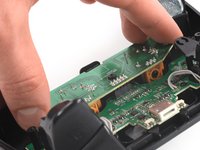
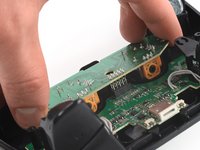
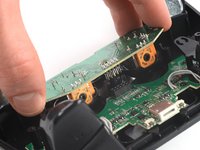
    • Use your fingers to lift up the mainboard from the front case.

    • Remove the mainboard.

    FixBotに聞いてみる
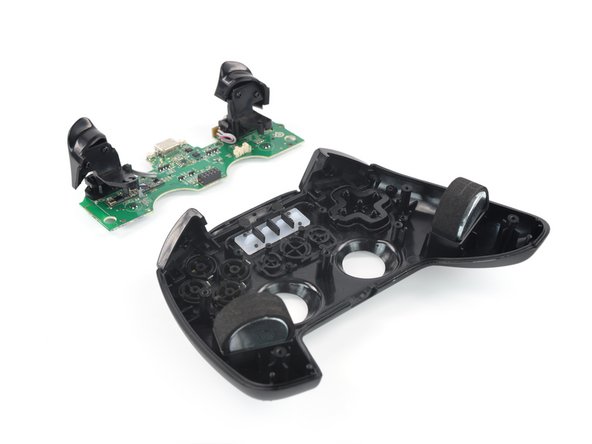
  16. SteelSeries Nimbus+ Triggers Replacement, Unscrew the triggers: 手順 16、 1の画像 1
    • Use a Phillips screwdriver to remove the four 7.0 mm screws securing the triggers on the motherboard.

    FixBotに聞いてみる
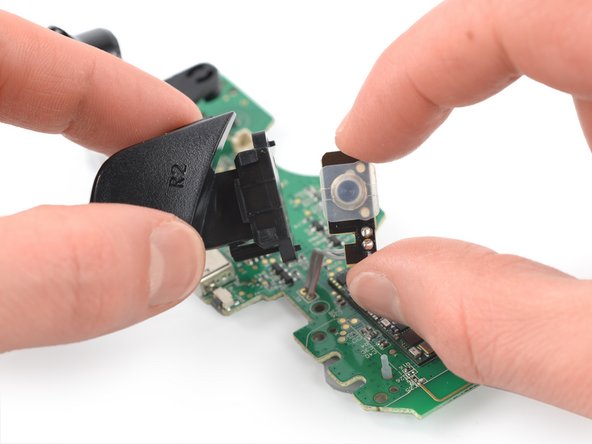
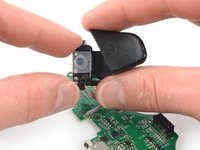
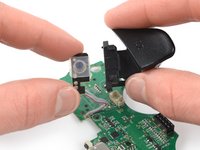
  17. SteelSeries Nimbus+ Triggers Replacement, Release the right trigger: 手順 17、 2の画像 1 SteelSeries Nimbus+ Triggers Replacement, Release the right trigger: 手順 17、 2の画像 2
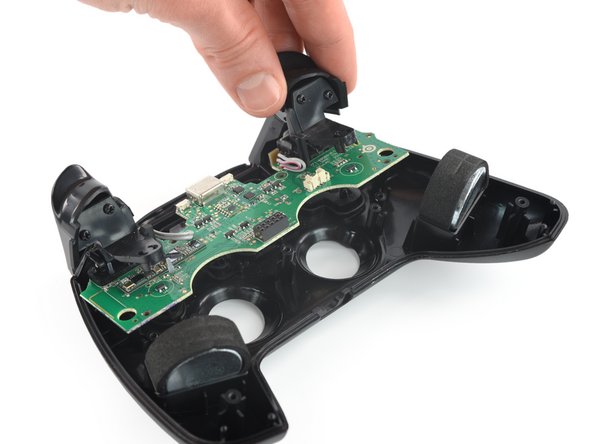
    • Pull the right trigger straight out to slide it off of the rails securing it to the button connector on the motherboard.

    FixBotに聞いてみる
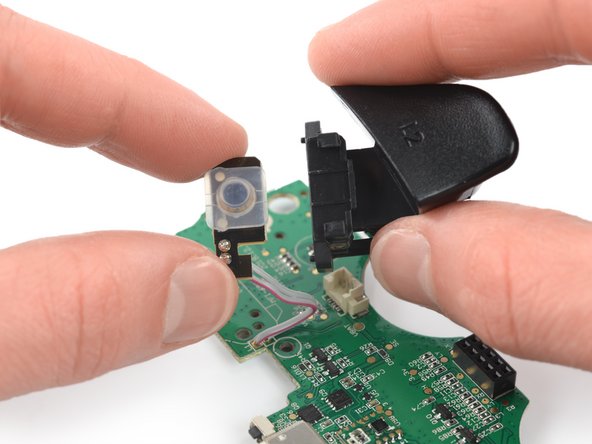
  18. SteelSeries Nimbus+ Triggers Replacement, Release the left trigger: 手順 18、 2の画像 1 SteelSeries Nimbus+ Triggers Replacement, Release the left trigger: 手順 18、 2の画像 2
    • Pull the left trigger straight out to slide it off of the rails securing it to the button connector on the motherboard.

    FixBotに聞いてみる
終わりに

To reassemble your device, follow these instructions in reverse order.

Take your e-waste to an R2 or e-Stewards certified recycler.

Repair didn’t go as planned? Check out our Answers community for troubleshooting help.

Adriana Zwink

メンバー登録日: 12/18/19

66,950 ポイント

167のガイドは作成済み

チーム

iFixit iFixit人のメンバー

Staff

122 メンバー

25,805のガイドは作成済み

0件のガイドコメント

コメントを追加

統計データ:

過去 24時間: 1

過去 7 日: 8

過去 30 日: 34

今までの合計 600