はじめに
If your Sonos Roam is having audio issues such as distorted sound, cutting out, or no sound playing, then use this guide to replace the speaker module.
The speaker module is the large, internal component that produces the sound. A broken speaker module will result in various audio issues.
Before using this guide, make sure the Bluetooth is stable. Also try rebooting the device before performing any replacement.
There are steps that recommend (not require) the use of the iOpener. This will help with carefully removing the adhesive used to keep this device together. Refer to this link on how to properly use the iOpener.
必要な工具と部品
-
-
-
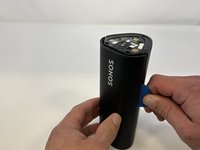
Use the metal spudger to pry the end cap with the buttons.
-
Pry from all sides to loosen the adhesive.
 FixBotに聞いてみる
-
-
-
Flip the device to the other end cap.
-
Use the metal spudger to loosen the adhesive.
-
-
-
-
-
Flip the device so that the Sonos logo is on the top.
-
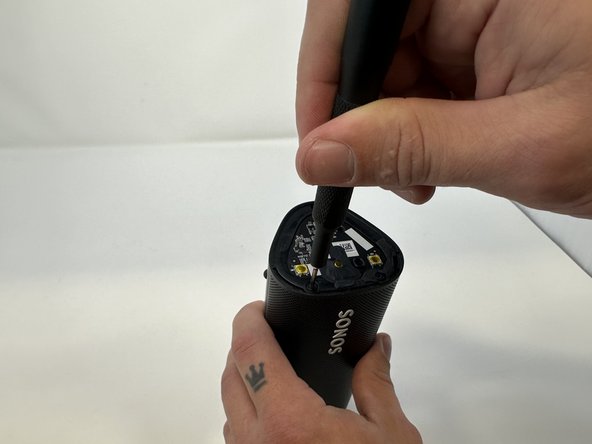
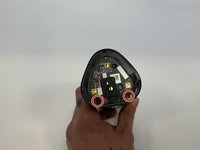
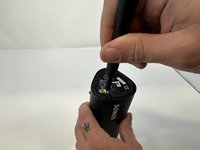
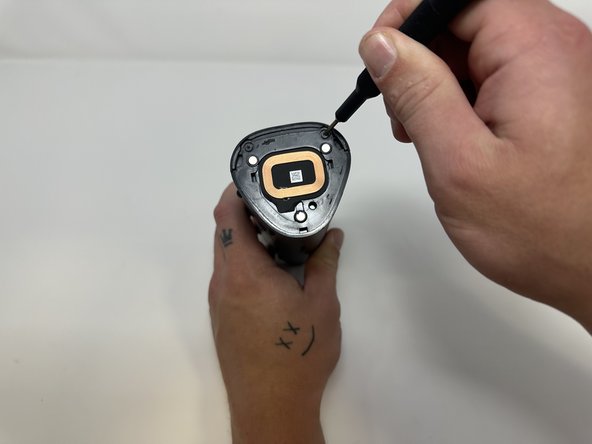
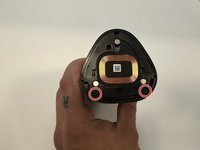
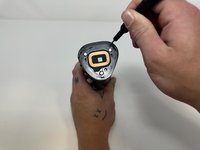
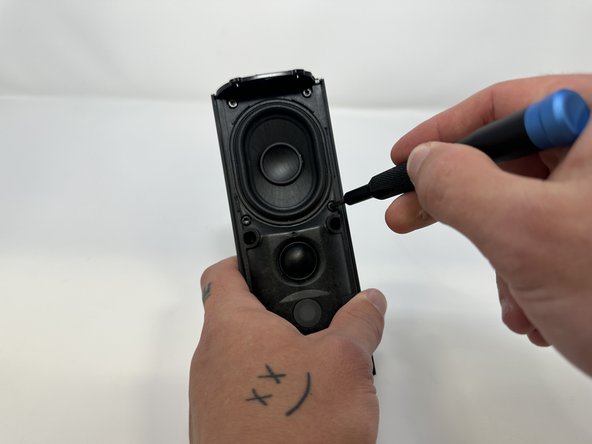
Use the Torx T6 screwdriver to remove the two 6 mm screws.
-
-
-
-
Flip the device so the Sonos logo is on the top.
-
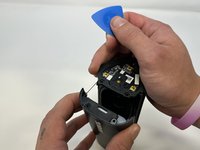
Use the iFixit opening picks to wedge between the split of the grille and the back of the speaker to pry the grille apart.
-
-
-
-
この手順で使用する道具:Tweezers$4.99
-
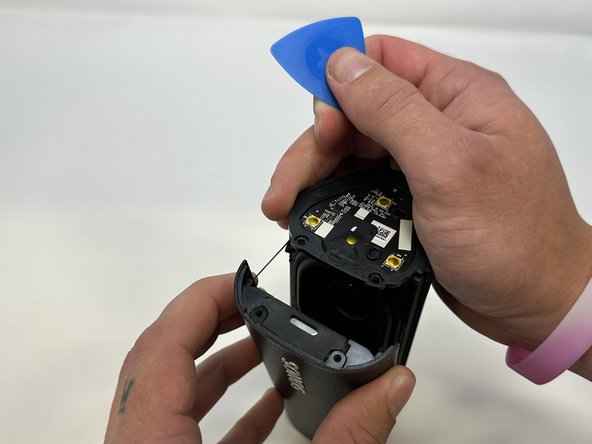
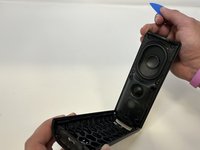
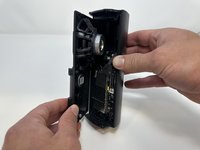
Begin to carefully separate the speaker module from the device.
-
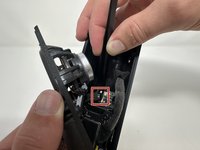
Firmly squeeze the middle of the plug using the tweezers to pull it out of the socket.
-
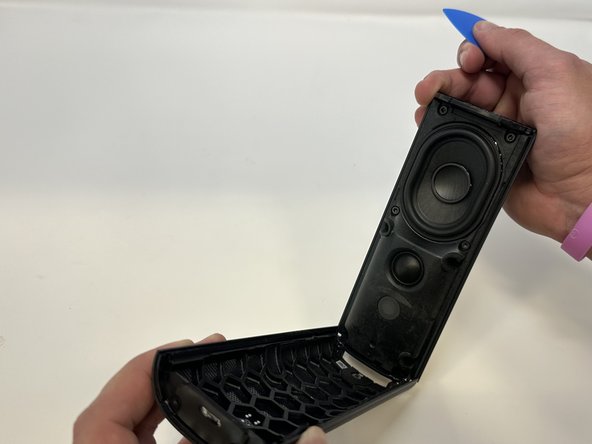
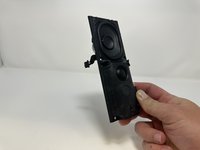
Separate the speaker module from the device.
-





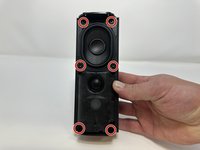
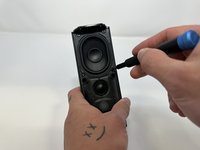

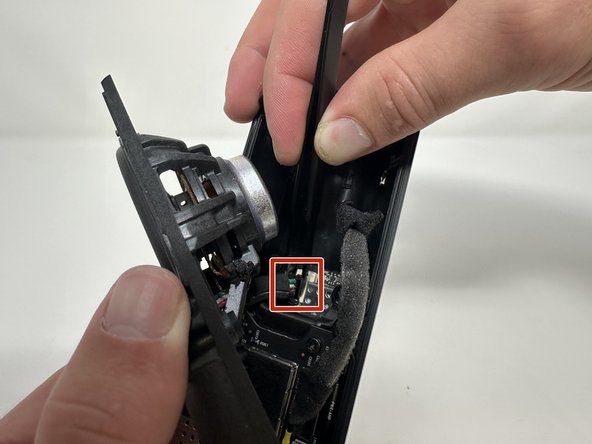
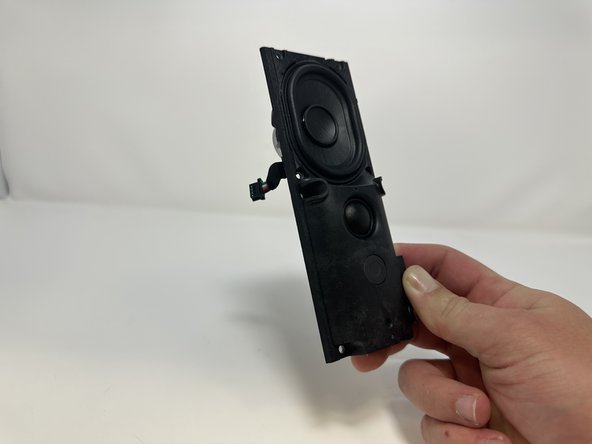

To reassemble your device, follow these instructions in reverse order.

チーム

Utah Tech University, Team 1-2, McMurrin Fall 2023 Utah Tech University, Team 1-2, McMurrin Fall 2023人のメンバー
UTAHTECH-MCMURRIN-F23S1G2
3 メンバー
18のガイドは作成済み
