はじめに
This guide demonstrates how to replace the charging port in your Logitech UE MegaBoom 4 speaker (model 984-001964). It is a very simple replacement that can fix a series of issues! If your device is not charging and you have tried a new cable, port, a new outlet, and your battery is relatively new, it may be time to replace the charging port.
Be sure to check out all possible solutions on this troubleshooting guide.
Before you begin the repair, power off your device and unplug it from the charger.
必要な工具と部品
-
-
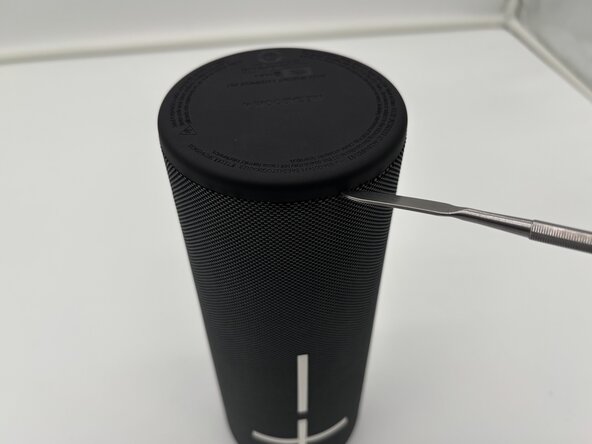
Flip your speaker upside down so the charging port side is faced upwards.
-
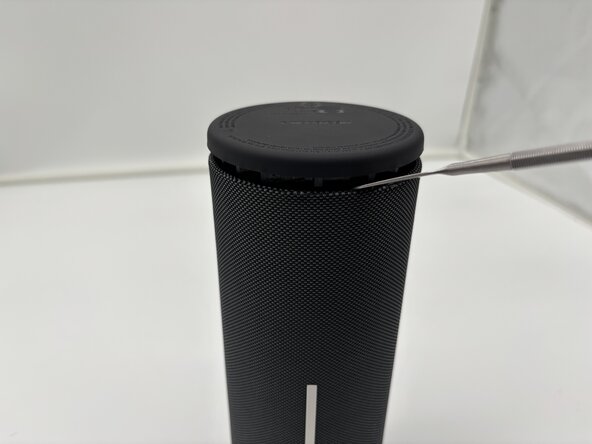
Place the end of a metal spudger in between the rubber bottom and the mesh case.
-
Work your way around the base of the speaker until the top separates from the case of the speaker.
 FixBotに聞いてみる
-
-
-
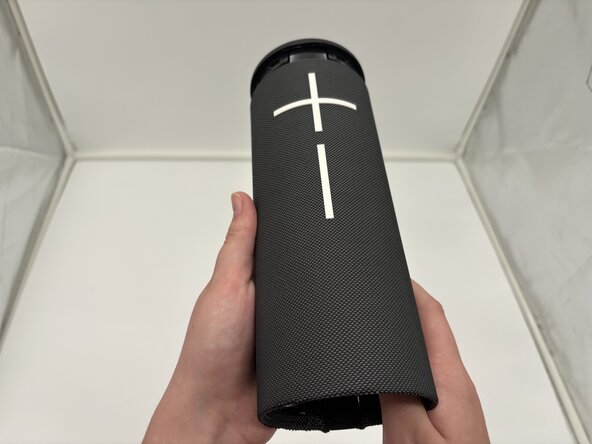
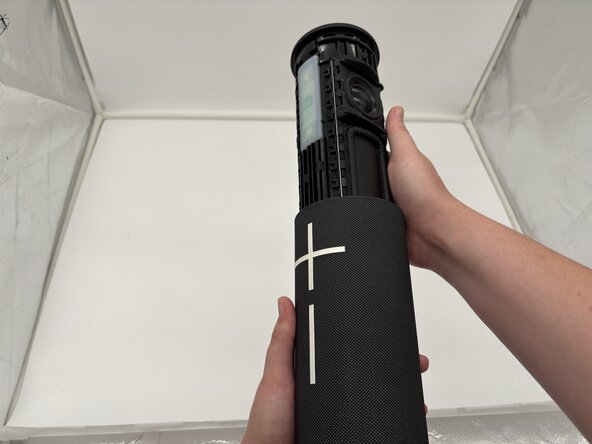
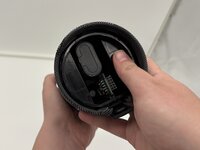
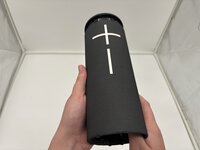
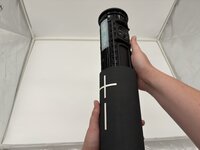
Use your thumbs to press the two plastic tabs inside the speaker case and gently push out the internal components.
-
-
-
-
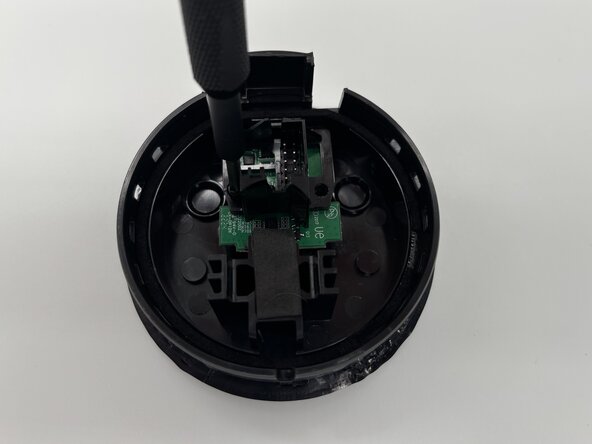
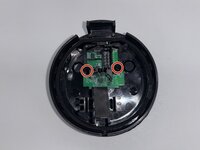
Use a Phillips #1 screwdriver to remove the two screws securing the I/O board inside the speaker's end cover.
-
Set the screws aside for reassembly.
-
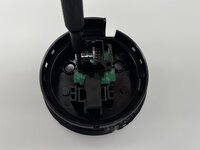
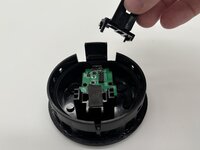
Remove the black plastic bracket from the top of the I/O board.
-





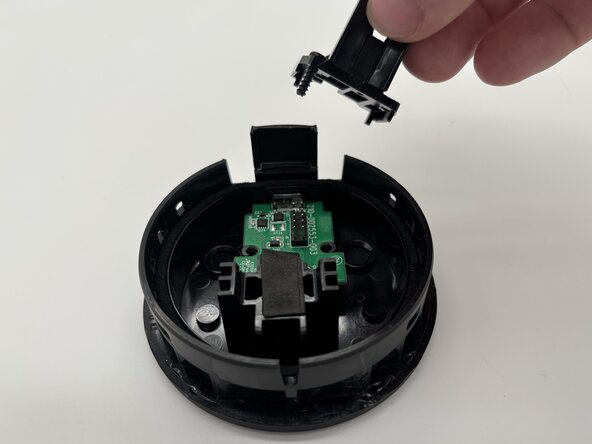

To reassemble your device, follow these instructions in reverse order. Take your e-waste to an R2 or e-Stewards certified recycler.

チーム

University of North Texas, Team 1-4, Kilpatrick Spring 2025 University of North Texas, Team 1-4, Kilpatrick Spring 2025人のメンバー
UNT-KILPATRICK-S25S1G4
4 メンバー
6のガイドは作成済み
2件のガイドコメント
Hi, where dit you find the replacement?
Greets
Same question here, wehre did you find the charging board replacement?
cheers
