はじめに
Use this guide if your RC car is not holding a charge and you need to replace the battery. No tools are needed for this guide.
-
-
-
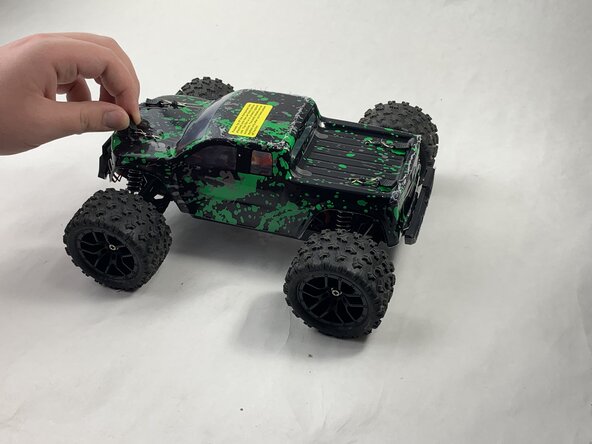
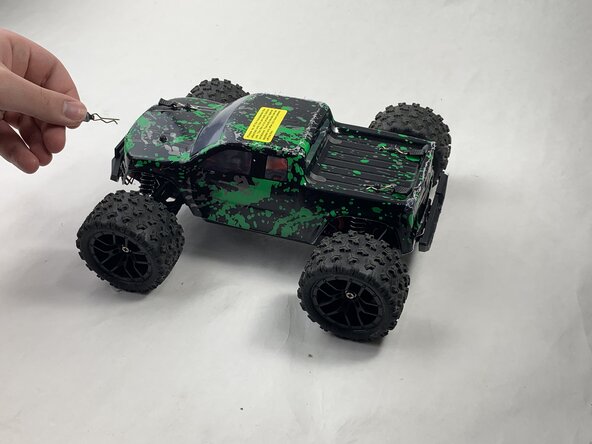
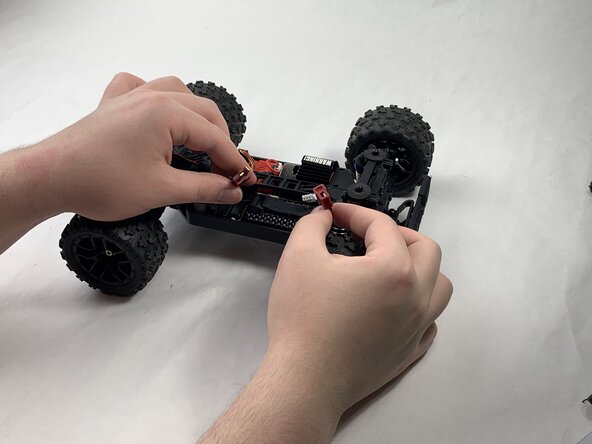
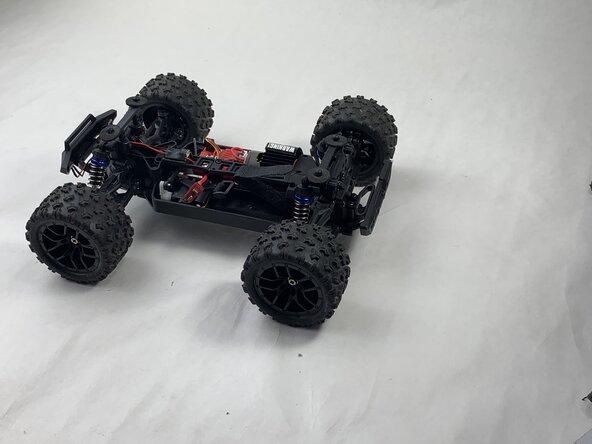
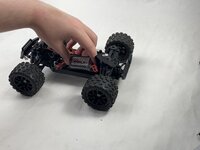
Remove the 4 clips holding down the hard plastic shell of the RC car. Do this by pinching them with your thumb and index finger and pulling away.
 FixBotに聞いてみる
-
-
-
-
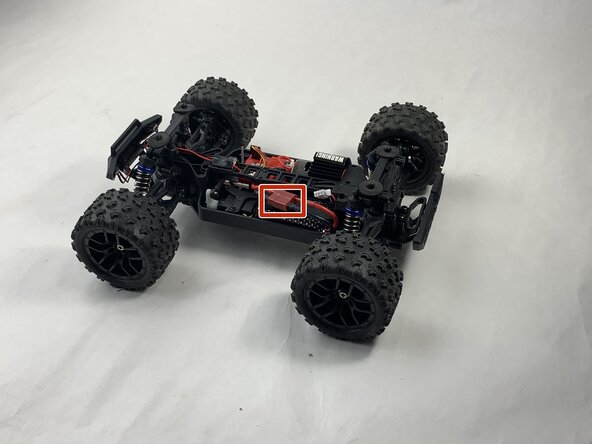
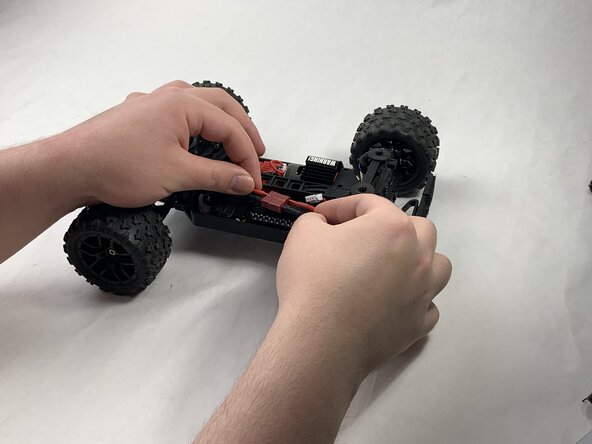
Disconnect the Lego-style battery connector by gripping either side and pulling them away from each other, slowly and consistently.
-
-




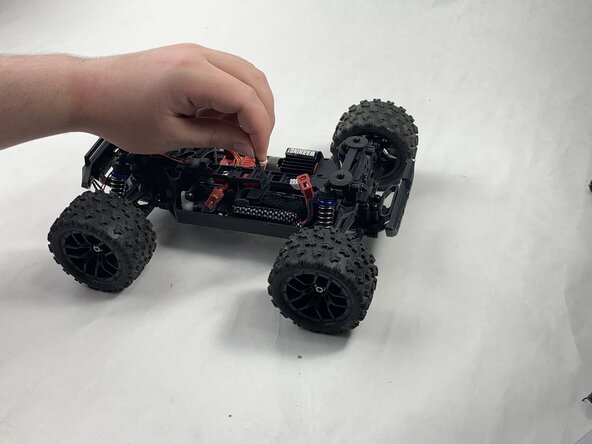
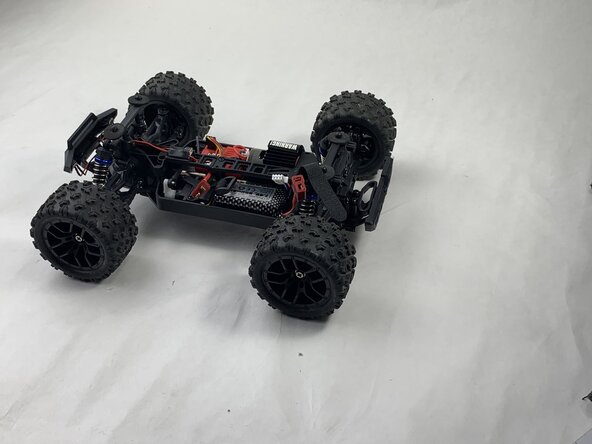

To reassemble your device, follow the above steps in reverse order.
For optimal performance, after completing this guide, calibrate your newly installed battery.
Take your e-waste to an R2 or e-Stewards certified recycler.
Repair didn’t go as planned? Try some basic troubleshooting or ask our Answers community for help.
ある他の人がこのガイドを完成しました。

チーム

UMass Dartmouth, Team 6-3, Botvin Spring 2025 UMass Dartmouth, Team 6-3, Botvin Spring 2025人のメンバー
UMASSD-BOTVIN-S25S6G3
3 メンバー
10のガイドは作成済み
