メインコンテンツにスキップ
リペアコミュニティに参加 - アカウントの作成

HMD Fusion Screen Replacement

必要な工具と部品

  1. HMD Fusion Screen Replacement, Prepare your phone for disassembly: 手順 1、 1の画像 1
    • Let your phone's battery drain below 25% before starting this repair. A charged lithium‑ion battery may catch fire if damaged.

    • Unplug all cables from your phone and completely power it down.

  2. HMD Fusion Screen Replacement, Remove the SIM card tray: 手順 2、 3の画像 1 HMD Fusion Screen Replacement, Remove the SIM card tray: 手順 2、 3の画像 2 HMD Fusion Screen Replacement, Remove the SIM card tray: 手順 2、 3の画像 3
    • Firmly press a SIM eject tool, bit, or straightened paper clip into the SIM card tray hole on the left edge of your phone until the tray ejects.

    • Remove the SIM card tray.

  3. HMD Fusion Screen Replacement, Remove the back cover screws: 手順 3、 3の画像 1 HMD Fusion Screen Replacement, Remove the back cover screws: 手順 3、 3の画像 2 HMD Fusion Screen Replacement, Remove the back cover screws: 手順 3、 3の画像 3
    • Use a T3 Torx screwdriver to remove the sixteen 5.0 mm‑long screws securing the back cover.

    • Use your fingernails, or angled tweezers, to remove any stuck screws.

    • The screws are secured tightly in the back cover, so you might not be able to remove all of them. If you can't remove a few screws, don't worry! Move to the next step and follow the guide normally.

  4. HMD Fusion Screen Replacement: 手順 4、 1の画像 1
    この手順で使用する道具:
    Magnetic Project Mat
    $19.95
    • During the next four steps, the remaining back cover screws might fall out unexpectedly.

    • To avoid losing screws, you can place a tray, bowl, or Magnetic Project Mat under the phone while you work.

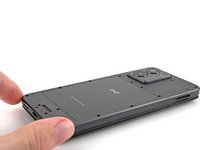
  5. HMD Fusion Screen Replacement, Unclip the back cover: 手順 5、 2の画像 1 HMD Fusion Screen Replacement, Unclip the back cover: 手順 5、 2の画像 2
    • Flip your phone over so the screen is facing up.

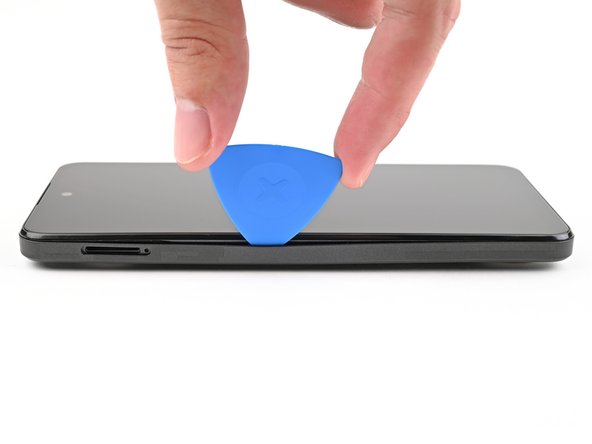
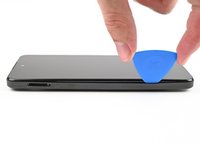
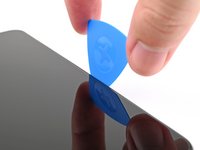
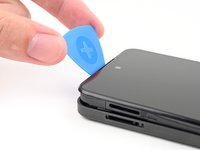
    • Insert the tip of an opening pick between the back cover and frame at the SIM card tray cutout.

  6. HMD Fusion Screen Replacement: 手順 6、 3の画像 1 HMD Fusion Screen Replacement: 手順 6、 3の画像 2 HMD Fusion Screen Replacement: 手順 6、 3の画像 3
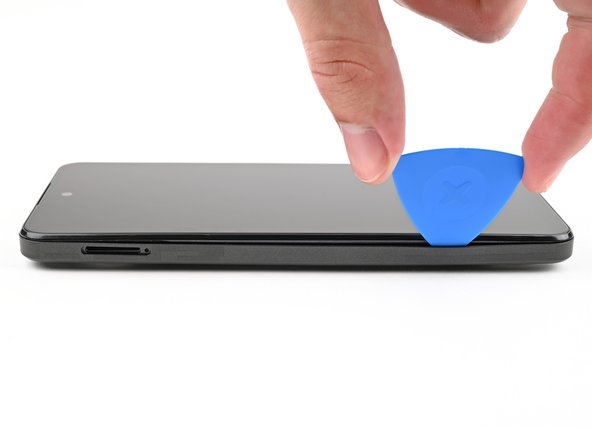
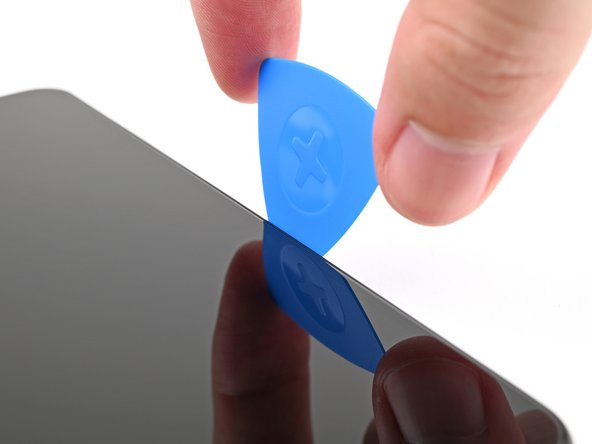
    • Slide the opening pick along the left edge to begin unclipping the back cover.

  7. HMD Fusion Screen Replacement: 手順 7、 3の画像 1 HMD Fusion Screen Replacement: 手順 7、 3の画像 2 HMD Fusion Screen Replacement: 手順 7、 3の画像 3
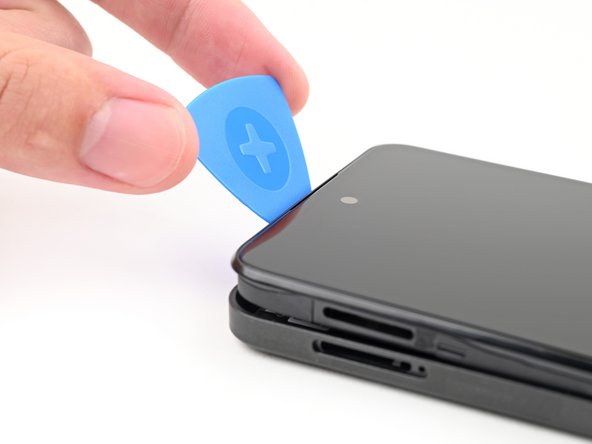
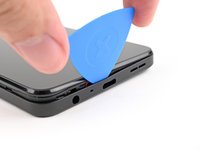
    • Continue sliding the pick around the perimeter of your phone until the back cover is fully unclipped.

    • The corners can be tricky to unclip and may take some force. If you're having trouble, try prying up with the pick.

    • Don't try to fully remove the cover yet, as it's still connected by a delicate cable.

  8. HMD Fusion Screen Replacement: 手順 8、 3の画像 1 HMD Fusion Screen Replacement: 手順 8、 3の画像 2 HMD Fusion Screen Replacement: 手順 8、 3の画像 3
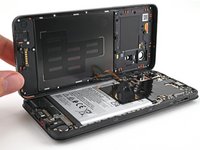
    • Carefully flip your phone over so the back cover is facing up.

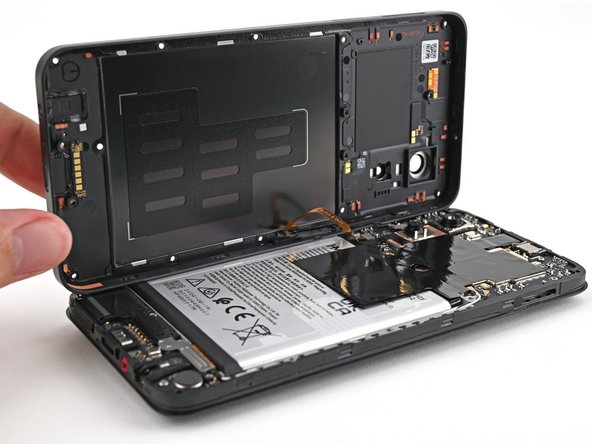
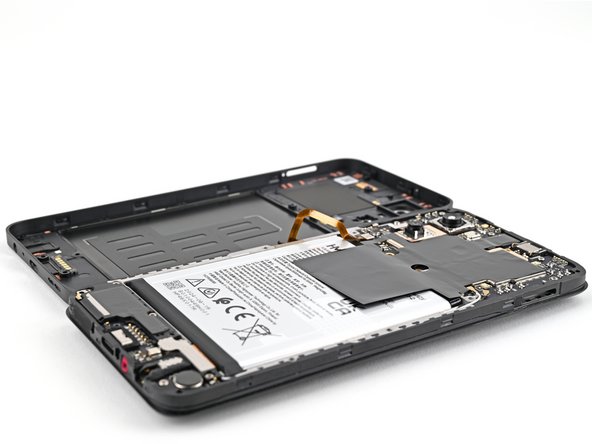
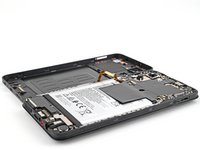
    • Lift the back cover off the frame and flip it over the left edge of your phone, laying the cover flat on your work surface.

    • Be very careful not to strain the back cover's delicate cable.

    • During reassembly, place the back cover onto the frame and firmly press around the perimeter to reengage all the clips.

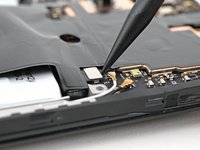
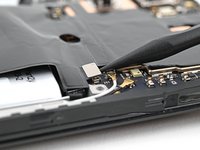
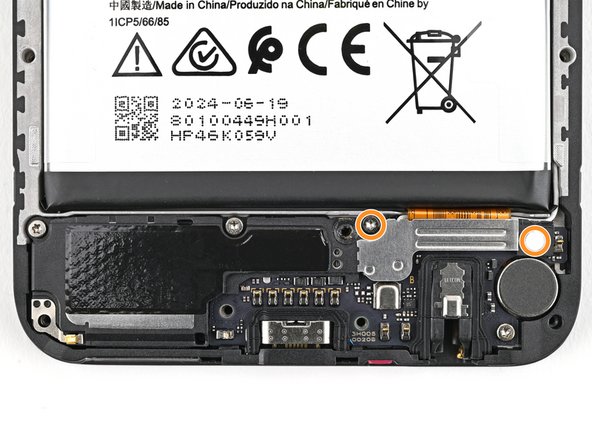
  9. HMD Fusion Screen Replacement, Disconnect the battery: 手順 9、 3の画像 1 HMD Fusion Screen Replacement, Disconnect the battery: 手順 9、 3の画像 2 HMD Fusion Screen Replacement, Disconnect the battery: 手順 9、 3の画像 3
  10. HMD Fusion Screen Replacement, Disconnect the power button: 手順 10、 3の画像 1 HMD Fusion Screen Replacement, Disconnect the power button: 手順 10、 3の画像 2 HMD Fusion Screen Replacement, Disconnect the power button: 手順 10、 3の画像 3
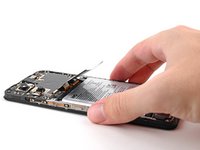
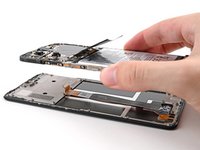
    • Use a spudger to pry up and disconnect the power button press connector.

    • Remove the back cover.

  11. HMD Fusion Screen Replacement, Screen: 手順 11、 3の画像 1 HMD Fusion Screen Replacement, Screen: 手順 11、 3の画像 2 HMD Fusion Screen Replacement, Screen: 手順 11、 3の画像 3
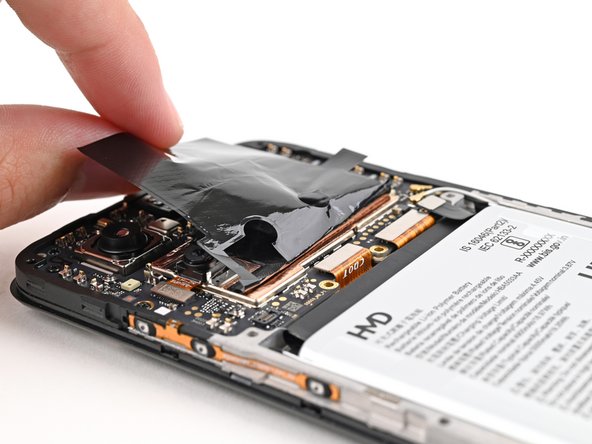
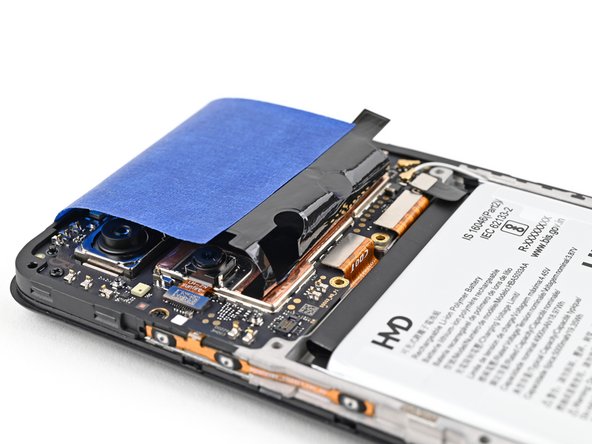
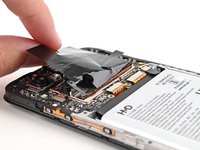
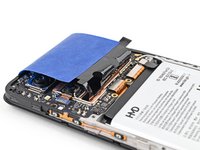
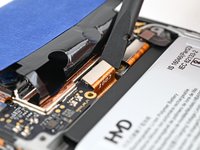
    • For the next step, you'll need to hold the graphite sheet out of the way of the display connector along the bottom of the motherboard.

    • Alternatively, you can use tape with light adhesive (such as painter's tape) to keep the graphite sheet out of the way.

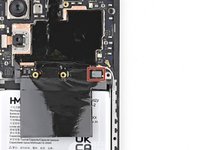
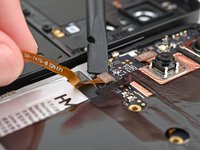
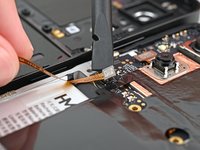
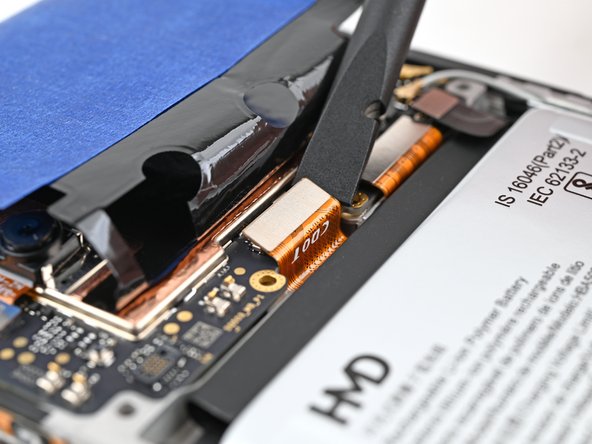
  12. HMD Fusion Screen Replacement, Disconnect the display: 手順 12、 2の画像 1 HMD Fusion Screen Replacement, Disconnect the display: 手順 12、 2の画像 2
    • Use a spudger to pry up and disconnect the display press connector.

    • Pry under the right edge of the connector, as there are delicate surface‑mounted components to the left of it.

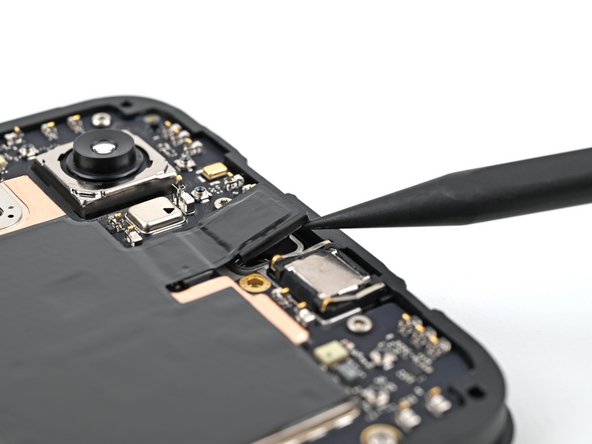
  13. HMD Fusion Screen Replacement, Separate the front camera: 手順 13、 2の画像 1 HMD Fusion Screen Replacement, Separate the front camera: 手順 13、 2の画像 2
    • Use the tip of a spudger to pry up the front camera from the frame and separate its adhesive.

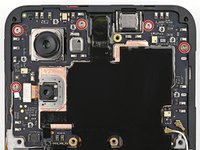
  14. HMD Fusion Screen Replacement, Remove the screen screws: 手順 14、 2の画像 1 HMD Fusion Screen Replacement, Remove the screen screws: 手順 14、 2の画像 2
    • Use a T3 Torx screwdriver to remove the seven 3.3 mm‑long screws securing the screen:

    • Five screws on the motherboard

    • Two screws on the loudspeaker

    • One of the screws on the loudspeaker may be covered by a sticker. Pierce through it with your screwdriver, or use tweezers to remove it.

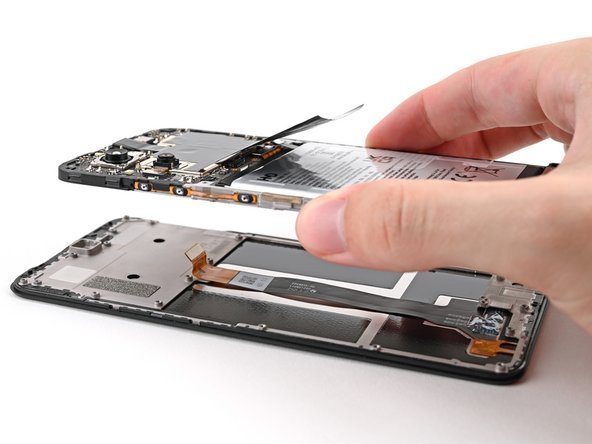
  15. HMD Fusion Screen Replacement, Remove the screen: 手順 15、 2の画像 1 HMD Fusion Screen Replacement, Remove the screen: 手順 15、 2の画像 2
    • Lift the screen off the frame, making sure to thread the display cable through its slot.

    • Remove the screen.

終わりに

To reassemble your device, follow these instructions in reverse order.

Take your e-waste to an R2 or e-Stewards certified recycler.

Repair didn’t go as planned? Try some basic troubleshooting, or ask our Answers community for help.

9 の人々がこのガイドを完成させました。

作成者

3人の作成者と共同で作成されました。

Alex Diaz-Kokaisl

メンバー登録日: 01/16/22

235,835 ポイント

1,168のガイドは作成済み

チーム

iFixit iFixit人のメンバー

Staff

123 メンバー

25,502のガイドは作成済み

5件のガイドコメント

Wo kann ich ein Ersatzdisplay bestellen? (Bin aus der Schweiz)

Ivan Haedo - 返信 共有

Will the parts ever be in stock in Europe? Pointless to buy a repairable phone when you can't buy the parts

Ejrj - 返信 共有

In teh description you remove the screen, but Ifix send a sreen with a frame fixed to it. no way this is gona fit.

L Verheul - 返信 共有

Yes, the new screen has a frame attached to it. Just remove every screw on it an detach the frame carefully. I guess the frame supports the screen for transportation.

Robert Reiter - 返信 共有

Hello, I am in Portugal, can I buy the screen on this website?

Sand.barack - 返信 共有

コメントを追加

統計データ:

過去 24時間: 15

過去 7 日: 87

過去 30 日: 316

今までの合計 6,827