メインコンテンツにスキップ
リペアコミュニティに参加 - アカウントの作成

Google Pixel Buds 2a Bottom Shell Replacement

必要な工具と部品

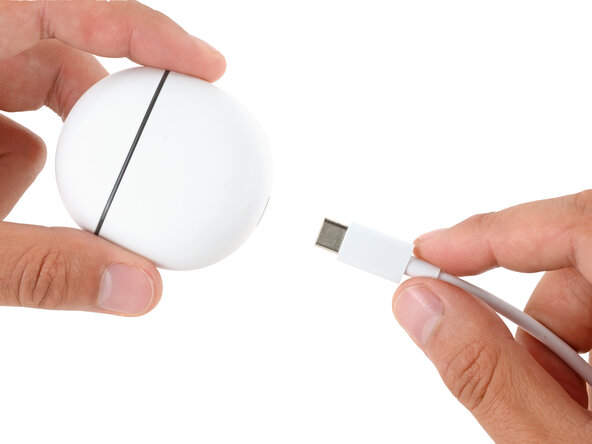
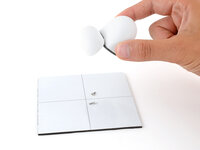
  1. Google Pixel Buds 2a Bottom Shell Replacement, Unplug the charging case: 手順 1、 1の画像 1
    • Before starting your repair, unplug your charging case.

    FixBotに聞いてみる
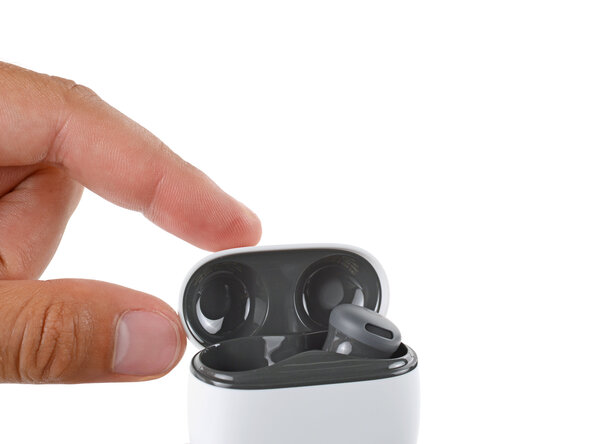
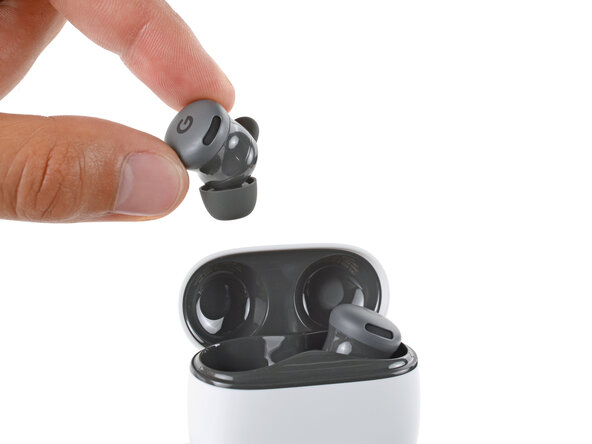
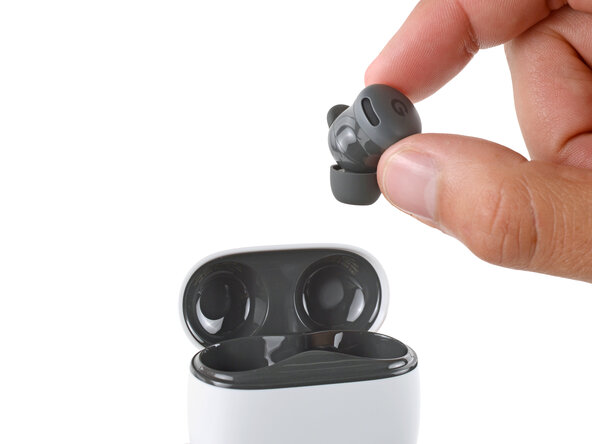
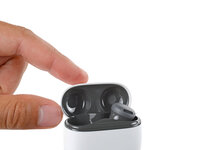
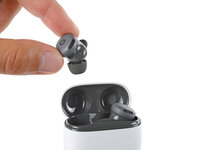
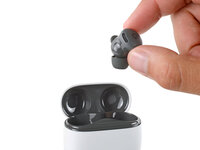
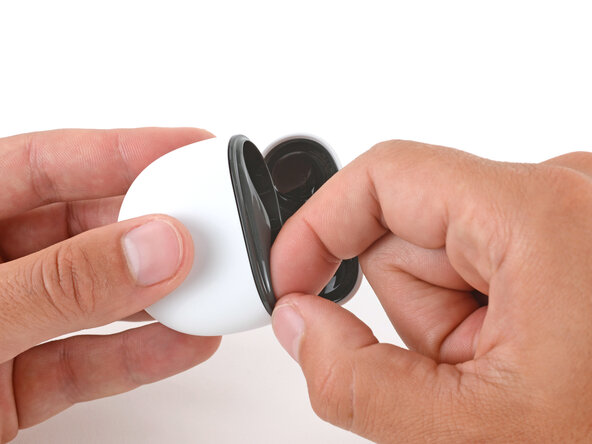
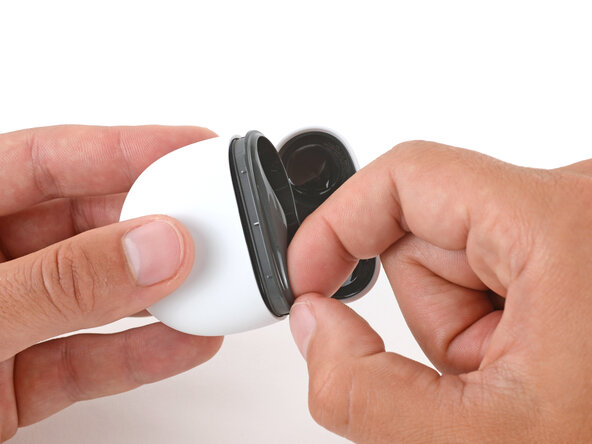
  2. Google Pixel Buds 2a Bottom Shell Replacement, Remove the Buds: 手順 2、 3の画像 1 Google Pixel Buds 2a Bottom Shell Replacement, Remove the Buds: 手順 2、 3の画像 2 Google Pixel Buds 2a Bottom Shell Replacement, Remove the Buds: 手順 2、 3の画像 3
    • Open the case lid, remove the Pixel Buds, and set them aside.

    FixBotに聞いてみる
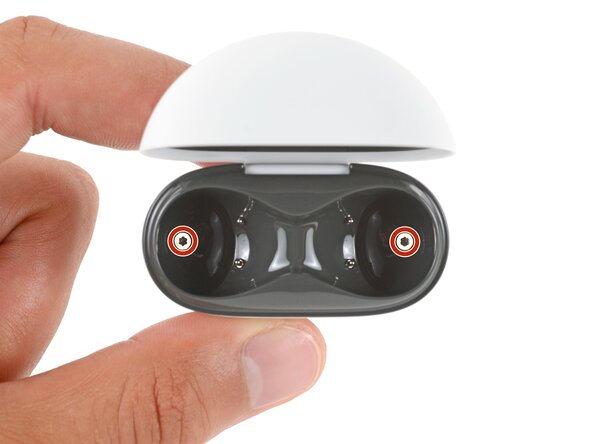
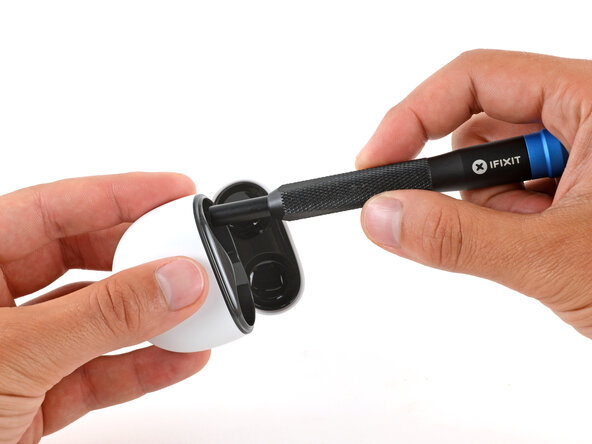
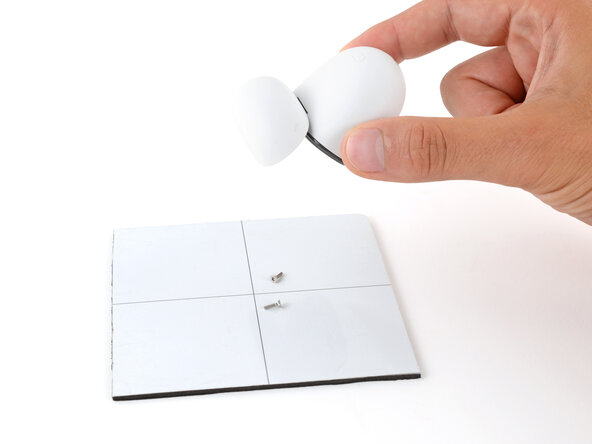
  3. Google Pixel Buds 2a Bottom Shell Replacement, Remove the case screws: 手順 3、 3の画像 1 Google Pixel Buds 2a Bottom Shell Replacement, Remove the case screws: 手順 3、 3の画像 2 Google Pixel Buds 2a Bottom Shell Replacement, Remove the case screws: 手順 3、 3の画像 3
    • Use a T5 Torx screwdriver to remove the two 6.2 mm‑long screws from the ear bud recesses.

    • You may need to flip the case over and gently shake it to get the screws to fall out.

    FixBotに聞いてみる
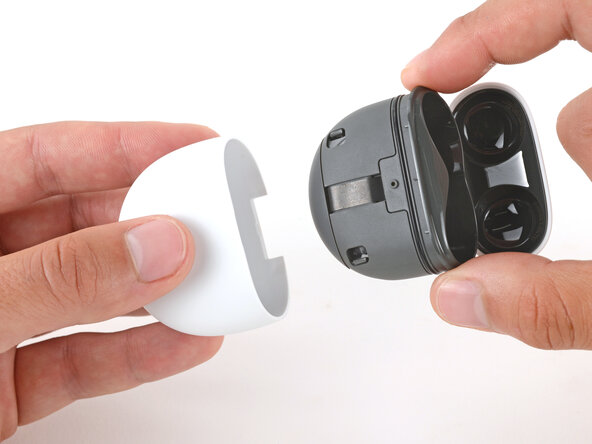
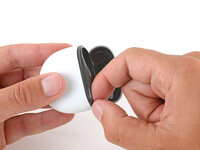
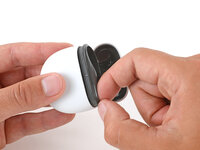
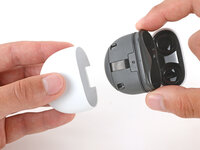
  4. Google Pixel Buds 2a Bottom Shell Replacement, Remove the bottom shell: 手順 4、 3の画像 1 Google Pixel Buds 2a Bottom Shell Replacement, Remove the bottom shell: 手順 4、 3の画像 2 Google Pixel Buds 2a Bottom Shell Replacement, Remove the bottom shell: 手順 4、 3の画像 3
    • Slide the main body of the charging case completely out of the bottom shell, inserting a fingernail in the seam near the top of the case to create an initial gap.

    • If you're having trouble, use the flat end of a spudger to start the initial gap.

    FixBotに聞いてみる
終わりに

To reassemble your device, follow these instructions in reverse order.

Take your e-waste to an R2 or e-Stewards certified recycler.

Repair didn’t go as planned? Try some basic troubleshooting, or ask our Answers community for help.

作成者

1人の作成者と共同作成されました。

Spencer Day

メンバー登録日: 09/14/22

188,382 ポイント

1,187のガイドは作成済み

0件のガイドコメント

コメントを追加

統計データ:

過去 24時間: 1

過去 7 日: 4

過去 30 日: 28

今までの合計 227