はじめに
Did you lose a screw in your Framework Laptop 12? Fear not! Follow this guide to replace your missing screws with the Framework Laptop 12 Fastener Kit.
The Fastener Kit only replaces the non-captive screws in your laptop.
Use the links below to jump to the part and find which screw to use:
必要な工具と部品
-
-
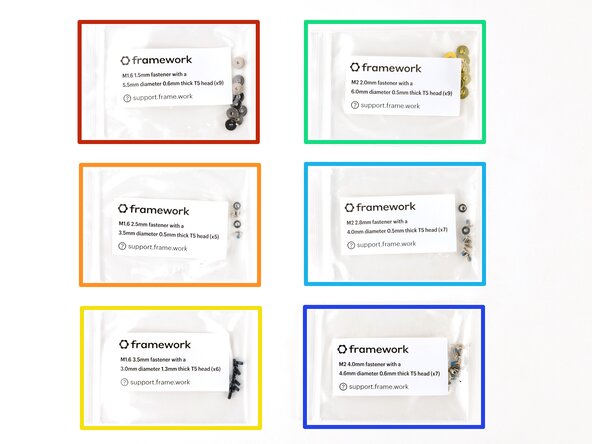
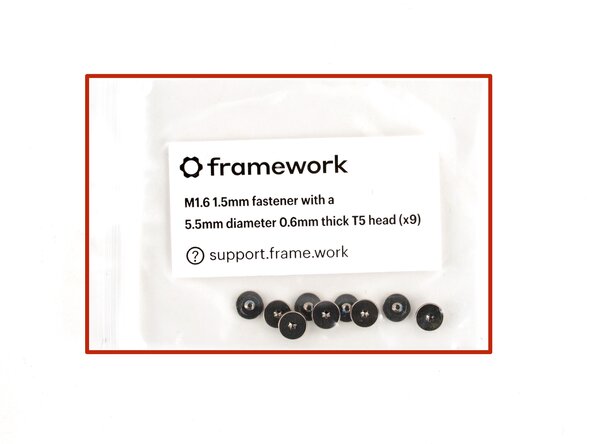
Grey screws labeled "M1.6 1.5mm fastener with a 5.5mm diameter 0.6mm thick T5 head"
-
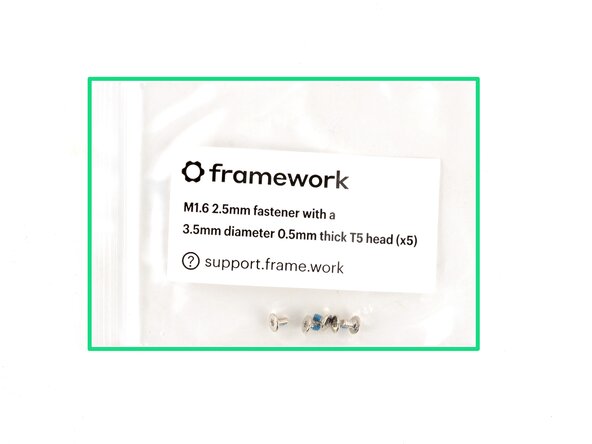
Silver screws labeled "M1.6 2.5mm fastener with a 3.5mm diameter 0.5mm thick T5 head"
-
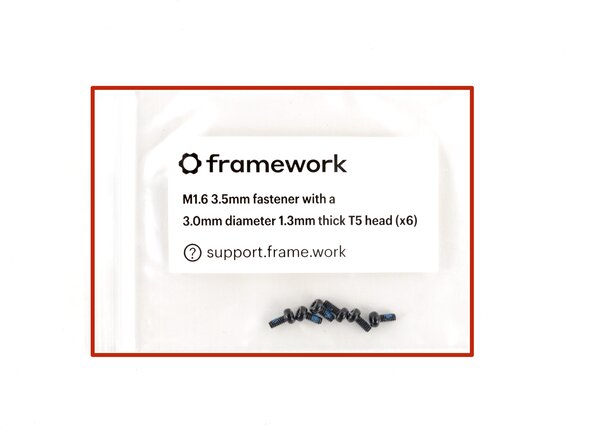
Black screws labeled "M1.6 3.5mm fastener with a 3.0mm diameter 1.3mm thick T5 head"
-
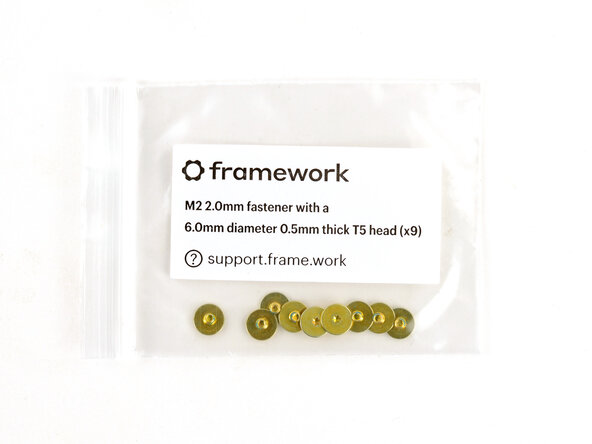
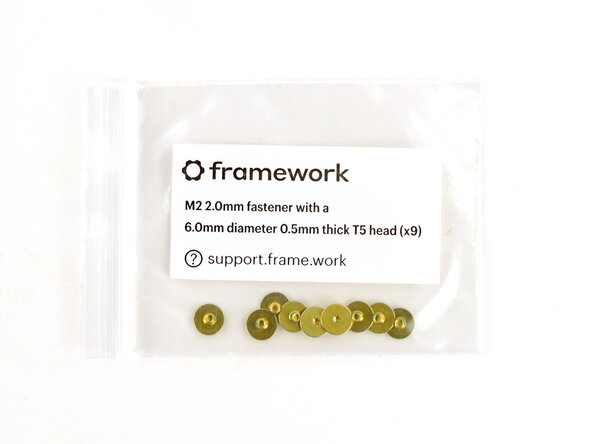
Gold screws labeled "M2 2.0mm fastener with a 6.0mm diameter 0.5mm thick T5 head"
-
Silver screws labeled "M2 2.8mm fastener with a 4.0mm diameter 0.5mm thick T5 head"
-
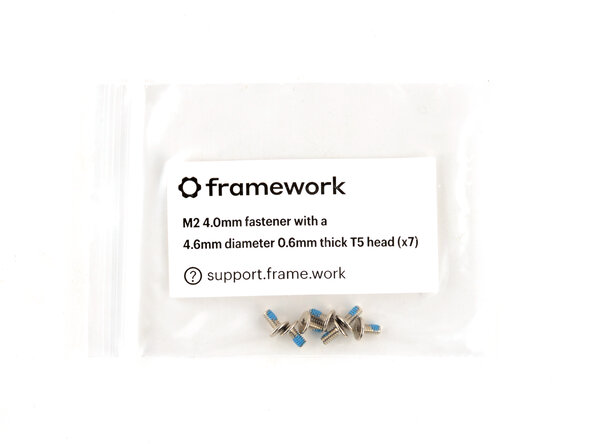
Silver screws labeled "M1.6 4.0mm fastener with a 4.6mm diameter 0.6mm thick T5 head"
 FixBotに聞いてみる
-
-
-
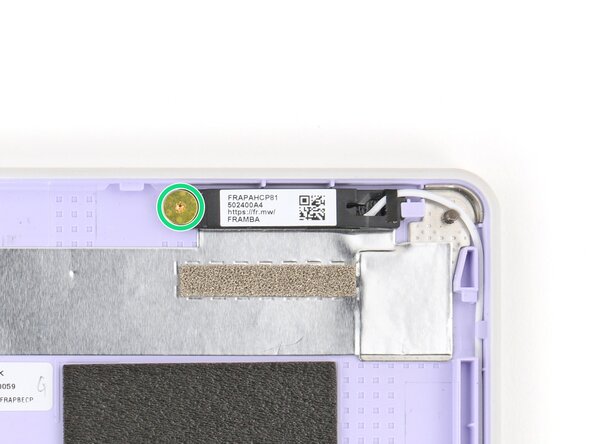
Use the gold screws labeled "M2 2.0mm fastener with a 6.0mm diameter 0.5mm thick T5 head" to secure the antennas.
-
-
-
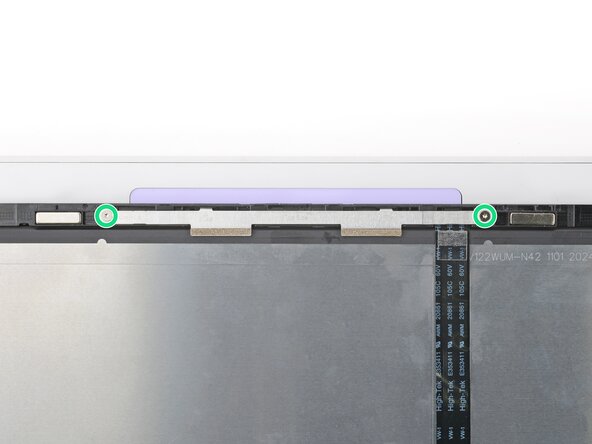
Use the silver screws labeled "M2 2.8mm fastener with a 4.0mm diameter 0.5mm thick T5 head" to secure the display.
-
-
-
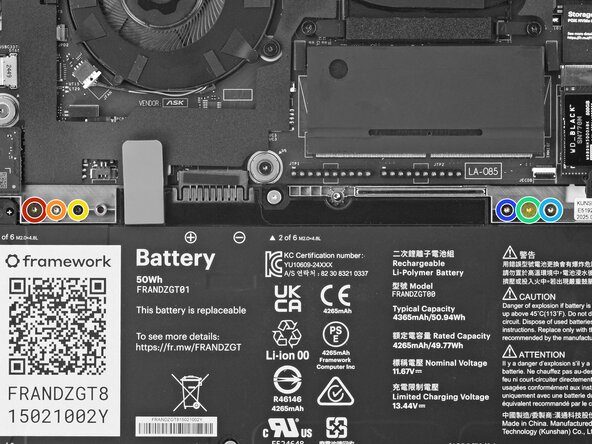
Use the black screws labeled "M1.6 3.5mm fastener with a 3.0mm diameter 1.3mm thick T5 head" to secure the Expansion Card latches.
-
Use the silver screws labeled "M1.6 2.5mm fastener with a 3.5mm diameter 0.5mm thick T5 head" to replace the Expansion Card lock screws.
-
-
-
-
Use the silver screws labeled "M2 4.0mm fastener with a 4.6mm diameter 0.6mm thick T5 head" to secure the hinges to the Bottom Cover.
-
-
-
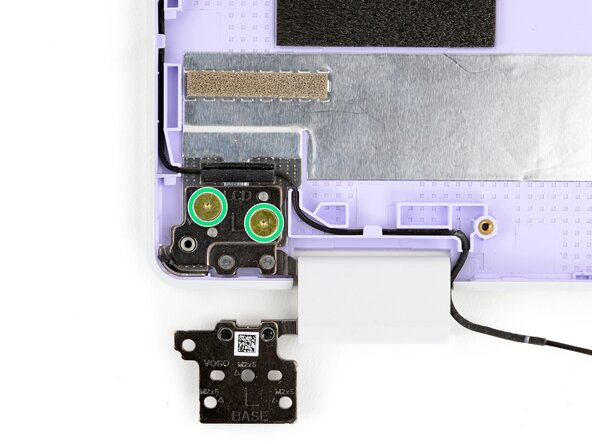
Use the gold screws labeled "M2 2.0mm fastener with a 6.0mm diameter 0.5mm thick T5 head" to secure the hinges to the Top Cover.
-
-
-
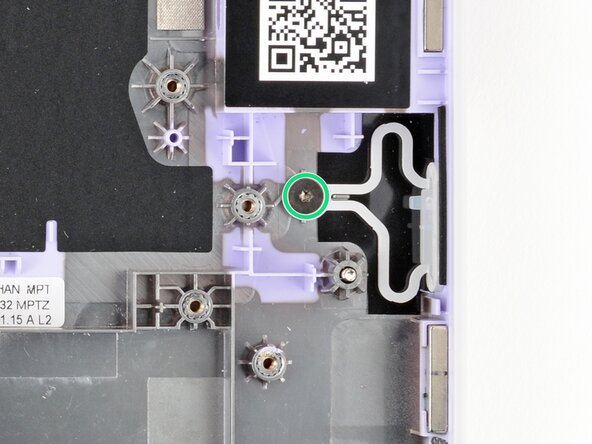
Use the grey screw labeled "M1.6 1.5mm fastener with a 5.5mm diameter 0.6mm thick T5 head" to secure the Power Button.
-
-
-
Use the black screw labeled "M1.6 3.5mm fastener with a 3.0mm diameter 1.3mm thick T5 head" to secure the SSD clip.
-
-
-
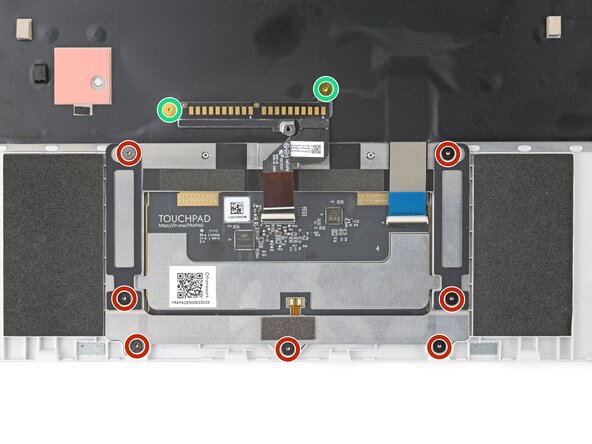
Use the grey screws labeled "M1.6 1.5mm fastener with a 5.5mm diameter 0.6mm thick T5 head" to secure the touchpad.
-
Use the gold screws labeled "M2 2.0mm fastener with a 6.0mm diameter 0.5mm thick T5 head" to secure the touchpad pogo connector.
-
-
-
Use the silver screws labeled "M2 2.8mm fastener with a 4.0mm diameter 0.5mm thick T5 head" to secure the webcam.
-

















If you need help, contact Framework support.

