はじめに
This guide will show you how to successfully replace an arm on the DJI Mini 2 drone, this will allow a drone with body damage to be repaired and fly again. This guide shows a front arm replacement, but the procedure is similar for the rear arms.
The drone arm stores the wires that connect the motors attached to the propellers and motors themselves. Damage to the drone arms can cause the drone have an unstable flight or ground the drone.
This guide requires the use of ESD-safe tools and a Soldering Kit. If you are new to soldering here is a guide to help you with this process.
必要な工具と部品
-
-
-
Face the DJI Mini 2 away from you so that you are looking at the charging ports.
-
Use your finger to open up the back panel.
 FixBotに聞いてみる
-
-
-
Pinch the locking mechanism on the battery to release the lock.
-
Pull the battery straight out of the compartment.
-
-
-
-
-
Unfold the wings of the drone.
-
Place the drone upside down on a flat surface.
-
-
-
Flip the drone back over.
-
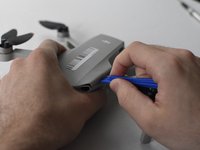
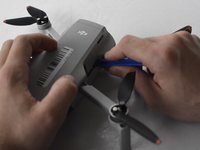
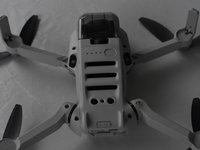
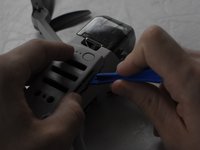
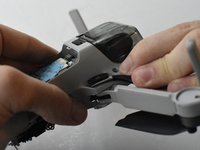
Use a combination of the opening tool and your fingers to pry open the top panel of the drone along the seams.
-
-
-
-
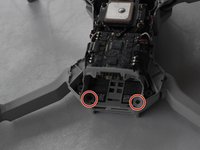
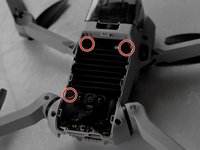
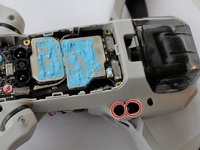
Remove the two 5 mm J000 screws located in the battery hatch and near the ports on the back of the drone.
-
-
-
Flip the drone over again.
-
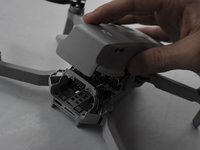
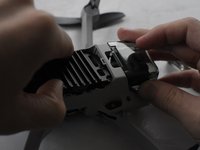
Pry off the bottom panel of the drone using the opening tools and your fingers.
-
-
-
-
この手順で使用する道具:Tweezers$4.99
-
Using ESD Safe Tweezers Blunt Nose, remove the two gray coaxial cables attached to the main board.
-
-
-
Using the ESD Safe Blunt Nose Tweezers, pull the two gray wires through the drone chassis to the other side.
-
-
-
Flip the drone over so that it is right-side up. Then, use a soldering kit to remove the black, red, and white cables from the motherboard.
-
-
-
Turn the drone back over so that it is right-side up.
-
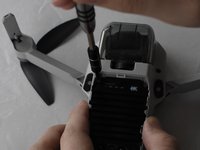
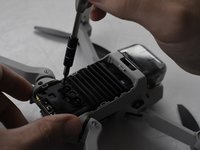
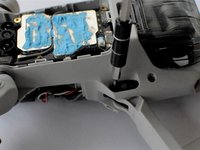
Remove the two 3.5mm J000 screws from the drone arm being replaced.
-
-
-
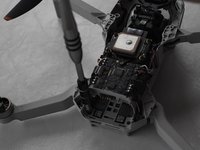
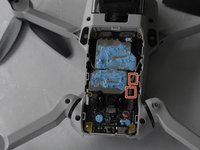
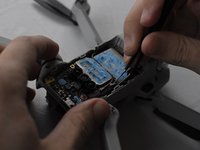
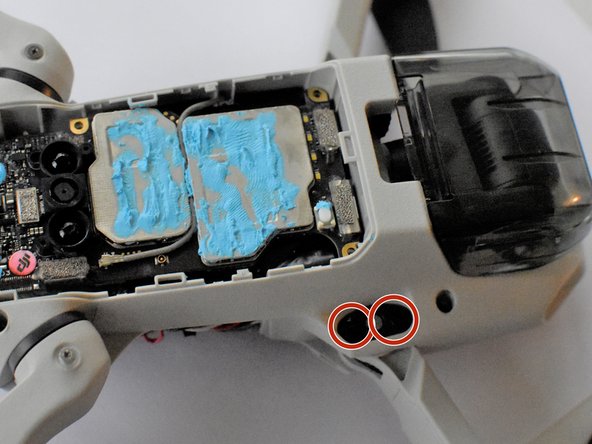
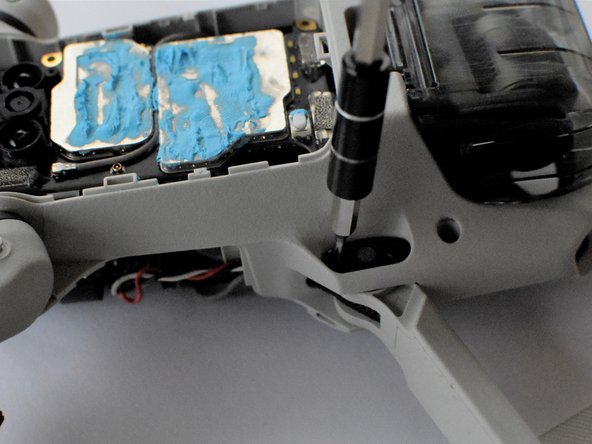
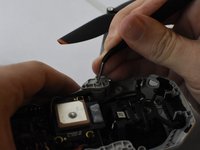
Flip the drone back over and use the tweezers to apply pressure to the pin of the drone arm.
-
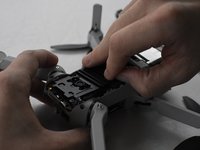
Turn the drone back over again and use the tweezers to pull out the drone arm pin.
-


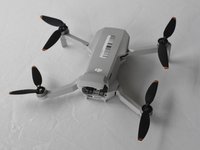
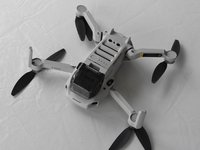


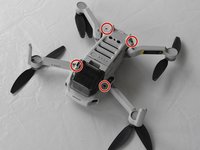
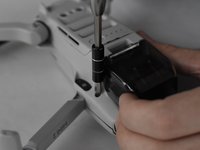

















To reassemble your device, follow these instructions in reverse order.
12 の人々がこのガイドを完成させました。

チーム

UMass Dartmouth, Team F-1, Gurgel Spring 2022 UMass Dartmouth, Team F-1, Gurgel Spring 2022人のメンバー
UMASSD-GURGEL-S22SFG1
2 メンバー
20のガイドは作成済み
4件のガイドコメント
complete and comprehensive guide, Easy to follow.
Only two small points of critique,
On step 5 It says "Use a combination of the opening tool and your fingers to pry open the top panel of the drone along the seams."
This seemed almost impossible to do withcout damaging the plastic.
I then found a youtube video that showcased that you can unclip a few lips inside the drone, this made the cover come off much easyer.
The video also showed an easyer whay to put the pint removed in step 14 back in.
Apart form these two tips, the guide is practically perfect
The video is by: J T
Kobe wauters - 返信 共有
Thanks that was just want i needed.
Great guide! Note that if you are replacing one of the rear arms of the drone, you can skip Steps 6 to 11. Since the rear arms don't contain any radio antennae (only the front arms do), there is no need to access/disconnect those grey coax cables or to remove bottom panel at all. (You might only risk messing up the thermal paste and cause heat issues in longer flights.)
So if you're replacing one of the rear arms, once you removed the top panel (Step 5) you can get soldering right away (Step 13).
Hope that's useful to someone. Great walkthrough though!
I need a new back right arm and motor! Where can I buy it? Thanks for rhenpost
