はじめに
Are you experiencing noise distortion and reduced sound quality in your device? If so, follow this guide to help replace the driver in your Anker Soundcore Space One headphones.
A headphone driver is the transducer element responsible for converting electrical signals into sound waves. It typically consists of a diaphragm that moves to create sound, and it plays a crucial role in determining the overall sound quality of headphones. A failing driver can cause your device to have distorted or unbalanced sound, loss of bass response, and muffled sound in general.
Before using this guide, make sure to review the troubleshooting page about audio distortion. There could be many other easy-to-fix things in this device that don't require changing the driver.
必要な工具と部品
-
-
-
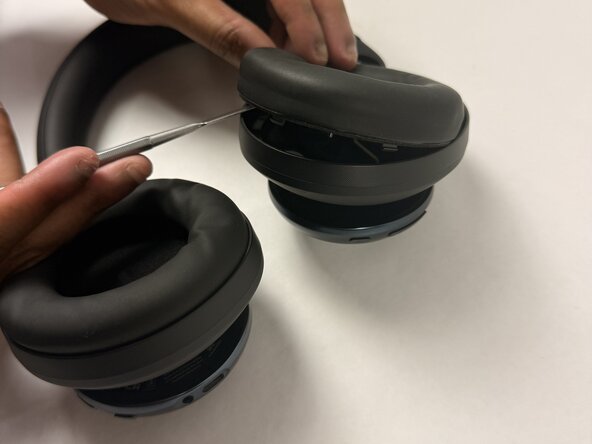
Insert a spudger (plastic or metal) between the ear pad and the driver housing (the driver housing is the outside plastic part of ear cup).
-
Pry around the ear pad in a circular path until it fully releases.
-
-
-
-
-
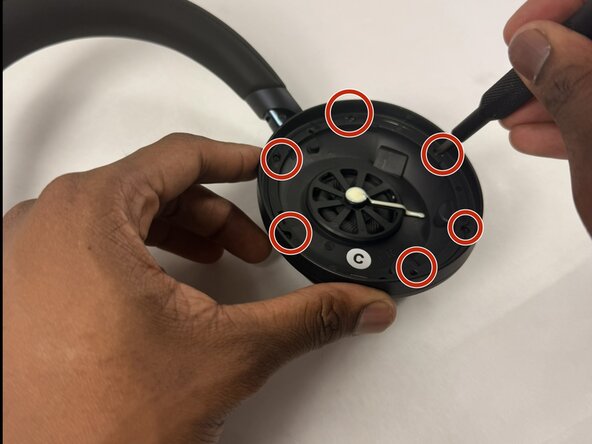
Position the inside of the driver housing facing up (without the ear pad).
-
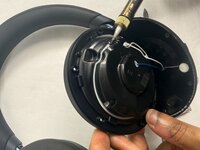
Unscrew the six 6.1 mm Phillips #00 screws from the driver housing.
-
-
-
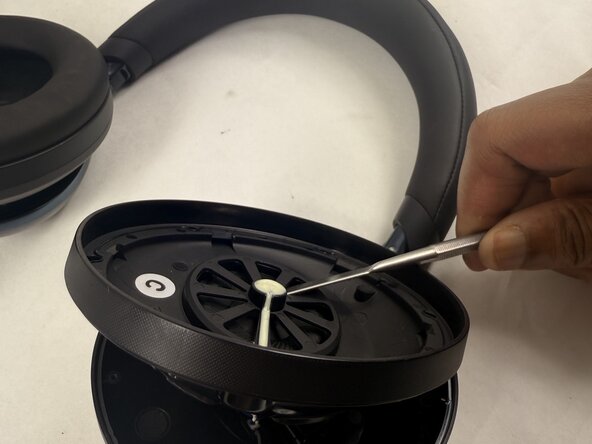
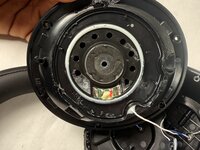
Pry around the interior plate of the driver housing with a spudger.
-
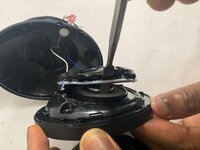
Carefully lift out the interior plate of the driver housing with a spudger to fully remove it.
-
-
-
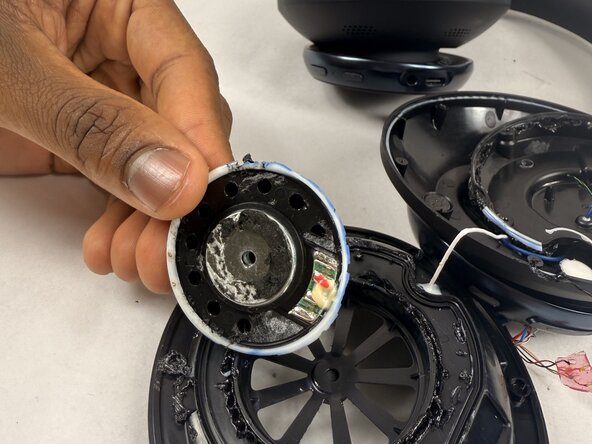
Flip the popped-off plate component away from the ear cup.
-
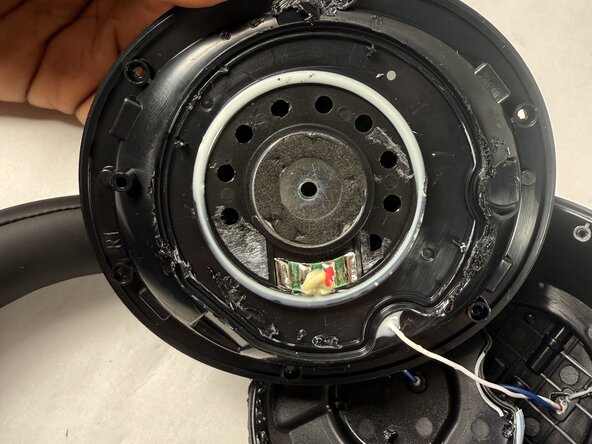
Use a soldering iron in a circular path along with the seam of the glue (white lining) to separate the two components that are glued together.
-
Pop off this component once it has detached from the glue (a spudger may be needed for this).
-
-
-
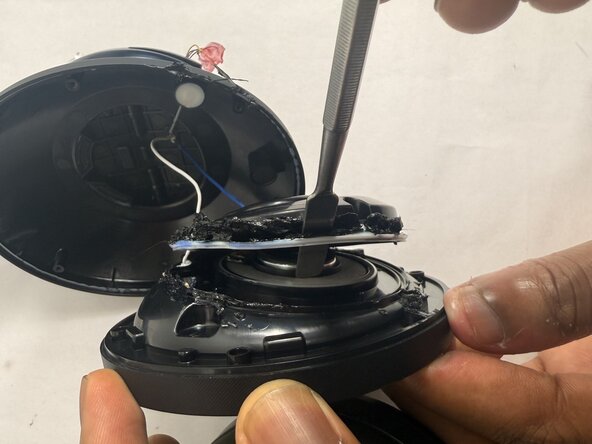
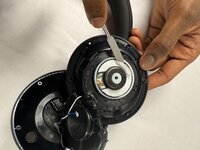
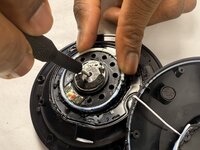
Insert a Phillips #00 screwdriver into the hole in the metal center of the actual driver.
-
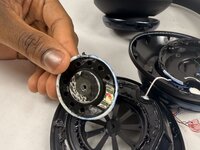
Pop off the driver component.
-
-

 FixBotに聞いてみる







To reassemble your device, follow the above steps in reverse order.
Take your e-waste to an R2 or e-Stewards certified recycler.
Repair didn’t go as planned? Try some basic troubleshooting or ask our Answers community for help.

チーム

UMass Dartmouth, Team 2-3, Botvin Spring 2025 UMass Dartmouth, Team 2-3, Botvin Spring 2025人のメンバー
UMASSD-BOTVIN-S25S2G3
3 メンバー
19のガイドは作成済み
1件のガイドコメント
Unfortunately, the newer ones have the inner plate (the baffle) SEALED to the underlying frame. There is no spudge in the world that'll get it off without breaking it - I've tried and tried :-(
Tony Cafazzo - 返信 共有
