はじめに
Is the battery in your Anker Soundcore Motion 3000 overheating, depleting fast, or overall needs to be changed? This guide will show you how to replace the battery in your Anker Soundcore Motion 3000 Bluetooth speaker.
Check the troubleshooting pages first to confirm that your speaker needs a new battery.
Before beginning this repair, make sure to power off your speaker and unplug it from the charger.
必要な工具と部品
-
-
-
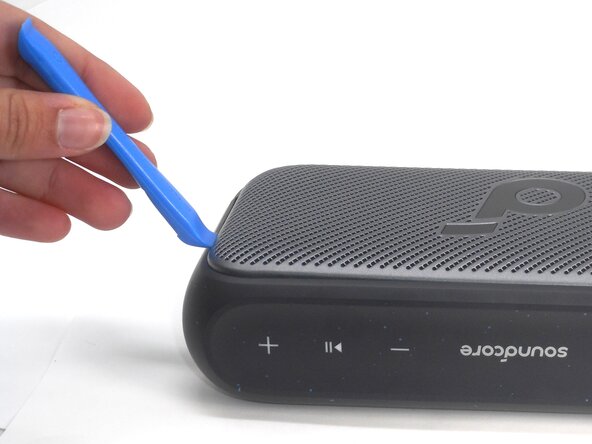
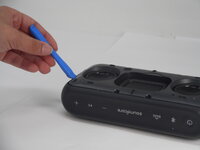
Insert an opening tool into a seam between the grille and chassis.
-
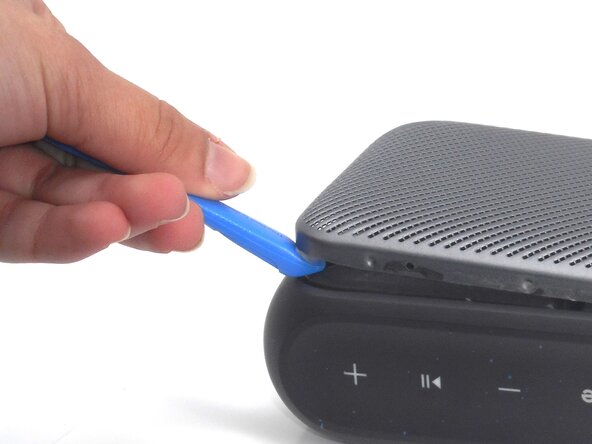
Gently pry the grille up to begin disengaging the retaining clip.
-
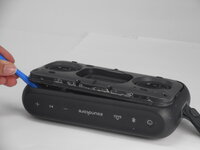
Once a corner starts to lift, slowly slide the tool along the edge to loosen more of the grille.
 FixBotに聞いてみる
-
-
-
-
-
-
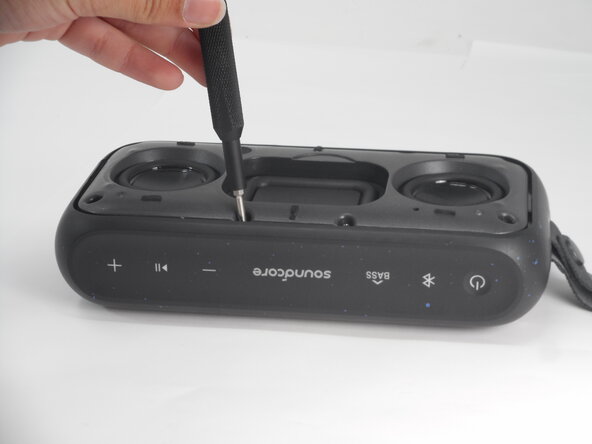
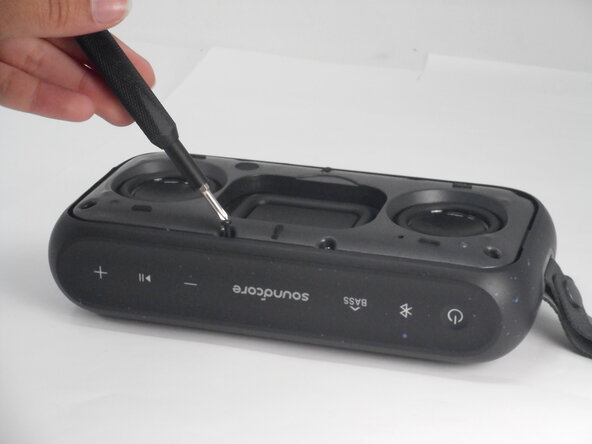
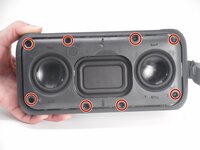
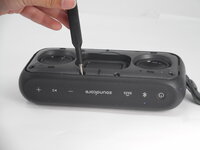
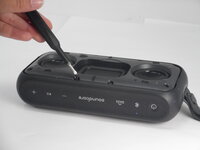
Use a Phillips #0 screwdriver to remove all eight 11.5 mm screws that secure the driver housing.
-
-
-
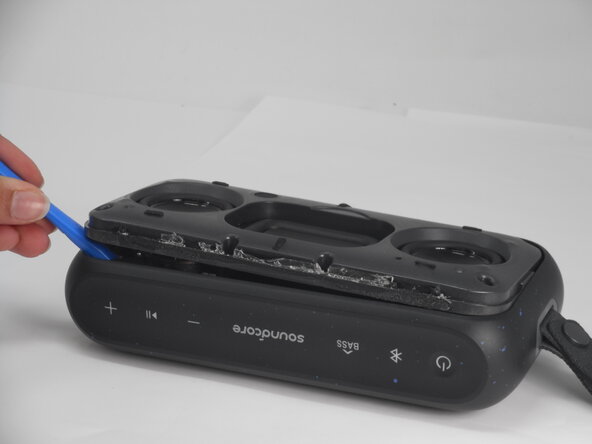
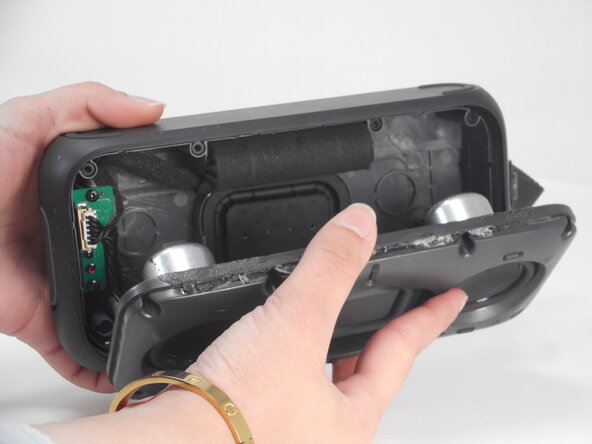
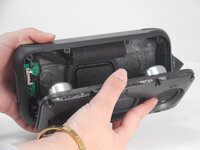
Use an opening tool to pry up the speaker housing.
-
Set the speaker housing beside the speaker, with care not to strain the cables connected to the drivers.
-
-
-
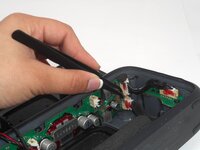
Use tweezers to remove the sealant that secures the battery connector.
-
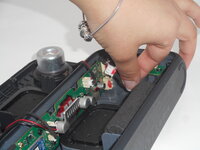
Pull the battery connector directly out of its port.
-
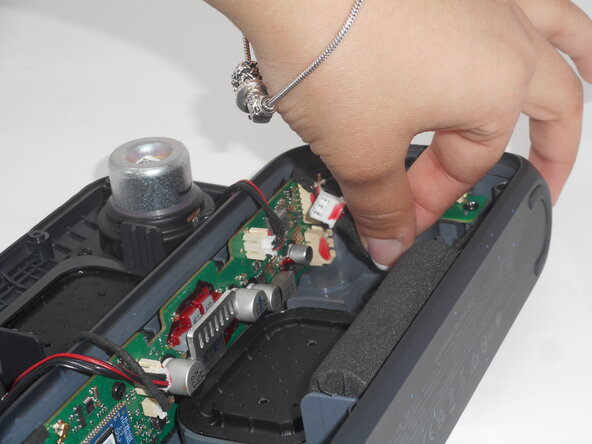
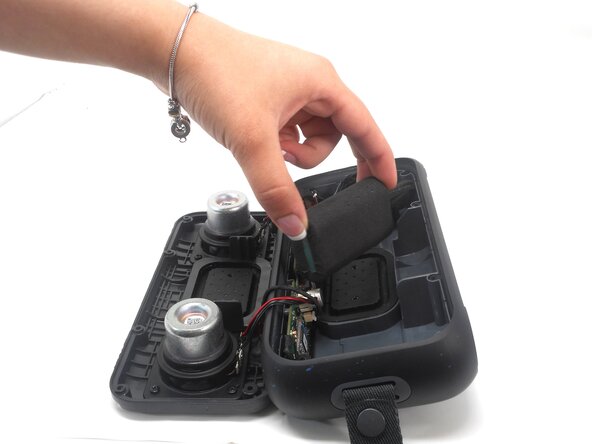
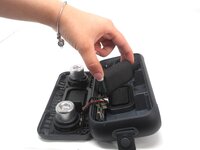
Lift the battery up and out of the chassis.
-
-







To reassemble your device, follow the above steps in reverse order.
For optimal performance, after completing this guide, calibrate your newly installed battery.
Take your e-waste to an R2 or e-Stewards certified recycler.
Repair didn’t go as planned? Try some basic troubleshooting or ask our Answers community for help.
ある他の人がこのガイドを完成しました。

チーム

University of Memphis, Team 1-2, Sneed Spring 2025 University of Memphis, Team 1-2, Sneed Spring 2025人のメンバー
UM-SNEED-S25S1G2
4 メンバー
12のガイドは作成済み
