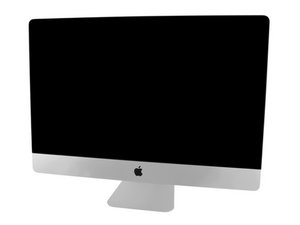

OEM hard drive replacement
What is the Kit for an OEM hard drive replacement
評価: 502.5千
 35
35
 347
347
 977
977
Is this what you are looking for? SATA HDD to SSD upgrade or PCIe/NVMe Blade SSD upgrade
And here's the two guides:
The HDD drive swap-out is the easiest to do, but the Blade SSD offers better performance.
Do keep in mind if you have a Fusion Drive you have both drives present! And you will need to disable the Fusion Caching SSD (Blade Drive) otherwise you'll encounter issues as it wants to join the fun which you don't want!
The easiest way to disable it is once you have the system running open Disk Utility and make sure you select show all volumes so the hidden Cache drive can be selected and reformat it deleting it fully. Is mostly a useless drive as it's too small to effectively hold the OS.

製品
$146.99

製品
$249.99
このアンサーは役に立ちましたか?
過去 24時間: 0
過去 7 日: 1
過去 30 日: 9
今までの合計 128

