メインコンテンツにスキップ
リペアコミュニティに参加 - アカウントの作成

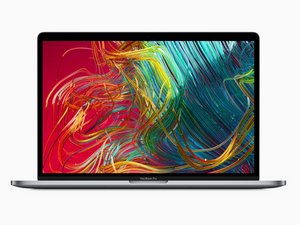
モデル番号A1990。2019年5月発売。6コアもしくは8コアプロセッサのオプション付き。

Why is my trackpad stiff?

I got this MacBook today second hand and the battery is fine, so I'm pretty sure it isn't an issue with bloating. The click registers and works, but even on the firm setting, it feels quite light and not how a proper click should feel. I compared it with another 2019 MacBook Pro, and that one was fine. Is the issue with the trackpad itself? Thanks

回答がありました! 回答を表示 同じ問題があります

この質問は役に立ちましたか?

スコア 0
コメントを追加

1 件の回答

ベストアンサー

The trackpad control logic is on the backside of the trackpad unit. I had to replace one due to tracking issues. The click action is a bit different as the same sensor surface reacts a bit differently as you compress it. I'm sure your trackpad suffered some damage likely a liquid spill that got onto the back side.

Here's the the needed park MacBook Pro 15" Retina (Late 2016-2019) Trackpad and here's the guide MacBook Pro 15" Touch Bar 2019トラックパッドの交換. This is one of the easiest to replace as you don't need to remove the battery.

Replace a damaged or malfunctioning trackpad compatible with a Late 2016 to 2019 model MacBook Pro 15" with Retina Display and Touch Bar.の画像

製品

MacBook Pro 15" Retina (Late 2016-2019) Trackpad

$54.99

このアンサーは役に立ちましたか?

スコア 0
コメントを追加

回答を追加する

Ryzobyte さん、ありがとうございました!
統計データ:

過去 24時間: 0

過去 7 日: 1

過去 30 日: 20

今までの合計 172
