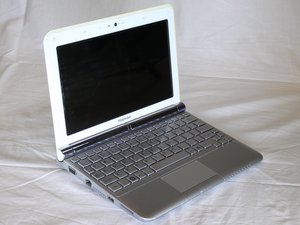

Help! My computer will not turn on.
I pressed the power button and the computer didn't turn on.
この質問は役に立ちましたか?
スコア
1
評価: 307
 10
10
 3
3
 2
2
I pressed the power button and the computer didn't turn on.
この質問は役に立ちましたか?
評価: 377
9
1
1
You should look at your battery charger to make sure it is connected to the outlet. If you do that and still the power is off, it might be the time to change the battery! Place laptop upside down with the battery facing you. Move latch 1 to the right to unlock battery. Hold latch 2 to the left and simultaneously take the battery out with your opposite hand. You can find more information in this link : Toshiba NB305 Troubleshooting
このアンサーは役に立ちましたか?
過去 24時間: 0
過去 7 日: 0
過去 30 日: 4
今までの合計 384

