

問題
The display on my wife's old MacBook would darken to a black screen at the worst possible moment. The iFixit site helped me figure out it was the Display Inverter. I ordered the parts but didn't get to the task until three months later.
修理
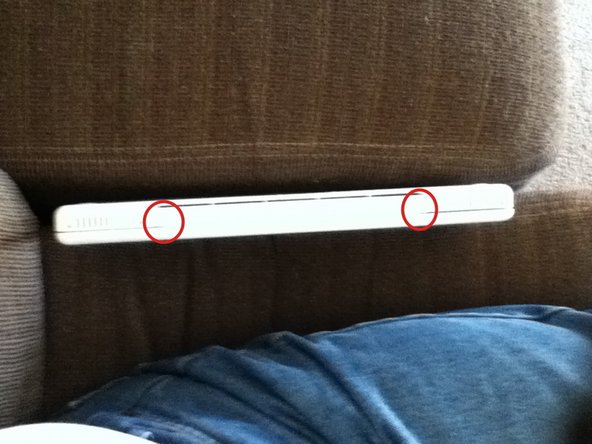
At first I felt a bit intimidated by the nearly 50 steps for tear-down, but I dove in with confidence. An ice cube tray held the little screws I removed and kept them in order. After two hours, the MacBook was running once again. Now that I've used it for the past month, the symptoms are gone. But, two minor problems remain. (1) the back side of the hinge now has bulging corners (see images) - a reassembly error, and (2) when the angle of the display gets to about 80°, it goes to sleep - the internal switch that triggers display sleep is probably just a bit out of position. The repair was a success.
アドバイス
I would have appreciated a "heads-up" with the addition of a comment in the directions when the hinge is removed regarding its reassembly. How do you avoid bulging corners?


0 件のコメント