

問題
My MBP15 had the too much thermal paste problem, with constant 6krpm fans running. And, consequently the left fan was worn out, sounding like a two-stroke chainsaw. Worse, it never revved up beyond 2500rpm, so heat became an issue. 103° C on the CPU is Not Good.
修理
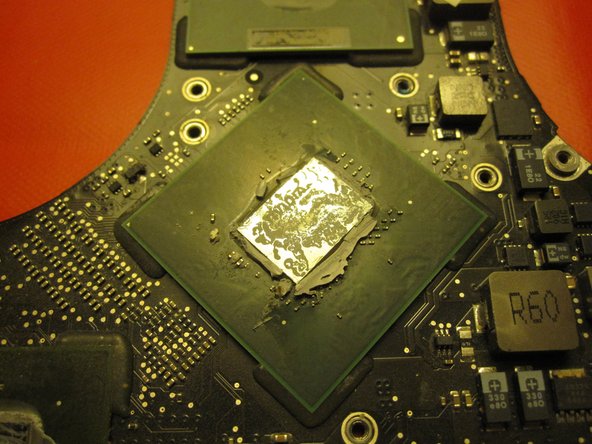
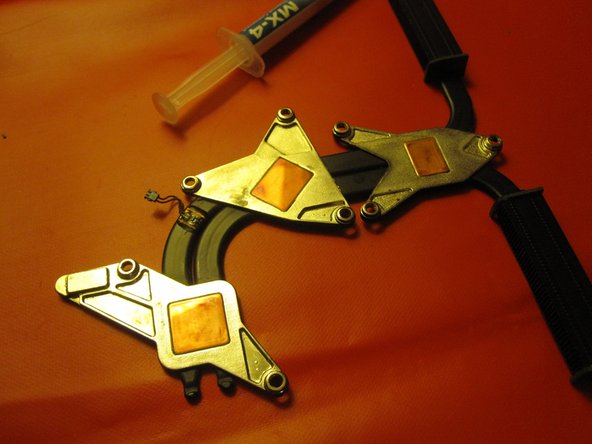
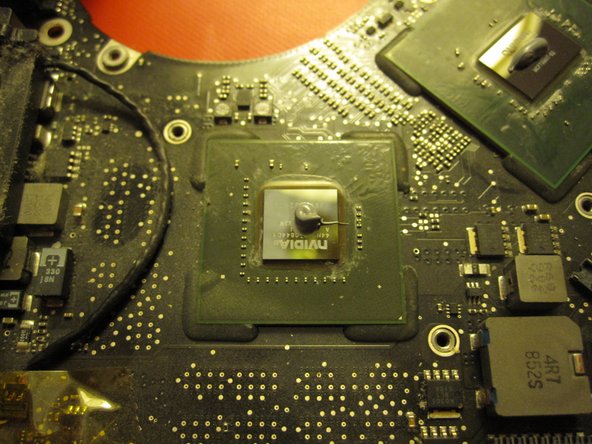
Opening the case and getting the fans out was a breeze. I was amazed at the amount of connections to the system planar (sorry, a bit of IBM-speak there) but the guide was thorough and the pro toolkit had my prying needs taken care of. The top side of the systemboard was very dusty. Taking off the CPU cooler assembly was simple, and revealed caked thermal paste that had been squeezed out over the edges of the [CG]PU devices. Cleaning the surfaces with a Plastic Opening Tool first and then lint-free paper and alcohol made them shiny and clean. Re-applying thermal paste in sensible amounts, evenly spread out and screwing the system back together made for some improvement in thermal managment; and together with the fans I've got an usable computer again.
アドバイス
I used a plastic ice-cube mold to hold the small screws, with one partition per guide step / screw type.
Be careful with the screws holding the thermal conductor; the springs come off.
Less is usually better with thermal paste.


0 件のコメント