この翻訳は機械によって生成されたものであり、まだ人間による校正は行われていません。 日本語を話せますか? レビューはこちらから。
はじめに
この修理ガイドを使用して、電源ボタンの電子パーツと、それに取り付けられている環境光センサーおよび近接センサーを交換してください。
必要な工具と部品
-
-
-
-
プラスチック製オープニングツールの先端を使い、ロジックボードのソケットからバッテリーコネクタを慎重に上にこじ開けます。
-
アンテナコネクタを覆っている金属製のカバーを取り外します。
-
-
-
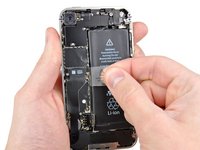
露出した透明なプラスチックのプルタブを上に引き、バッテリーを固定している接着剤からバッテリーを剥がします。
-
端末内にアルコールが残っている場合は、新しいバッテリーを取り付ける前に慎重に拭き取るか、自然乾燥させてください。
-
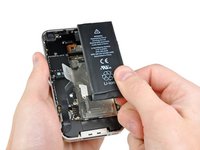
バッテリーを取り外します。
-
再組み立ての前に、金属同士の接触部分をガラスクリーナーなどの脱脂剤で清掃してください。指の油分が無線干渉の問題を引き起こす可能性があります。
-
再組み立て後にハードリセットを実行してください。これにより、いくつかの問題を未然に防ぎ、トラブルシューティングを簡略化できます。
-
-
-
-
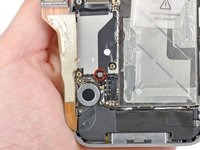
ドックコネクタケーブルをロジックボードに固定している1.8 mmのプラスネジ2本を取り外します。
-
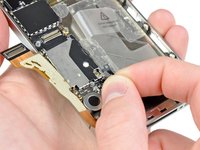
薄い金属製のドックコネクタケーブルカバーを取り外します。
-
-
-
-
プラスチック製オープニングツールの先端を使って、アンテナケーブルをロジックボードのソケットから上にこじ開けます。
-
ロジックボードに取り付けられている金属製のフィンガーの下から、アンテナケーブルを引き抜きます。
-
-
-
-
-
iPhoneの上端に近い端から、ケーブルカバーを持ち上げる。
-
ロジックボードのEMIシールドに切り込まれたスロットからケーブルカバーのタブを引き抜き、iPhoneから取り外す。
-
-
-
-
ロジックボード上部付近にある5本のケーブルを、以下の順序で取り外します:
-
ヘッドフォンジャック/音量ボタンケーブル
-
電源ボタンケーブル
-
フロントカメラケーブル
-
デジタイザーケーブル
-
ディスプレイケーブル
-
ケーブルを取り外す際は、オープニングツールの先端を使ってコネクタを優しく持ち上げ、ロジックボードのソケットから引き抜きます。
-
-
この手順で使用する道具:Standoff Screwdriver for iPhones$5.49
-
電源ボタン近くのロジックボードを固定している2.5 mmプラスネジ(#000)を取り外します。
-
ヘッドフォンジャック近くの4.8 mmスタンドオフネジを取り外します。
-
-
-
バイブレーター付近にある3.4 mmのプラスネジを外します。
-
バッテリー開口部に最も近いロジックボードの側面に沿って、2本の3.6 mmスタンドオフネジを外します。
-
-
-
-
-
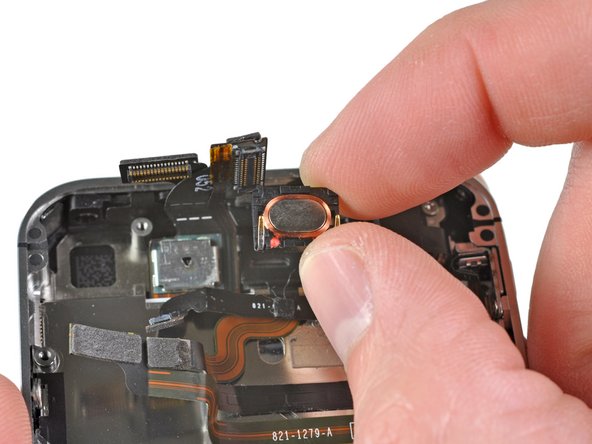
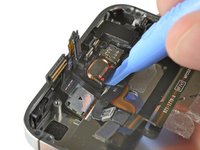
プラスチック製オープニングツールの先端を使って、イヤホンスピーカーをiPhoneに固定しているフォーム接着剤から剥がします。
-
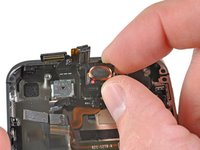
イヤホンスピーカーを取り外します。
-
-
-
-
-
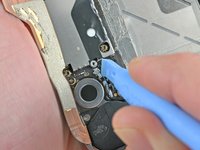
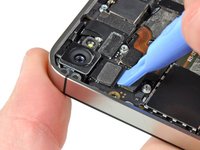
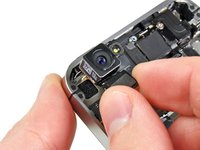
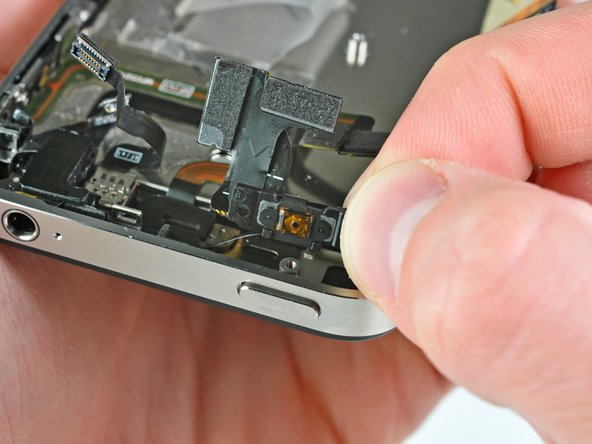
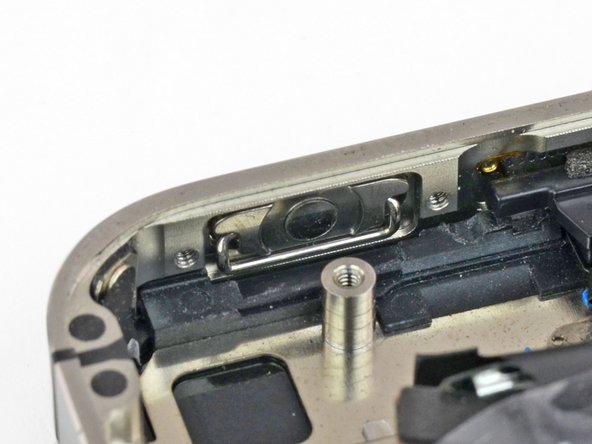
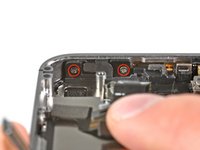
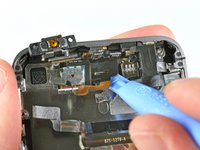
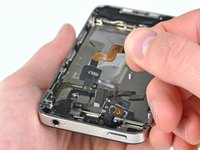
電源ボタンブラケットを外装ケースに固定している2.0 mmのプラスネジ2本を取り外します。
-
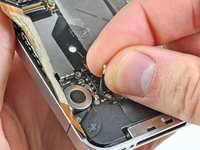
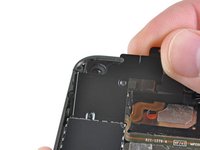
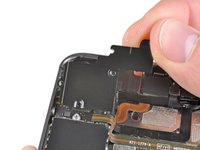
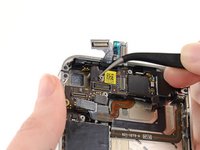
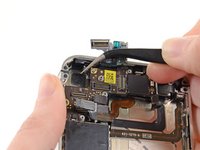
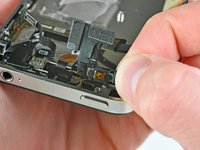
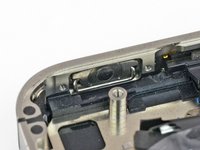
電源ボタンケーブルブラケットを外装ケースから少し浮かせます。
-
-

 FixBotに聞いてみる


















デバイスを再組み立てするには、これらのインストラクションを逆の順番に従って作業を進めてください。
84 の人々がこのガイドを完成させました。

3件のガイドコメント
My power button quit working. I bought the cable assembly and replaced it per these instructions. Everything seemed to work at first but later I noticed my phone kept trying to shut itself off. Any ideas what is causing this? It only seems to occur after I use the power button. It is almost as if it is getting stuck down.
Please remove your screen first, before replacing power button or sensor cable. I advise you to not dare attempt to remove those Step 25 screws (power button cable bracket ) while screen is mounted.
It is too risky! Display's ribbon cable interferes with driver access to these screws. While driving these screws, I unknowingly broke my display cable. It is actually a delicate circuit, not just a simple flexible ribbon. If I knew just how delicate is display cable, then I would not have ventured to perform this replacement. (In my case, only proximity sensor was not working; power and and ambient light sensor were both functioning. In my case, it was not worth breaking a pricy screen for sake of a cheap sensor.)
With a broken screen cable, iPhone endlessly repeats a diagnostic sound or vibration.
iPhone endlessly repeats the "power supply accepted" sound or vibration
