はじめに
This guide will help you replace the back camera in your ZTE Prestige 2. Before you start, check out our troubleshooting page that will help you decipher any basic problems before taking your device apart. Some reasons you may need to conduct this replacement is because the back camera may be scratched and/or cracked, therefore, making pictures blurry or spotting. Before beginning, make sure to power off your device completely and disconnect from any external power source.
必要な工具と部品
-
-
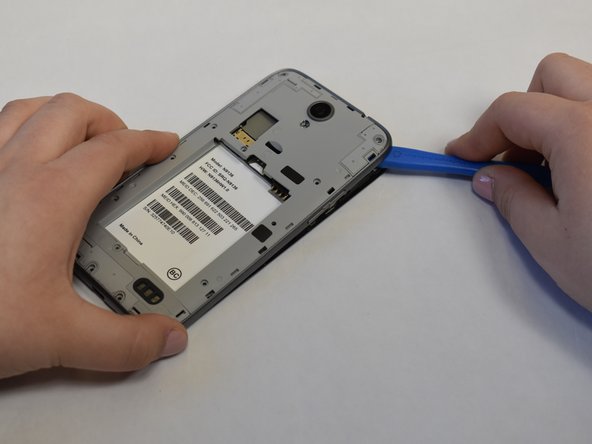
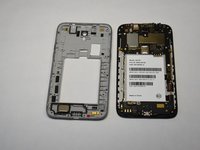
Use the iFixit opening tool to open up the device by wedging the tool under the back case and popping it open.
 FixBotに聞いてみる
-
-
-
-
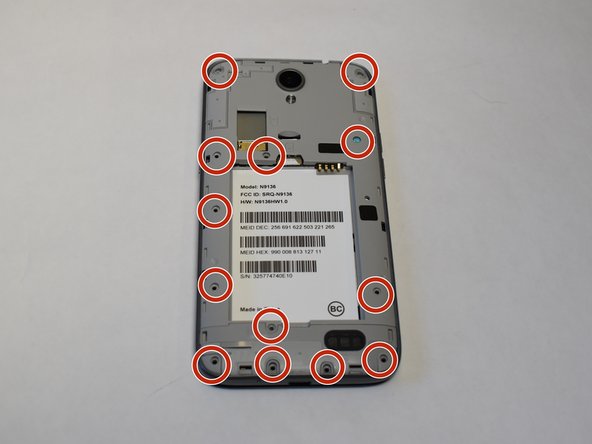
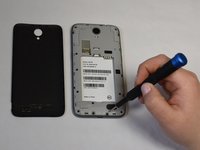
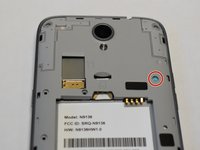
Use a Phillips #00 screwdriver to unscrew all 12 of the 3 mm Phillips screws located along the edges of the device’s back panel, as well as the blue 3mm Phillips screw labeled “ZTE” located towards the top right.
-
-
-
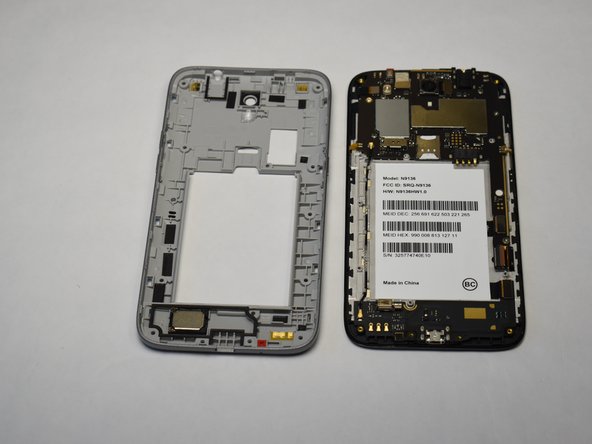
Then use the iFixit opening tool and wedge it under the grey back panel and pop it off.
-
-
-
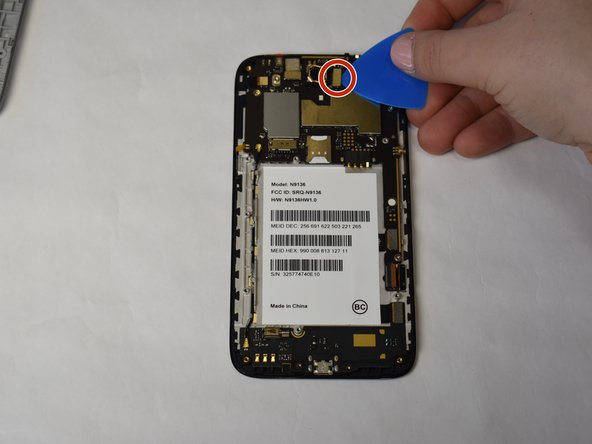
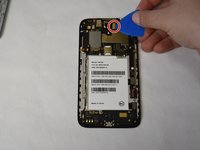
Use the iFixit opening pick and wedge it under the press fit connector beside the camera located at the top center of the device to pop it off.
-
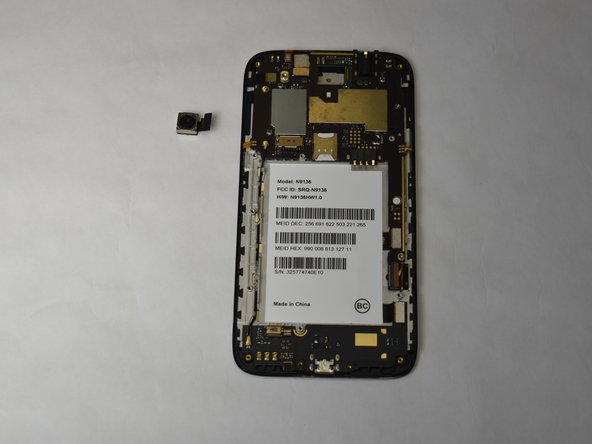
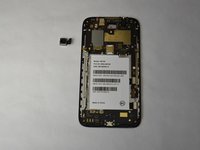
Remove the camera.
-





To reassemble your device, follow these instructions in reverse order.

チーム

UW Stout, Team S1-G4, Schneider-Bateman Spring 2020 UW Stout, Team S1-G4, Schneider-Bateman Spring 2020人のメンバー
UWSTOUT-SCHNEIDER-BATEMAN-S20S1G4
3 メンバー
28のガイドは作成済み
