メインコンテンツにスキップ
リペアコミュニティに参加 - アカウントの作成

Sonos One Tweeter Diaphragm Repair/ Replacement

必要な工具と部品

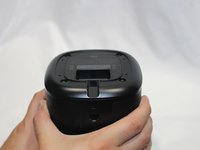
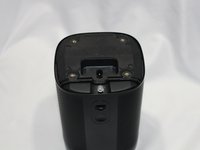
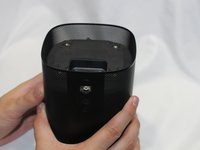
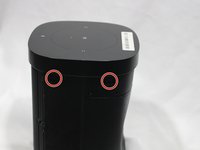
  1. Sonos One Tweeter Diaphragm Repair/ Replacement, Protective Cover: 手順 1、 3の画像 1 Sonos One Tweeter Diaphragm Repair/ Replacement, Protective Cover: 手順 1、 3の画像 2 Sonos One Tweeter Diaphragm Repair/ Replacement, Protective Cover: 手順 1、 3の画像 3
    • Disconnect all power cords.

    • Remove the rubber foot and plastic screw guard on the bottom of the device using a plastic opening tool.

    • Note: the rubber foot and plastic screw guard can be removed as one piece to make reassembly easier

    FixBotに聞いてみる
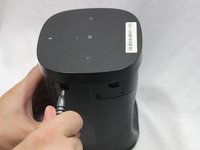
  2. Sonos One Tweeter Diaphragm Repair/ Replacement: 手順 2、 3の画像 1 Sonos One Tweeter Diaphragm Repair/ Replacement: 手順 2、 3の画像 2 Sonos One Tweeter Diaphragm Repair/ Replacement: 手順 2、 3の画像 3
    • Remove the four 10mm Torx T10 screws from the bottom of the speaker.

    FixBotに聞いてみる
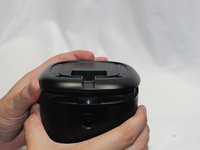
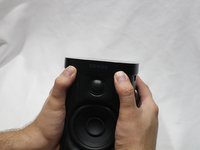
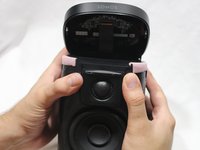
  3. Sonos One Tweeter Diaphragm Repair/ Replacement: 手順 3、 2の画像 1 Sonos One Tweeter Diaphragm Repair/ Replacement: 手順 3、 2の画像 2
    • Remove the bottom cover by squeezing the protective cover slightly while pushing up with your fingers.

    FixBotに聞いてみる
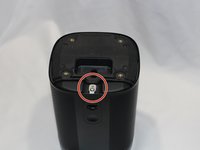
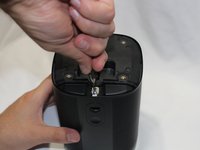
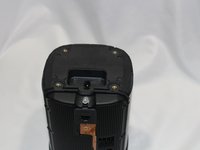
  4. Sonos One Tweeter Diaphragm Repair/ Replacement: 手順 4、 3の画像 1 Sonos One Tweeter Diaphragm Repair/ Replacement: 手順 4、 3の画像 2 Sonos One Tweeter Diaphragm Repair/ Replacement: 手順 4、 3の画像 3
    • The protective cover clip is very thin and deforms easily.

    • Remove the single 8mm Torx T10 screw and protective cover clip.

    FixBotに聞いてみる
  5. Sonos One Tweeter Diaphragm Repair/ Replacement: 手順 5、 2の画像 1 Sonos One Tweeter Diaphragm Repair/ Replacement: 手順 5、 2の画像 2
    • Slide the protective cover upwards to remove.

    FixBotに聞いてみる
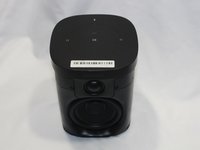
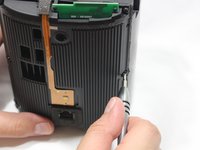
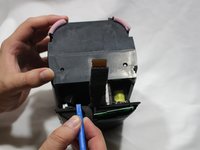
  6. Sonos One Tweeter Diaphragm Repair/ Replacement, Control Panel & Microphone: 手順 6、 3の画像 1 Sonos One Tweeter Diaphragm Repair/ Replacement, Control Panel & Microphone: 手順 6、 3の画像 2 Sonos One Tweeter Diaphragm Repair/ Replacement, Control Panel & Microphone: 手順 6、 3の画像 3
    • Use the pointed end of a spudger to remove the covers that hide the screws.

    • Remove the four 9mm Torx T8 screws from around the perimeter of the control panel.

    FixBotに聞いてみる
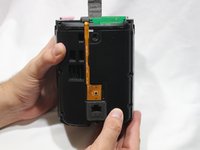
  7. Sonos One Tweeter Diaphragm Repair/ Replacement: 手順 7、 2の画像 1 Sonos One Tweeter Diaphragm Repair/ Replacement: 手順 7、 2の画像 2
    • With the front of the unit facing you, lift the control panel up using your thumbs.

    • There's a ribbon cable attaching the control panel to the speaker so work slowly.

    FixBotに聞いてみる
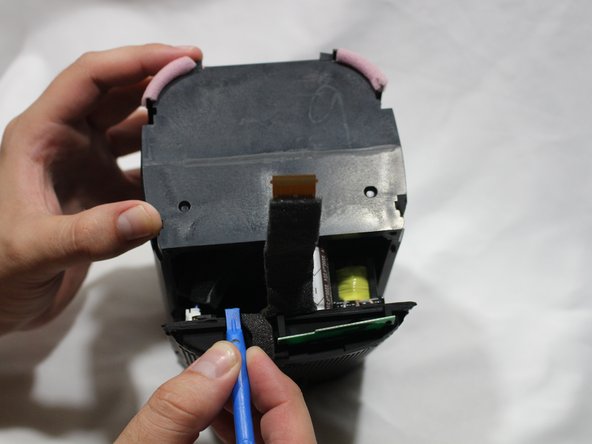
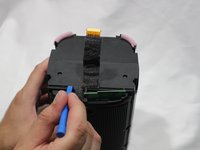
  8. Sonos One Tweeter Diaphragm Repair/ Replacement: 手順 8、 3の画像 1 Sonos One Tweeter Diaphragm Repair/ Replacement: 手順 8、 3の画像 2 Sonos One Tweeter Diaphragm Repair/ Replacement: 手順 8、 3の画像 3
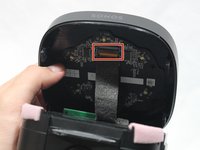
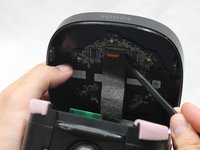
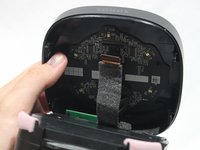
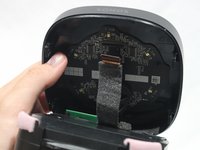
    • Use a spudger to flip up the retaining flap on the control panel ribbon cable ZIF socket.

    • Pull the control panel ribbon cable out of its socket.

    FixBotに聞いてみる
  9. Sonos One Tweeter Diaphragm Repair/ Replacement: 手順 9、 2の画像 1 Sonos One Tweeter Diaphragm Repair/ Replacement: 手順 9、 2の画像 2
    • Pull the control panel away from the speaker to separate.

    FixBotに聞いてみる
  10. Sonos One Tweeter Diaphragm Repair/ Replacement, Power Adapter Receptacle: 手順 10、 3の画像 1 Sonos One Tweeter Diaphragm Repair/ Replacement, Power Adapter Receptacle: 手順 10、 3の画像 2 Sonos One Tweeter Diaphragm Repair/ Replacement, Power Adapter Receptacle: 手順 10、 3の画像 3
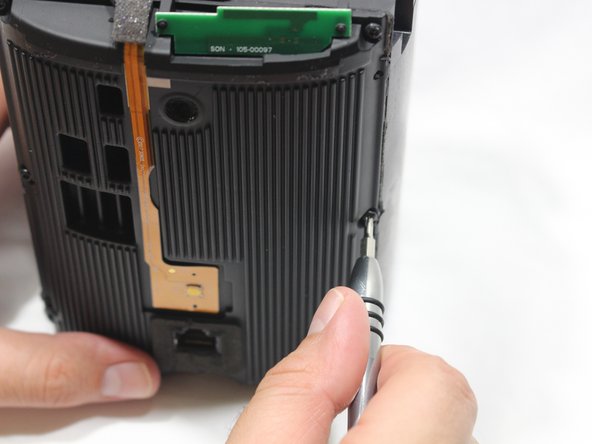
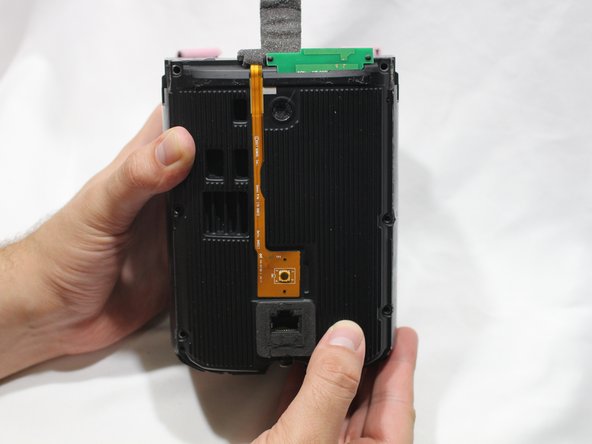
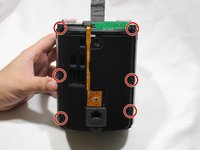
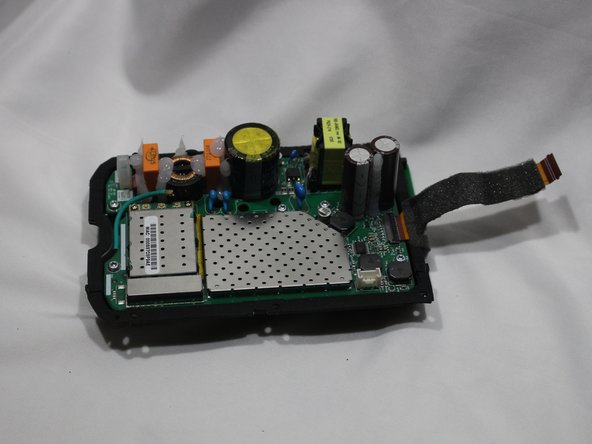
    • Remove the six 9mm Torx T8 screws from the motherboard panel.

    FixBotに聞いてみる
  11. Sonos One Tweeter Diaphragm Repair/ Replacement: 手順 11、 2の画像 1 Sonos One Tweeter Diaphragm Repair/ Replacement: 手順 11、 2の画像 2
    • Using a plastic opening tool, separate the motherboard from the speaker.

    FixBotに聞いてみる
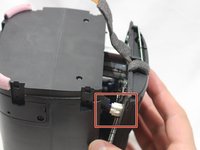
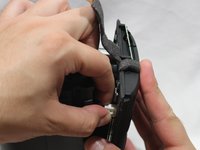
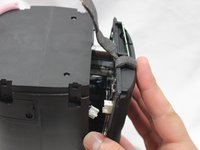
  12. Sonos One Tweeter Diaphragm Repair/ Replacement: 手順 12、 3の画像 1 Sonos One Tweeter Diaphragm Repair/ Replacement: 手順 12、 3の画像 2 Sonos One Tweeter Diaphragm Repair/ Replacement: 手順 12、 3の画像 3
    • Using your thumb, disconnect the speaker cable from the motherboard.

    FixBotに聞いてみる
  13. Sonos One Tweeter Diaphragm Repair/ Replacement: 手順 13、 3の画像 1 Sonos One Tweeter Diaphragm Repair/ Replacement: 手順 13、 3の画像 2 Sonos One Tweeter Diaphragm Repair/ Replacement: 手順 13、 3の画像 3
    • Disconnect the power adapter plug from the motherboard using your thumb.

    FixBotに聞いてみる
  14. Sonos One Tweeter Diaphragm Repair/ Replacement: 手順 14、 3の画像 1 Sonos One Tweeter Diaphragm Repair/ Replacement: 手順 14、 3の画像 2 Sonos One Tweeter Diaphragm Repair/ Replacement: 手順 14、 3の画像 3
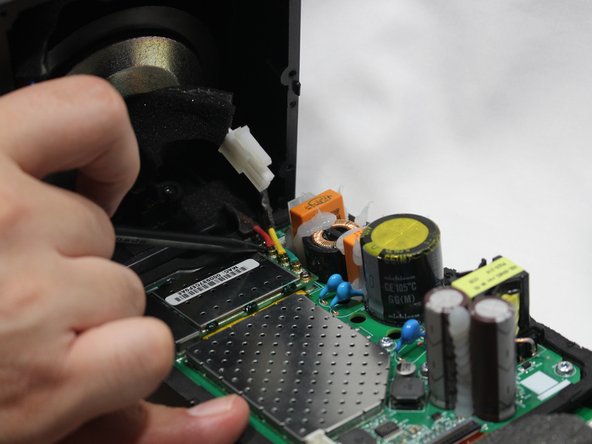
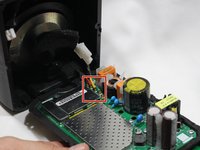
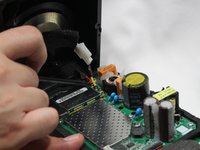
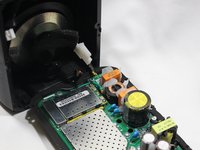
    • Using the pointed end of the spudger, disconnect the red, green, and yellow cables connecting the WiFi transmitter/receiver.

    FixBotに聞いてみる
  15. Sonos One Tweeter Diaphragm Repair/ Replacement: 手順 15、 2の画像 1 Sonos One Tweeter Diaphragm Repair/ Replacement: 手順 15、 2の画像 2
    • Remove the motherboard panel from the speaker housing.

    FixBotに聞いてみる
  16. Sonos One Tweeter Diaphragm Repair/ Replacement: 手順 16、 3の画像 1 Sonos One Tweeter Diaphragm Repair/ Replacement: 手順 16、 3の画像 2 Sonos One Tweeter Diaphragm Repair/ Replacement: 手順 16、 3の画像 3
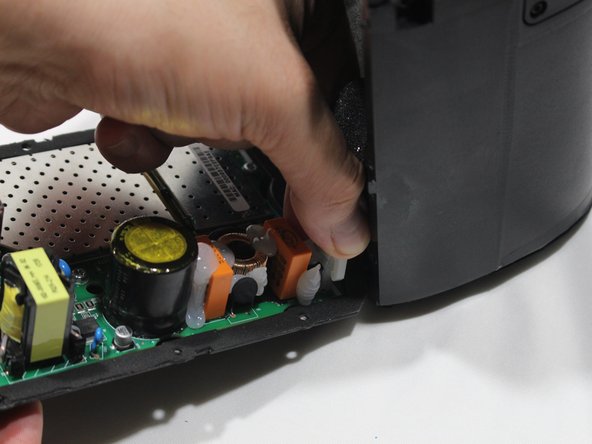
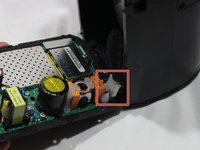
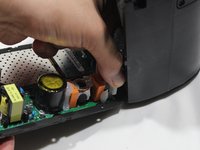
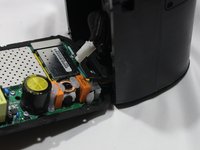
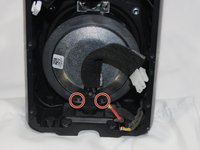
    • The woofer is highly magnetic, making removal of the metal screws sometimes difficult.

    • Remove the two 9mm Torx T8 screws from the power adapter plug.

    • Remove the power adapter receptacle from its housing slot.

    FixBotに聞いてみる
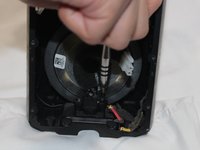
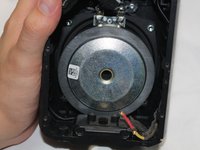
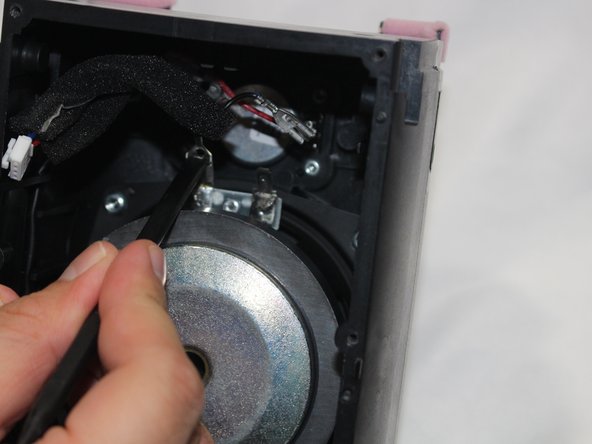
  17. Sonos One Tweeter Diaphragm Repair/ Replacement, Tweeter Diaphragm: 手順 17、 3の画像 1 Sonos One Tweeter Diaphragm Repair/ Replacement, Tweeter Diaphragm: 手順 17、 3の画像 2 Sonos One Tweeter Diaphragm Repair/ Replacement, Tweeter Diaphragm: 手順 17、 3の画像 3
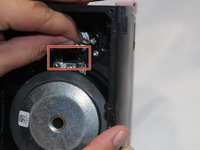
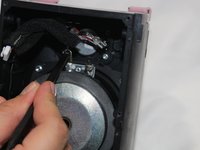
    • Disconnect the woofer cables.

    • If removing the tabs is difficult, the flat end of the spudger may be used to depress the middle tab and then the tab may be pulled to disconnect.

    FixBotに聞いてみる
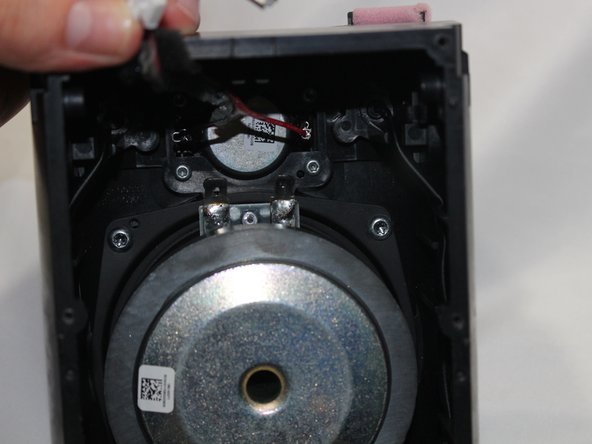
  18. Sonos One Tweeter Diaphragm Repair/ Replacement: 手順 18、 3の画像 1 Sonos One Tweeter Diaphragm Repair/ Replacement: 手順 18、 3の画像 2 Sonos One Tweeter Diaphragm Repair/ Replacement: 手順 18、 3の画像 3
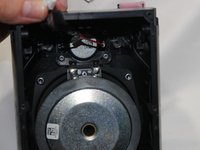
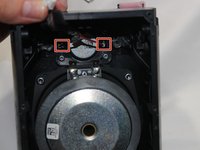
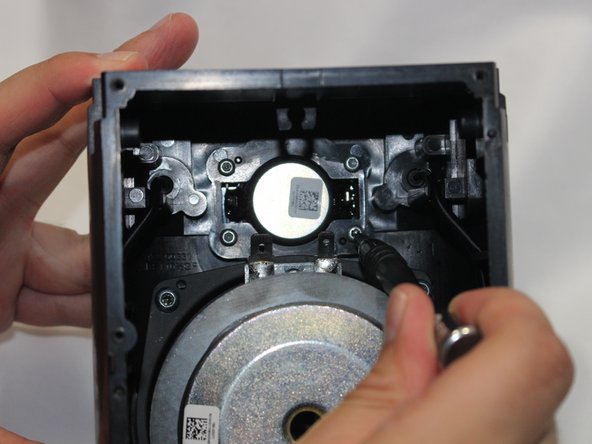
    • Disconnect the cables from the tweeter.

    FixBotに聞いてみる
  19. Sonos One Tweeter Diaphragm Repair/ Replacement: 手順 19、 3の画像 1 Sonos One Tweeter Diaphragm Repair/ Replacement: 手順 19、 3の画像 2 Sonos One Tweeter Diaphragm Repair/ Replacement: 手順 19、 3の画像 3
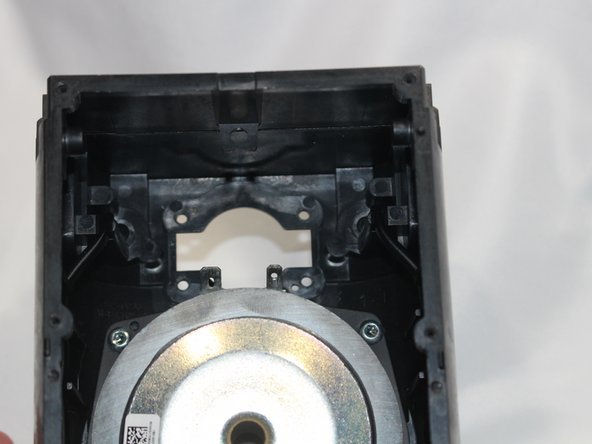
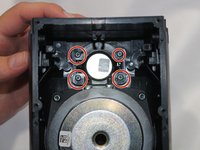
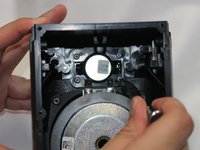
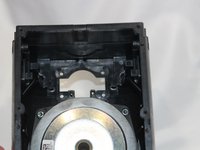
    • Remove the four 10mm Torx T10 screws from the tweeter.

    • Remove the tweeter from the speaker housing.

    FixBotに聞いてみる
終わりに

To reassemble your device, follow these instructions in reverse order.

2 の人々がこのガイドを完成させました。

作成者

2人の作成者と共同で作成されました。

Marcus Glowa

メンバー登録日: 02/14/18

1,134 ポイント

5のガイドは作成済み

チーム

USF Tampa, Team S2-G1, Nance Spring 2018 USF Tampa, Team S2-G1, Nance Spring 2018人のメンバー

USFT-NANCE-S18S2G1

3 メンバー

14のガイドは作成済み

0件のガイドコメント

コメントを追加

統計データ:

過去 24時間: 1

過去 7 日: 18

過去 30 日: 110

今までの合計 3,803