メインコンテンツにスキップ
リペアコミュニティに参加 - アカウントの作成

Ridgid R86034 LED Replacement

必要な工具と部品

  1. Ridgid R86034 LED Replacement, Housing: 手順 1、 1の画像 1
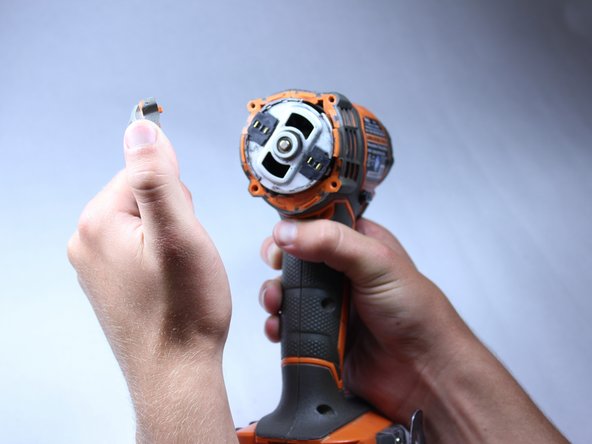
    • Use the flat side of a metal spudger to peel the black rubber cover off of the casing.

    • Use some force; the rubber cover is securely attached to the housing.

    • Rotate the casing until it fits onto the housing with no gaps between it and the clear cover.

    • Make sure the casing is properly oriented onto the housing. Orientation is important here.

  2. Ridgid R86034 LED Replacement: 手順 2、 2の画像 1 Ridgid R86034 LED Replacement: 手順 2、 2の画像 2
    • Remove the plastic cover with your hands. It should come off fairly easily.

  3. Ridgid R86034 LED Replacement: 手順 3、 3の画像 1 Ridgid R86034 LED Replacement: 手順 3、 3の画像 2 Ridgid R86034 LED Replacement: 手順 3、 3の画像 3
    • Unscrew the four 16 mm long screws from the back panel with a T10 Torx Screwdriver.

    • Use a firm grip to peel off the back panel. It is sealed tight and requires a good amount of force to remove.

  4. Ridgid R86034 LED Replacement: 手順 4、 2の画像 1 Ridgid R86034 LED Replacement: 手順 4、 2の画像 2
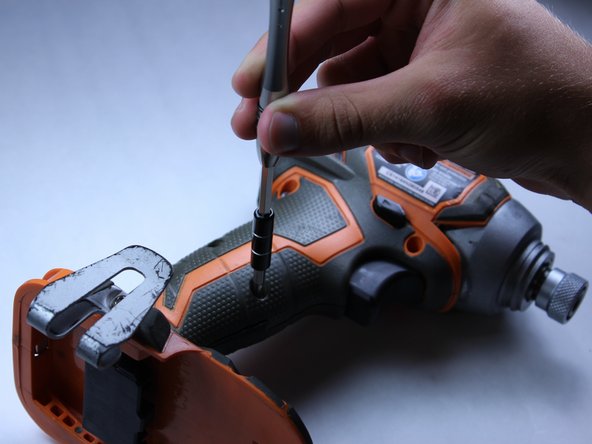
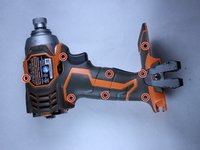
    • Unscrew the eight 15 mm T10 Torx screws from the housing

    • The screw hole located nearest the battery port is deep and small. Most screwdrivers with replaceable bits will not fit into the hole. Instead, use a conventional screwdriver that fits.

  5. Ridgid R86034 LED Replacement: 手順 5、 1の画像 1
    • Place the driver flat on a table before completely separating the two halves of the housing so components of the drill don't fall out during opening.

    • Pry apart the two halves of the housing at the back side of the driver using the metal spudger. The housing is easier to remove if you pry from both sides.

  6. Ridgid R86034 LED Replacement: 手順 6、 2の画像 1 Ridgid R86034 LED Replacement: 手順 6、 2の画像 2
    • Do not remove the direction switch.

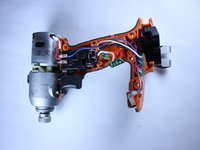
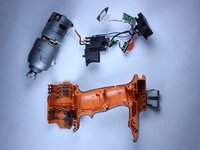
    • Pull out all electrical components from housing by hand. The components should require little force to lift out.

    • Lift out the motor.

    • Follow the wires.

    • The circuit board located nearest the battery pack and the LED light will be hard to pull out.

    • Remember to precisely place all components in their correct slots with their correct orientations when reassembling.

  7. Ridgid R86034 LED Replacement, LED: 手順 7、 1の画像 1
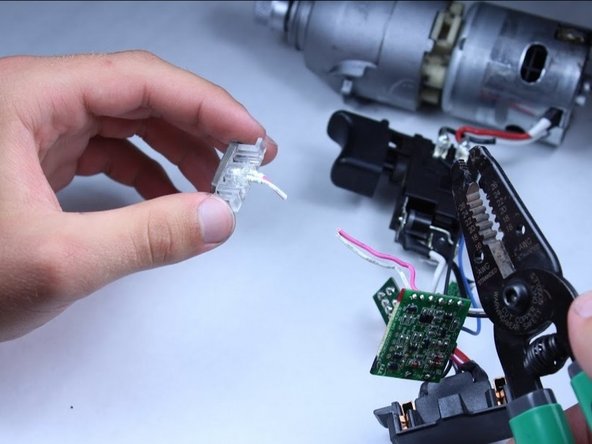
    • Identify the LED light. The LED light is the component with clear casing and has two wires attached, located toward the bottom of the driver.

  8. Ridgid R86034 LED Replacement: 手順 8、 3の画像 1 Ridgid R86034 LED Replacement: 手順 8、 3の画像 2 Ridgid R86034 LED Replacement: 手順 8、 3の画像 3
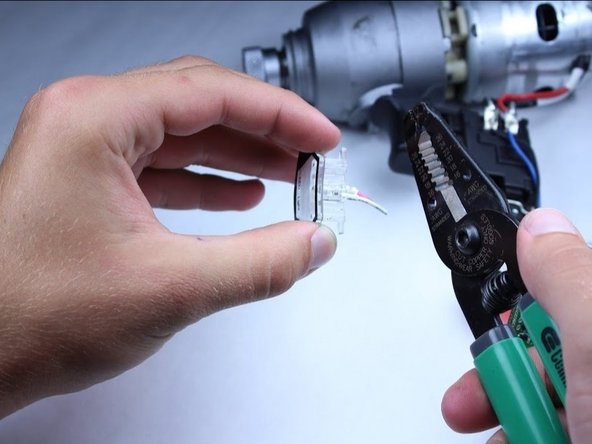
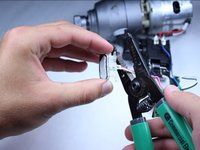
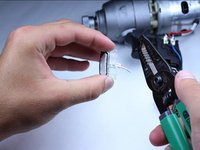
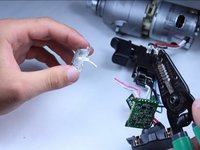
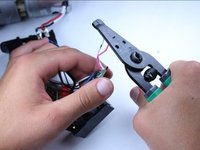
    • Cut the pink and white wires attached to the LED at a point that is a little more than 1/4 inch from the LED.

  9. Ridgid R86034 LED Replacement: 手順 9、 1の画像 1
    • Strip the wires back about 1/4 inch on the LED.

  10. Ridgid R86034 LED Replacement: 手順 10、 2の画像 1 Ridgid R86034 LED Replacement: 手順 10、 2の画像 2
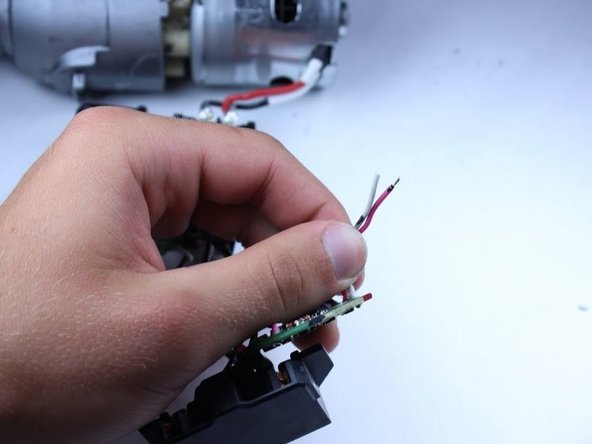
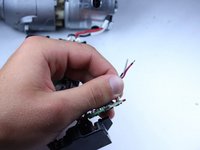
    • Strip the wires that were connected to the LED on the circuit board to approximately 1/4 inch.

  11. Ridgid R86034 LED Replacement: 手順 11、 1の画像 1
    • Solder the new LED striped wires to the wire attached to the circuit board.

    • Wrap the soldered connection with electrical tape, to ensure that the circuit isn't shorted.

終わりに

To reassemble your device, follow these instructions in reverse order.

作成者

7人の作成者と共同で作成されました。

Sean Liston

メンバー登録日: 04/28/15

311 ポイント

2のガイドは作成済み

チーム

Cal Poly, Team 15-5, Amido Spring 2015 Cal Poly, Team 15-5, Amido Spring 2015人のメンバー

CPSU-AMIDO-S15S15G5

4 メンバー

12のガイドは作成済み

0件のガイドコメント

コメントを追加

統計データ:

過去 24時間: 3

過去 7 日: 12

過去 30 日: 48

今までの合計 1,444