はじめに
If your Rexing V1P Plus (also known as the Rexing V1P-4k) is not powering on, not displaying anything on the screen, or not recording audio, the device's motherboard may be damaged or faulty. This guide will walk you through how to replace the device's motherboard.
This replacement requires the removal of the device's battery. The battery on the Rexing V1P Plus does not hold a charge for long without being connected to a power source. To ensure the battery is safe to remove, leave the device unplugged for a short period to drain the battery of any charge it may have.
This replacement requires the use of a soldering iron. If you have no prior experience using a soldering iron, it is recommended to do some additional research to gain familiarity with using this tool.
必要な工具と部品
-
-
-
Begin by orienting the device with the LCD screen facing down.
-
Remove the four 6 mm screws, located on the backside of the device, using the Phillips #00 screwdriver.
 FixBotに聞いてみる
-
-
-
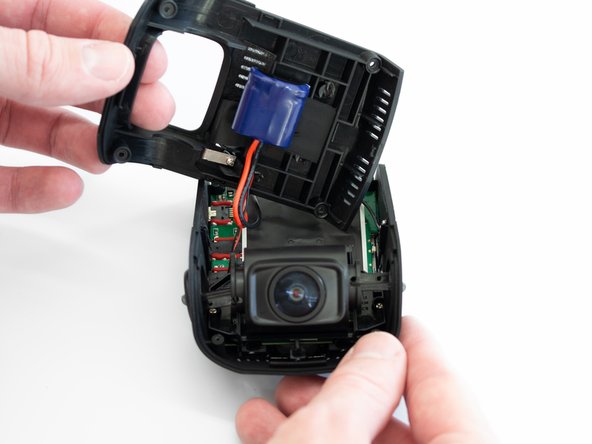
Remove the back cover of the device and place it to the side.
-
Rotate the device 180 degrees to where the camera is facing you.
-
-
-
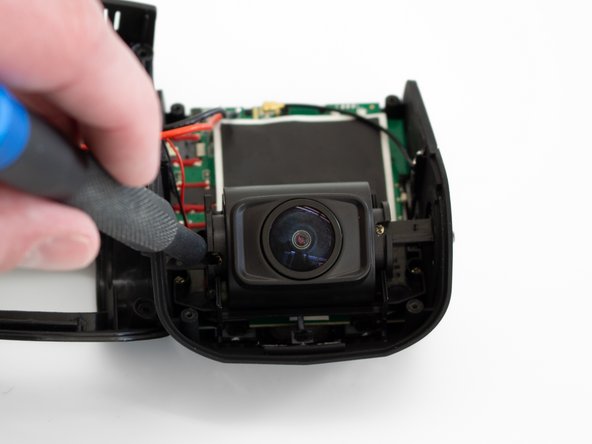
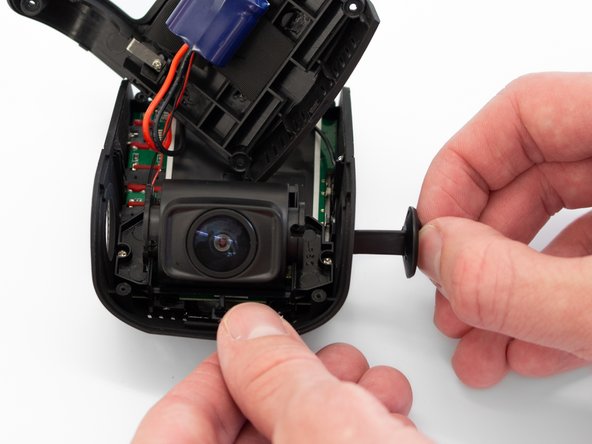
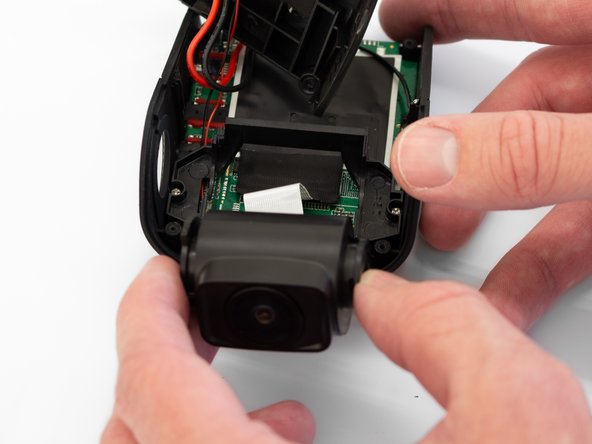
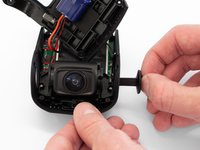
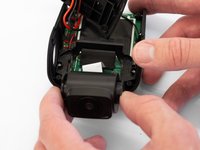
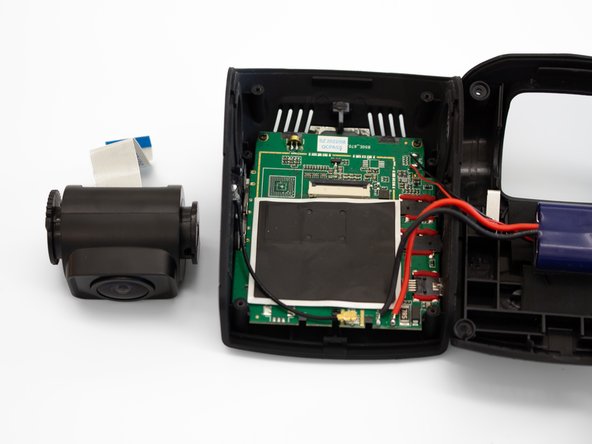
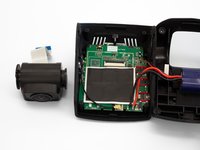
Remove the two camera angle adjusters from the side of the device and carefully pull out the lens.
-
-
-
-
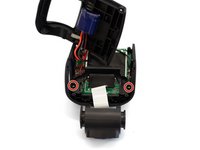
Remove the two 5mm screws securing the camera support bracket using the Phillips #00 screwdriver.
-
-
-
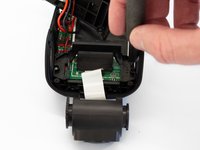
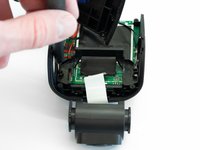
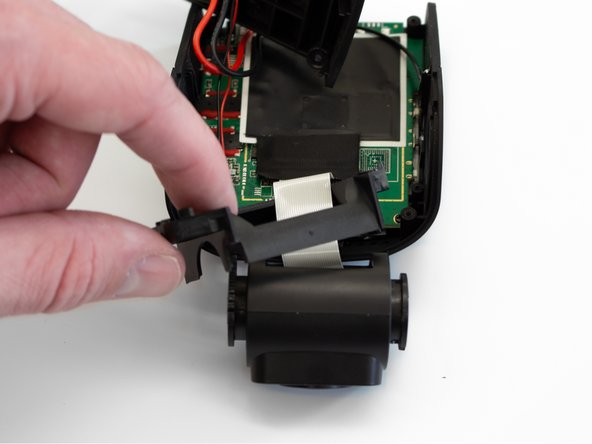
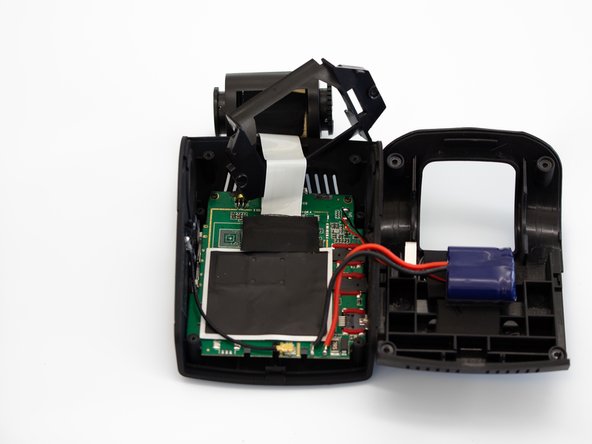
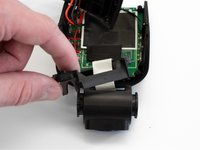
Carefully remove the plastic frame piece from its previously secured position on the motherboard.
-
Rotate the device 180 degrees to where the camera is facing away from you.
-
-
-
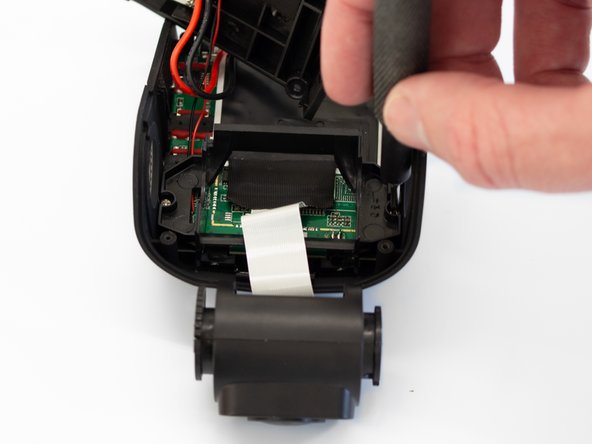
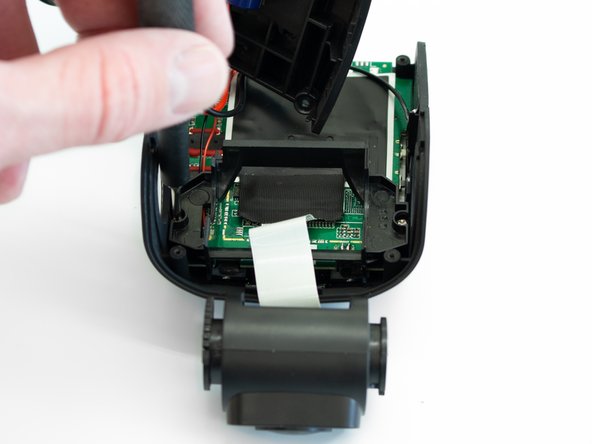
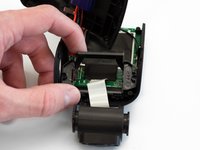
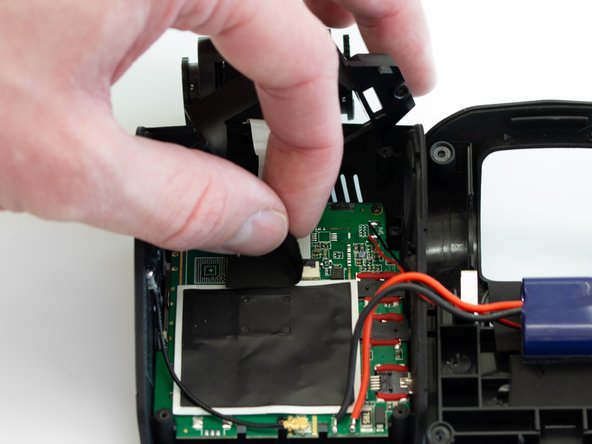
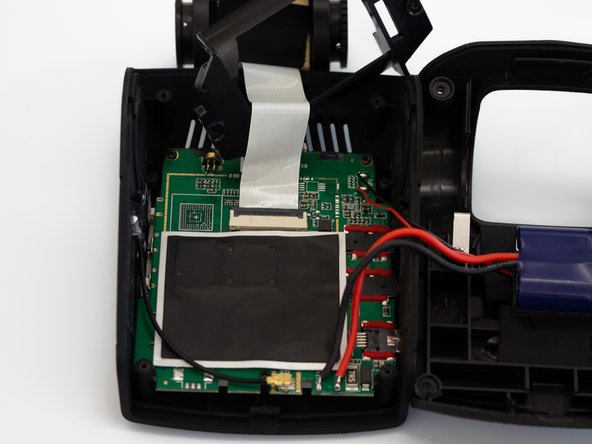
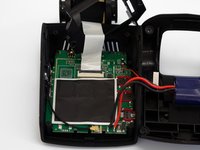
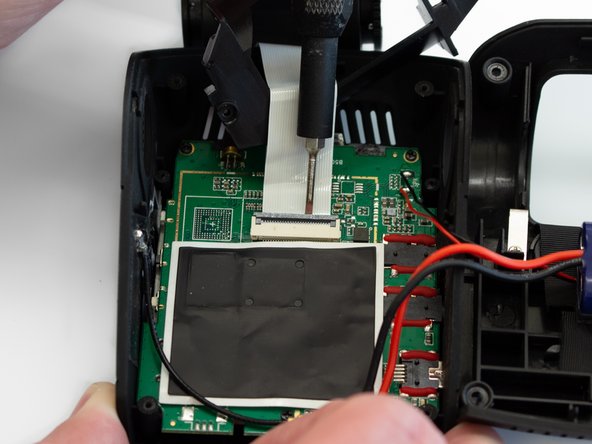
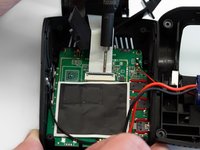
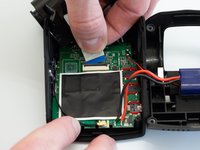
Using the Flathead 1.5mm screwdriver, or another pry tool, gently flip up the black ZIF connector locking flap to free the ribbon cable.
-
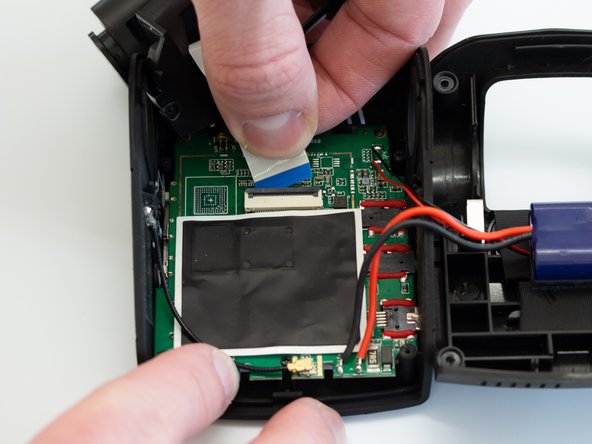
Once the connector is open, slide the ribbon cable out to remove it.
-
-
-
-
-
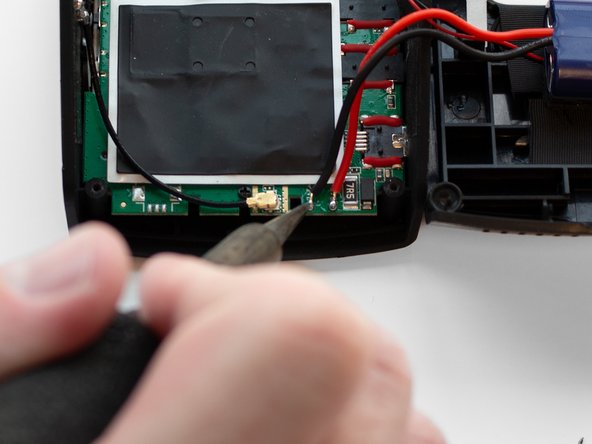
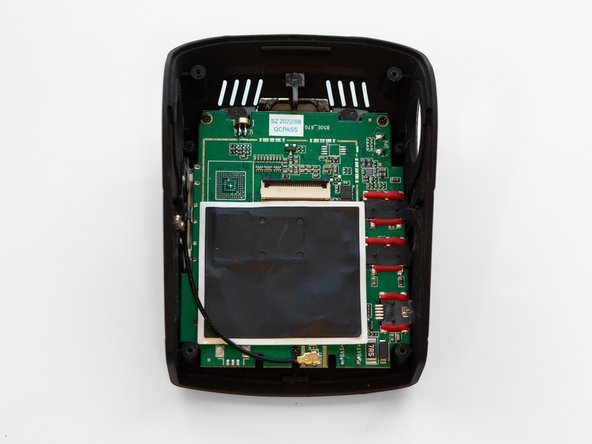
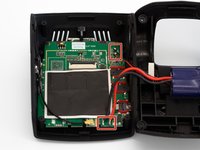
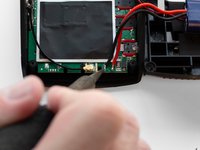
Using a soldering iron, disconnect the four wires connected to the motherboard.
-
-
-
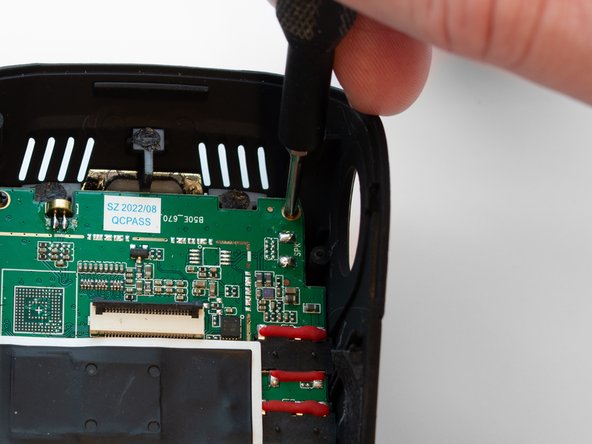
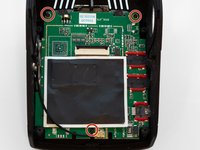
Using the Phillips #00 screwdriver, remove the three 3.5 mm screws securing the motherboard to the case.
-
-
-
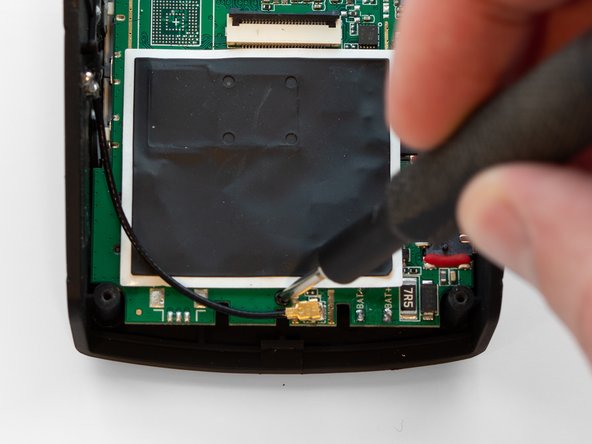
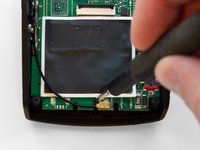
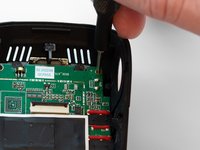
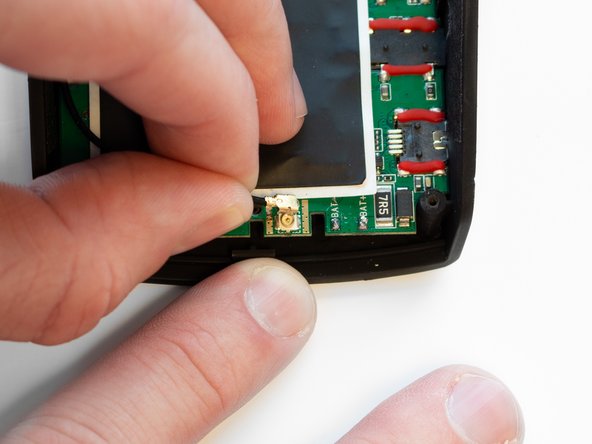
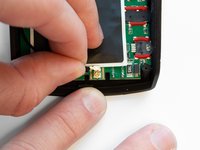
Pull the black antenna wire with the gold cap straight up to disconnect it from the motherboard.
-
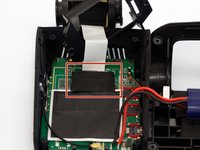
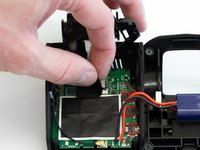
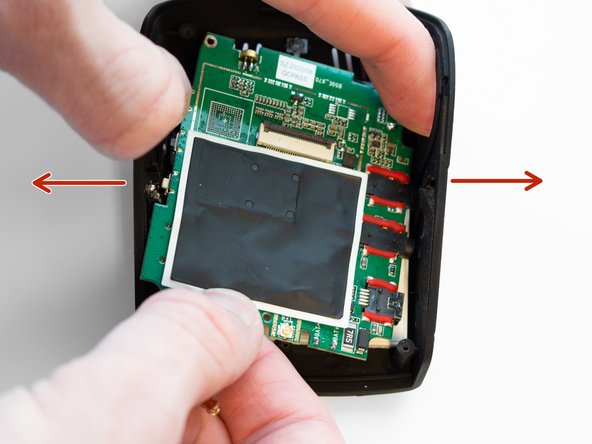
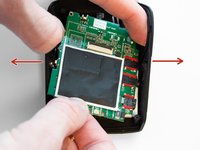
Using your fingers, spread the case apart to provide space for the motherboard to be removed.
-
-





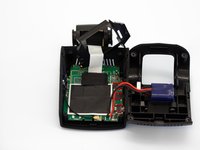


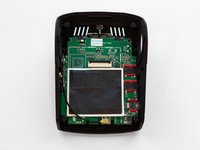


To reassemble your device, follow these instructions in reverse order.

チーム

Western Carolina University, Team 1-1, Virtue Spring 2023 Western Carolina University, Team 1-1, Virtue Spring 2023人のメンバー
WCU-VIRTUE-S23S1G1
4 メンバー
5のガイドは作成済み
