この翻訳は機械によって生成されたものであり、まだ人間による校正は行われていません。 日本語を話せますか? レビューはこちらから。

Rexing V1P Plusのバッテリー交換

Caleb Slentz とその他 3 人の作成者
最終更新日: 2026年8月19日
閲覧: 3821
統計データ:
- 過去24時間:
- 5
- 過去7日:
- 33
- 過去30日:
- 128
- 今までの合計
- 3,821
コメント: 4
4件のガイドコメント
修理ガイドのコメントへ完了済み: 2 3
2人のユーザーがこのガイドを「完了」させました。あなたも加わりませんか?
あなたを含む、3人のユーザーがこのガイドを使って修理を「完了」させました。素晴らしいです!
お気に入り: 0 1
誰もこのガイドをお気に入りに登録していません。一番最初の登録者になりませんか?
1人がこのガイドをお気に入りに登録しています。あなたもそのうちの一人です!
おすすめの学生による修理ガイド
このガイドは当社の素晴らしい学生たちによって作成中であり、iFixitスタッフによってとりわけ素晴らしいガイドであると注目されています。
はじめに
手順 1 に進む ↓Rexing V1P Plus(Rexing V1P-4kとも呼ばれます)がランダムに再起動したり、電源が入らなくなったりする場合、デバイスのバッテリーが損傷しているか故障している可能性があります。この修理ガイドでは、デバイスのバッテリーを交換する方法を解説します。
Rexing V1P Plusのバッテリーは、電源に接続していないと充電を長時間維持できません。取り外しの安全を確保するため、デバイスのプラグを抜き、しばらく放置してバッテリーの残量を放電させてください。
この交換にははんだごての使用が必要です。はんだごての使用経験がない場合は、この工具の使い方について事前に追加調査し、慣れておくことを推奨します。
交換するバッテリーは、GTECAP 5.5V 3.5F バッテリーです。
必要な工具と部品
ツール


-
-
-
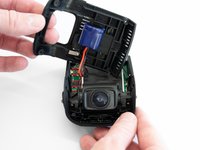
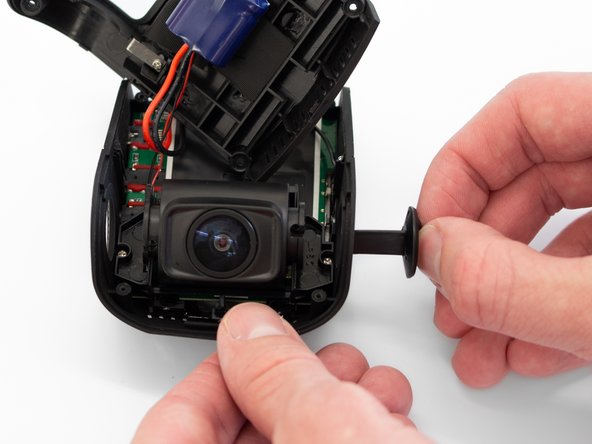
デバイスのリアカバーを取り外し、接続されているバッテリーケーブルに負荷をかけないように横に置きます。
-
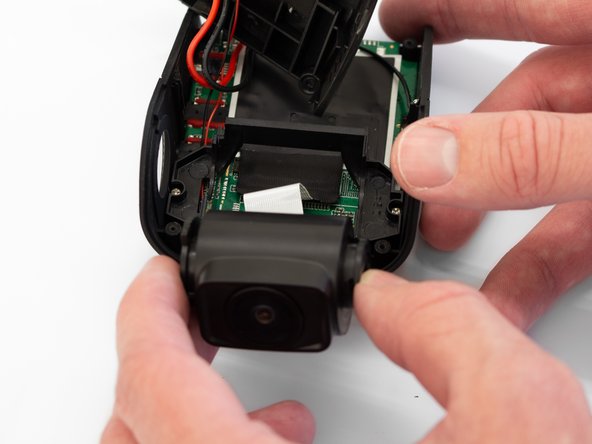
デバイスを180度回転させ、カメラが自分の方を向くようにします。
-
-
-
-
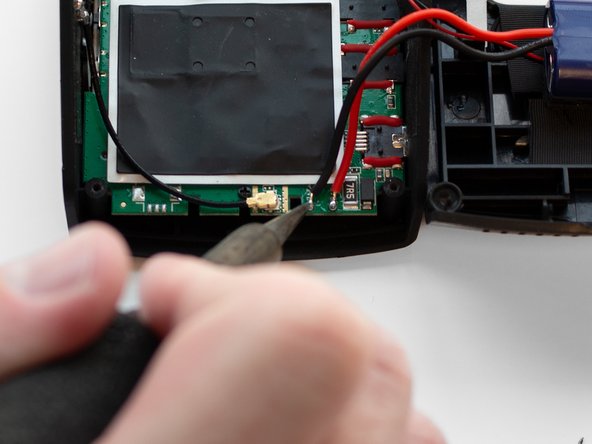
はんだごてを使用して、バッテリーとマザーボードをつないでいる2本のワイヤを取り外します。
-
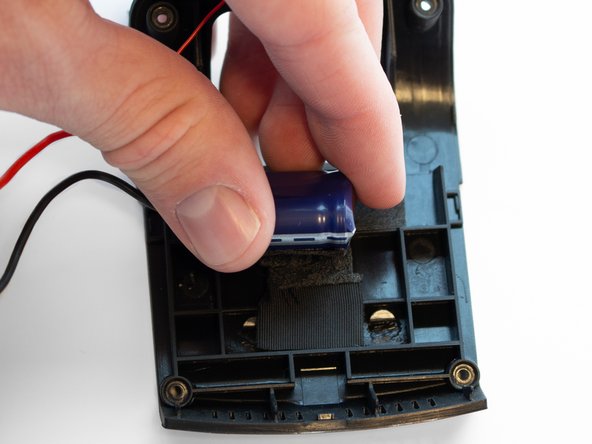
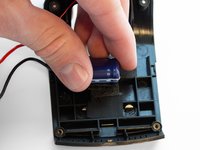
ワイヤを取り外したら、ケースの接着剤からバッテリーを剥がします。
-


 FixBotに聞いてみる


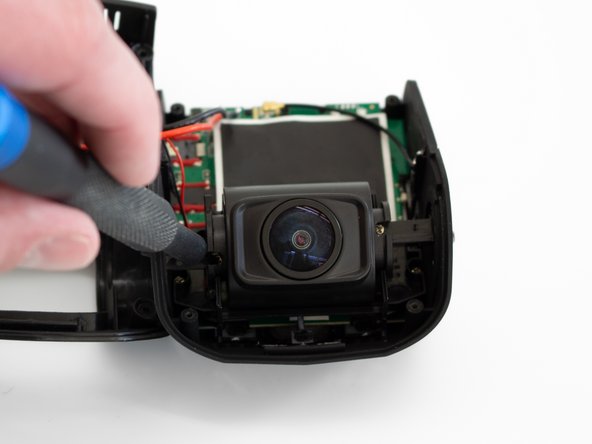
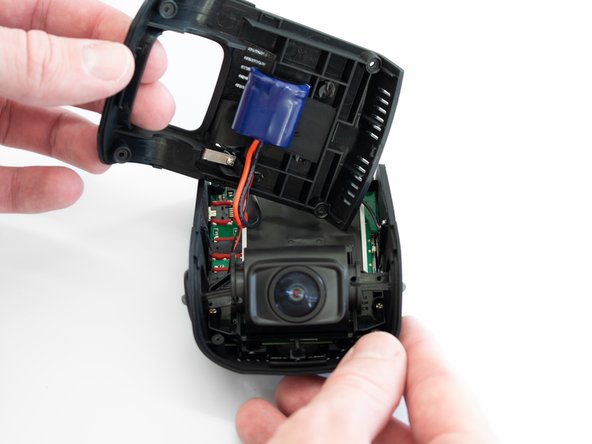

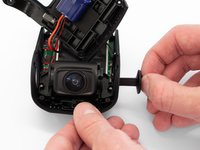
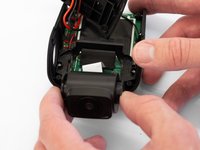

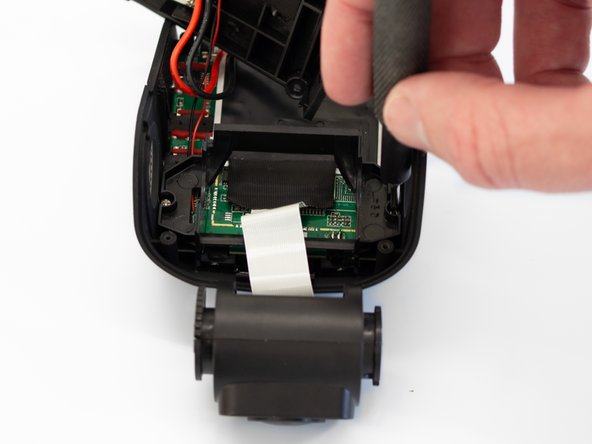
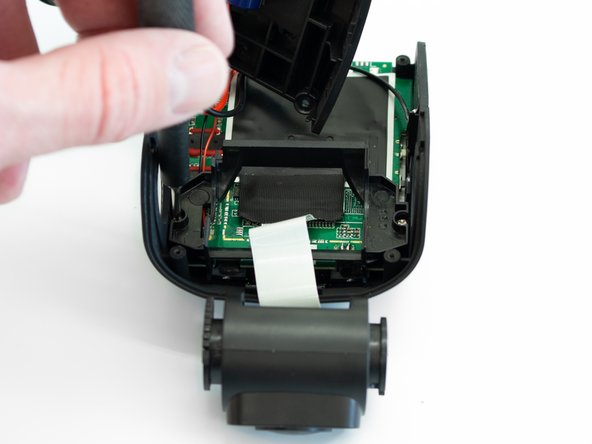
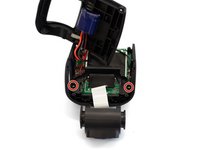
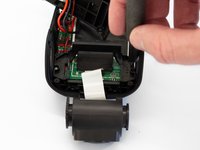
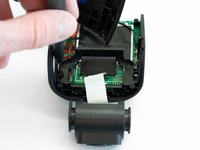

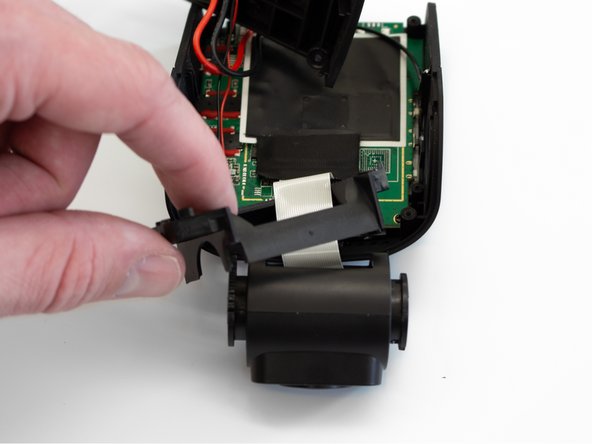
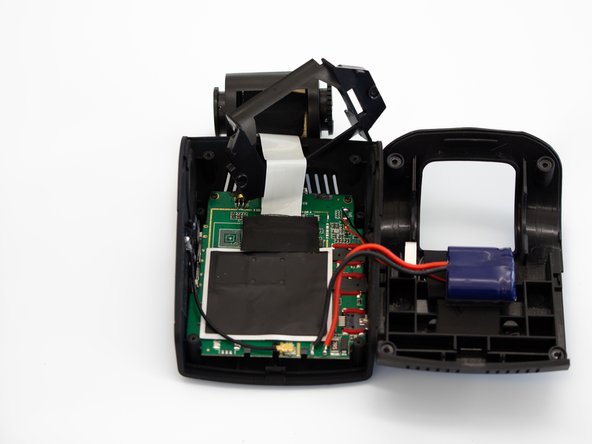
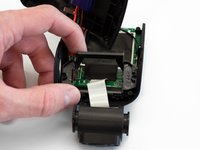
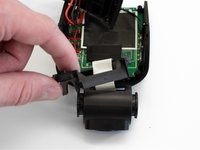
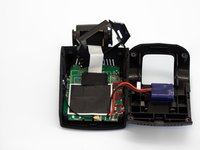

デバイスを再組み立てするには、これらのインストラクションを逆の順番に従って作業を進めてください。
2 の人々がこのガイドを完成させました。

チーム

Western Carolina University, Team 1-1, Virtue Spring 2023 Western Carolina University, Team 1-1, Virtue Spring 2023人のメンバー
WCU-VIRTUE-S23S1G1
4 メンバー
60のガイドは作成済み
4件のガイドコメント
Where is it possible to get the replacement battery? Searching on ebay reveals nothing for the information given.
Derek Piper - 返信 共有
Did you find the replacement capacitors?
Just realized this appears to be what is known as a 'super capacitor' rather than a battery so it's possible any 5.5V 3.5Farad capacitor will work. The form factor may be an issue though.
Derek Piper - 返信 共有
