はじめに
Use this guide to replace a broken or defective AMOLED Screen & Digitizer in your OnePlus 5T.
Note: This guide instructs you to replace only the screen while leaving the original frame and motherboard in place. However, some replacement screens for this phone come pre-installed in a new frame (a.k.a. chassis), which requires a very different procedure. Make sure you have the correct part before starting this guide.
You’ll need replacement adhesive to reattach components when reassembling the device.
必要な工具と部品
-
-
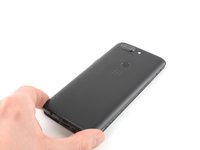
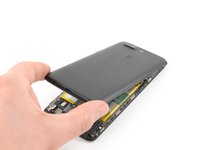
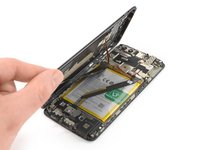
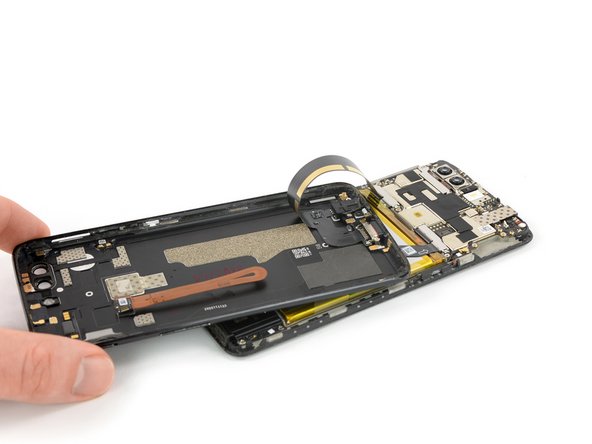
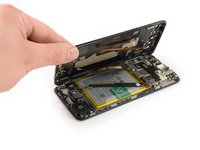
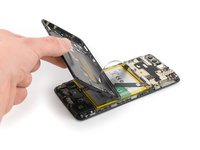
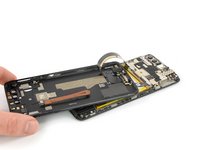
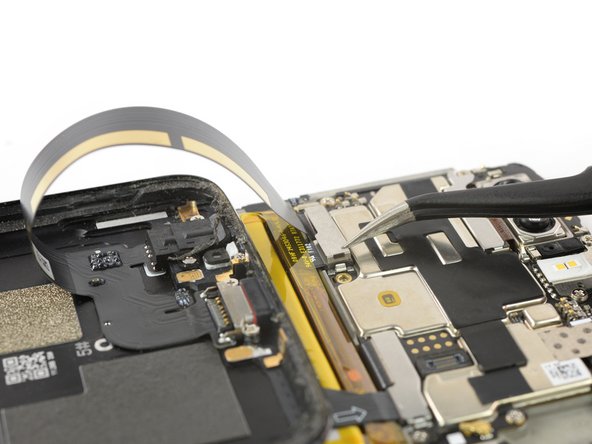
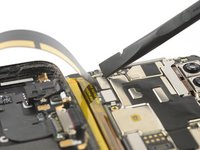
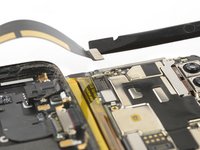
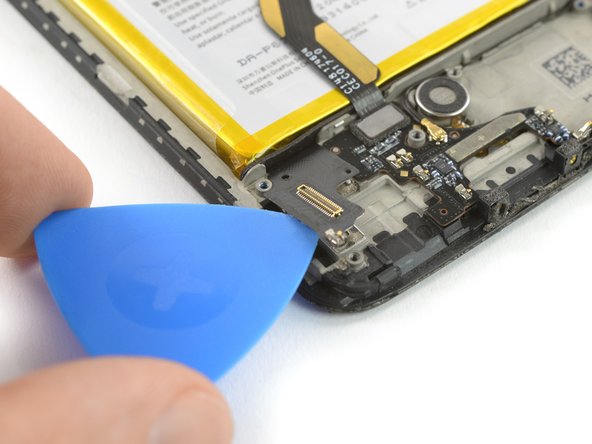
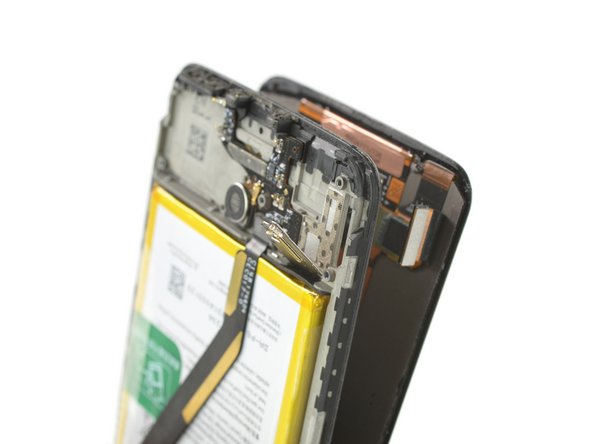
Try not to remove the backcover all the way yet. The fingerprint and the charging port and headphone flex cables are still connected to the motherboard.
-
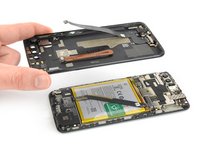
Flip your phone and carefully lift the bottom end of the backcover away from the phone assembly. Fold it to left and hold it at an 80° angle.
-
-
-
-
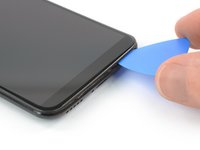
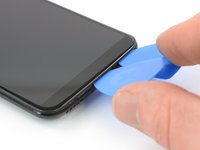
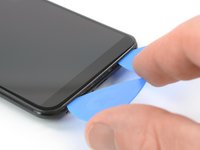
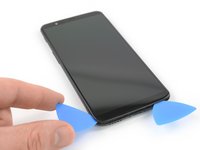
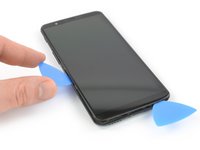
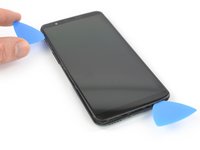
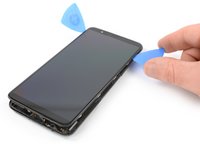
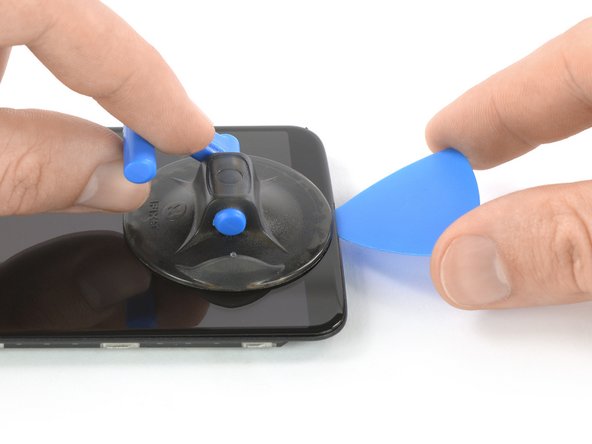
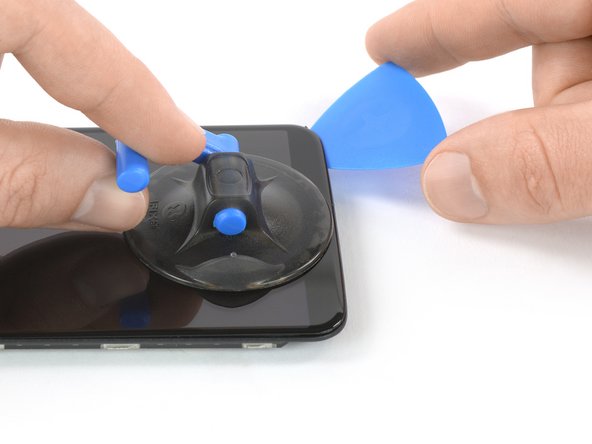
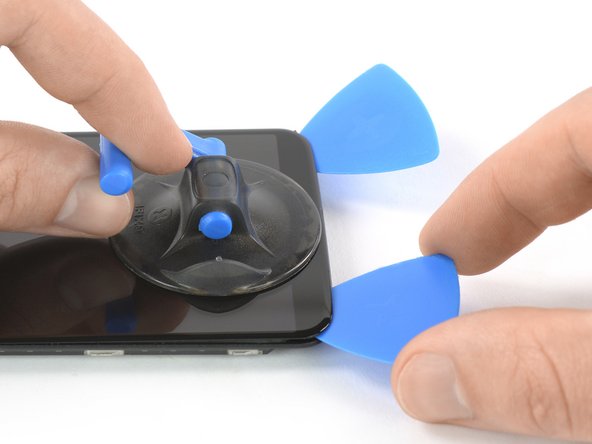
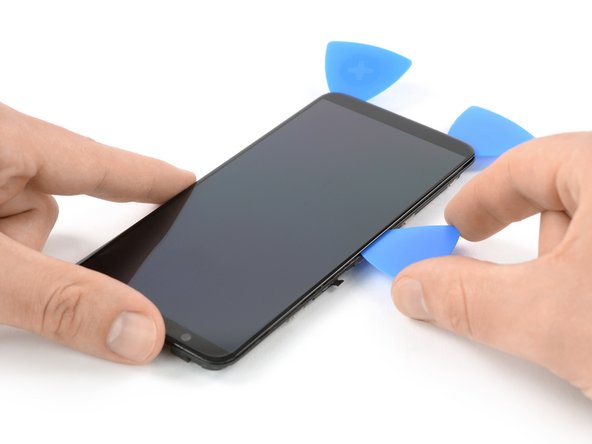
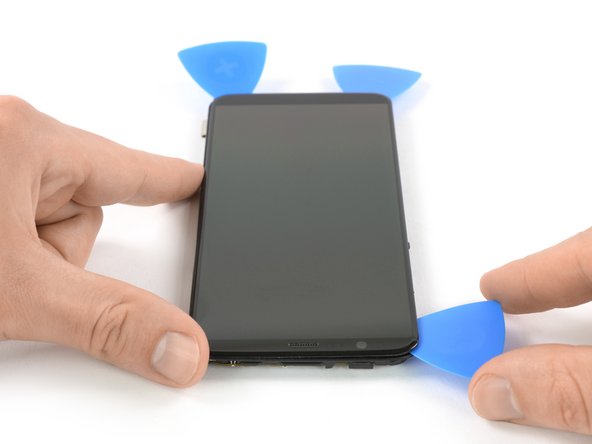
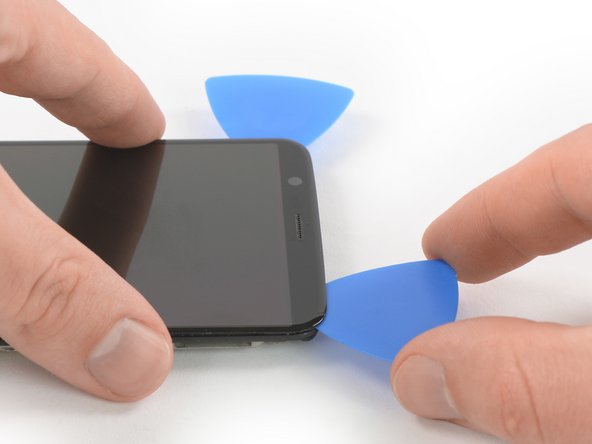
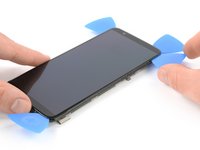
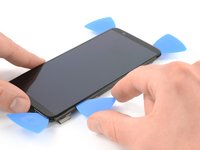
Apply a heated iOpener to the screen and all edges of the phone for at least two minutes, to loosen the adhesive.
-


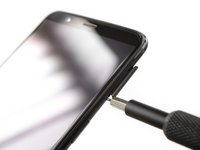


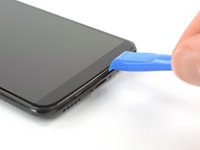
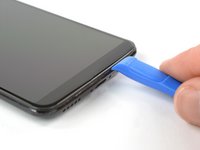
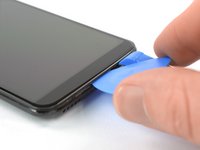





















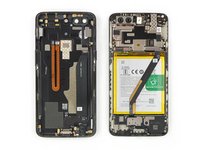






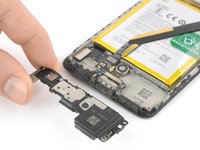

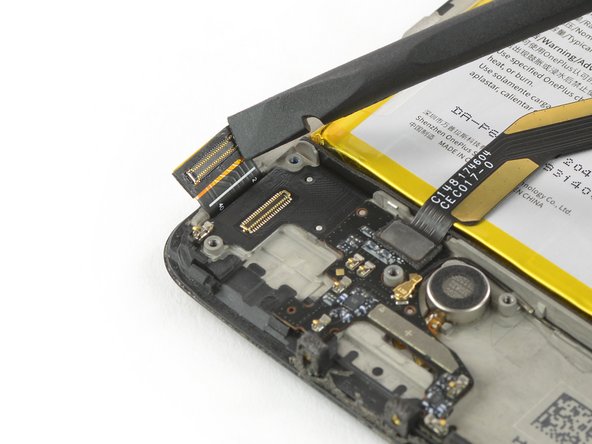











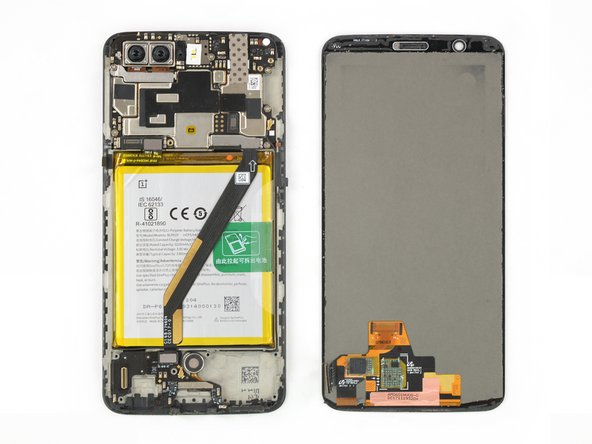
To reassemble your device, follow these instructions in reverse order.
If possible, turn on your phone and test your repair before installing new adhesive and resealing the phone.
Take your e-waste to an R2 or e-Stewards certified recycler.
Repair didn’t go as planned? Check out our Answers community for troubleshooting help.
10 の人々がこのガイドを完成させました。



