メインコンテンツにスキップ
リペアコミュニティに参加 - アカウントの作成

Olympus FE-170 Lens Replacement

必要な工具と部品

  1. Olympus FE-170 Lens Replacement, Casing: 手順 1、 2の画像 1 Olympus FE-170 Lens Replacement, Casing: 手順 1、 2の画像 2
    • Remove the 2 exposed screws on opposite sides of the camera. Turn the screws counter-clockwise to remove.

    FixBotに聞いてみる

    コメントを追加

  2. Olympus FE-170 Lens Replacement: 手順 2、 2の画像 1 Olympus FE-170 Lens Replacement: 手順 2、 2の画像 2
    • Open the battery compartment and remove the 2 screws in the top of the opening.

    FixBotに聞いてみる

    コメントを追加

  3. Olympus FE-170 Lens Replacement: 手順 3、 2の画像 1 Olympus FE-170 Lens Replacement: 手順 3、 2の画像 2
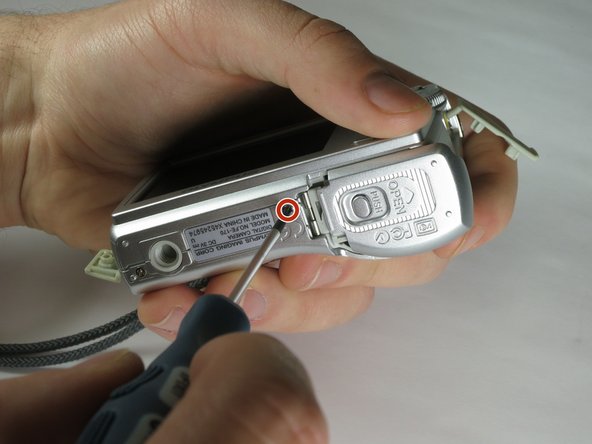
    • Remove the 2 exposed screws on the bottom of the camera.

    FixBotに聞いてみる

    コメントを追加

  4. Olympus FE-170 Lens Replacement: 手順 4、 1の画像 1
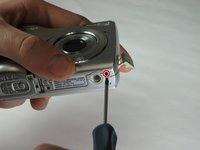
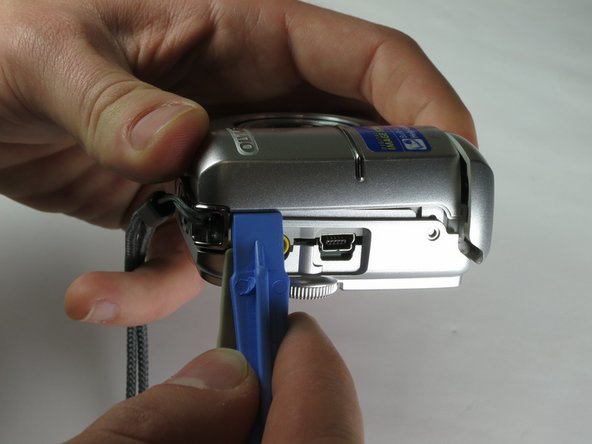
    • Uncover the mini-usb dock on the side of the camera and unscrew the screw next to the flap joint

    FixBotに聞いてみる

    コメントを追加

  5. Olympus FE-170 Lens Replacement: 手順 5、 1の画像 1
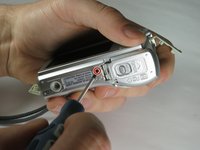
    • Uncover the video cable port on the side of the camera and remove the screw

    FixBotに聞いてみる

    コメントを追加

  6. Olympus FE-170 Lens Replacement: 手順 6、 2の画像 1 Olympus FE-170 Lens Replacement: 手順 6、 2の画像 2
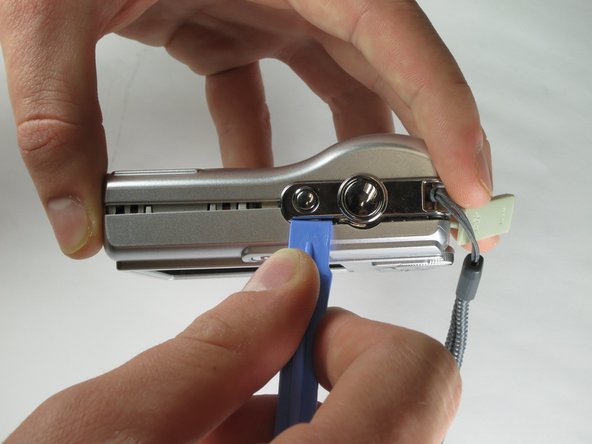
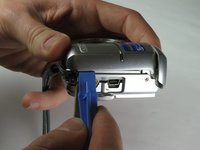
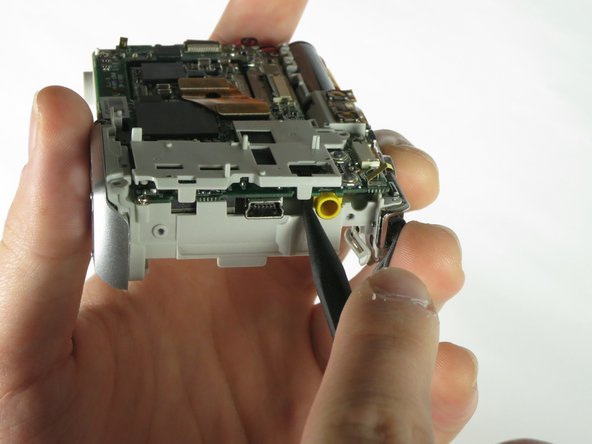
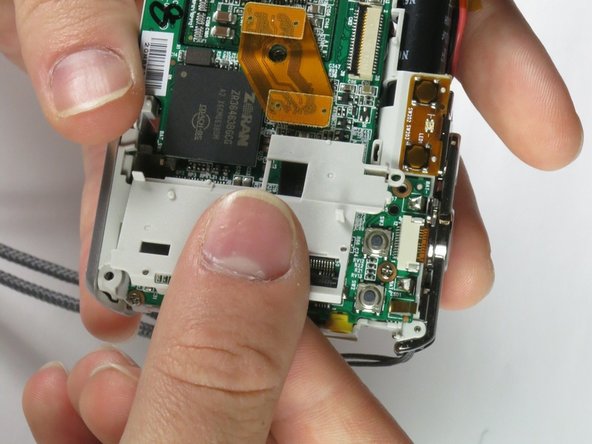
    • Carefully slip the head of the plastic opening tool under the panels by finding the crack between the panels. Lightly apply pressure in the shown places at the top and bottom of the camera.

    FixBotに聞いてみる

    コメントを追加

  7. Olympus FE-170 Lens Replacement: 手順 7、 2の画像 1 Olympus FE-170 Lens Replacement: 手順 7、 2の画像 2
    • Loosen the panels on the sides of the camera in the shown places by slipping the plastic opening tool in the crack between the panels. Lightly apply pressure.

    FixBotに聞いてみる

    コメントを追加

  8. Olympus FE-170 Lens Replacement: 手順 8、 2の画像 1 Olympus FE-170 Lens Replacement: 手順 8、 2の画像 2
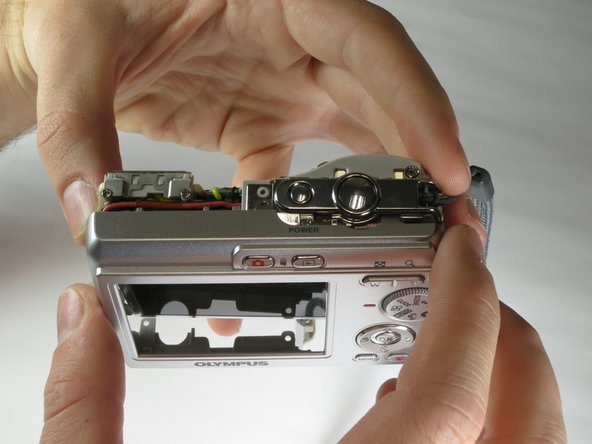
    • Ensure that the panels have been loosened. Carefully use hands to pull back and remove the panels.

    FixBotに聞いてみる

    コメントを追加

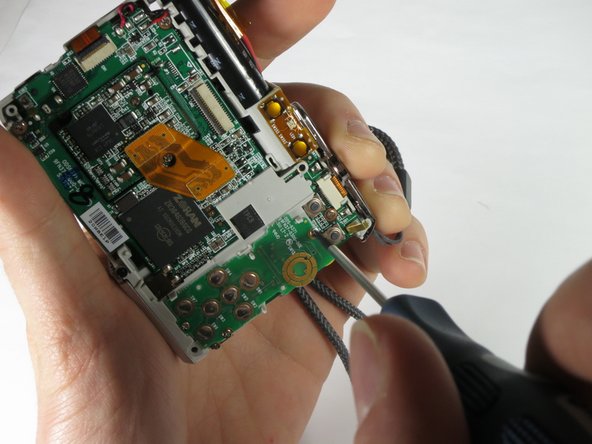
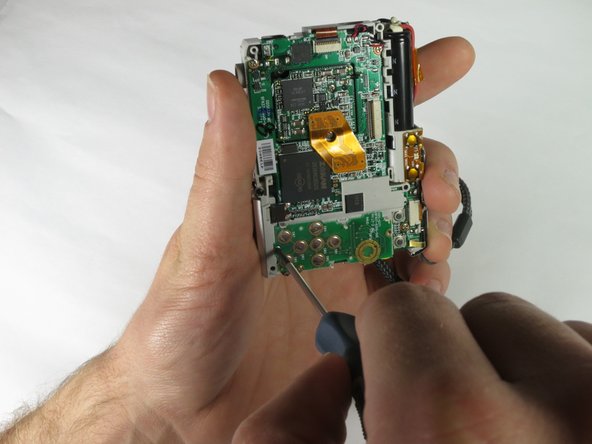
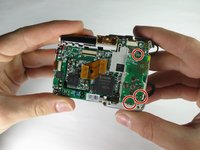
  9. Olympus FE-170 Lens Replacement, Motherboard: 手順 9、 3の画像 1 Olympus FE-170 Lens Replacement, Motherboard: 手順 9、 3の画像 2 Olympus FE-170 Lens Replacement, Motherboard: 手順 9、 3の画像 3
    • Remove the three screws holding the outer circuit board in place.

    FixBotに聞いてみる

    コメントを追加

  10. Olympus FE-170 Lens Replacement: 手順 10、 2の画像 1 Olympus FE-170 Lens Replacement: 手順 10、 2の画像 2
    • Use the spudger or your fingers to remove the outer circuit board from the camera.

    FixBotに聞いてみる

    コメントを追加

  11. Olympus FE-170 Lens Replacement: 手順 11、 3の画像 1 Olympus FE-170 Lens Replacement: 手順 11、 3の画像 2 Olympus FE-170 Lens Replacement: 手順 11、 3の画像 3
    • Use the spudger to pull the plastic tabs shown off of the motherboard.

    • Gently pull the plastic piece off of the motherboard.

    FixBotに聞いてみる

    コメントを追加

  12. Olympus FE-170 Lens Replacement: 手順 12、 3の画像 1 Olympus FE-170 Lens Replacement: 手順 12、 3の画像 2 Olympus FE-170 Lens Replacement: 手順 12、 3の画像 3
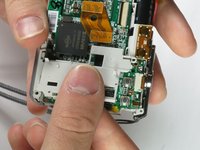
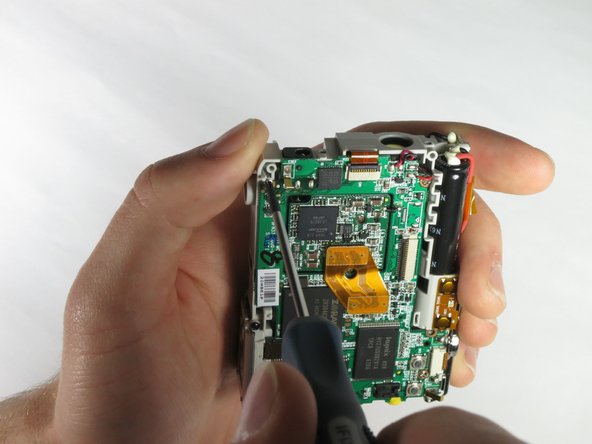
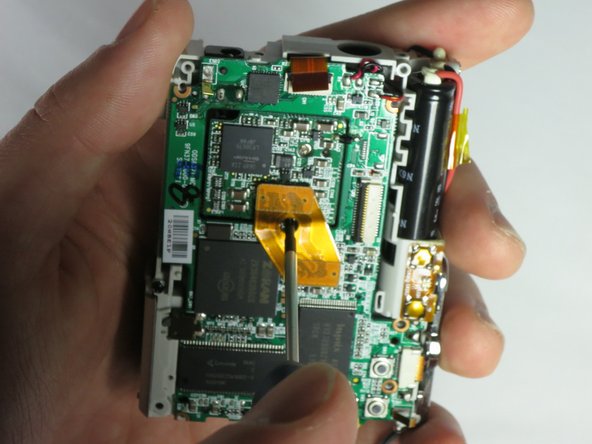
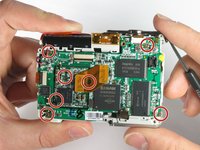
    • Remove the screws shown using the 00 philips screwdriver.

    FixBotに聞いてみる

    コメントを追加

  13. Olympus FE-170 Lens Replacement: 手順 13、 3の画像 1 Olympus FE-170 Lens Replacement: 手順 13、 3の画像 2 Olympus FE-170 Lens Replacement: 手順 13、 3の画像 3
    この手順で使用する道具:
    Tweezers
    $4.99
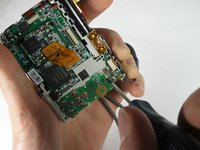
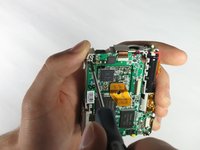
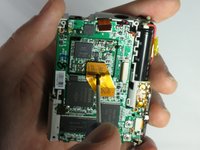
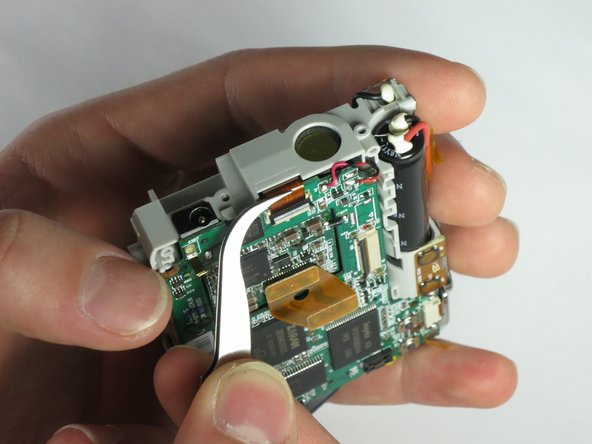
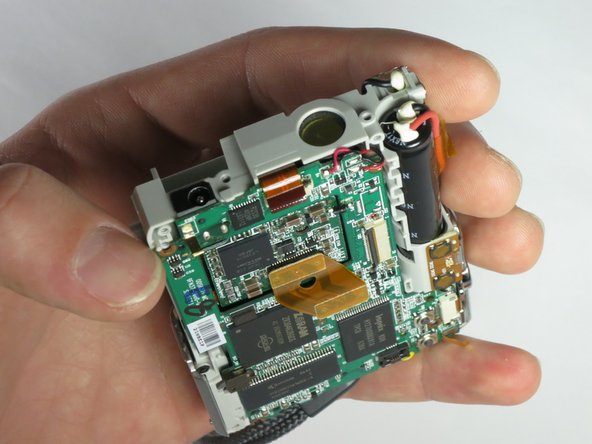
    • Use the pointed end of the spudger to release the ribbon cable clasp.

    • Remove the ribbon cable from the port using the tweezers.

    FixBotに聞いてみる

    コメントを追加

  14. Olympus FE-170 Lens Replacement: 手順 14、 1の画像 1
    • Use the tweezers to remove the ribbon cable near the shutter button.

    FixBotに聞いてみる

    コメントを追加

  15. Olympus FE-170 Lens Replacement: 手順 15、 1の画像 1
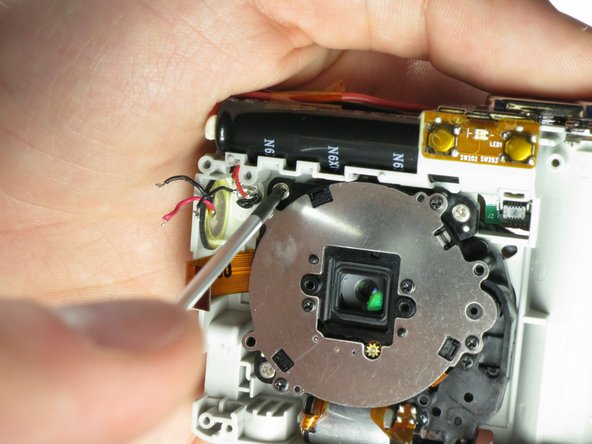
    • Next unsolder the connections shown.

    • See our soldering guide for help on how to unsolder

    • Soldering irons are hot, and will also heat the connection wire. Using the tweezers will protect your fingers from the heat.

    FixBotに聞いてみる

    コメントを追加

  16. Olympus FE-170 Lens Replacement: 手順 16、 3の画像 1 Olympus FE-170 Lens Replacement: 手順 16、 3の画像 2 Olympus FE-170 Lens Replacement: 手順 16、 3の画像 3
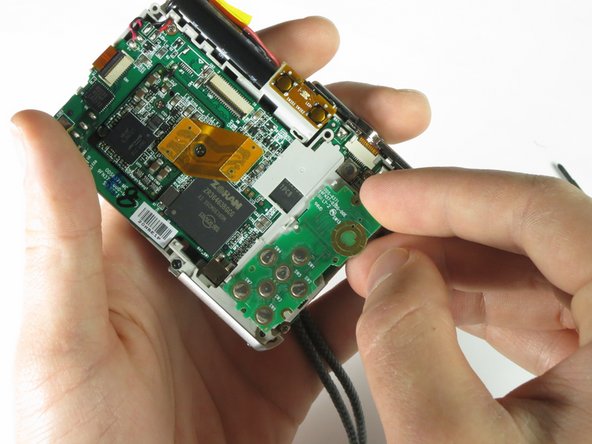
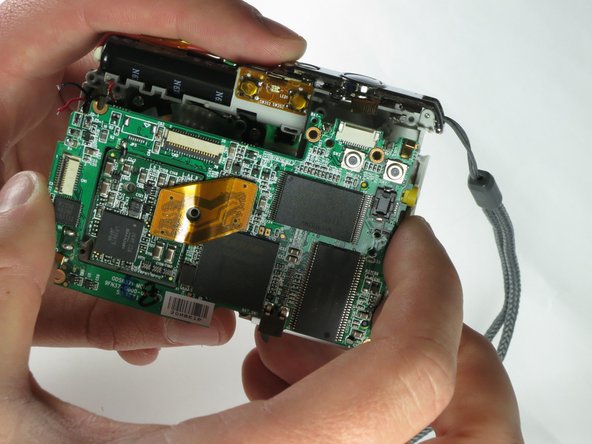
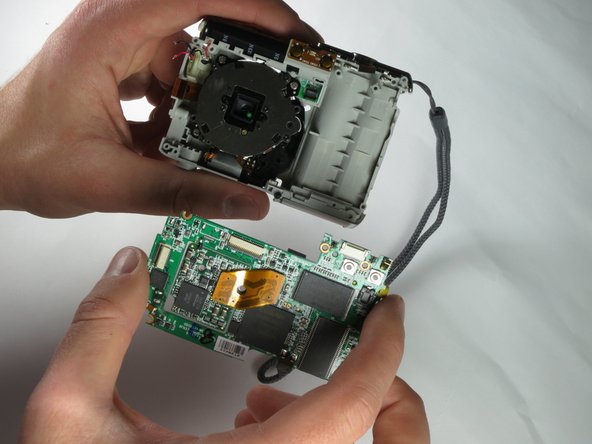
    • Gently pull the motherboard (from the bottom first) away from the device.

    FixBotに聞いてみる

    コメントを追加

  17. Olympus FE-170 Lens Replacement, Lens: 手順 17、 3の画像 1 Olympus FE-170 Lens Replacement, Lens: 手順 17、 3の画像 2 Olympus FE-170 Lens Replacement, Lens: 手順 17、 3の画像 3
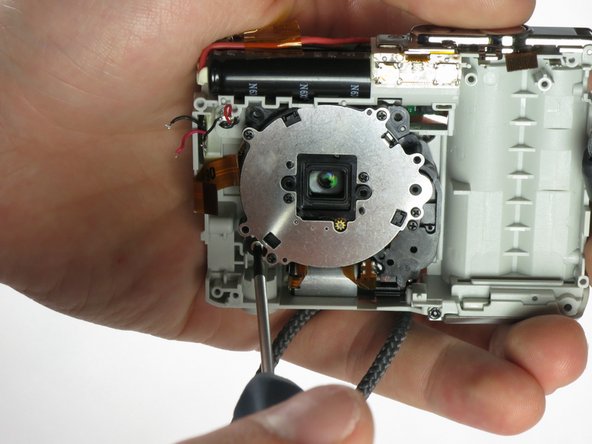
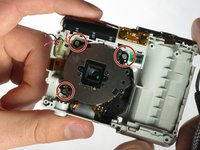
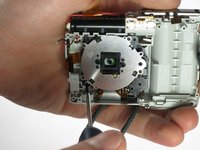
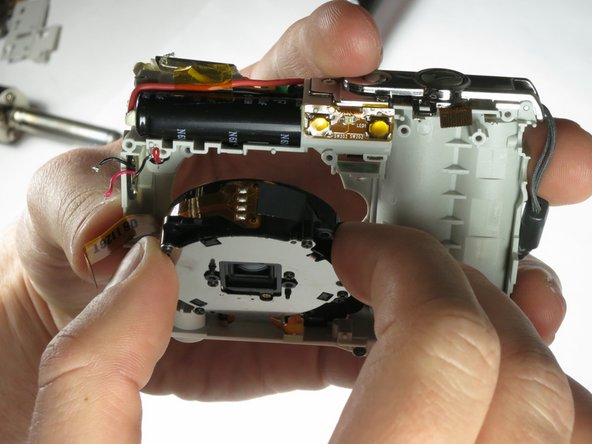
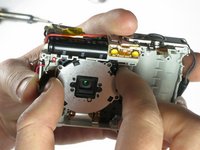
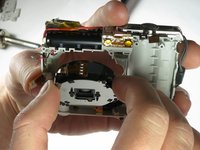
    • Remove the 3 screws holding the lens assembly in place.

    FixBotに聞いてみる

    コメントを追加

  18. Olympus FE-170 Lens Replacement: 手順 18、 3の画像 1 Olympus FE-170 Lens Replacement: 手順 18、 3の画像 2 Olympus FE-170 Lens Replacement: 手順 18、 3の画像 3
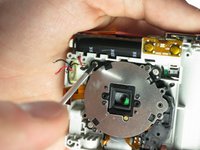
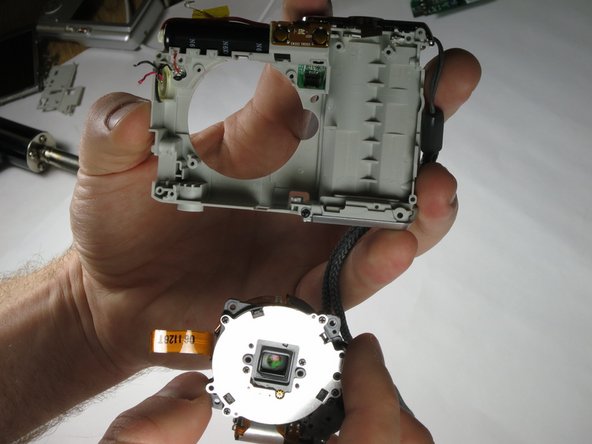
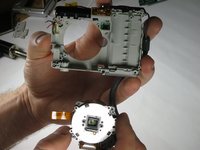
    • Gently remove the lens assembly by pulling on the top of the assembly first, then removing from the device.

    FixBotに聞いてみる

    コメントを追加

終わりに

To reassemble your device, follow these instructions in reverse order.

キャンセル: このガイドを終了できませんでした。

作成者

4人の作成者と共同で作成されました。

CCrane

メンバー登録日: 03/26/15

201 ポイント

2のガイドは作成済み

チーム

Baylor, Team 6-4, Shaver Spring 2015 Baylor, Team 6-4, Shaver Spring 2015人のメンバー

BU-SHAVER-S15S6G4

3 メンバー

12のガイドは作成済み

0件のガイドコメント

コメントを追加

統計データ:

過去 24時間: 2

過去 7 日: 12

過去 30 日: 59

今までの合計 1,149