はじめに
If you can't see the letter on your key or the keys are getting stuck with every click on your Logitech MK345, you can reference this guide to learn how to remove your key properly. Keeping the keyboard clean is essential to its use, especially if you use it everyday. In order to figure out if this is the right guide for you check out the Troubleshooting Page to discover the exact issue.
必要な工具と部品

 FixBotに聞いてみる


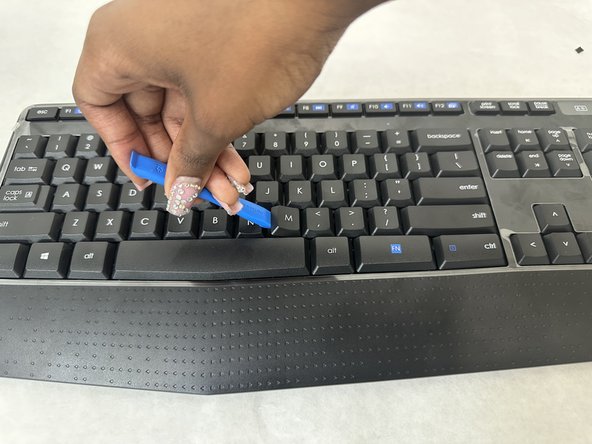
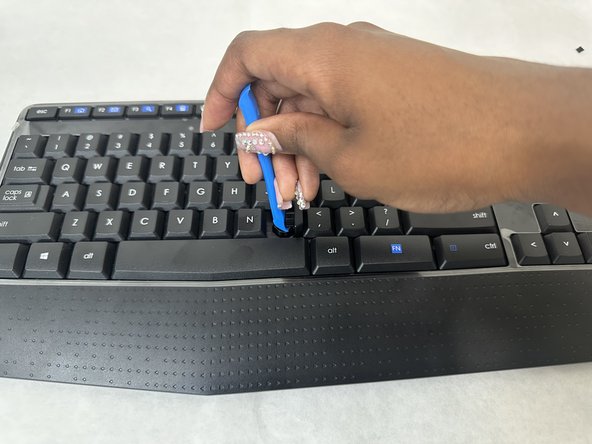
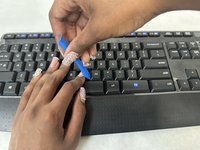
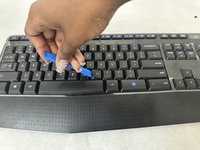
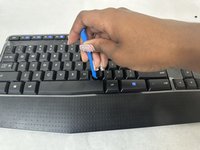
To reassemble your device, follow these instructions in reverse order.
2 の人々がこのガイドを完成させました。

チーム

University of North Texas, Team 4-1, Harold Fall 2024 University of North Texas, Team 4-1, Harold Fall 2024人のメンバー
UNT-HAROLD-F24S4G1
3 メンバー
5のガイドは作成済み
