はじめに
If your HP G62-234DX laptop fan is very loud or has become increasingly hot, use this guide to replace your fan.
Fan(s) in a laptop provide airflow and prevent the device from overheating. Noisy fans indicate that your device is either overheating or your fan is broken, and these two often go hand-in-hand.
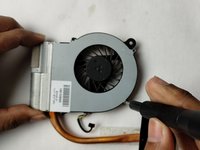
Before buying a new fan and replacing your old one, you should follow this guide to remove your fan and clean it off with a cloth and/or dust blower. This may solve your issue. If the noisiness persists despite a clean fan, then you should replace it.
Before you begin, turn off your device and unplug your laptop from the charger.
必要な工具と部品
-
-
Place your laptop on a clean, flat surface with the bottom facing up.
-
Slide the battery lock to the left.
-
Slide the battery out from the laptop while holding the lock to the left.
-
Remove the battery.
 FixBotに聞いてみる
-
-
-
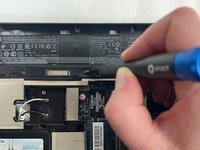
Use a Phillips #0 screwdriver to remove the three 6.0 mm screws.
-
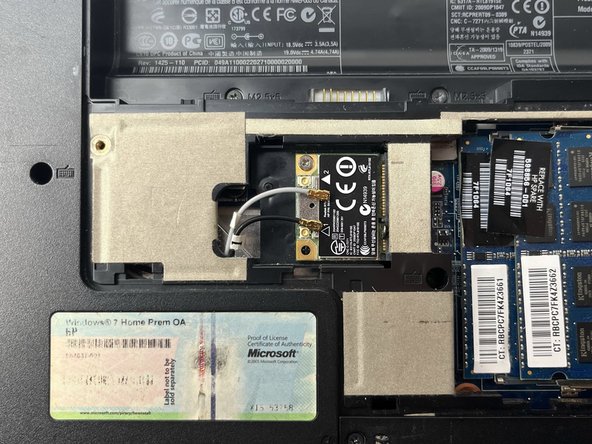
Remove the back panel to access the Wi-Fi card.
-
-
この手順で使用する道具:Tweezers$4.99
-
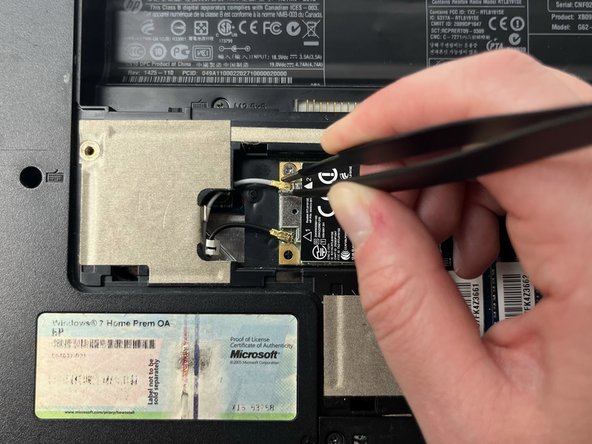
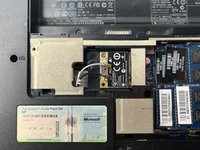
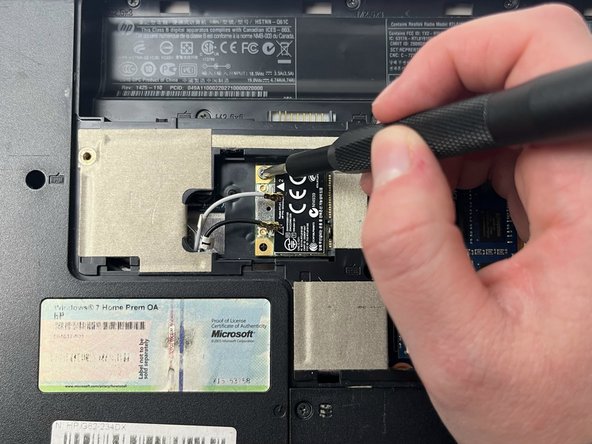
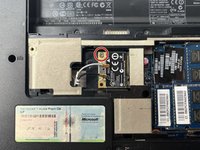
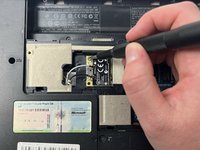
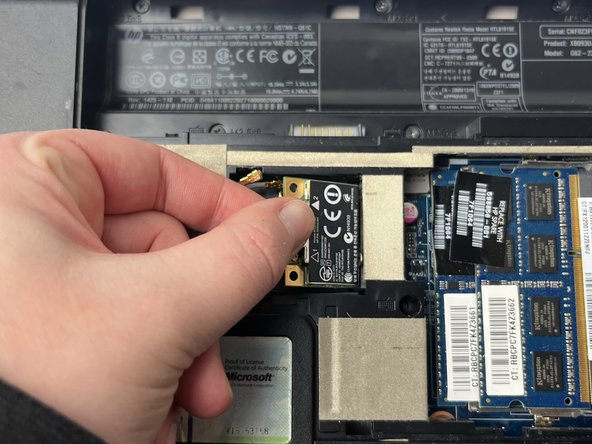
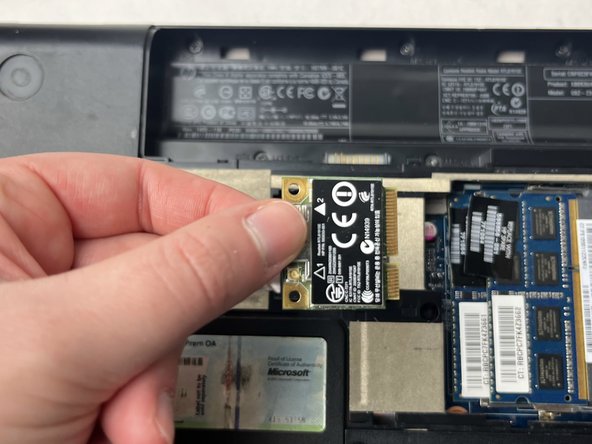
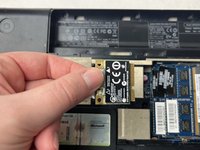
Slide a thin, ESD-safe pry tool or tweezers under the wire until it's snug against the connector, and pry straight up from the board to disconnect the coaxial cables from the Wi-Fi card.
-
-
-
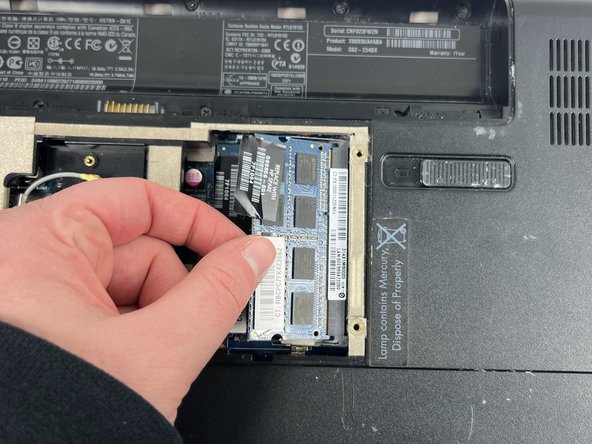
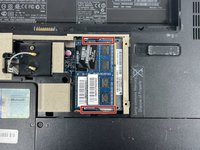
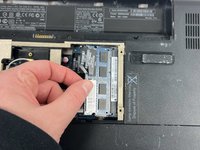
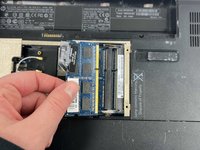
Release the tabs on each side of the chip by simultaneously pushing each tab away from the RAM chip.
-
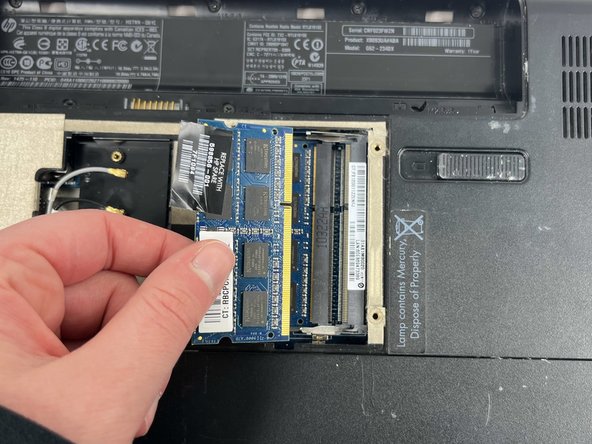
Slide the RAM card out of the slot to remove it.
-
-
-
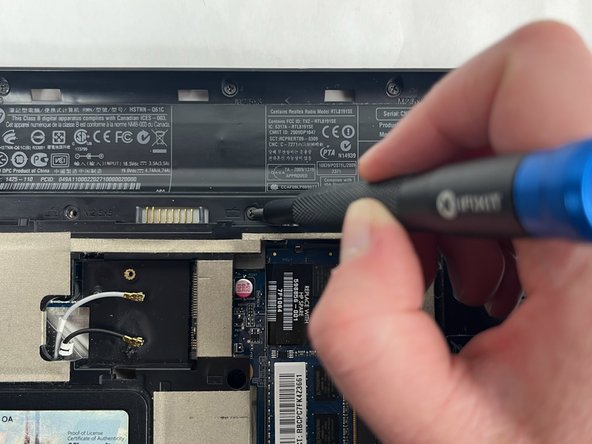
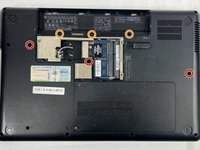
Use a Phillips #0 screwdriver to remove three 6.5 mm screws.
-
Use a Phillips #0 screwdriver to remove three 5.0 mm screws.
-
-
-
-
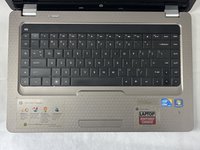
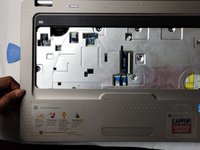
Rotate the laptop back to its standard orientation and flip open the screen.
-
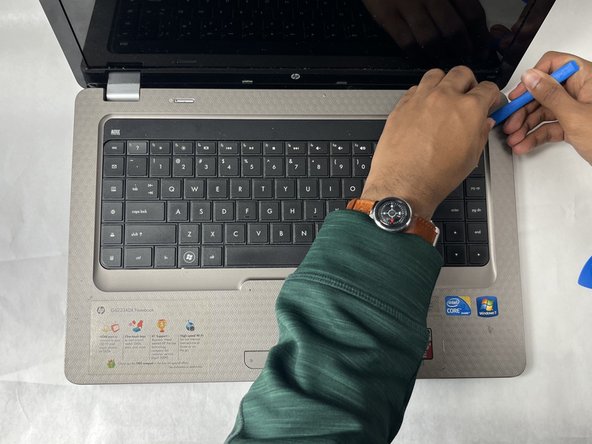
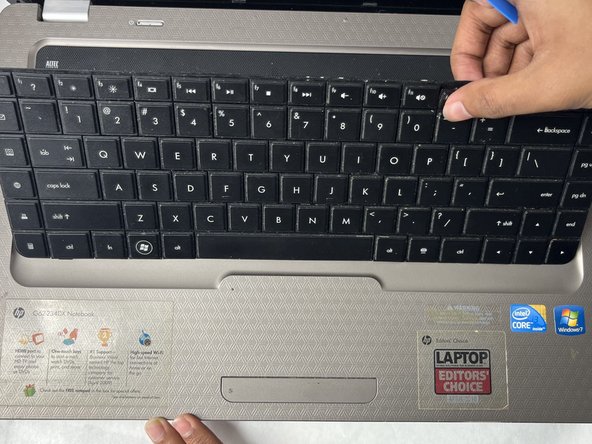
Use the iFixit opening tool to separate the keyboard from the tabs. Start from one point on the edge and work your way around until all of the tabs are released.
-
-
-
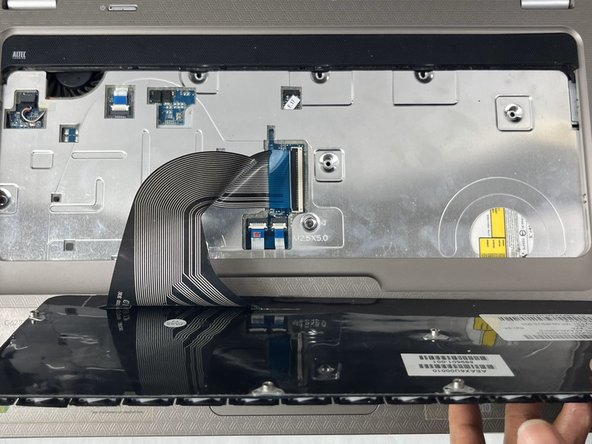
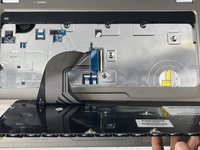
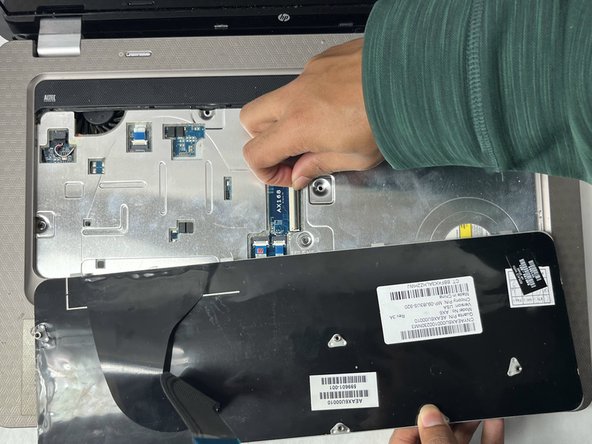
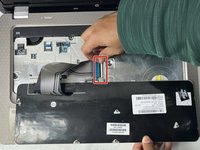
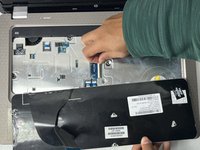
Flip up the locking flap using either your fingernail, or a spudger.
-
Remove the ribbon from the ZIF connector.
-
-
-
Close the laptop and flip it back over.
-
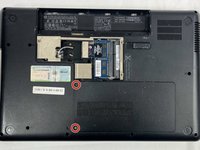
Use a Phillips #0 screwdriver to loosen two screws securing the panel.
-
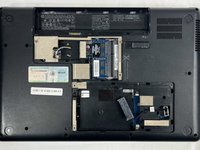
Remove the HDD panel.
-
-
-
Use a Phillips #0 screwdriver to remove two 6.0 mm screws.
-
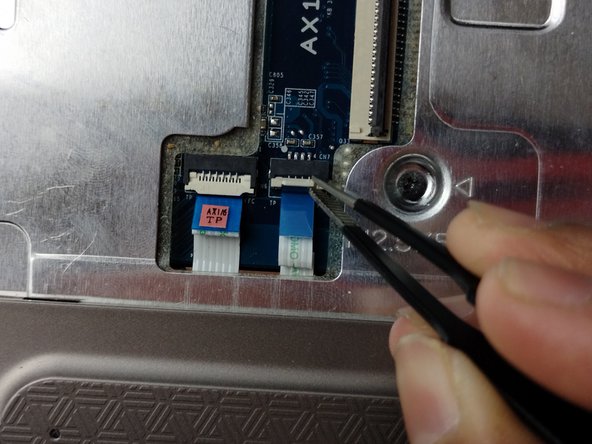
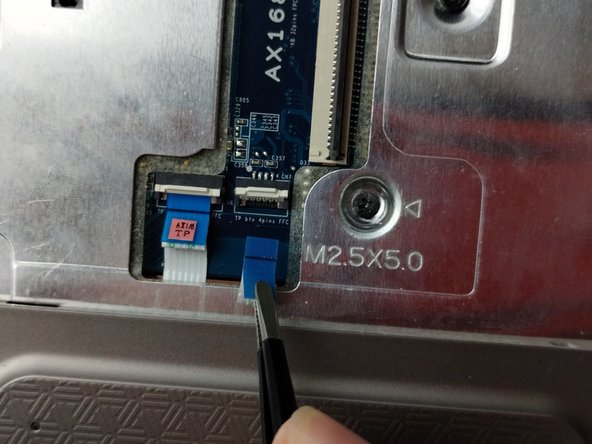
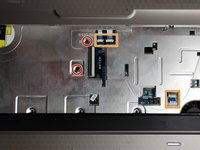
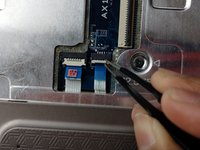
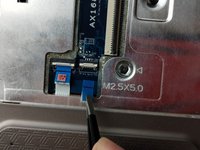
Use the tip of a spudger or your fingernail to flip up the small locking flap on the three ZIF connectors.
-
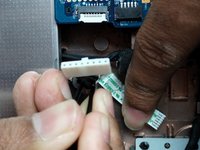
Pull the cables out from the connectors attached to the touchpad and fan.
-
-
-
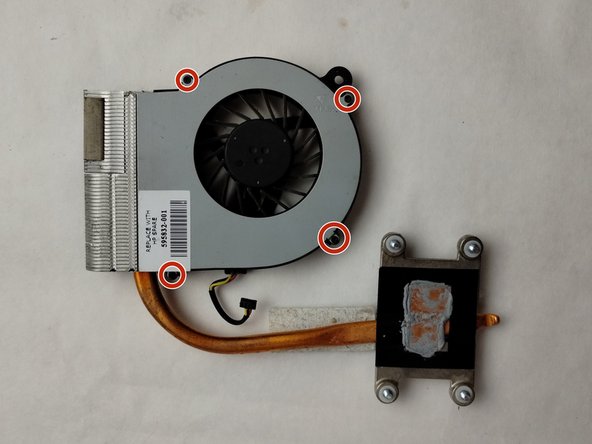
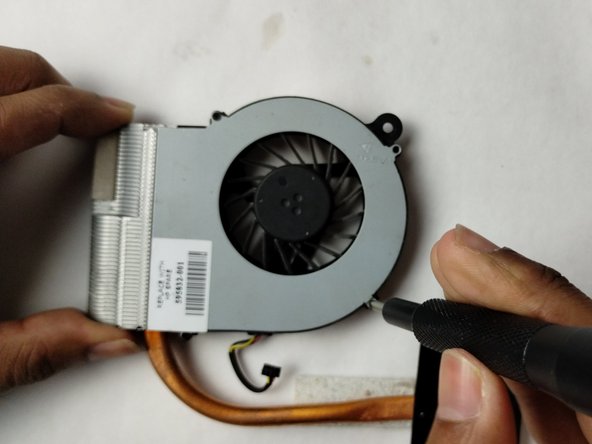
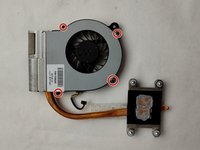
Use a Phillips #0 screwdriver to loosen the captive screw securing the fan.
-
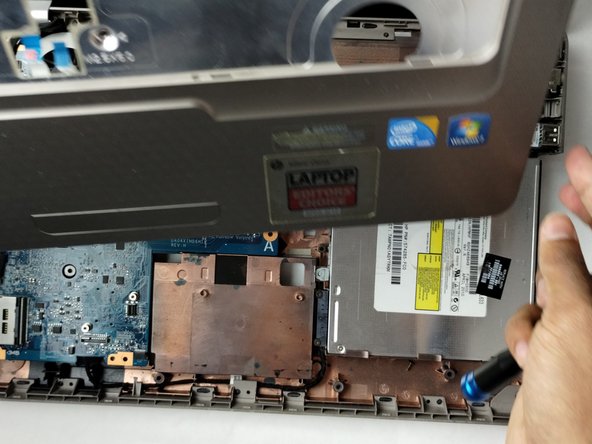
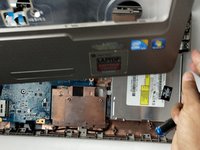
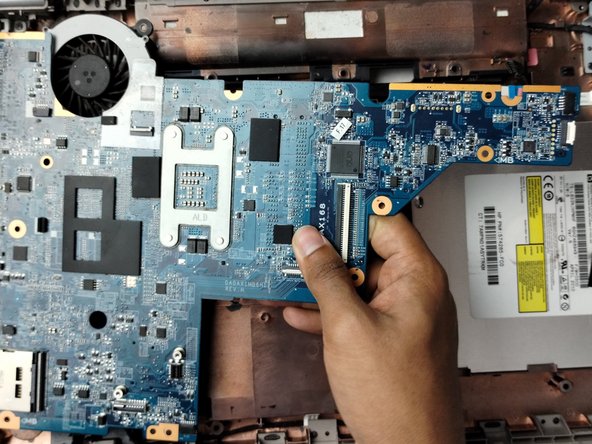
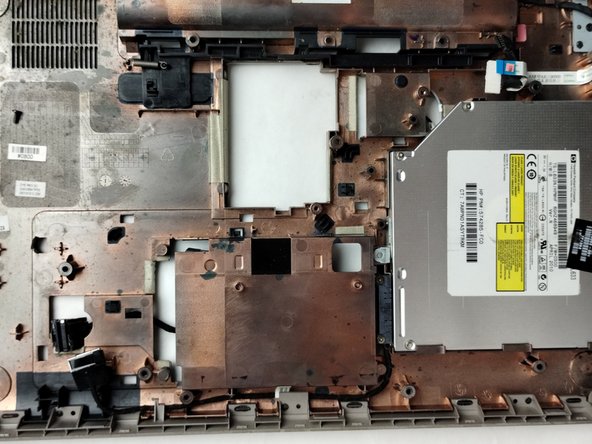
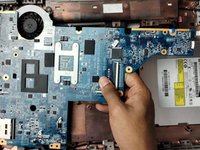
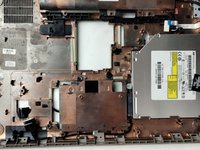
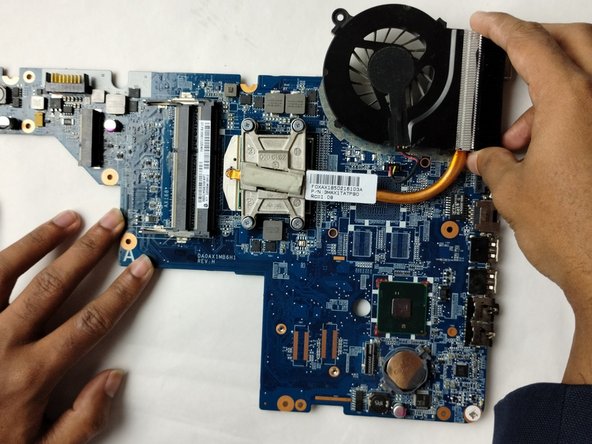
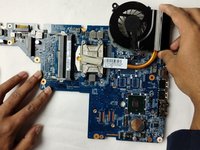
Lift the motherboard slowly from the right side and take off gently.
-
-
-
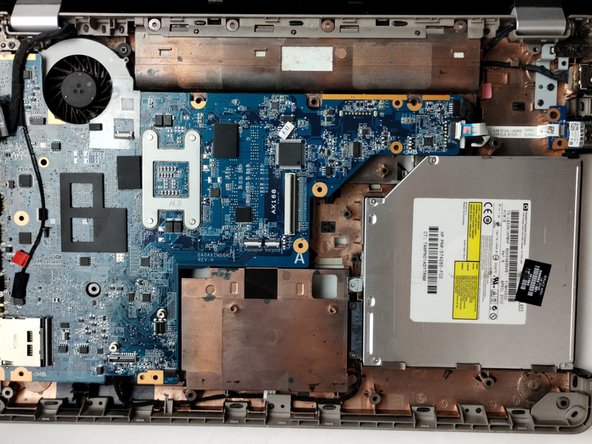
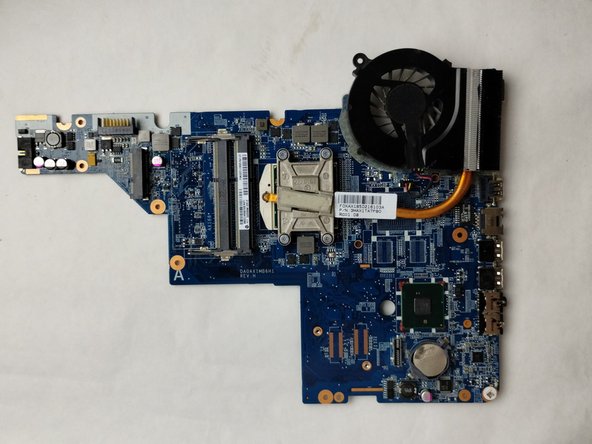
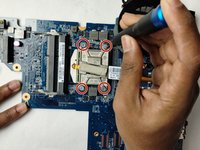
Use a Phillips #0 screwdriver to loosen the screws on the CPU block.
-
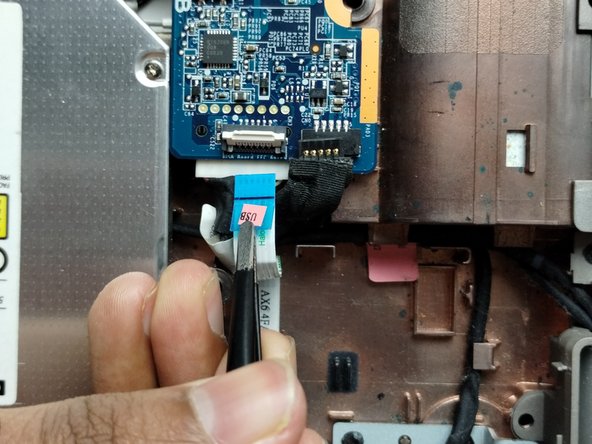
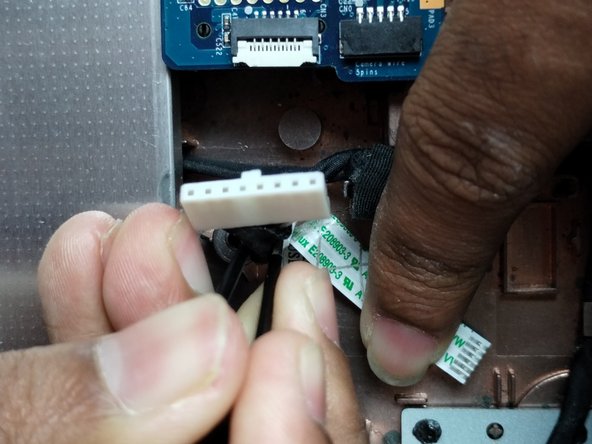
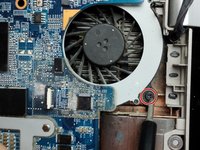
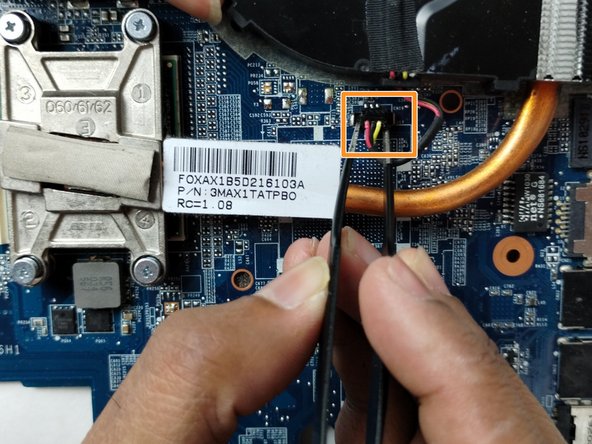
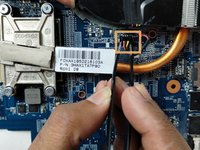
Disconnect the power cable right next to the fan.
-
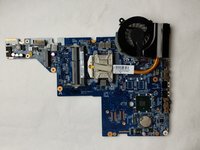
Gently remove the fan assembly.
-


















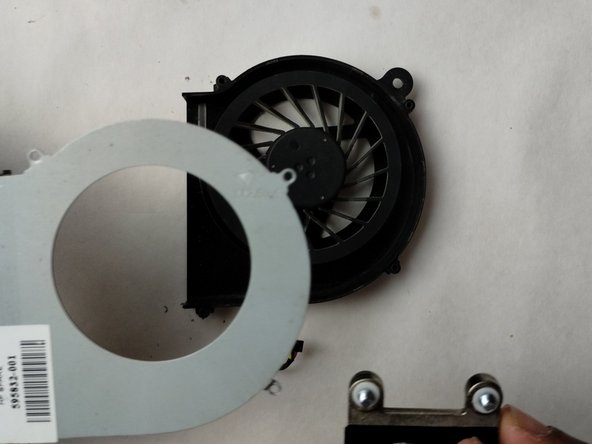

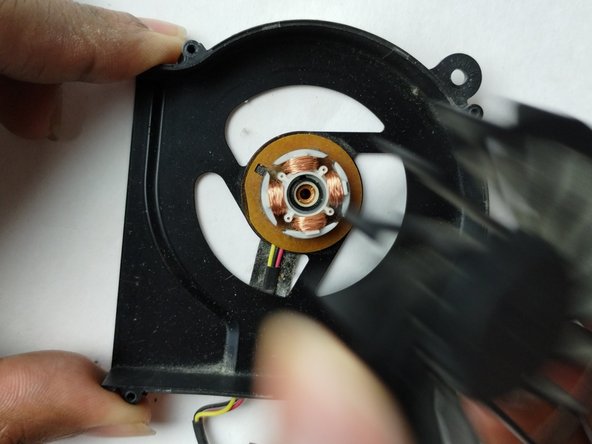
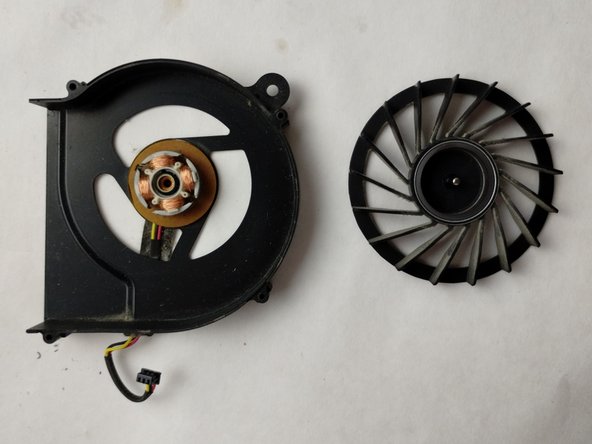
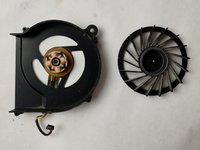
To reassemble your device, follow these instructions in reverse order. Don't forget to reattach the cables and check for screws at every step of the reassembly process!
ある他の人がこのガイドを完成しました。

チーム

UMass Dartmouth, Team 1-1, Petersen Fall 2023 UMass Dartmouth, Team 1-1, Petersen Fall 2023人のメンバー
UMASSD-PETERSEN-F23S1G1
4 メンバー
6のガイドは作成済み
