はじめに
This guide will be used if your Garmin inReach Explorer+ has screen issues. The guide will go over the process to replace the LCD screen. The LCD screen is a key component of the GPS, showing the visuals of the GPS and any selections that are made with the buttons.
As mentioned in our troubleshooting guide, the screen issues could be a frozen or damaged screen. The troubleshooting guide has several solutions that should be attempted prior to replacing the screen such as performing updating the device and resetting the device.
Before you begin replacing the screen, make sure it is powered off and it is not connected to any other form of power.
必要な工具と部品
-
-
Using the TR6 Torx Security screwdriver, remove six 10 mm screws from the back cover of the device.
 FixBotに聞いてみる
-
-
-
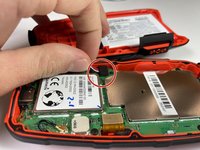
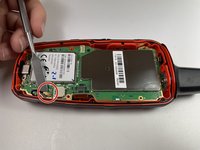
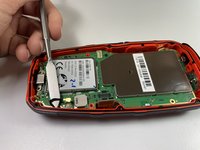
Gently grasp the battery wire and disconnect it from the device.
-
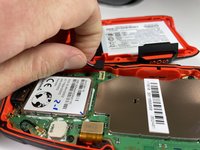
Remove the battery from the device.
-
-
-
-
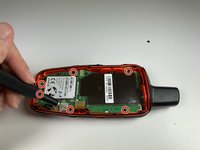
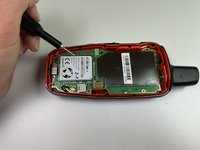
Using the T5 Torx screwdriver, remove the six 6 mm screws from the motherboard.
-
-
-
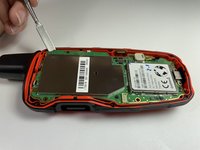
Disconnect the LCD screen from the motherboard by lifting on the flap with the nylon spudger.
-
-
-
Disconnect the antenna from the motherboard by lifting the wire with a nylon spudger.
-
-
-
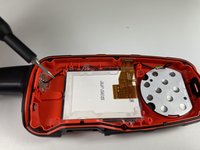
Using the T5 Torx screwdriver, remove the two 6 mm screws from the LCD screen.
-
-
-
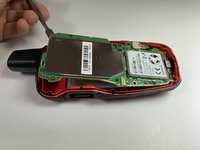
Use a nylon spudger to separate the LCD screen from the main body and remove the LCD screen.
-





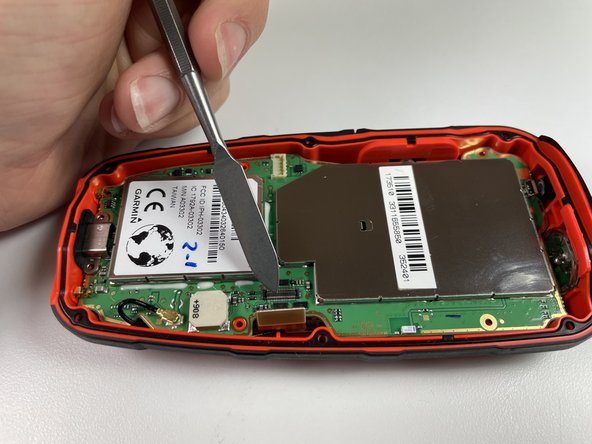
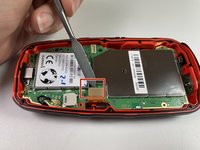
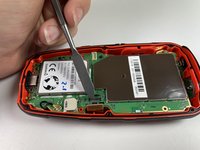

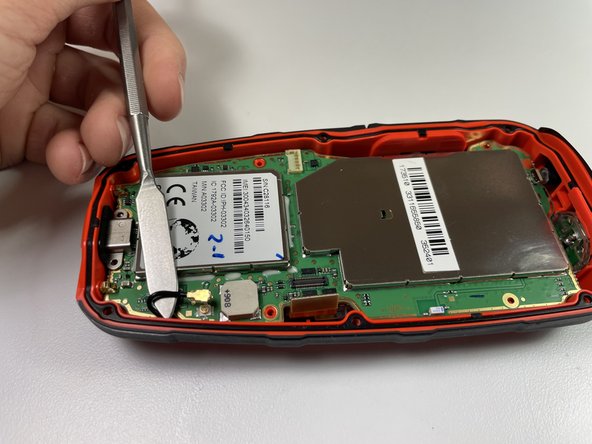


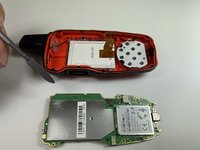


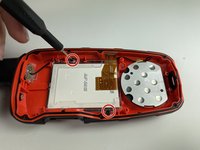


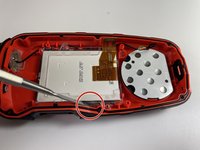
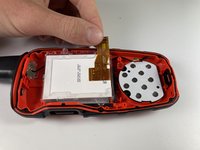
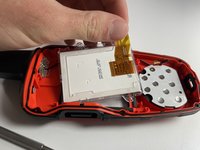
To reassemble your device, follow these instructions in reverse order.

チーム

Clemson, Team 5-4, Hunter Fall 2021 Clemson, Team 5-4, Hunter Fall 2021人のメンバー
CLEM-HUNTER-F21S5G4
4 メンバー
10のガイドは作成済み
3件のガイドコメント
Where do I purchase the replacement LCD screen?
Ditto - where can we get a screen??
Ben Wallbank - 返信 共有
Yes where can LCD SCREEN BE BOUGHT
Roy Shields - 返信 共有
