はじめに
This guide gives you a look at the major components of the Fujifilm X-M1 and provides complete disassembly instructions.
We highly suggest you use a magnetic project mat or an organization tray. This camera has many different types of screws and keeping them organized is key to proper reassembly.
必要な工具と部品
-
-
If you haven't done so already, remove the lens from the camera.
-
Remove the six 2.5 mm Phillips screws from the bottom of the camera.
 FixBotに聞いてみる
-
-
この手順で使用する道具:Tweezers$4.99
-
Use tweezers or a finger nail to peel back the rubber cover on the left handgrip.
-
Remove the 3.4 mm Phillips screw.
-
Remove the 3.7 mm screw.
-
-
-
Use tweezers or a fingernail to peel back the rubber cover on the right handgrip.
-
Remove the 3.2 mm Phillips screw.
-
Remove the 3.8 mm Phillips screw.
-
Remove the 2.8 mm Phillips screw.
-
-
-
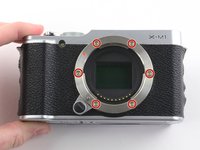
Remove the six 6.5 mm Phillips screws from the lens mount.
-
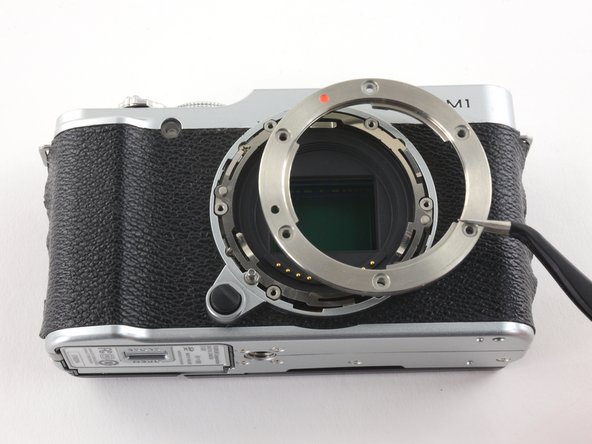
Use tweezers to remove the top metal ring and the thin metal ring below it .
-
-
-
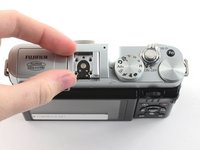
Use tweezers to slide the metal shield straight out of the external flash mount.
-
-
-
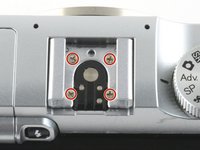
Remove the four 4.6 mm Phillips screws from the external flash mount.
-
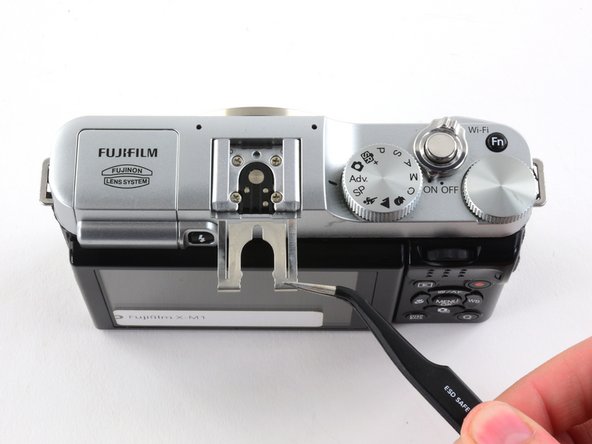
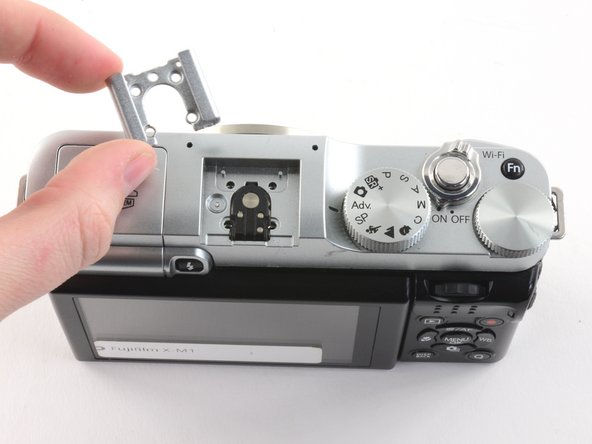
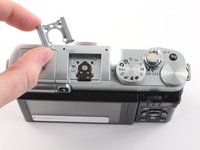
Use tweezers or two fingers to remove the mount clip.
-
-
-
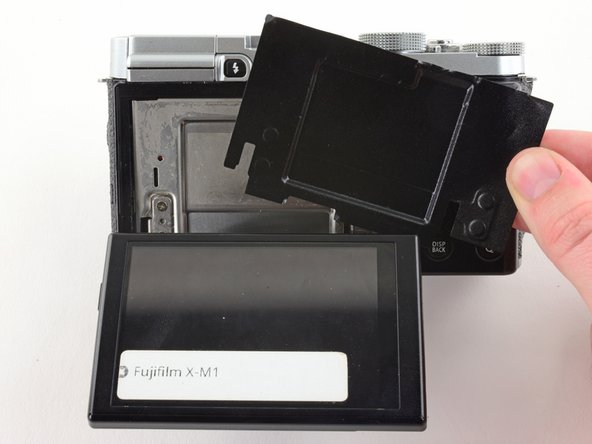
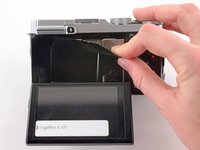
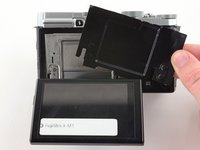
Use two fingers to peel back and remove the black plastic cover from behind the LCD.
-
-
-
Slowly pull the back frame away from the camera.
-
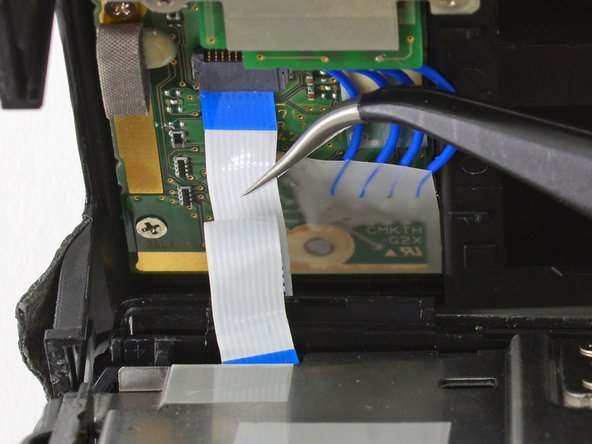
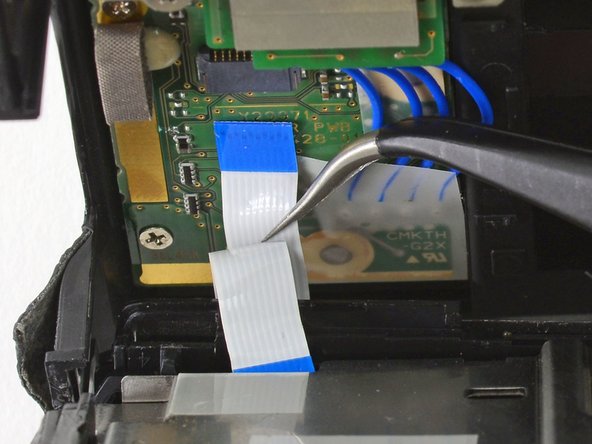
Use tweezers to pull the white and blue ribbon cable out of the connector.
-
-
-
-
Slowly lift the metal frame away from the motherboard.
-
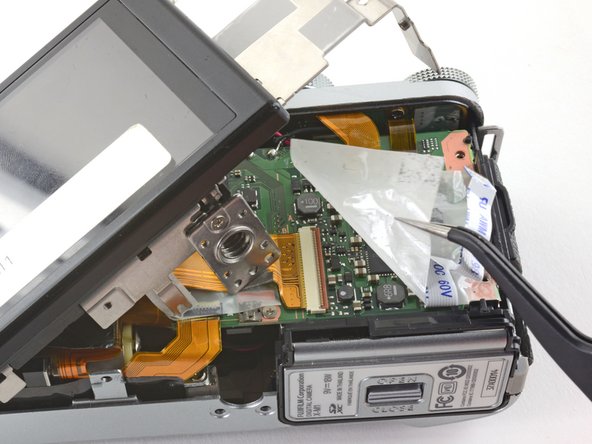
Use tweezers to remove the plastic covering the motherboard.
-
-
-
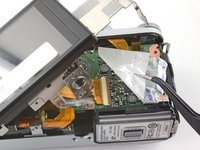
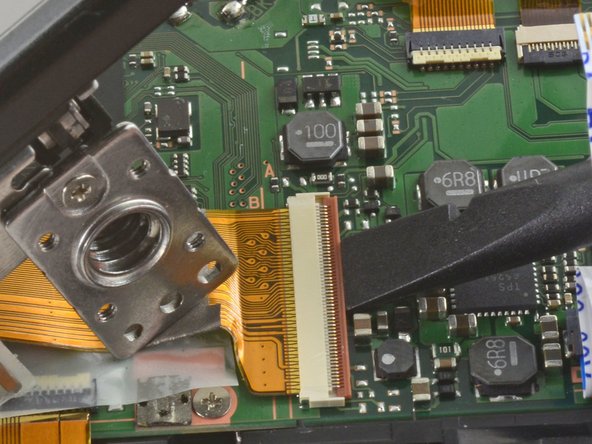
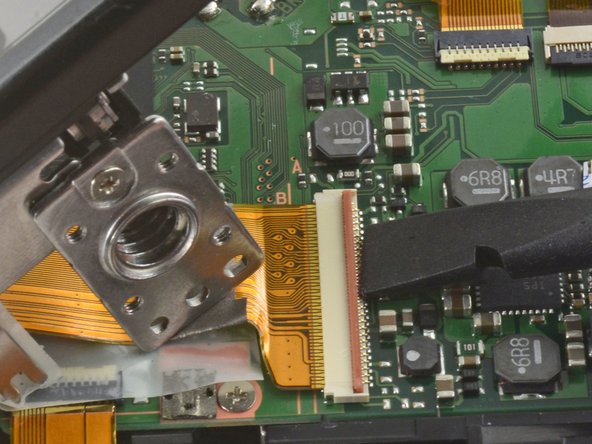
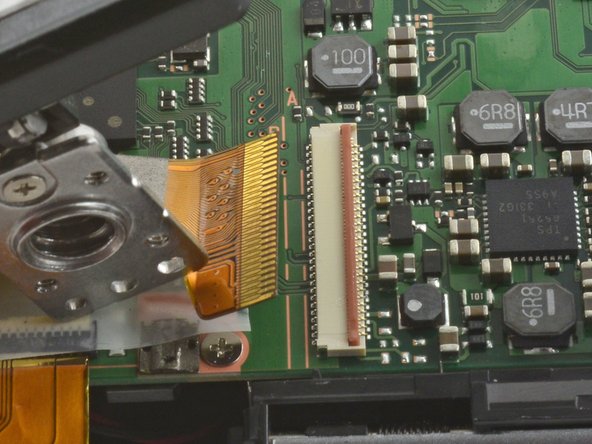
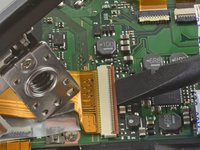
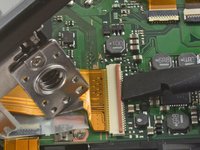
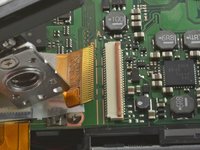
To remove the ribbon cable, flip back the orange lock on the large ZIF connector with the flat end of a spudger.
-
-
-
Use tweezers to remove the three pieces of tape covering the components of the motherboard.
-
-
-
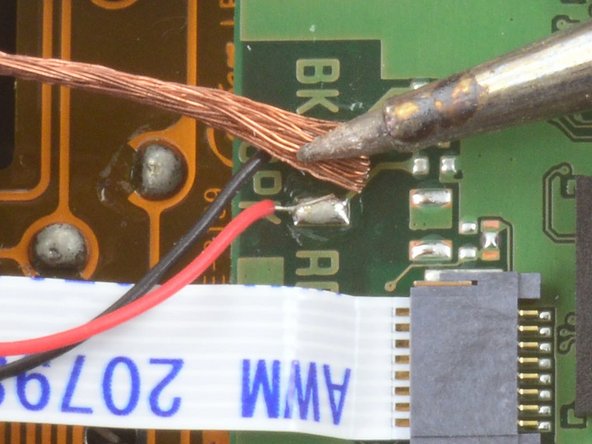
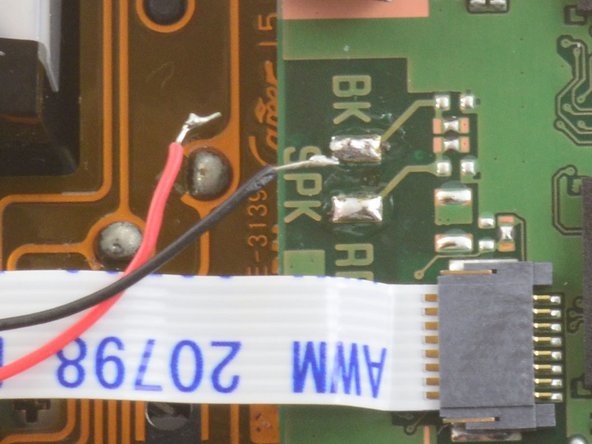
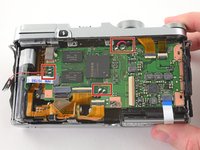
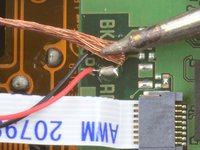
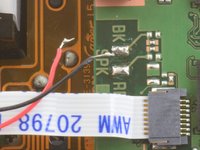
Desolder the three pairs of red and black wires attached to the mother board.
-
Learn more about desoldering wires here.
-
-
-
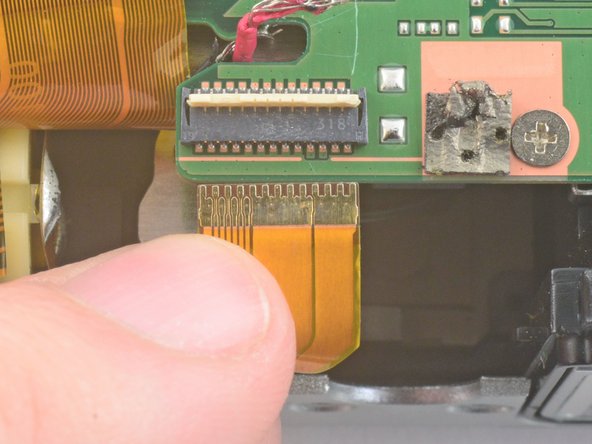
Use two fingers to remove the two ribbon cables in the bottom left corner of the motherboard.
-
-
-
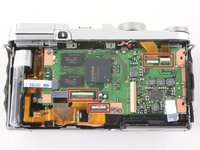
Use the flat end of a spudger to unlock the four indicated ZIF connectors.
-
Use two fingers to pull the ribbon cables out of the connectors.
-
-
-
Remove the 3.3 mm Phillips screw from the upper left corner of the motherboard.
-
Remove the 2.4 mm Phillips screw in the bottom right corner of the motherboard.
-
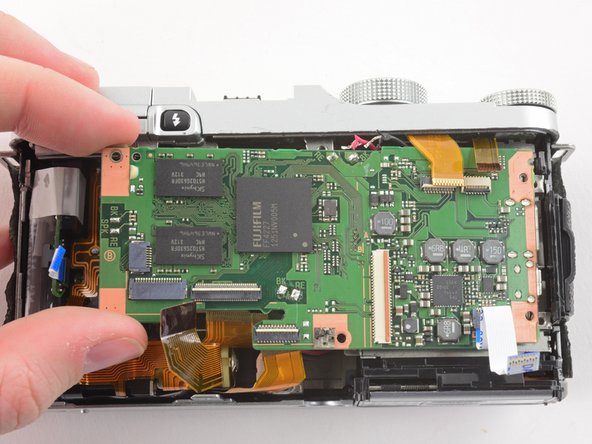
Use two fingers to remove the motherboard from the front case.
-
-
-
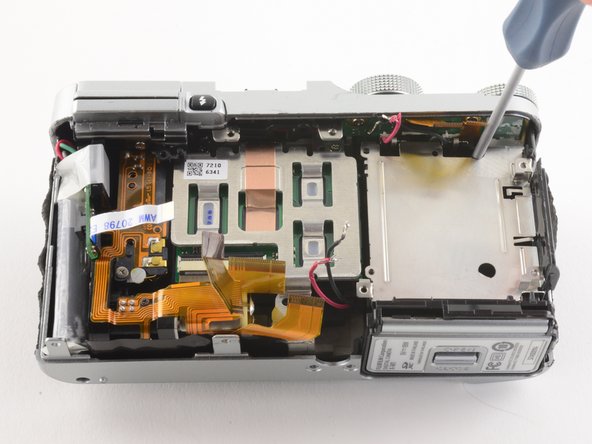
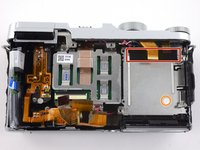
Use tweezers to remove the black plastic tape at the top of the battery compartment.
-
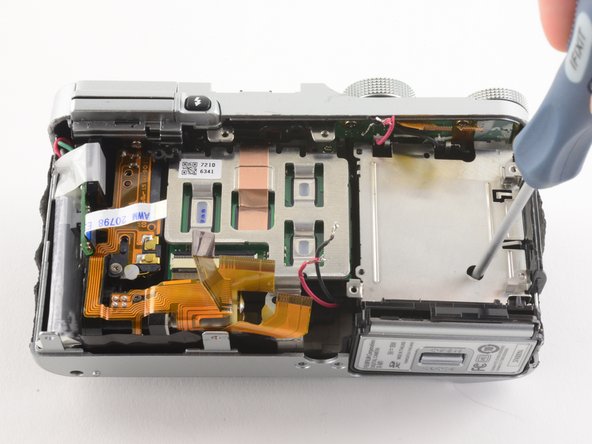
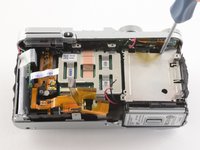
Insert a Phillips #00 screwdriver through the hole beneath the black tape to remove a 4.8 mm screw.
-
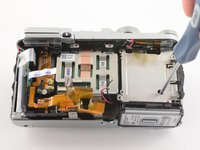
Insert a Phillips #00 screwdriver through the white tamper evident sticker to remove a second 4.8 mm screw.
-
-
-
Remove the 3.7 mm Phillips screw from the bottom of the sensor mount.
-
Remove the 4.2 mm Phillips screw from the bottom of the sensor mount.
-
Remove the 6.2 mm Phillips screw hiding between the sensor mount and the battery compartment.
-
-
-
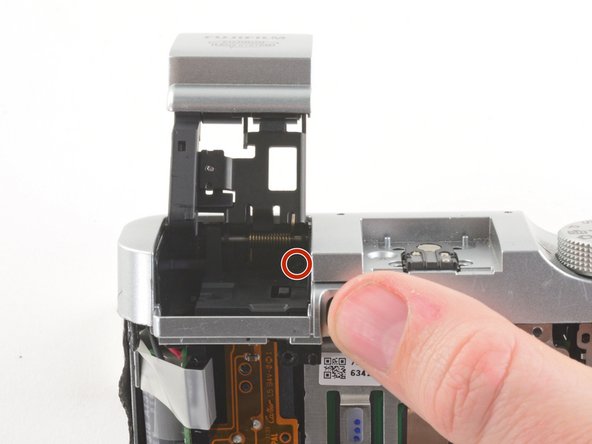
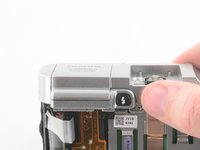
Press the flash button to release the flash assembly.
-
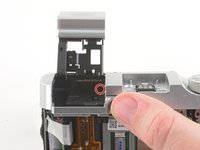
Remove the 3.4 mm Phillips screw in the back of the flash compartment.
-
-
-
Remove the four 2.6 mm Phillips screws from the LCD hinges.
-
Tilt the LCD away from the metal frame.
-
-
-
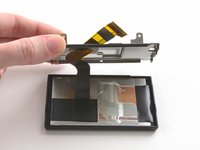
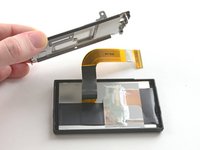
Use two fingers to pull the ribbon through the hole in the metal frame.
-
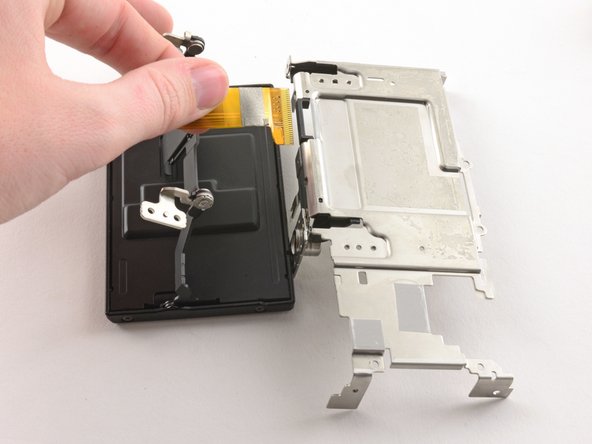
Remove the LCD from the metal frame.
-
-
-
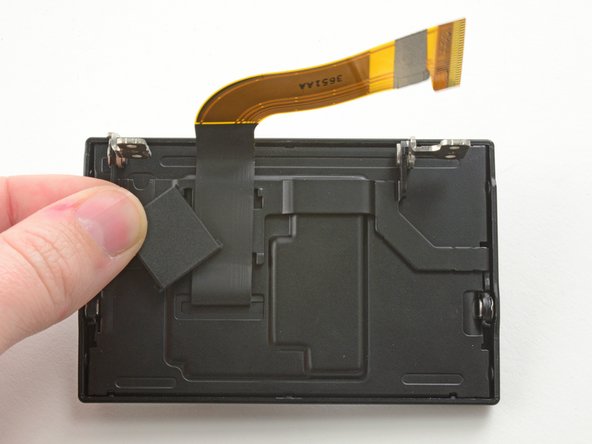
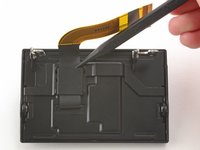
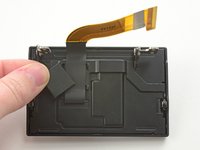
Use the pointed end of a spudger to remove the ribbon cover on the back of the LCD.
-
-
-
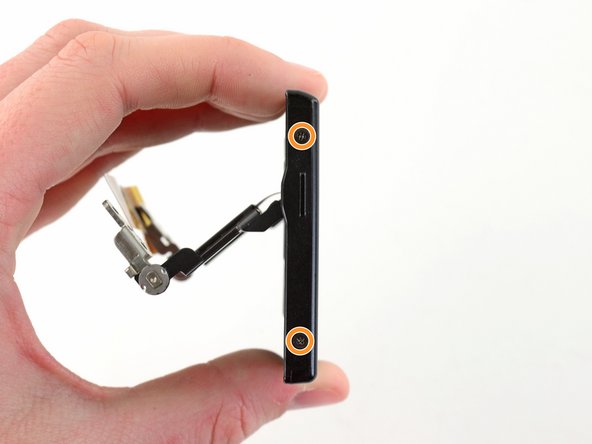
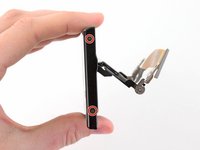
Remove the two 2.6 mm Phillips screws from the right hand side of the LCD screen.
-
Remove the two 2.6 mm Phillips screws from the left hand side of the LCD screen.
-
-
-
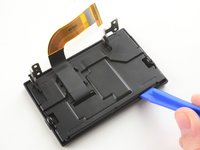
Use a plastic opening tool to pry the LCD case open.
-
Once the case is open, pull the ribbon through the hole on the back case.
-










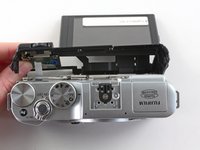
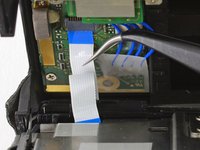
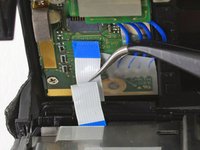


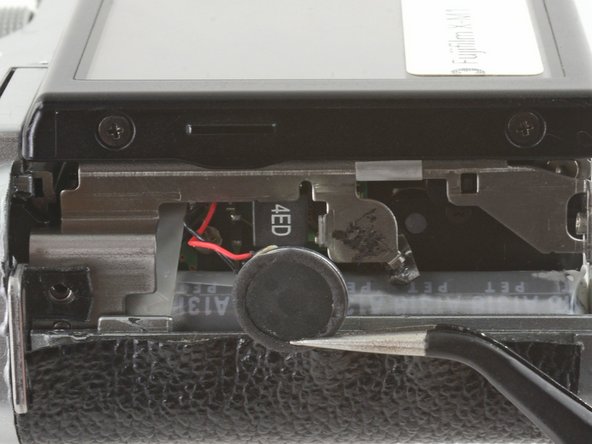





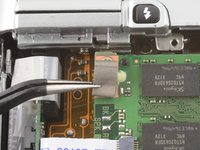
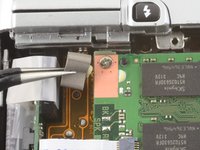

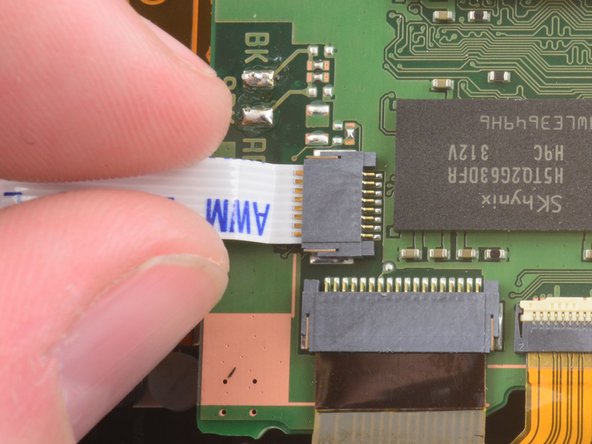
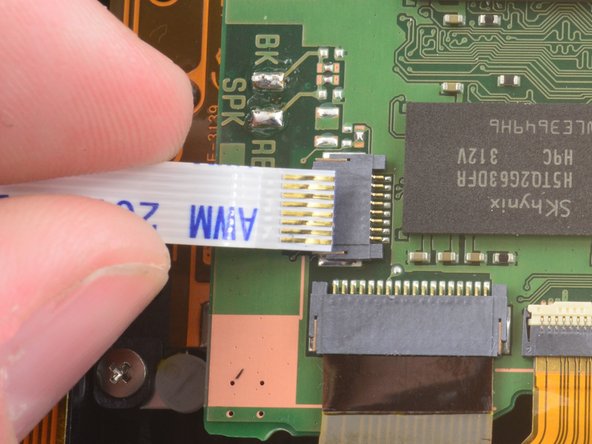
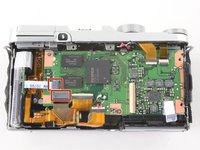
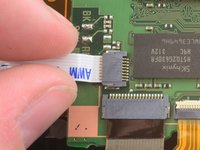
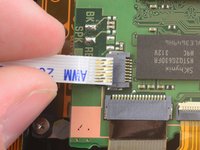

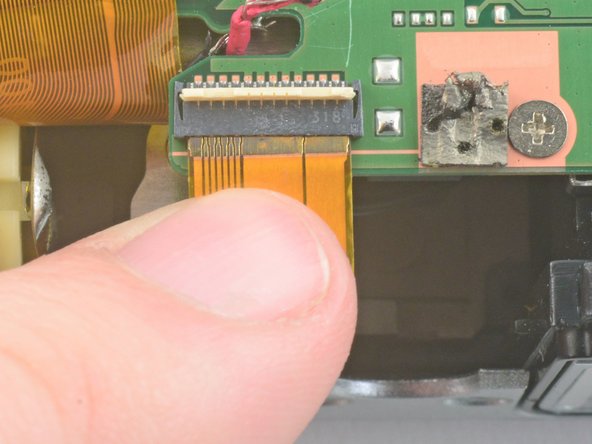





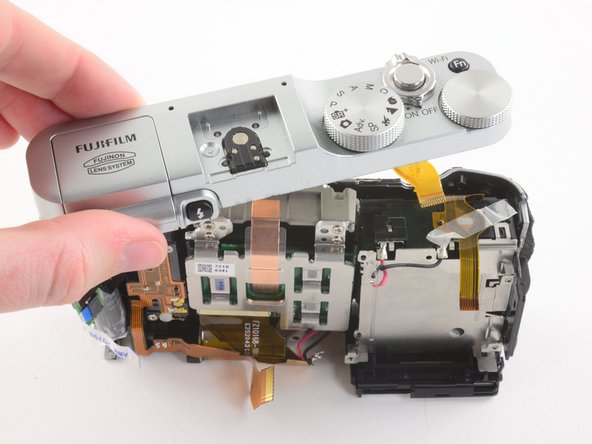
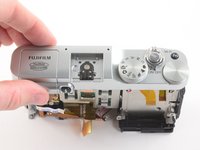
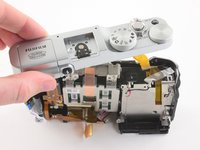


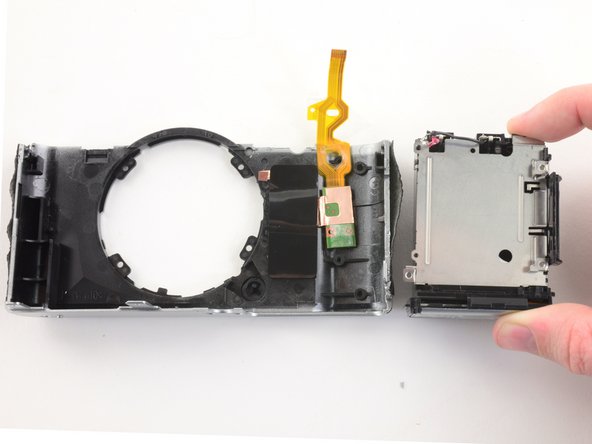
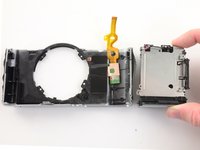

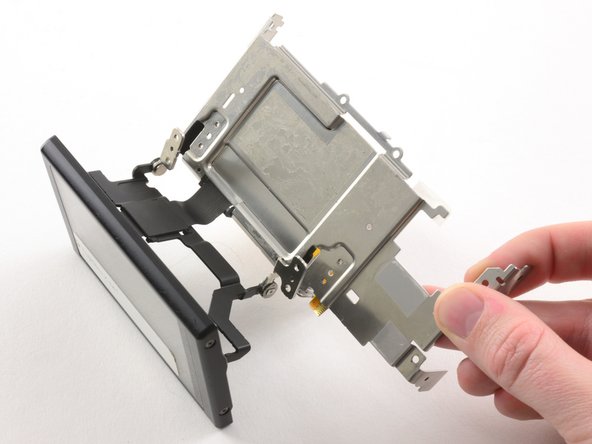
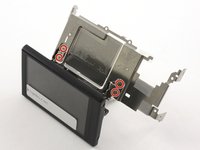
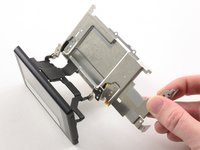



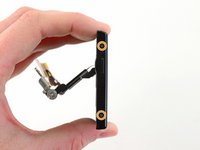

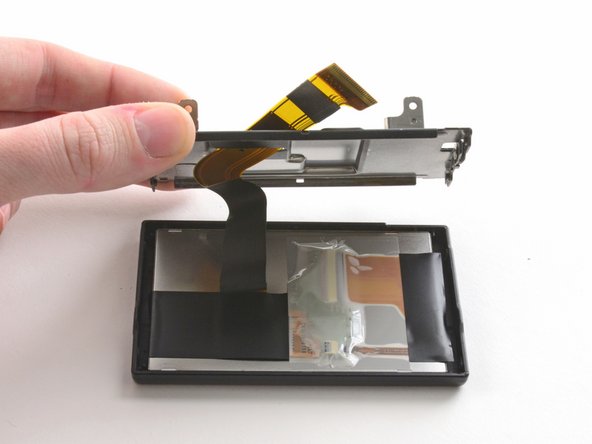
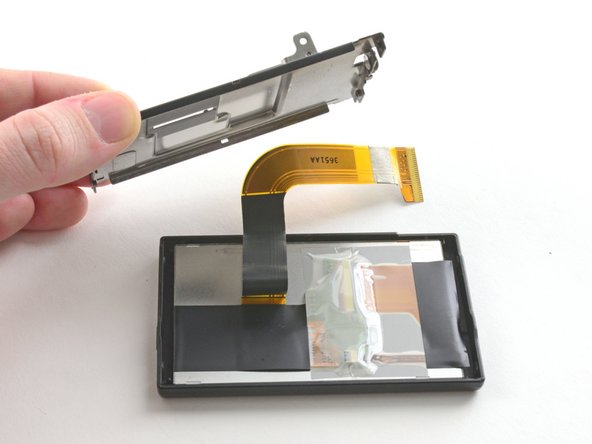


To reassemble your device, follow these instructions in reverse order.
10 の人々がこのガイドを完成させました。

7件のガイドコメント
Hi, I have disassembled in more detail the whole camera and collected in reverse order to every detail , I can send you my photos for a complete collection of disassembly of the camera, my email: tyapa141465@mail.ru
Felus Felus - 返信 共有
Great article.
I have disassembled mine in order to clean dust inside sensor assembly, i took apart #26 using top 2 screws and the bottom one.
Unfortuntatly in the middle there were spacers, on the bottom 3 of them, on the upper side i have found 5 little metal spacers… without knowing how many were on the left, and on the right. Do you have pictures of this stage? Tya.
Большое спасибо автору статьи. Благодаря ей разобрали Fuji X-A2 для ремонта (после падения камеры не работала часть функций). После разборки и последующей сборки камера работает как новая. Только черную пленку под LCD пришлось выбросить, потому что она одноразовая
Many thanks to the author of the article. Thanks to her dismantled Fuji X-A2 for repair (after the fall of the camera did not work part of the functions). After disassembly and subsequent Assembly, the camera works as new. Only the black film under the LCD had to be thrown away, because it is disposable
