はじめに
This guide is meant to help with the replacement of the programmable buttons found on the top of the mouse just below the scroll wheel, the large "sniper" button on the side, and the three smaller buttons side of the mouse just below the "sniper" button.
Before you begin to disassemble the mouse, check the troubleshooting guide related to the programmable buttons. One common issue users experience with the EVGA x17 Gaming Mouse involves updating their drivers and downloading EVGA's RGB Mouse software.
-
-
-
Use a Phillips head screwdriver to remove the 5 screws that secure the bottom panel.
-
-
-
-
Slowly slide a spudger into and around the bottom of the panel, prying until a "popping" sound is heard.
-
-
-
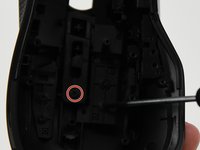
Remove the 13 screws on the interior.
-
There are 2 Phillips truss-head tapping screws, large circular heads, and the 11 Phillips screws from the interior.
-
-
-
Remove screws from each button.
-
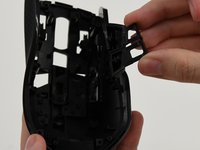
Press inwards and pop each button out of their socket.
-

 FixBotに聞いてみる


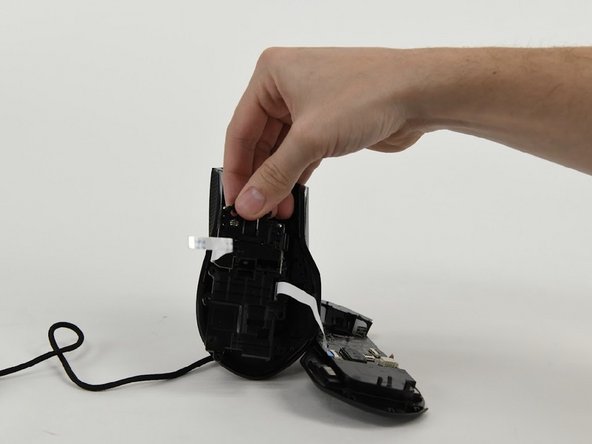
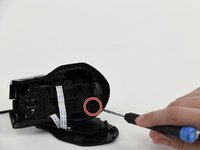


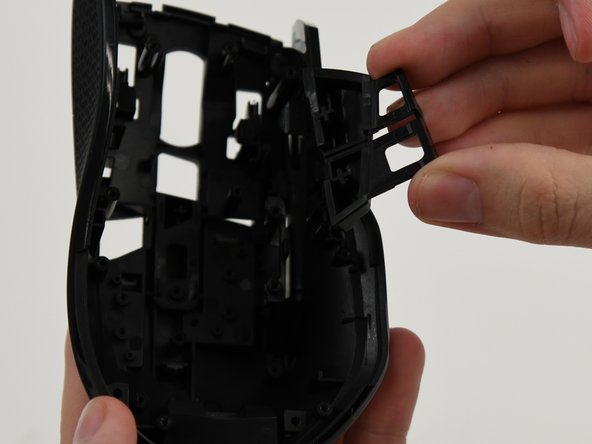
To reassemble your device, follow these instructions in reverse order.
ある他の人がこのガイドを完成しました。

チーム

University of Colorado Denver, Team 1-4, Campeau Fall 2023 University of Colorado Denver, Team 1-4, Campeau Fall 2023人のメンバー
UCDENVER-CAMPEAU-F23S1G4
7 メンバー
6のガイドは作成済み
