メインコンテンツにスキップ
リペアコミュニティに参加 - アカウントの作成

Diswoe Switch-01 Battery Replacement

必要な工具と部品

  1. Diswoe Switch-01 Battery Replacement, Battery: 手順 1、 3の画像 1 Diswoe Switch-01 Battery Replacement, Battery: 手順 1、 3の画像 2 Diswoe Switch-01 Battery Replacement, Battery: 手順 1、 3の画像 3
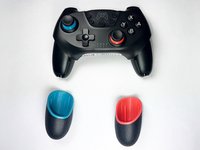
    • Use a Phillips screwdriver to remove the two screws at the bottom of the hand grips.

    • Remove the handgrips from the controller.

  2. Diswoe Switch-01 Battery Replacement: 手順 2、 3の画像 1 Diswoe Switch-01 Battery Replacement: 手順 2、 3の画像 2 Diswoe Switch-01 Battery Replacement: 手順 2、 3の画像 3
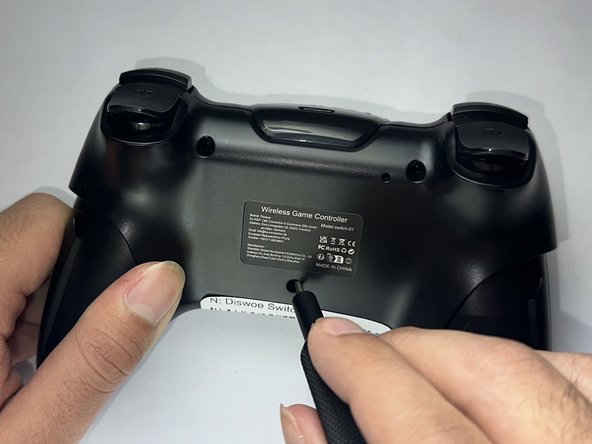
    • Turn the controller over so the bottom is facing up.

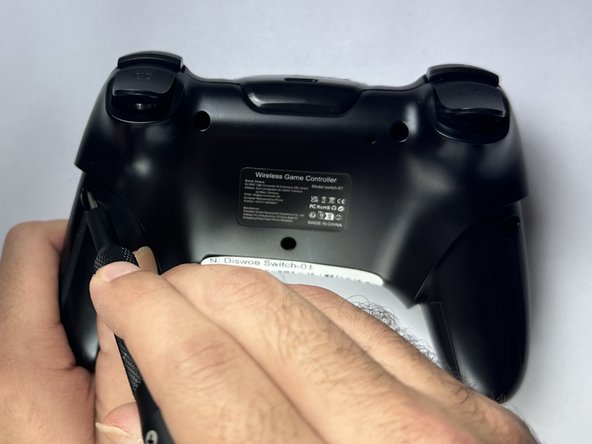
    • Use a Phillips screwdriver to remove the five screws from the back case.

  3. Diswoe Switch-01 Battery Replacement: 手順 3、 3の画像 1 Diswoe Switch-01 Battery Replacement: 手順 3、 3の画像 2 Diswoe Switch-01 Battery Replacement: 手順 3、 3の画像 3
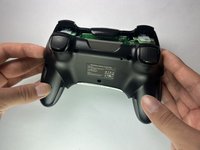
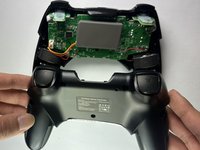
    • Use both hands to carefully remove the back cover.

    • For help removing the back cover, use a spudger to pry along the seam between the top and bottom case.

    • Don't pull the back cover off quickly or forcefully as the wires that are connected are easy to break.

  4. Diswoe Switch-01 Battery Replacement: 手順 4、 3の画像 1 Diswoe Switch-01 Battery Replacement: 手順 4、 3の画像 2 Diswoe Switch-01 Battery Replacement: 手順 4、 3の画像 3
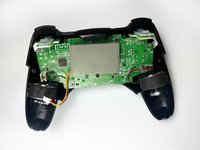
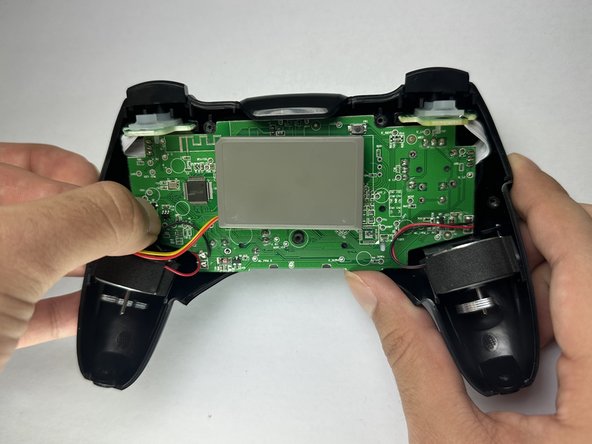
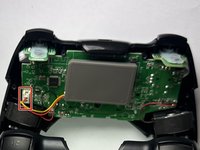
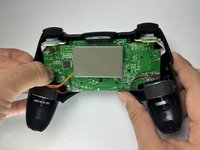
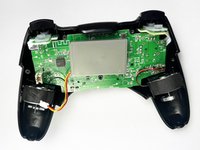
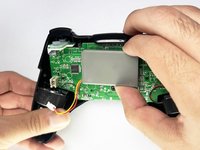
    • Push on alternating sides of the battery connector to "walk" it out of its socket.

    • It may take a lot of alternating before the connector comes out. Be patient, and don't pull on the cables.

    • If that doesn't work, use a pair of tweezers to firmly grip the sides of the connector and pull straight away from the socket. Hold the tweezers closer to the connector to get a better grip.

    • Additionally, if the previous step didn’t work, use the arms of a pair of sharp tweezers to gently push the connector out of its socket by inserting them into the cutouts.

    • If you're having trouble, try rocking the connector side-to-side to loosen it.

    • To reconnect the cable, insert the connector into its socket and push on the edges until it's fully seated

  5. Diswoe Switch-01 Battery Replacement: 手順 5、 2の画像 1 Diswoe Switch-01 Battery Replacement: 手順 5、 2の画像 2
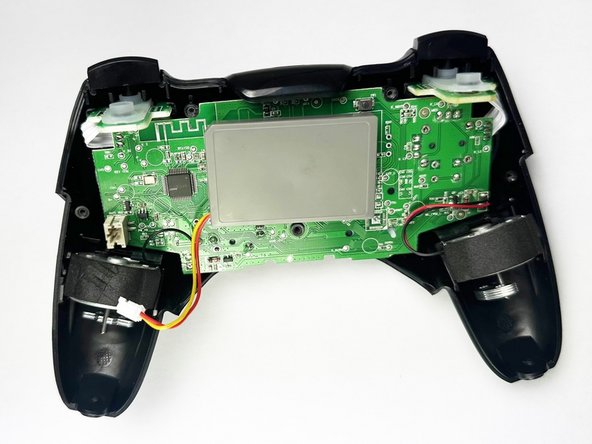
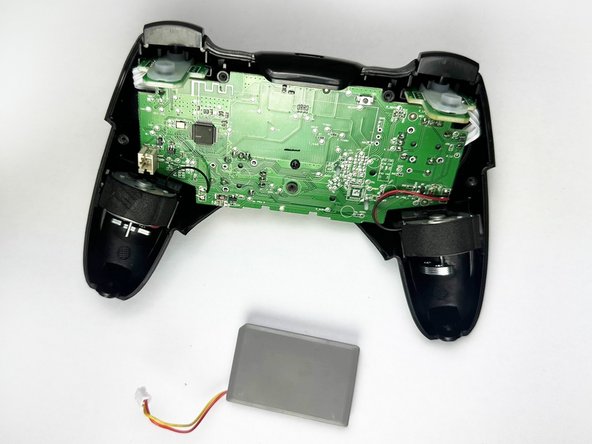
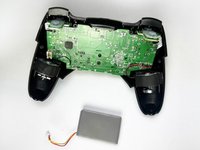
    • Remove the battery from the main circuit board.

    • The battery is held in place by sticky foam. If you aren't able to remove it easily by hand, use a spudger to gently loosen the adhesive and then remove the battery.

終わりに

To reassemble your device, follow these instructions in reverse order. Take your e-waste to an R2 or e-Stewards certified recycler.

2 の人々がこのガイドを完成させました。

作成者

3人の作成者と共同で作成されました。

Jonathan Bautista

メンバー登録日: 09/25/24

251 ポイント

1ガイドが承認済み

チーム

CSU Los Angeles, Team 2-3, Kershman Fall 2024 CSU Los Angeles, Team 2-3, Kershman Fall 2024人のメンバー

CSULA-KERSHMAN-F24S2G3

4 メンバー

3のガイドは作成済み

0件のガイドコメント

コメントを追加

統計データ:

過去 24時間: 0

過去 7 日: 6

過去 30 日: 34

今までの合計 360