メインコンテンツにスキップ
リペアコミュニティに参加 - アカウントの作成

Anker Soundcore Motion Boom Plus Subwoofer Replacement

必要な工具と部品

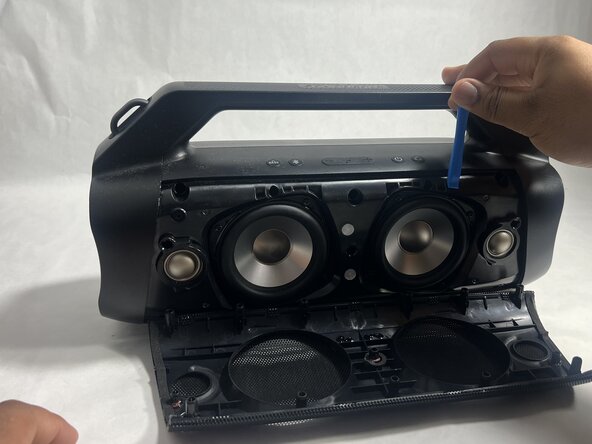
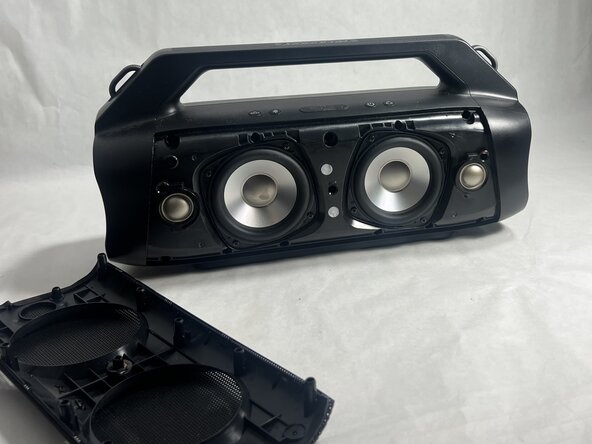
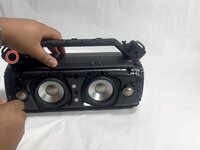
    1. Anker Soundcore Motion Boom Plus Subwoofer Replacement, Case: 手順 1、 3の画像 1 Anker Soundcore Motion Boom Plus Subwoofer Replacement, Case: 手順 1、 3の画像 2 Anker Soundcore Motion Boom Plus Subwoofer Replacement, Case: 手順 1、 3の画像 3
      • Insert an opening tool into the seam between the speaker grille and the chassis.

      • Pry the tool around the top, bottom, and sides until the grille fully releases.

      • Apply gentle pressure to avoid damaging the grille.

      • Remove the grille.

      FixBotに聞いてみる

      コメントを追加

    2. Anker Soundcore Motion Boom Plus Subwoofer Replacement: 手順 2、 2の画像 1 Anker Soundcore Motion Boom Plus Subwoofer Replacement: 手順 2、 2の画像 2
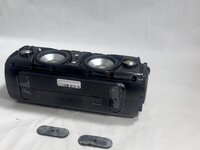
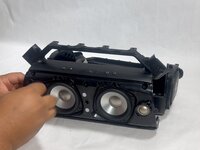
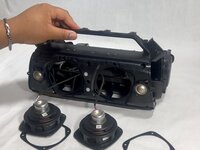
      • Remove the two passive radiators on either side of the device.

      • Avoid pulling too hard or with too much force to prevent breaking the passive radiators.

      FixBotに聞いてみる
      コメントを追加

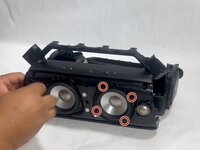
    3. Anker Soundcore Motion Boom Plus Subwoofer Replacement: 手順 3、 2の画像 1 Anker Soundcore Motion Boom Plus Subwoofer Replacement: 手順 3、 2の画像 2
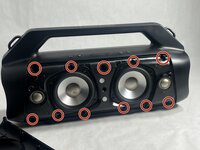
      • Remove the sixteen 14 mm Phillips screws, eight on each end of the speaker.

      FixBotに聞いてみる
      コメントを追加

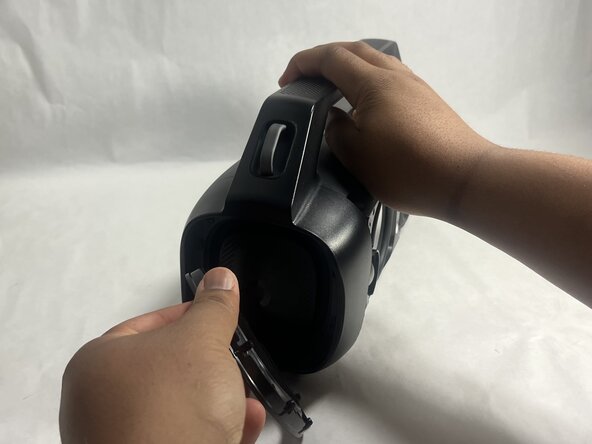
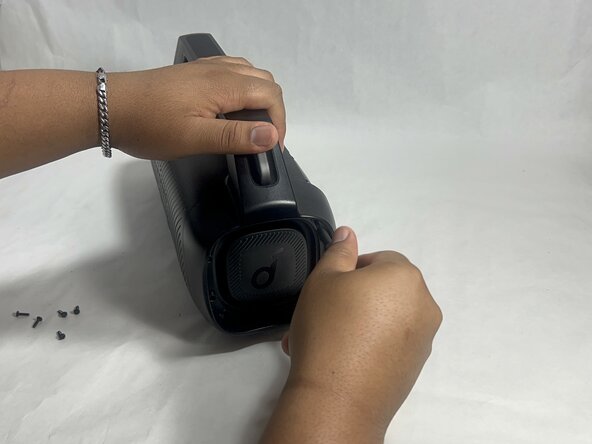
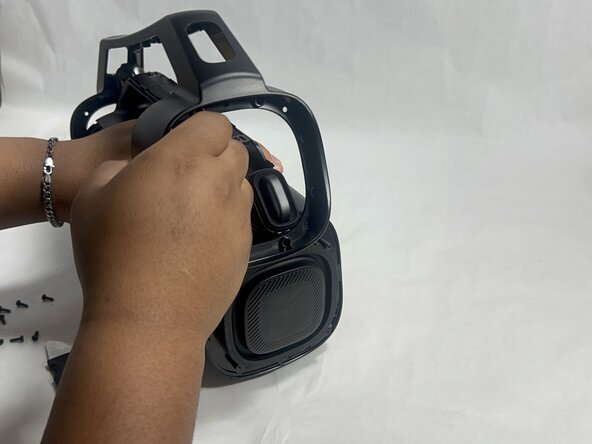
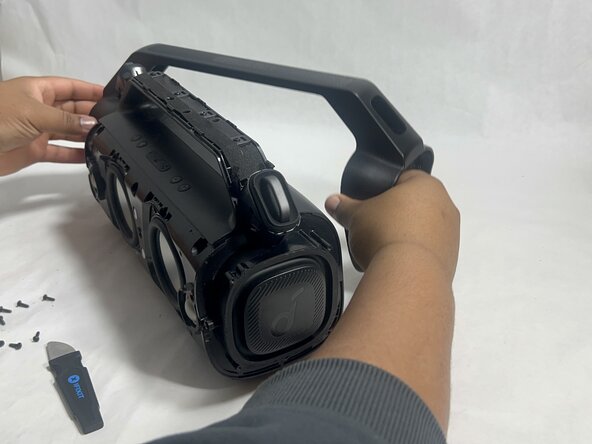
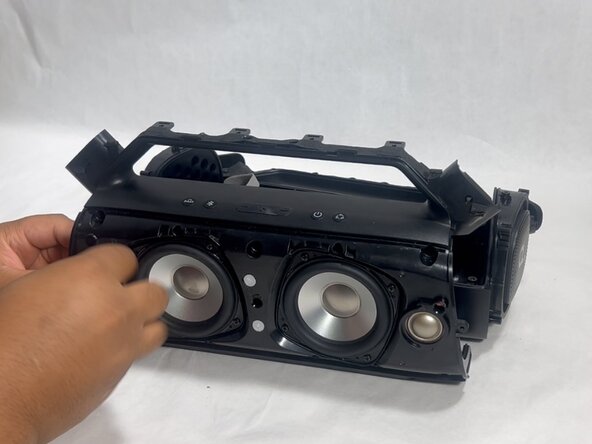
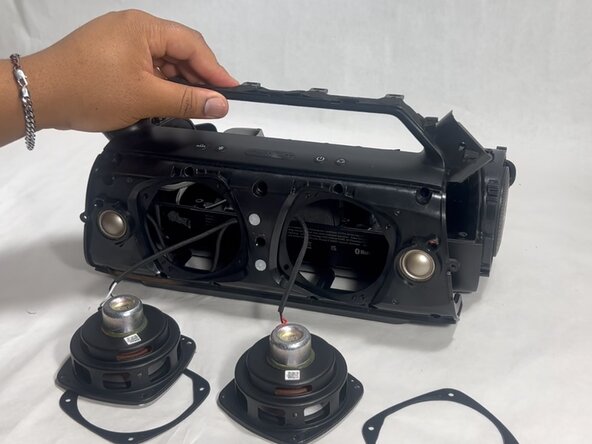
    4. Anker Soundcore Motion Boom Plus Subwoofer Replacement: 手順 4、 3の画像 1 Anker Soundcore Motion Boom Plus Subwoofer Replacement: 手順 4、 3の画像 2 Anker Soundcore Motion Boom Plus Subwoofer Replacement: 手順 4、 3の画像 3
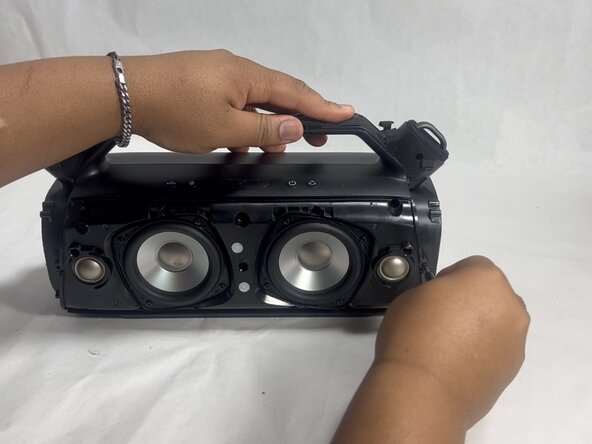
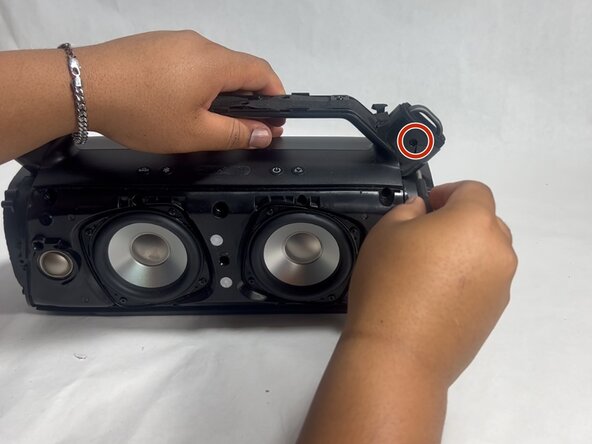
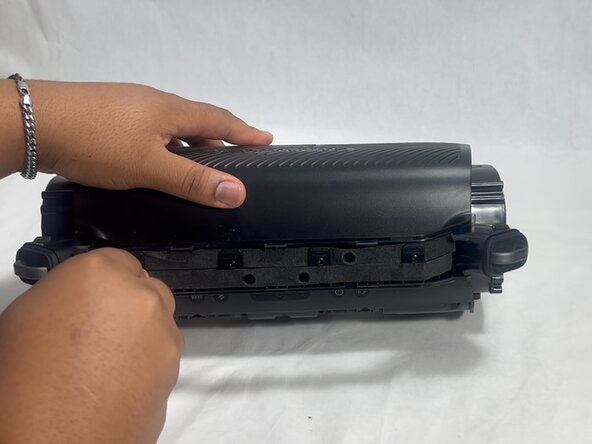
      • Gently remove the handle from the device by clicking off the handles from the sides and then pulling it off.

      FixBotに聞いてみる

      コメントを追加

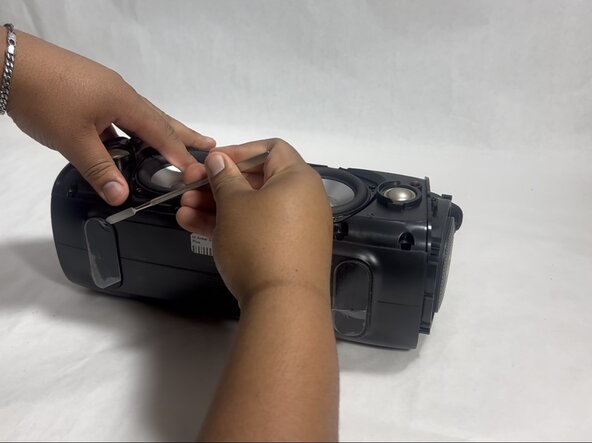
    5. Anker Soundcore Motion Boom Plus Subwoofer Replacement: 手順 5、 2の画像 1 Anker Soundcore Motion Boom Plus Subwoofer Replacement: 手順 5、 2の画像 2
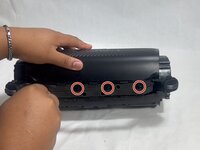
      • Flip the speaker onto its side and use a spudger to remove the two rubber feet on the bottom of the device.

      FixBotに聞いてみる

      コメントを追加

    6. Anker Soundcore Motion Boom Plus Subwoofer Replacement: 手順 6、 2の画像 1 Anker Soundcore Motion Boom Plus Subwoofer Replacement: 手順 6、 2の画像 2
      • Remove the eleven 13 mm Philips screws that secure the driver housing.

      FixBotに聞いてみる

      コメントを追加

    7. Anker Soundcore Motion Boom Plus Subwoofer Replacement: 手順 7、 2の画像 1 Anker Soundcore Motion Boom Plus Subwoofer Replacement: 手順 7、 2の画像 2
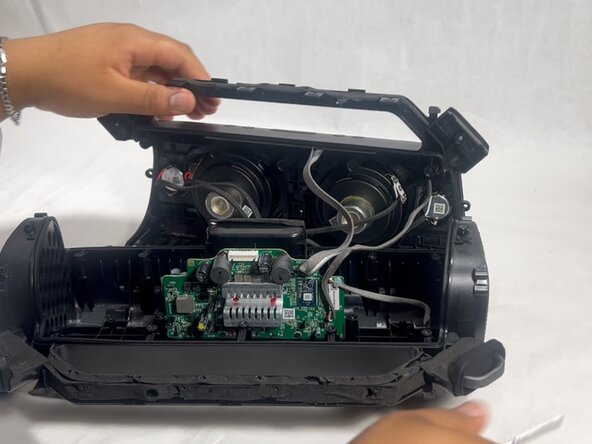
      • Remove the two 14 mm Phillips screws located on each side of the handle, near the clip points.

      FixBotに聞いてみる
      コメントを追加

    8. Anker Soundcore Motion Boom Plus Subwoofer Replacement: 手順 8、 2の画像 1 Anker Soundcore Motion Boom Plus Subwoofer Replacement: 手順 8、 2の画像 2
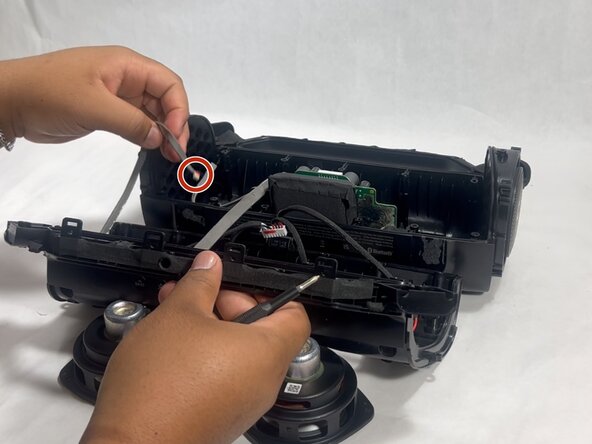
      • Remove the four 14 mm Philips screws on the top of the device.

      FixBotに聞いてみる
      コメントを追加

    9. Anker Soundcore Motion Boom Plus Subwoofer Replacement: 手順 9、 1の画像 1
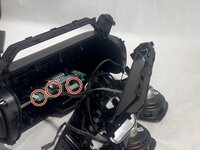
      • Insert a spudger into the seam on top of the device.

      • Gently pry the casing open.

      FixBotに聞いてみる
      コメントを追加

    10. Anker Soundcore Motion Boom Plus Subwoofer Replacement: 手順 10、 3の画像 1 Anker Soundcore Motion Boom Plus Subwoofer Replacement: 手順 10、 3の画像 2 Anker Soundcore Motion Boom Plus Subwoofer Replacement: 手順 10、 3の画像 3
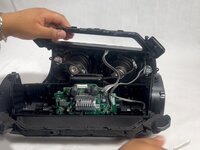
      • Disconnect each of the three cables by gently pulling the connectors out of their sockets.

      • Do not pull with force. The ribbon cables are fragile and easily break.

      FixBotに聞いてみる
      コメントを追加

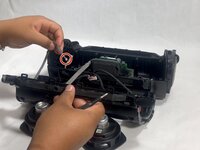
    1. Anker Soundcore Motion Boom Plus Subwoofer Replacement, Subwoofer: 手順 11、 3の画像 1 Anker Soundcore Motion Boom Plus Subwoofer Replacement, Subwoofer: 手順 11、 3の画像 2 Anker Soundcore Motion Boom Plus Subwoofer Replacement, Subwoofer: 手順 11、 3の画像 3
      • Remove the four 11 mm Phillips screws securing the right subwoofer.

      • Gently pull the subwoofer out of the device.

      FixBotに聞いてみる
      コメントを追加

    2. Anker Soundcore Motion Boom Plus Subwoofer Replacement: 手順 12、 1の画像 1
      • Detach the cables connected to the subwoofer.

      • Do not pull with force, as the cables are fragile and easily break.

      • Remove the right subwoofer.

      • Repeat the previous two steps for the left subwoofer.

      FixBotに聞いてみる

      コメントを追加

終わりに

To reassemble your device, follow the above steps in reverse order.
Take your e-waste to an R2 or e-Stewards certified recycler.
Repair didn’t go as planned? Try some basic troubleshooting or ask our Answers community for help.

キャンセル: このガイドを終了できませんでした。

作成者

1人の作成者と共同作成されました。

Hayley

メンバー登録日: 03/26/25

988 ポイント

6のガイドは作成済み

チーム

UMass Dartmouth, Team 3-7, Botvin Spring 2025 UMass Dartmouth, Team 3-7, Botvin Spring 2025人のメンバー

UMASSD-BOTVIN-S25S3G7

2 メンバー

12のガイドは作成済み

0件のガイドコメント

コメントを追加

統計データ:

過去 24時間: 1

過去 7 日: 8

過去 30 日: 30

今までの合計 333