メインコンテンツにスキップ

Amazon Echo Show 8 2nd Generation Camera Replacement

必要な工具と部品

  1. Amazon Echo Show 8 2nd Generation Camera Replacement, Rear Case: 手順 1、 3の画像 1 Amazon Echo Show 8 2nd Generation Camera Replacement, Rear Case: 手順 1、 3の画像 2 Amazon Echo Show 8 2nd Generation Camera Replacement, Rear Case: 手順 1、 3の画像 3
    • Flip the device so that the rubber foot is facing up.

    • Insert a Jimmy between the rubber foot and chassis, then slide it around the perimeter until the rubber foot releases.

    • The adhesive that holds the rubber mat on may require some force to sever.

    • Remove the rubber foot.

  2. Amazon Echo Show 8 2nd Generation Camera Replacement: 手順 2、 3の画像 1 Amazon Echo Show 8 2nd Generation Camera Replacement: 手順 2、 3の画像 2 Amazon Echo Show 8 2nd Generation Camera Replacement: 手順 2、 3の画像 3
    • Use a T6 Torx screwdriver to remove the five 4.5 mm screws from the base of the device.

  3. Amazon Echo Show 8 2nd Generation Camera Replacement: 手順 3、 3の画像 1 Amazon Echo Show 8 2nd Generation Camera Replacement: 手順 3、 3の画像 2 Amazon Echo Show 8 2nd Generation Camera Replacement: 手順 3、 3の画像 3
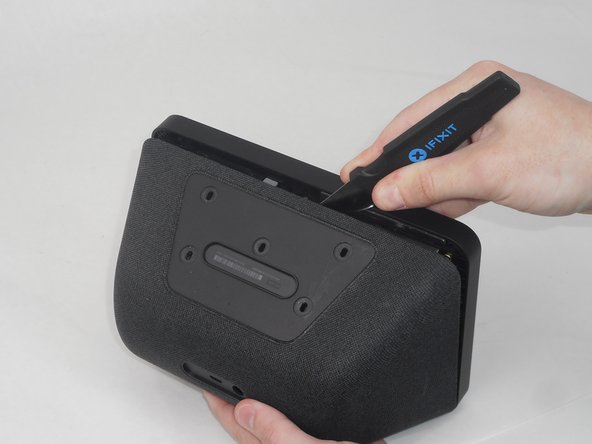
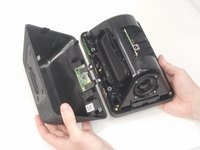
    • Insert a Jimmy in the gap between the front and rear case.

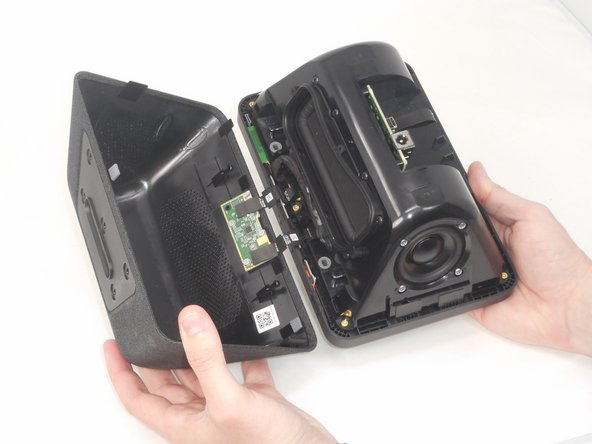
    • Work the Jimmy around the perimeter to gently detach the rear case from the front case.

    • Separate the rear case from the front case.

    • There are 2 thin ribbon cables connecting the microphone board to the back cover. Take care not to tear or strain them as you separate the cases.

  4. Amazon Echo Show 8 2nd Generation Camera Replacement: 手順 4、 3の画像 1 Amazon Echo Show 8 2nd Generation Camera Replacement: 手順 4、 3の画像 2 Amazon Echo Show 8 2nd Generation Camera Replacement: 手順 4、 3の画像 3
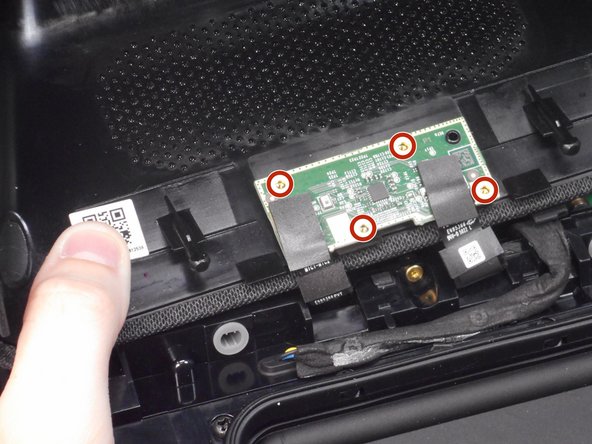
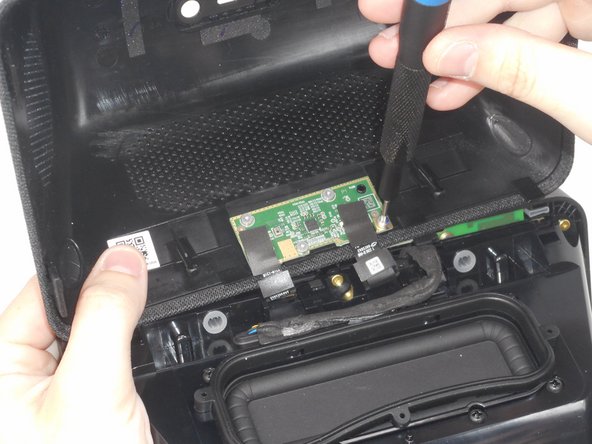
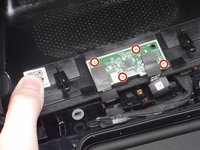
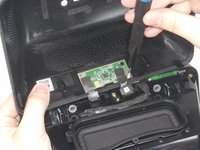
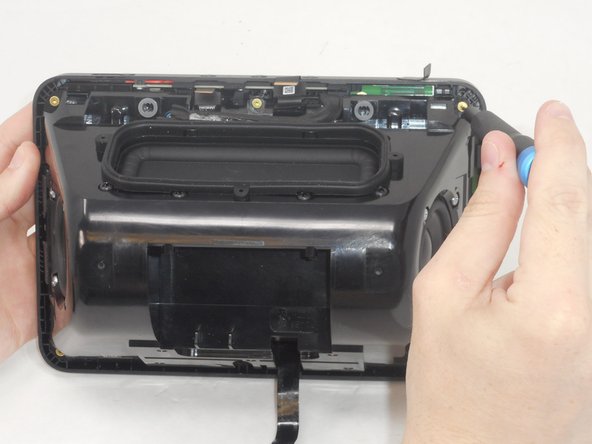
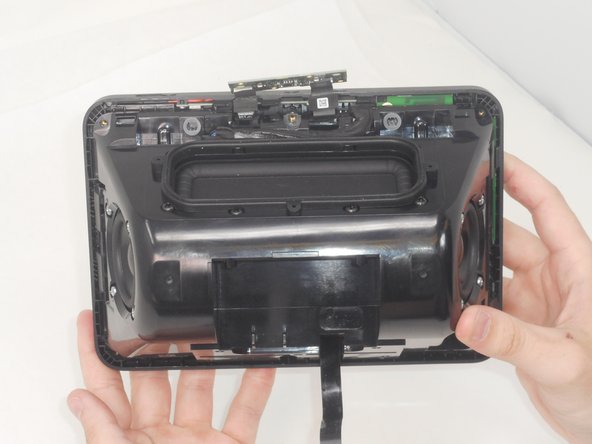
    • Use a T6 Torx screwdriver to remove the four 5.2 mm screws that secure the microphone board to the rear case.

  5. Amazon Echo Show 8 2nd Generation Camera Replacement, Camera: 手順 5、 3の画像 1 Amazon Echo Show 8 2nd Generation Camera Replacement, Camera: 手順 5、 3の画像 2 Amazon Echo Show 8 2nd Generation Camera Replacement, Camera: 手順 5、 3の画像 3
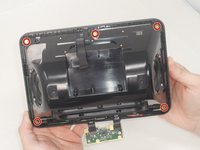
    • Use a T6 Torx screwdriver to remove the six 7.6 mm screws that secure the speaker housing to the screen assembly.

    • There is a screw that is not pictured in the center of the bottom two screws.

  6. Amazon Echo Show 8 2nd Generation Camera Replacement: 手順 6、 3の画像 1 Amazon Echo Show 8 2nd Generation Camera Replacement: 手順 6、 3の画像 2 Amazon Echo Show 8 2nd Generation Camera Replacement: 手順 6、 3の画像 3
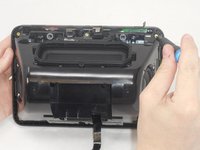
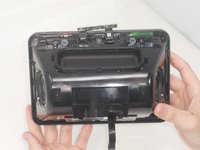
    • Gently separate the speaker housing from the display assembly and set the device on a flat surface.

    • There is a cable connecting the speaker housing to the display assembly. Take care not to pull on it while separating the two parts.

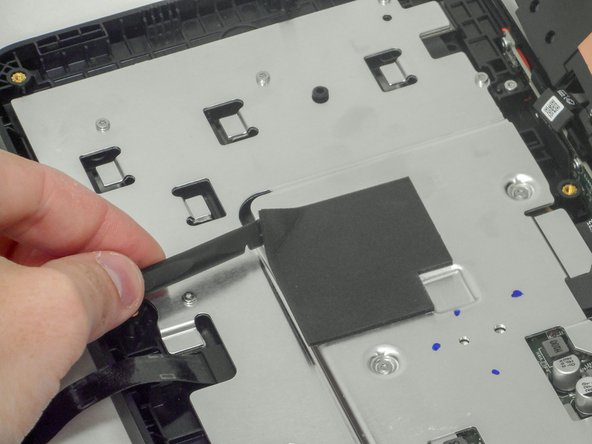
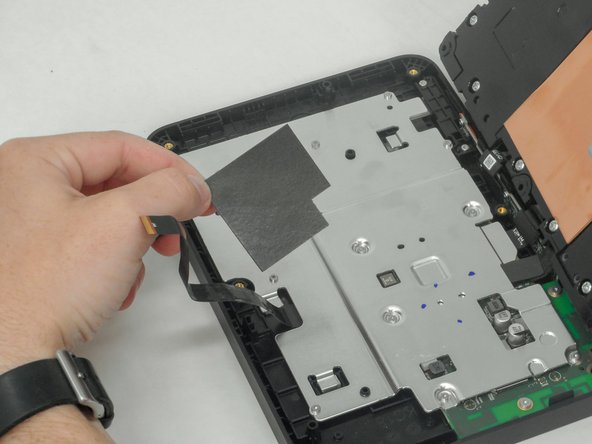
    • Use a plastic spudger to pry up and remove the foam mat at the center of the silver bracket.

  7. Amazon Echo Show 8 2nd Generation Camera Replacement: 手順 7、 2の画像 1 Amazon Echo Show 8 2nd Generation Camera Replacement: 手順 7、 2の画像 2
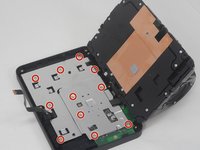
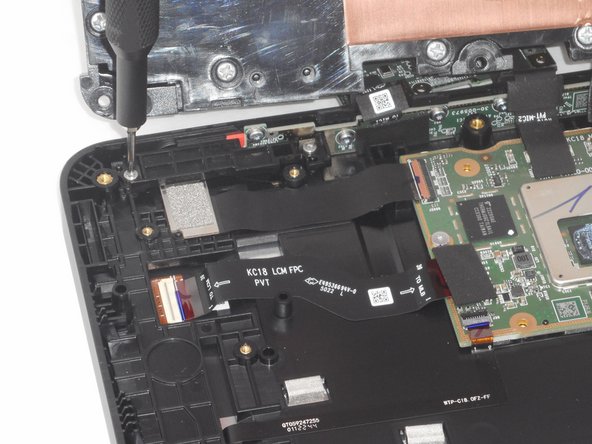
    • Use a T6 Torx screwdriver to remove the eleven 6 mm screws that secure the silver bracket.

  8. Amazon Echo Show 8 2nd Generation Camera Replacement: 手順 8、 3の画像 1 Amazon Echo Show 8 2nd Generation Camera Replacement: 手順 8、 3の画像 2 Amazon Echo Show 8 2nd Generation Camera Replacement: 手順 8、 3の画像 3
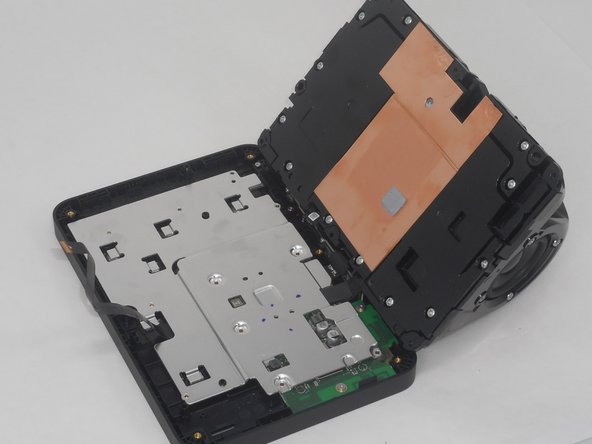
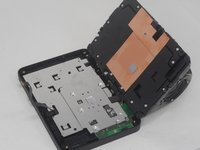
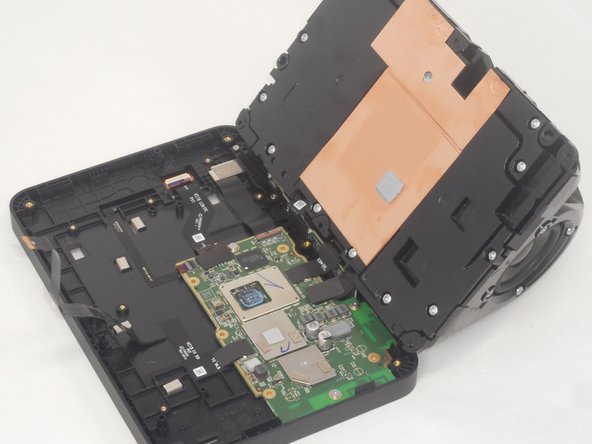
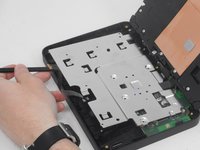
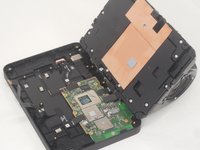
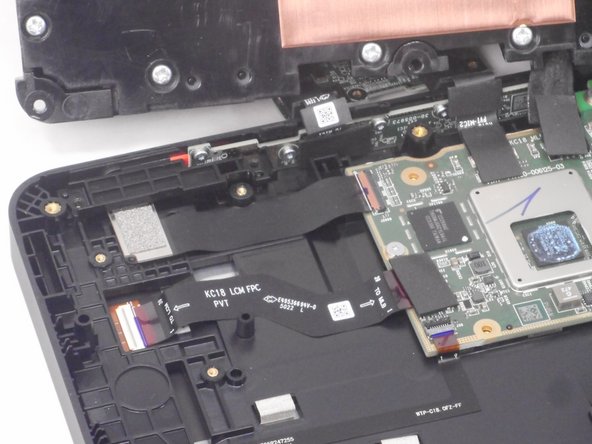
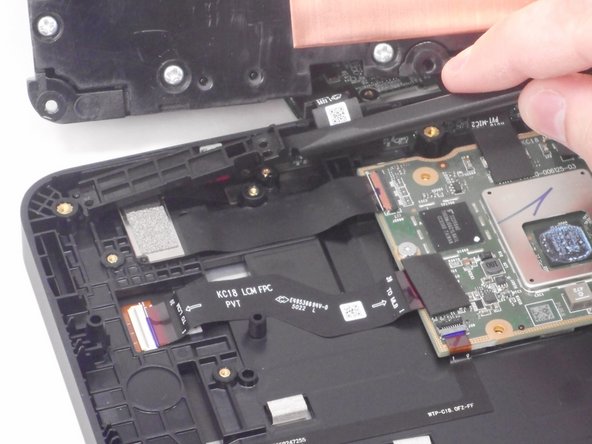
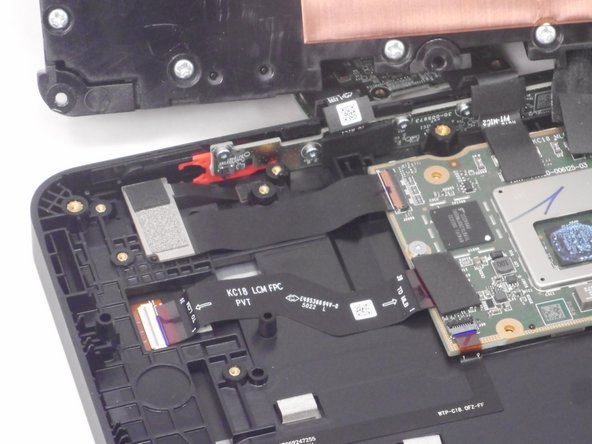
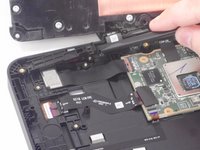
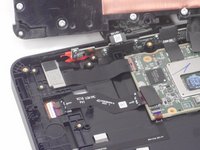
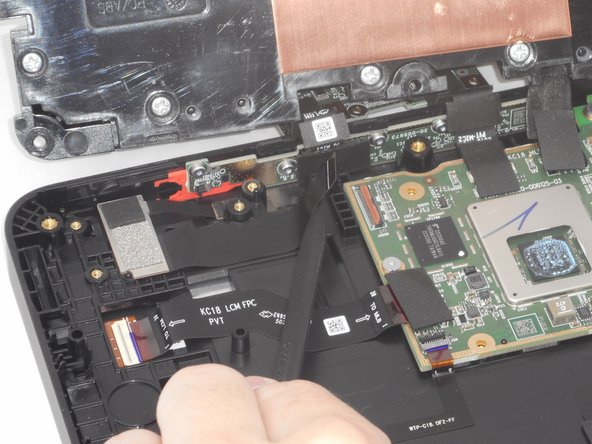
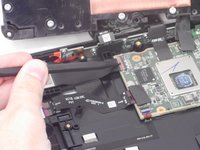
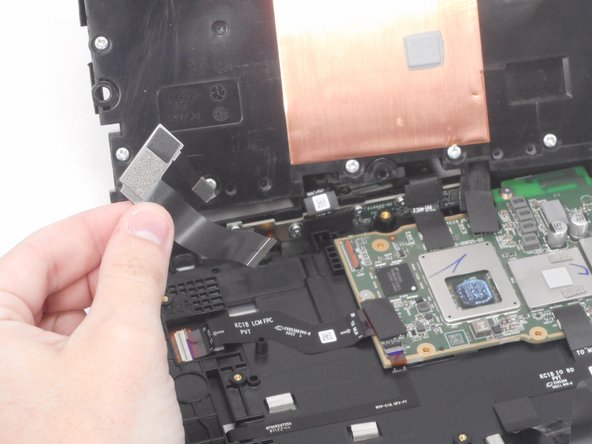
    • Use a plastic spudger to lift up the remove the silver bracket.

    • The camera is located to the left of the mother board.

  9. Amazon Echo Show 8 2nd Generation Camera Replacement: 手順 9、 3の画像 1 Amazon Echo Show 8 2nd Generation Camera Replacement: 手順 9、 3の画像 2 Amazon Echo Show 8 2nd Generation Camera Replacement: 手順 9、 3の画像 3
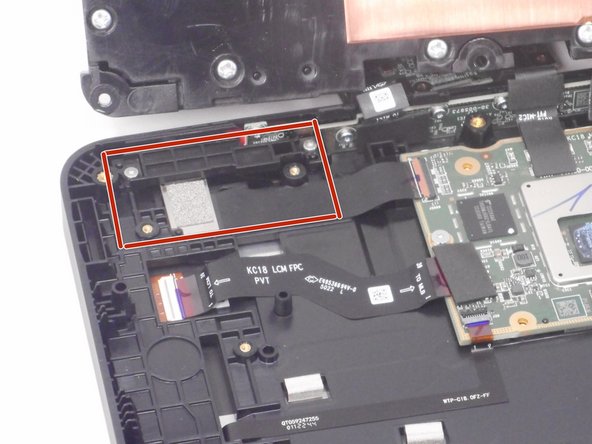
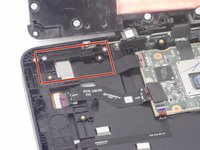
    • Use a T6 Torx screwdriver to remove the two 6 mm screws that secure the camera retention plate.

  10. Amazon Echo Show 8 2nd Generation Camera Replacement: 手順 10、 3の画像 1 Amazon Echo Show 8 2nd Generation Camera Replacement: 手順 10、 3の画像 2 Amazon Echo Show 8 2nd Generation Camera Replacement: 手順 10、 3の画像 3
    • Use a spudger to slightly lift the camera retention plate.

    • Lift the camera retention plate up and out of the chassis.

  11. Amazon Echo Show 8 2nd Generation Camera Replacement: 手順 11、 2の画像 1 Amazon Echo Show 8 2nd Generation Camera Replacement: 手順 11、 2の画像 2
    • Use the pointed end of a spudger to flip up the camera ribbon cable ZIF locking flap.

    • Pull the ribbon cable directly out of its socket.

  12. Amazon Echo Show 8 2nd Generation Camera Replacement: 手順 12、 2の画像 1 Amazon Echo Show 8 2nd Generation Camera Replacement: 手順 12、 2の画像 2
    • Lift up the camera gently, and use the pointed end of the spudger to gently remove the thin black ribbon cable.

    • The thin tab holding is held down with adhesive. Be gentle when removing it to prevent tearing it.

終わりに

To reassemble your device, follow these instructions in reverse order.

作成者

3人の作成者と共同で作成されました。

Brian Le

メンバー登録日: 02/14/24

681 ポイント

4のガイドは作成済み

チーム

University of Memphis, Team 1-3, Sneed Spring 2024 University of Memphis, Team 1-3, Sneed Spring 2024人のメンバー

UM-SNEED-S24S1G3

3 メンバー

6のガイドは作成済み

0件のガイドコメント

コメントを追加

統計データ:

過去 24時間: 1

過去 7 日: 6

過去 30 日: 28

今までの合計 390