
メインコンテンツにスキップ
リペアコミュニティに参加 - アカウントの作成

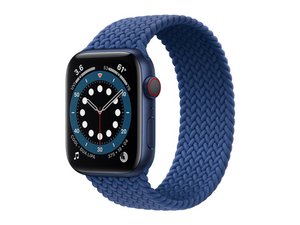
2020年9月18日に発売された、セルラー通信機能(オプション)搭載のApple第6世代スマートウォッチ。 モデルA2376、44 mm。

Reattaching screen after battery replacement

I just replaced the battery in my Apple Watch 44mm Series 6. The battery replacement went fine but I am struggling to reattach the screen. I purchased the Screen Adhesive along with my new battery but the adhesive I received was worthless - I didn't stick anywhere. I tried using E6000, which the repair guide recommended as an alternative but it doesn't feel as though the screen is securely attached. Does the screen snap in at all, or is it just the tape/glue that holds it in place? Any recommendations for securely reattaching the screen will be appreciated.

回答がありました! 回答を表示 同じ問題があります

この質問は役に立ちましたか?

スコア 0
コメントを追加

1 件の回答

ベストアンサー

Hello,

It is only the adhesives that hold the screen in place. If you don't adhesive the screen down a lot, then the screen will come off, and you will loose all of your water resistance.

このアンサーは役に立ちましたか?

スコア 1

3 件のコメント:

Thank you. I'll try again.

さんによる

@jimstone You'll need to apply pressure after the screen is adhered on otherwise the bond would not be strong enough and it'll fall off after a few days(I learnt the hard way)

さんによる

Thanks. It is sitting with a spring clamp on it right now!

さんによる

コメントを追加

回答を追加する

James Stone さん、ありがとうございました!
統計データ:

過去 24時間: 2

過去 7 日: 20

過去 30 日: 25

今までの合計 25