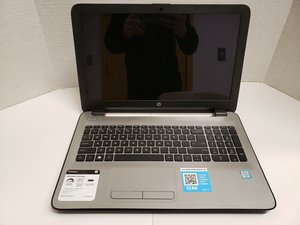

Boot device not found display at startup
Upon power up message displayed boot device not found. Have attempted the F2 system Diagnostics all comes back normal this is the only action this device will allow. Any ideas
評価: 550.7千
 11
11
 425
425
 1.6千
1.6千
Hi @frankcox
Given that the BIOS has detected the HDD in the laptop, it could be a corrupted or missing boot partition on the HDD that is the problem.
Once way to fix it is to create a Windows Recovery USB drive and use that to fix the problem in your laptop.
You can create a Windows recovery drive from any known working Win10/Win11 PC. All you need is a 16GB USB flashdrive (Win10 - 32GB for Win11) and 1-2 hours of time.
In the host PC go to Control Panel > Recovery > Create a recovery drive and follow the prompts.
When you have the recovery drive, turn on the laptop and enter BIOS and change the boot order to USB as the 1st boot option. Insert the USB drive into the USB port in the laptop, and save the changes in BIOS.
When the laptop restarts it should boot into the Windows Recovery Environment menus.
If it does go to Troubleshooting > Advanced > Startup repair and follow the prompts
このアンサーは役に立ちましたか?
過去 24時間: 2
過去 7 日: 2
過去 30 日: 24
今までの合計 106

