
メインコンテンツにスキップ
リペアコミュニティに参加 - アカウントの作成

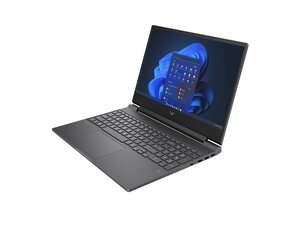
HPのゲーミングノートパソコン、Victusシリーズの修理ガイドと分解情報。

Mouse pad is stuck

My mouse pad is stuck and the left click is constantly pressed which makes the pad unusable

この質問に回答する 同じ問題があります

この質問は役に立ちましたか?

スコア 1
コメントを追加

1 件の回答

最も参考になった回答

@ghost47490 start off by checking and adjusting the settings for your touchpad.

Through Windows Settings:

  • Press Windows key + I to open Settings.
  • Go to Devices and select Touchpad from the left-hand menu.
  • Adjust Touchpad sensitivity using the dropdown menu.
  • You can also customize gestures, scrolling and zoom settings here.

Through Control Panel:

  • Open the Control Panel.
  • Go to Mouse.
  • Click the Touchpad tab (this may vary depending on your driver) and find the options to adjust sensitivity or other settings.

If none of that will make a difference I would consider removing and checking the touchpad for and physical damage and/or replacing it. Use the HP Victus Maintenance And Service Guide and on page 59 it tells you how to work on it.

このアンサーは役に立ちましたか?

スコア 1
コメントを追加

回答を追加する

Ghost さん、ありがとうございました!
統計データ:

過去 24時間: 0

過去 7 日: 8

過去 30 日: 44

今までの合計 732
