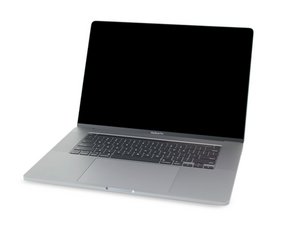

Battery issues or something else?
Ever find a fix for this?? I am having the exact same issue after installing an iFixit Battery. This iFixit battery has made my computer completely unreliable on battery...
評価: 501.8千
 35
35
 345
345
 977
977
This is a tricky one! Is the battery and/or the charging having issues or is the system overheating.
We really need to dig deeper here using two tools. The first one will allow us to see the battery and how it’s charging. Install this gem of an App CoconutBattery take a snapshot of the apps main window with the battery tab opened and the system under charge.
The second tool is this one TG-Pro it will allow you to monitor your thermals. The next time it looks like the fan is rapping up take a snapshot of the full window so we can see all of the sensors and the fans. You’ll want to play around with the windows scaling so all of the sensors can be seen in a single window otherwise you’ll need to slide the slide down to take a second snap.
Let’s see what these tell us.
このアンサーは役に立ちましたか?
過去 24時間: 1
過去 7 日: 6
過去 30 日: 27
今までの合計 132


I moved your problem on to its own question as the other Q was a heat issue with in the system. Your issue could be different. Let’s dig into your system problem as the other Q was quite old MacBook turns off randomly during high CPU load after battery replace
DanJ さんによる