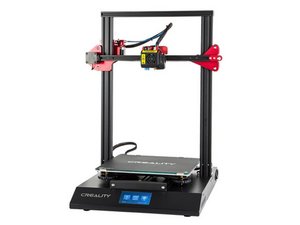

Warp at corner of print
Notice my print, warp and go out of shape, especially at corner of print
評価: 502.5千
 35
35
 347
347
 977
977
You may need to slow the print down a bit as the lower sections need a bit more time to cool. The denser areas of the print is likely where you are seeing the filament not cooled enough before the next layer.
Also check the carriage in case there is a rough spot as well as the belt and gears for lose material jamming them causing the loss of parallelism with the base.
このアンサーは役に立ちましたか?
In addition to that, you might want to double-check your print bed level to ensure that it is level.
過去 24時間: 0
過去 7 日: 2
過去 30 日: 18
今までの合計 186

