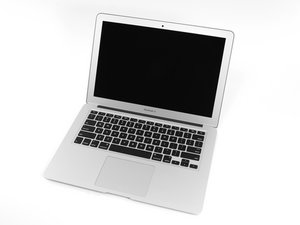

How do I remove the spacebar
I need to replace the mechanism my spacebar is mushy...thanks in advance
評価: 6千
 8
8
 18
18
 3
3
Here's a guide for a similar model. You can use a flat pick like a guitar pick or something similar to separate the keycap from the mechanism beneath it. The space bar is a little trickier than the other keys because it's typically held in place by more clips. If you can safely get the keycap off without damaging anything you'll want to keep track of its orientation so you can reinstall it correctly after cleaning beneath it. Good luck!
このアンサーは役に立ちましたか?
評価: 860.8千
1.4千
976
2.4千
@robertsmit75254 besides the excellent answer provided by my colleague @zpl I would suggest you take a look at this. The MacBook Air (13-inch, Mid 2012 and later) uses Version D and Version S keyboards.Keycap Replacement
このアンサーは役に立ちましたか?
過去 24時間: 1
過去 7 日: 6
過去 30 日: 24
今までの合計 641


