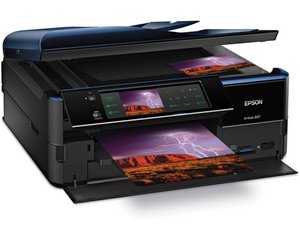

Ink pad service life
Have cleaned out the ink pads. How do you reset the error message on the printer?
この質問は役に立ちましたか?
スコア
0
Have cleaned out the ink pads. How do you reset the error message on the printer?
この質問は役に立ちましたか?
評価: 550.6千
 11
11
 425
425
 1.6千
1.6千
Hi @mogee ,
There are various services online that supply software (at a price) that will reset the waste ink pad counter so that you can use the printer again after the pads have been cleaned or replaced.
There are some that offer a free trial so that you can use the printer but it only resets back to 90% used status i.e. 10% of pad life left before the message reappears.
Search online for reset Epson 837 waste ink pad counter to get results. Here is just one example of what I mean.
このアンサーは役に立ちましたか?
過去 24時間: 0
過去 7 日: 5
過去 30 日: 25
今までの合計 814

