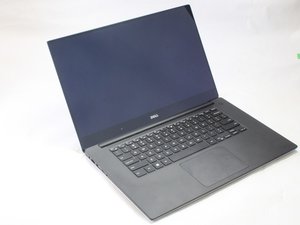

How do I replace the audio jack?
My audio jack is faulty. Can't afford a new motherboard. Where can I find a replacement audio port?
評価: 3.5千
 6
 5
 1
The audio connector is part of the mother board. Unfortunately, Dell has decided that this problem is not warrantable. You may be in luck if the problem is a broken off part of a head phone jack and not a broken connection on the mother board. You may be able to remove the boken head phone part by using tweezers or use a paper clip bent into a small hook to pull the broken part out. You may be able to find a computer repair shop that can do this for you. Worst case is you may need to use a USB type audio head phone. Good luck
このアンサーは役に立ちましたか?
過去 24時間: 0
過去 7 日: 3
過去 30 日: 16
今までの合計 1,665


Actually, the XPS15 9550 is barely or under a year old. Dell should replace it for free. IF not, check the credit card you purchased with, and they may cover the warranty for an extra year.
S W さんによる 共有
It has a broken headphone jack stuck in it. Dell said it won't be covered under the warranty period as its negligence/damage.
Ketan Krishna さんによる 共有