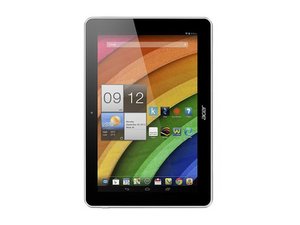

My tablet keeps turning itself off
my Acer iconia A3 tablet keeps turning itself off at random moments, then it comes up on the Acer logo and gets stuck. I really have a hard time getting it to boot up again... does anyone know what might be wrong?
評価: 25
 1
1
評価: 23
1
 1
1
-If you are unable to start the process for your tablet does not answer the Preloader mode, you need to remove the back cover and disconnect the battery and start the tutorial battery disconnected.
Once the tutorial finished, reconnect the battery. put in charge 10 min and then attempt to restart.
from : http://acer-club.fr/viewtopic.php?f=227&...
1- remove the back cover.
2- disconnect the battery.
3- reconnect the battery.
4- put in charge 10 min.
5- attempt to restart.
GOOD LUCK
[RYAN KHENNOUCI]
このアンサーは役に立ちましたか?
過去 24時間: 0
過去 7 日: 3
過去 30 日: 12
今までの合計 1,131

