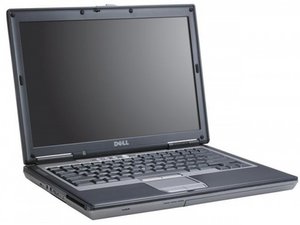

replace Ram in my Dell 630
Replace ram How much I use?
この質問は役に立ちましたか?
スコア
0
評価: 858.4千
 1.4千
1.4千
 972
972
 2.4千
2.4千
Beuford Kidd, Min: 512MB DDR2 shared3 667MHz; Max: 4GB4 DDR2 shared3 667MHz, Optional Intel® Turbo Memory 1GB card (uses 1 of 2 mini-card slots on the system). Check this guide for the how to on for slot A and this one for slot B. Hope this helps, good luck.

ガイド
難易度:
中レベル
—
5 - 30 minutes

ガイド
難易度:
とても簡単
—
5 minutes
このアンサーは役に立ちましたか?
評価: 13
1
Update the BIOS to A18. Maximum RAM officially supported jump from 4GB to 8GB. Unofficially 32GB RAM will work. They are expensive DDR2 sticks though.
A19 BIOS seems to be broken as of this time
このアンサーは役に立ちましたか?
過去 24時間: 0
過去 7 日: 2
過去 30 日: 16
今までの合計 838


