

問題
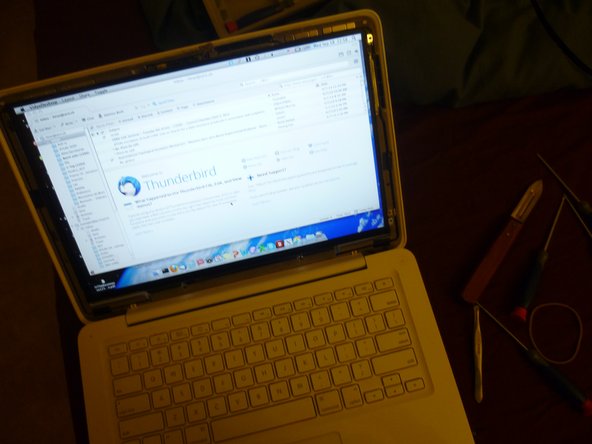
The graphic connector of my screen is broken.
修理
It went great.
アドバイス
I followed the instructions of this video clip : http://www.youtube.com/watch?v=b1ZE_BKhC...
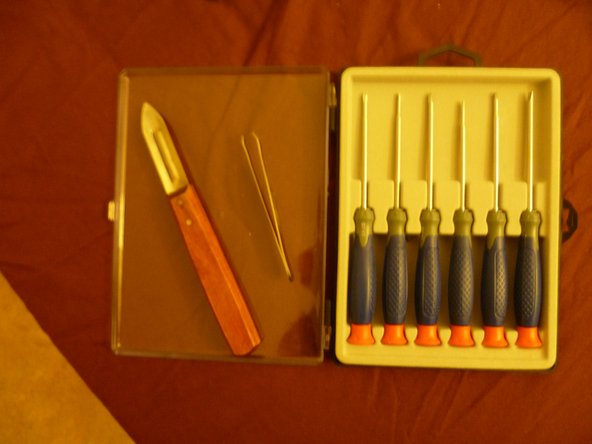
Two useful things :
- Peeling knife : To deal with destroyed-head screws. First time I was not aware of one of the screws being stuck so I completely destroyed the head of it. The I used this peeling knife to make new notch and succeeded to remove it. Second time I helped a friend to fix his screen, when I realized it was a bit difficult to remove on of the screws, I used this knife right away instead of screwdriver and so did avoid destroying it.
- Tweezers : I used this to hold the locking bracket when plugging the screen into the connector (minute 3:00 of the clip).
- Screen protector : In this clip and many others it is said to remove the screen protector before connecting the new screen to the graphic cable. But I don't see this point. As you still need to use screw driver at this point (or tweezer or whatever) you can hurt your screen. I just remove this once the screen is properly connected.
PS : I was so into the work that I didn't make enough photos.
And thanks iFixit !!! I'm happy I found your website.

0 件のコメント