

問題
I've been using solid state drives for 4 years now and I can't go back to those slow hard drive disks.
修理
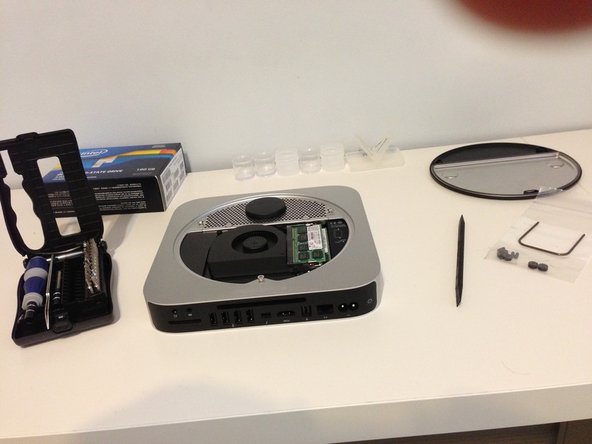
The repair itself went good. I only ended up breaking the IR receiver but that was my own dumb fault because I was too hasty and didn't read the big warning during that step saying to pry from the wires. Luckily I don't use a IR remote, and I don't really care too much about losing the LED on the front.
Unfortunately, if you're using OS X Lion or Mountain Lion, there's apparently a bug that I didn't know about where it won't let you format an SSD in the top bay (The bay which you install using the kit). So after disassembling and reassembling this bad boy, I had to take it all apart again (which was even easier the first time, this thing is really repairable, didn't even need the guide the second time), swap the hard drive and SSD to the opposite bays. Once I reassembled it, it formatted nicely, then it was only down to transferring data and installing a fresh OS on it. All in all, it was fun and this guide was awesome!
My Mac Mini now has a 180 GB SSD as its main, and a 1 TB internal storage drive, so I'm happy
アドバイス
Make sure you pry from the wires on that IR receiver on the logic board! It not only is there for the IR, but for that little LED on the front of the Mac Mini. I also wish I had known about that stupid OS X bug so I could have swapped the positions of the drives the first time around.


0 件のコメント