Replacing the cooling fans was a easy task.




問題
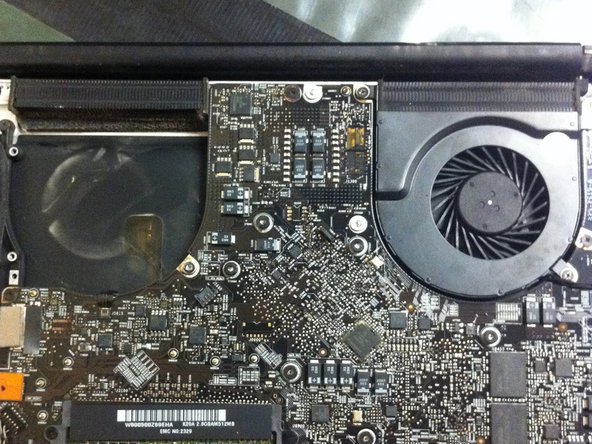
The left fan was making a very loud noise. Like the one you hear when you stick a baseball card in a bikes' spoke. But just to be safe I replaced the right fan too even though it wasn't giving me any problems.
修理
The repair was very easy. I removed the screws holding the bottom cover then the three screws holding each of the fans in place. I disconnected the power supply and was able to lift the fans out. I replaced the fans and only screwed the screws in just enough to do a check. I turned on the power and the noise was gone. I finished tightening all the screws and replaced the cover. The entire job took me about 15 minutes. It would have been less if I had my repair tools but I don't where I put them.
アドバイス
Make sure you have the right tools.


0 件のコメント